manuals.online logo
Brands
  1. Home
  2. •
  3. Brands
  4. •
  5. LIFESTYLER
  6. •
  7. Treadmill
  8. •
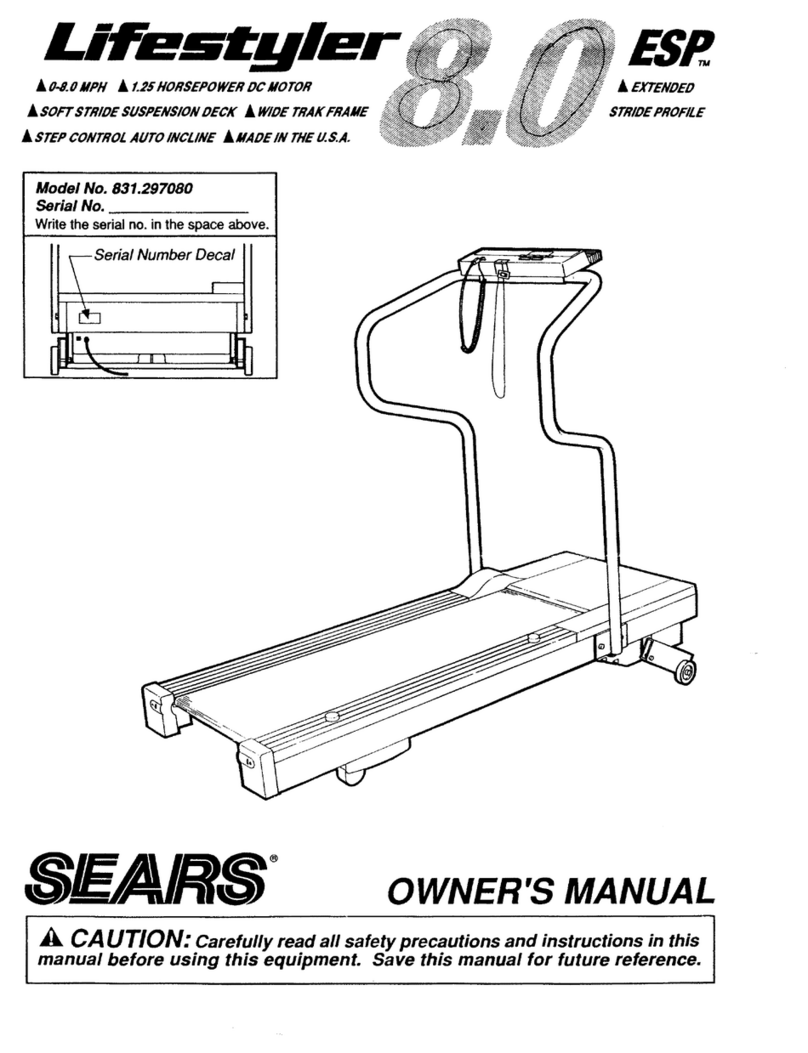
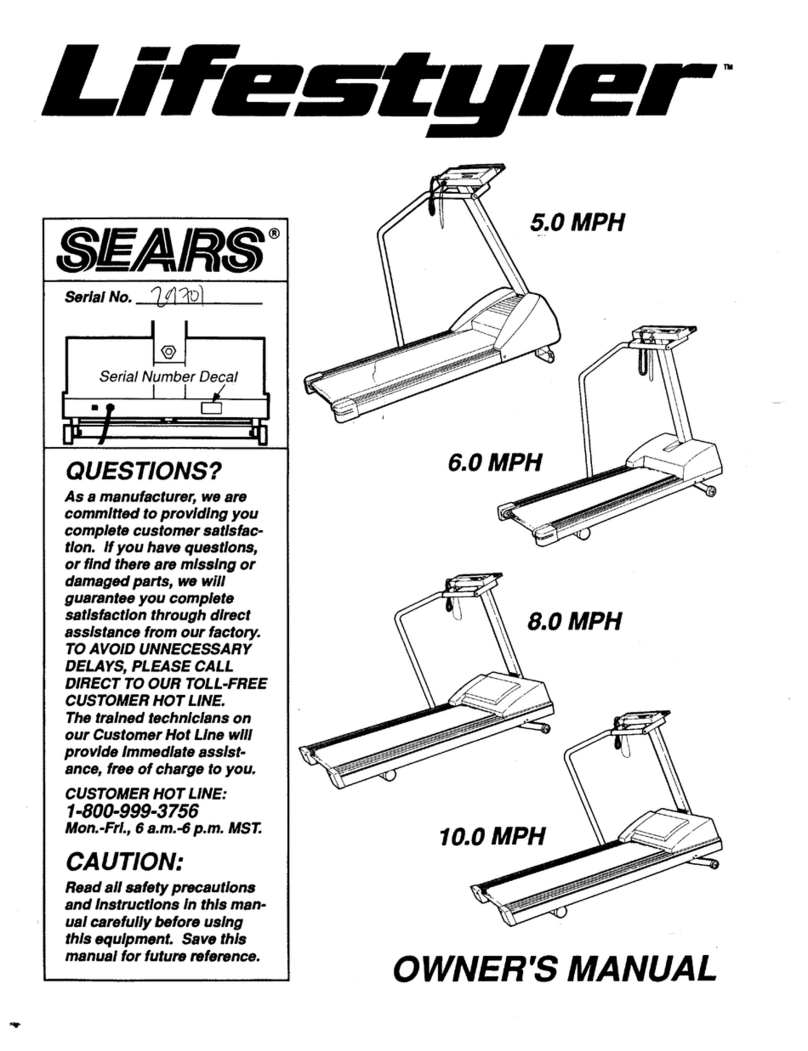
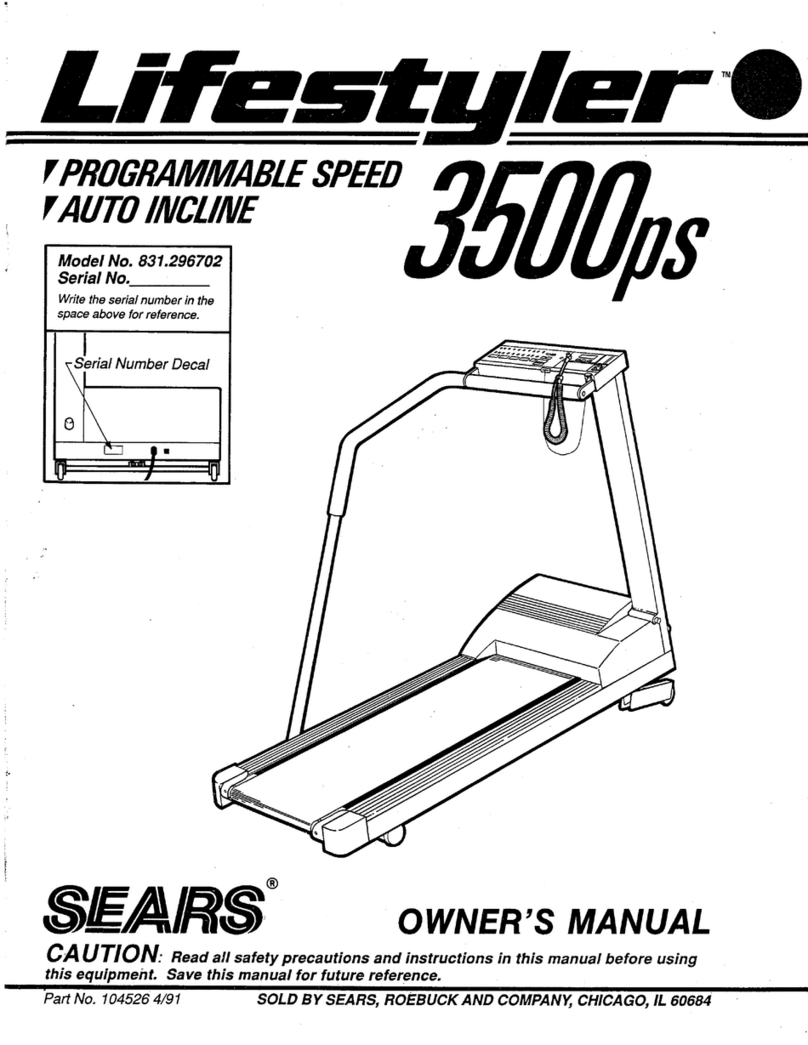
  9. LIFESTYLER 831.296703 User manual

LIFESTYLER 831.296703 User manual

This manual suits for next models

1

Other LIFESTYLER Treadmill manuals

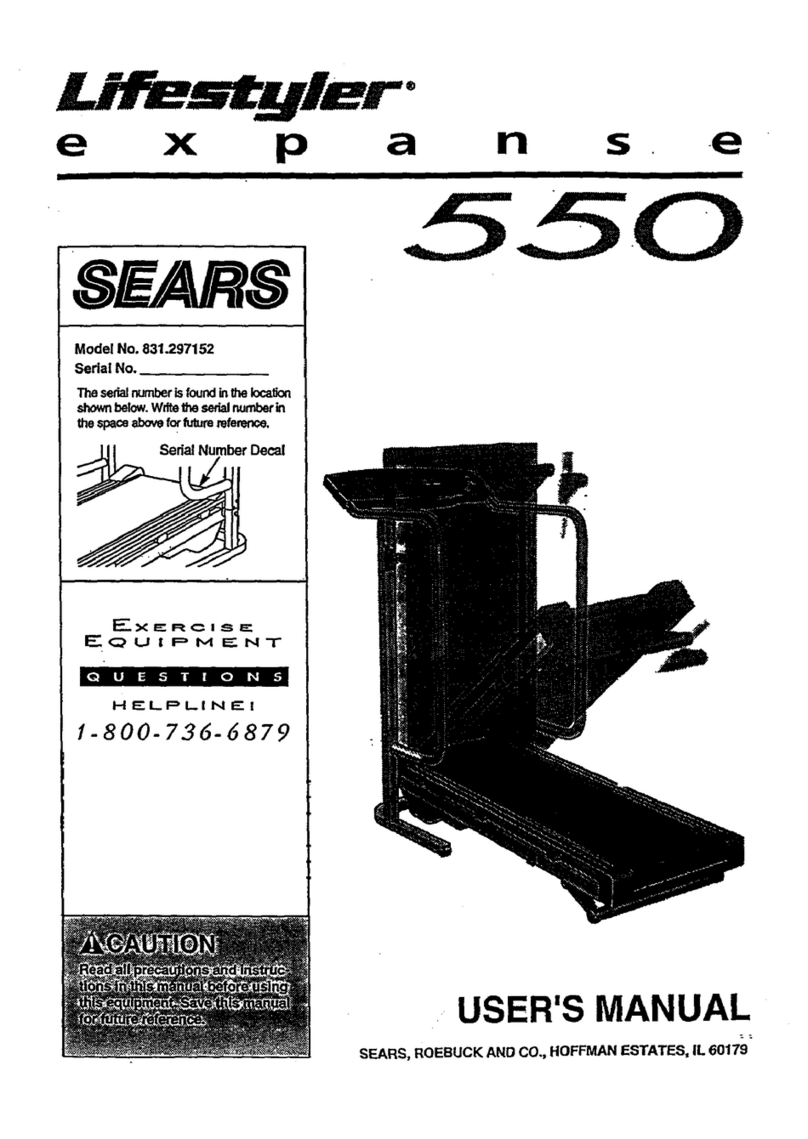
LIFESTYLER Expance 550 User manual

LIFESTYLER

LIFESTYLER Expance 550 User manual

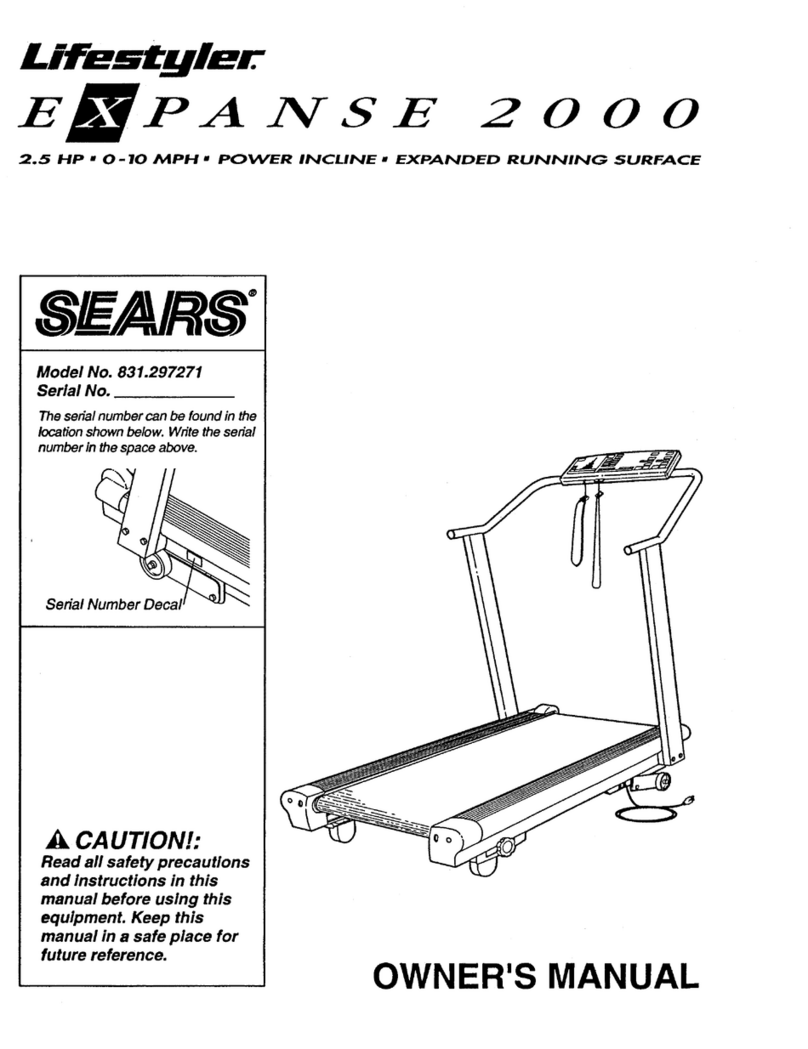
LIFESTYLER Expance 2000 User manual

LIFESTYLER

LIFESTYLER Expance 2000 User manual

LIFESTYLER Expance 850 User manual

LIFESTYLER

LIFESTYLER Expance 850 User manual

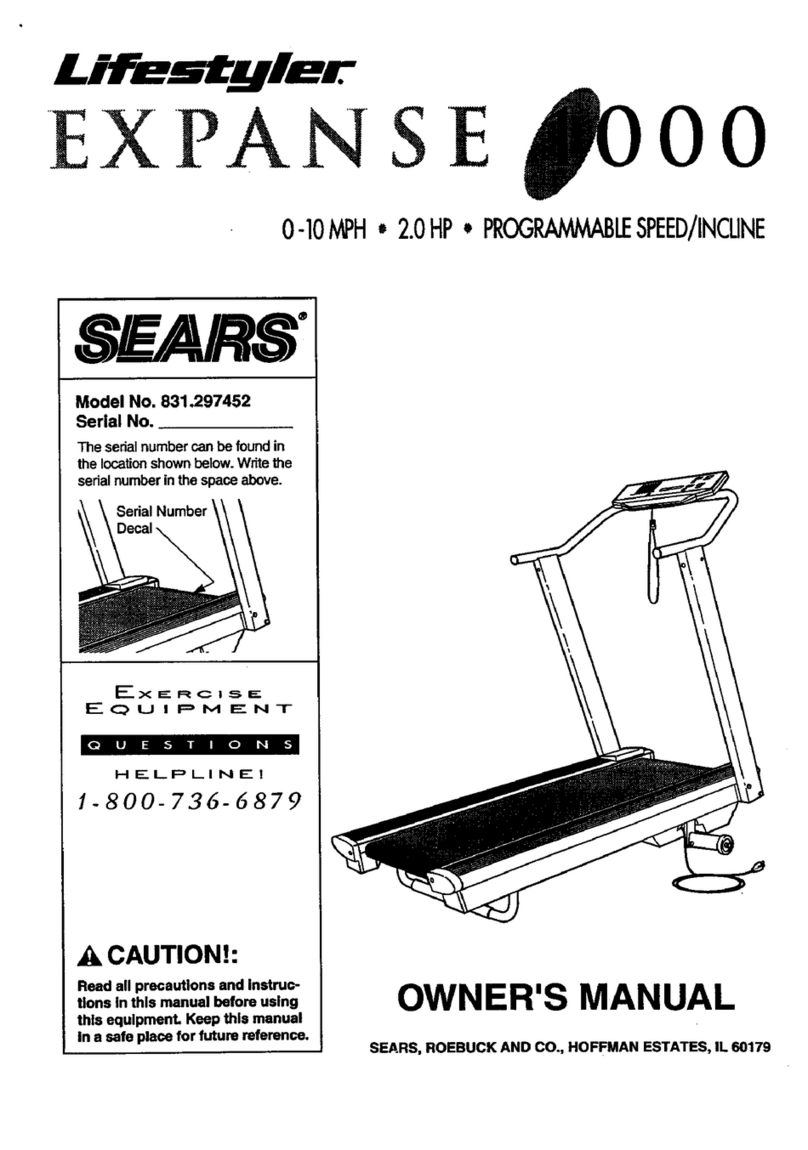
LIFESTYLER 831.297452 User manual

LIFESTYLER

LIFESTYLER 831.297452 User manual

LIFESTYLER 8.0 User manual

LIFESTYLER

LIFESTYLER 8.0 User manual

LIFESTYLER Expance 750 User manual

LIFESTYLER

LIFESTYLER Expance 750 User manual

LIFESTYLER Expance 2000 831.297271 User manual

LIFESTYLER

LIFESTYLER Expance 2000 831.297271 User manual

LIFESTYLER LS elite 780 User manual

LIFESTYLER

LIFESTYLER LS elite 780 User manual

LIFESTYLER Expance 500 User manual

LIFESTYLER

LIFESTYLER Expance 500 User manual

LIFESTYLER 831.297033 User manual

LIFESTYLER

LIFESTYLER 831.297033 User manual

LIFESTYLER Expance 850 User manual

LIFESTYLER

LIFESTYLER Expance 850 User manual

LIFESTYLER expance 800 User manual

LIFESTYLER

LIFESTYLER expance 800 User manual

LIFESTYLER 831.29725 User manual

LIFESTYLER

LIFESTYLER 831.29725 User manual

LIFESTYLER 8.0 ESP 831.297080 User manual

LIFESTYLER

LIFESTYLER 8.0 ESP 831.297080 User manual

LIFESTYLER EXPANSE 500 831.297432 User manual

LIFESTYLER

LIFESTYLER EXPANSE 500 831.297432 User manual

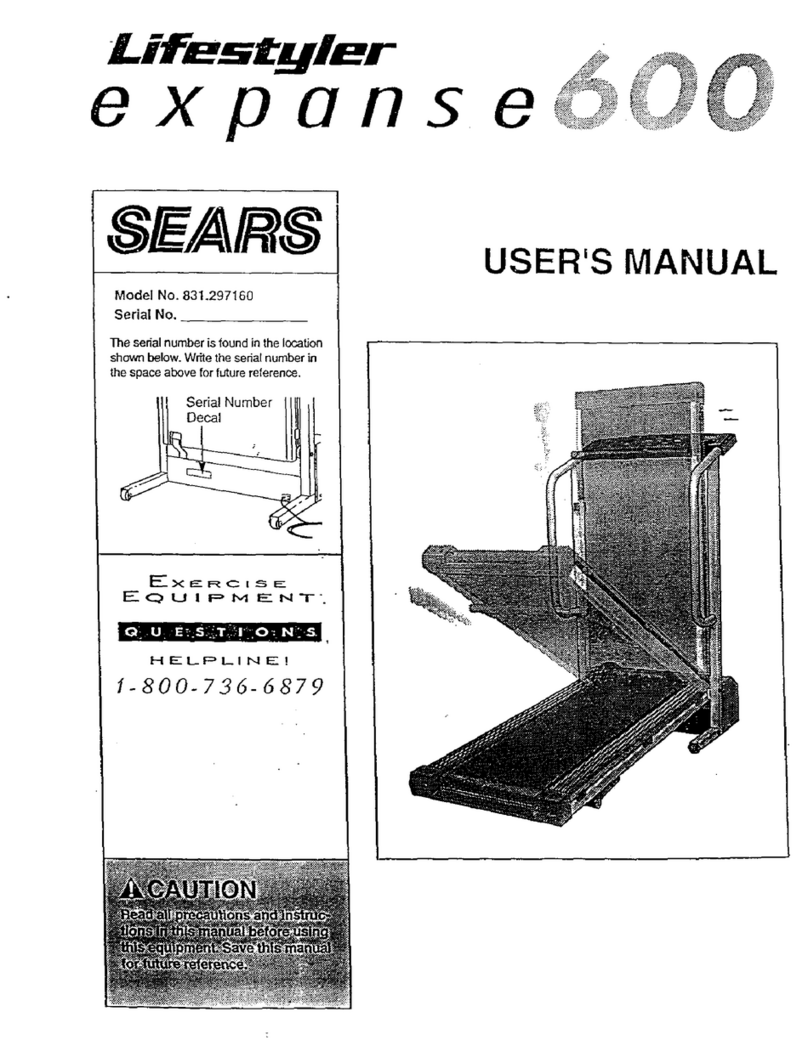
LIFESTYLER Expanse 600 831.297160 User manual

LIFESTYLER

LIFESTYLER Expanse 600 831.297160 User manual

LIFESTYLER 831.297420 User manual

LIFESTYLER

LIFESTYLER 831.297420 User manual

LIFESTYLER 8.0 EXP User manual

LIFESTYLER

LIFESTYLER 8.0 EXP User manual

LIFESTYLER expance 800 User manual

LIFESTYLER

LIFESTYLER expance 800 User manual

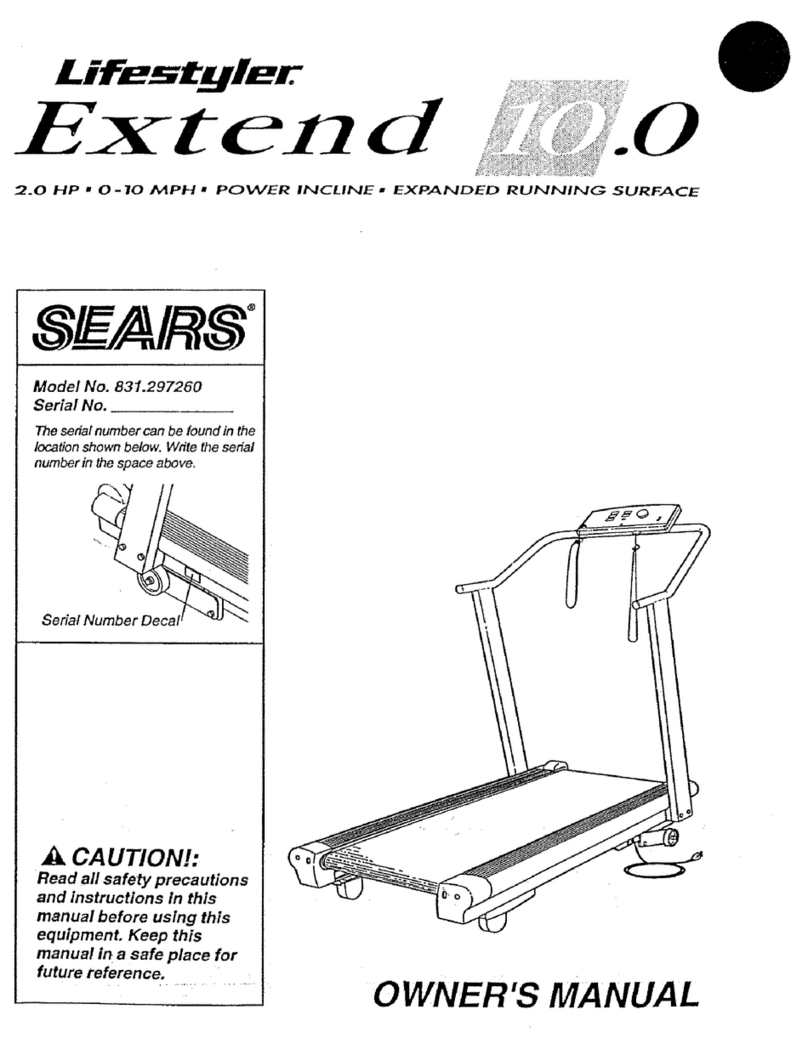
LIFESTYLER Lifestyler Extend 10.0 User manual

LIFESTYLER

LIFESTYLER Lifestyler Extend 10.0 User manual

LIFESTYLER 5.0 MPH User manual

LIFESTYLER

LIFESTYLER 5.0 MPH User manual

LIFESTYLER Inckine Lift assist 1900 User manual

LIFESTYLER

LIFESTYLER Inckine Lift assist 1900 User manual

LIFESTYLER Lifestyler 831.298&50 User manual

LIFESTYLER

LIFESTYLER Lifestyler 831.298&50 User manual

LIFESTYLER Lifestyler 3500ps User manual

LIFESTYLER

LIFESTYLER Lifestyler 3500ps User manual

Popular Treadmill manuals by other brands

Motus M990T Service manual

Motus

Motus M990T Service manual

NordicTrack APEX4100i NTTL18906 user manual

NordicTrack

NordicTrack APEX4100i NTTL18906 user manual

CAPITAL SPORTS Pacemaker Touch manual

CAPITAL SPORTS

CAPITAL SPORTS Pacemaker Touch manual

Insportline Hill Pro user manual

Insportline

Insportline Hill Pro user manual

Expondo Gymrex GR-MG31 user manual

Expondo

Expondo Gymrex GR-MG31 user manual

HEALTH ONE Walk Ro user manual

HEALTH ONE

HEALTH ONE Walk Ro user manual

NordicTrack T7.5 S user manual

NordicTrack

NordicTrack T7.5 S user manual

Gold's Gym ADVANTAGE GGTL12920 user manual

Gold's Gym

Gold's Gym ADVANTAGE GGTL12920 user manual

Merax MS282992 manual

Merax

Merax MS282992 manual

FitLogic freewill d225 owner's manual

FitLogic

FitLogic freewill d225 owner's manual

HOP-SPORT ESTIMA HS-3200LB instruction manual

HOP-SPORT

HOP-SPORT ESTIMA HS-3200LB instruction manual

Stamia InMotion II owner's manual

Stamia

Stamia InMotion II owner's manual

Smooth Fitness EVO 3i user manual

Smooth Fitness

Smooth Fitness EVO 3i user manual

NordicTrack NETL81810.0 user manual

NordicTrack

NordicTrack NETL81810.0 user manual

Schwinn 830/Journey 8.0 Assembly manual / owner's manual

Schwinn

Schwinn 830/Journey 8.0 Assembly manual / owner's manual

Keys Fitness HealthTrainer HT-740T owner's manual

Keys Fitness

Keys Fitness HealthTrainer HT-740T owner's manual

Spirit XT8 Service manual

Spirit

Spirit XT8 Service manual

NordicTrack T 14.0 Treadmill Manuel de l'utilisateur

NordicTrack

NordicTrack T 14.0 Treadmill Manuel de l'utilisateur

manuals.online logo
manuals.online logoBrands
  • About & Mission
  • Contact us
  • Privacy Policy
  • Terms and Conditions

Copyright 2025 Manuals.Online. All Rights Reserved.

TM
rPROGRAMMABLESPEED
rAUTOINCLINE
Model No. 831.296703
Serial No.
I
rial Number Decal
QUESTIONS?
As a manufacturer, we are
committed to providing you
complete customer satisfac-
tion. ff you have questions,
or find there are missing or
damaged parts, we will
guarantee you complete
satisfaction through direct
assistance from our factory.
TO AVOID UNNECESSARY
DELAYS, PLEASE CALL
DIRECT TO OUR TOLL-FREE
CUSTOMER HOT LINE.
The trained technicians on
our Customer Hot Line will
provide immediate assis-
tance, free of charge to you.
CUSTOMER HOT LINE:
1-800-999-3756
Mon.-Fri., 6 a.m.-6 p.m. MST.
CAUTION:
Read all safety precautions
and instructions in this man-
ual carefully before using
this equipment. Save this
manual for future reference. SEAIRS
OWNER'S MANUAL
FULL 90 DAY WARRANTY ON PARTS
For 90 days from the date of purchase, when proper assembly and maintenance procedures
detailed in the Owner's Manual are followed, Sears will, free of charge, repair or replace and
install a replacement part for any defective part, when the Programmable Speed, Auto
Incline Treadmill is used in a normal manner.
This warranty does not apply when the Programmable Speed, Auto Incline Treadmill is used
for commercial or rental purposes.
SERVICE IS AVAILABLE BY SIMPLY CONTACTING YOUR NEAREST SEARS SERVICE
CENTER!DEPARTMENT IN THE UNITED STATES.
This warranty gives you specific legal rights, and you may also have other rights which vary
from state to state.
SEARS, ROEBUCK AND CO., DEPT. 731CR-W, CHICAGOI 1L 60684
mTM
m
rPROGRAMMABLESPEED
rAUTOINCLINE
TABLE OF CONTENTS
Warranty ............. _......................... 2
Important Safety Precautions ...................... 4
Before You Begin ............................... 5
Assembly ..................................... 6
Operation and Adjustment ............ : ........... 7
Trouble-Shooting and Maintenance ...... , .......... 10
Conditioning Guidelines .......................... 13
Part List ....................................... 14
Exploded Drawing .............................. 15
Ordering Replacement Parts ...................... Back Cover
WARNING: Before beginning this or any exercise program consult your physician. This
is especially important for individuals over the age of 35 or persons with pre-existing health
problems. Read all instructions before using. Sears assumes no responsibility for personal
injury or property damage sustained by or through the use of this product. 3
IMPORTANT SAFETY PRECAUTIONS
WARNING: To reduce the risk of burns, fire, electric shock or injury to persons, read the
following important safety precautions and information before operating the treadmill.
1. Position the treadmill on a level surface, with at least 8 feet of clearance behind the
treadmill. Do not place the treadmill on thick carpet, near water or outdoors. Do not
operate where aerosol products are used or where oxygen is being administered.
.Plug the power cord directly into a grounded circuit carrying 12 or more amps. No other
appliance should be on the same circuit. (See the OPERATION AND ADJUSTMENT section
of this manual for proper grounding instructions.) Keep the power cord away from heated
surfaces. If an extension cord is required, use only a14-gauge, general-purpose cord of
approximately five feet in length with a three-wire conductor.
3. Never move the walking belt while the power is turned off. Do not operate the treadmill if
the power cord or plug are damaged, or if the treadmill is not working properly. (Refer to
the BEFORE YOU BEGIN section of this manual if the treadmill is not working property.)
4. The roller guards must be 1/8 inch from the rear roller. Turn the power off and adjust the
roller guards, if necessary.
.Wear appropriate exercise attire when using the treadmill. Do not wear loose clothing that
could become caught in the treadmill. Always wear running or aerobic shoes. Never use
the treadmill with bare feet, wearing only stockings, or in sandals. Athletic support clothes
are recommended for both men and women.
6. Never start the treadmill while you are standing on the walking belt. Always hold the
handrail when exercising on the treadmill.
1
.
.
10.
11.
Never allow more than one person on the treadmill at a time. Use the treadmill only as
described in this manual.
Keep small children away from the treadmill during operation. Never leave the treadmill
unattended while it is running. Always turn the power off when the treadmill is not in use.
Never drop or insert any object into any opening.
Always unplug the power cord before performing the maintenance and adjustment
procedures described in this manual. Never remove the motor hood unless instructed to
do so by an authorized service representative. Servicing other than the procedures in this
manual should be performed by an authorized service representative only.
This treadmill is capable of high speeds. Adjust the speed slowly to avoid sudden jumps in
speed.
SAVE THESE INSTRUCTIONS
BEFORE YOU BEGIN
Thank you for selecting the Sears Lifestyler 3500ps treadmill. The Lifes_ter 3500ps combines state-
of-the-art technology with innovative design to let you enjoy an excellent form of cardiovascular
exercise at your convenience, in the privacy of your home. Your exercise on the Lifestyler 3500ps will
be enhanced by such features as a key-activated power switch, electronic speed control, auto incline
control, and a programmable console:
For your safety and benefit, read this manual carefully before using this equipment. If you have
additional questions, please call our Customer Service Department toll-free at 1-800-999-3756,
Monday through Friday, 6 a.m. until 6 p.m. Mountain Time (excluding holidays). To help us assist you
quickly, please mention your product model number and serial number when calling. The model
number is printed on the front cover of this manual. The serial number is recorded on a decal attached
to the product (see the drawing on the front cover for the location).
Before reading further, please review the drawing below and familiarize yourself with the parts labeled.
Console Electronic Monitor
_. /
/
Handrail /
Incline Indicator
:line Lever
ht Post
Side
LEFT SIDE
Circuit Breaker
Motor Hood \
Walking Belt
FRONT
Knob
Walking Platform \ \
BACK
Rear Roller
Adjustment Bolts
RIGHT SIDE
\ Foot Rail
\' Roller Guard
Power Cord
5
ASSEMBLY
Set the treadmill in a cteared area and remove all packing materials. Be sure that all parts are
included before disposing of the packing materials. Assembly can be completed using the allen
wrench included, and your own standard screwdriver. Refer to the Part List and Exploded Drawing on
pages 14 and 15 for help with part identification, if necessary.
.Raise the Upright Post (9) to a vertical position. Insert
the Lock Knob (38), with the Lock Knob Washer (37),
into the Upright Post, and turn the Knob clockwise
until almost tight. Leave a little play in the Upright
Post for the following steps.
37 38
.
,
Align the upper end of the Side Rail (72) with the left
end of the Handrail (14). Turn the Handrail as shown
to thread the Handrail into the Side Rail. (Note: If the
Handrail will not turn easily, loosen the Handrail Bolt
[16] slightly.) Tighten the Handrail and the Handrail
Bolt.
Align the lower end of the Side Rail (72)with the hole
in the side of the treadmill Frame (58). Attach the
Side Rail with a Side Rail Bolt (70), Formed Washer
(71) and Side Rail Washer (73) as shown: Tighten the
Lock Knob (see step 1).
Make sure that all parts are tightened securely before
using the treadmill.
7O
71 73 58
6
OPERATION AND ADJUSTMENT
GROUNDING INSTRUCTIONS
This product must be grounded. If it should malfunction or break down, grounding provides a path
of least resistance for electric current to reduce the risk of electric shock. This product is equipped with
a cord having an equipment-grounding conductor and a grounding plug. The plug must be plugged
into an appropriate outlet that is properly installed and grounded in accordance with all local
codes and ordinances.
DANG ER: improper connection of the equipment-grounding conductor can result in a risk of
electric shock. Check with a qualified electrician Orserviceman if you are in doubt as to whether the
product isproperly grounded. Do not modify the plug provided with the product - if it will not fit the
outlet, have a proper outlet installed by a qualified electrician.
This product is for use on a nominal 120-volt circuit, and has a grounding plug that looks like the plug
illustrated in Drawing 1. A temporary adapter that looks like the adapter illustrated in Drawing 2 may
be used to connect this plug to a 2-pole receptacle as shown in Drawing 2 if a properly grounded outlet
is not available. The temporary adapter should be used only until a properly grounded outlet (Drawing
1) can be installed by a qualified electrician. The green colored rigid ear, tug, or the like extending from
the adapter must be connected to a permanent ground such as a properly grounded outlet box cover.
Whenever the adapter is used it must be held in place by a metal screw. Some 2-pole receptacle
outlet box covers are not grounded. Contact a qualified electrician to determine if the outlet
box cover is grounded before using an adapter.
Grounded Outlet Box 2
Grounding Plug
+ounding Pit
ted Outlet
Grounded Outlet Box
Grounding Plug
SILICONE APPLICATION
To maintain the low-friction quality of the walking belt and
reduce treadmill wear, a non-oil, non-petroleum base sili-
cone lubricant should be applied generously to the walking
platform. (Silicone lubricant is available at most hardware
and automotive stores.) It is very important to apply
silicone lubricant before initial use of the treadmill.
Lubricant should also be applied after every 10 hours of
use or whenever a decrease in performance is noticed.
Unplug the power cord, lift each side of the walking belt
and apply the lubricant generously to the area indicated.
INCLINEADJUSTMENT
Tovarythelevelofexerciseintensity,the inclineofthe
treadmillcanbe changedusingtheleveronthe rightside
oftheconsole. Do not adjust the incline while you are
walking or running on the treadmill. Toincreasethe
inclineof thetreadmill,stand toward the rear of thefoot
rails andpullbackthe lever. Whenthe desiredinclineis
reached,releasethe lever. Todecreasetheincline,stand
toward the front of the foot rails, lean forward if neces-
sary, and pull back the lever until the desired incline is
reached. There is an incline indicator located above the
incline lever on the console. The indicator measures the
incline of the treadmill.
CONSOLE D_AGRAM
MAX SPEED SET Display
[--PROGRAM SEGMENTS Disp!ay._
ia la n IH I I B §H
mm
l SEGMENT T'MER Display [Electronic Monitor
_.x-I1x-t - -- -
ii 'lI
, PROGRAM START Key
:STOP Key
USER Keys MANUAL Key Clip
TURNING THE POWER ON
Stand on the foot rails of the treadmill. Attach the clip on the safety key to the waistband of your
clothing. CAUTION: Always wear the clip when operating the treadmill. If you fall while exercising,
the safety key will be pulled from the console, instantly turning the power off.
Insert the safety key into the power switch in the front of the console. The electronic monitor display
will turn on, the indicator on the MANUAL key will light and one bar in the SPEED ADJUST display will
light. NOTE: If you remove the safety key from the console, wait for ten secondsfor the micropro-
cessor to power down before re-inserting the key.
ELECTRONIC MONITOR OPERATION
8 See the Electronic Monitor Operation Guide accompanying this manual.
MANUAL SPEED MODE
When the power is turned on, the console will be in the manual mode and the walking belt will be
stationary. The speed of the walking belt can be controlledwith the plus (+) and minus (-) keys in the
SPEED ADJUST display. Each time the plus key is pressed, a tone will sound and the speed of the
walking belt will increase. Every fourth time the key is pressed, an additional bar in the display wi!l
light. The minus key functions in the same manner to decrease the speed. (The keys can be held
down to change the speed quickly.) CAUTION: It will take a few seconds for the walking belt to reach
the selected speed. Adjust the speed gradually until you are familiar with the treadmill.
Press the plus key until the walking belt begins to move at slow speed. Step carefully onto the walking
belt and begin exercising. Adjust the speed as desired by pressing the plus or minus keys.
To stop the walking belt, hold down the minus key. The belt can be stopped quickly, if desired, by
pressing the STOP key. It will take a few seconds for the belt to stop fully.
PROGRAMMABLE SPEED MODE
When the console is in the programmable mode, the speed of the walking belt will be controlled
automatically by workout programs you create. Up to four workout programs can be stored in memory,
and recalled for future workouts.
To create a program, first press one of the four USER keys. Next, press the plus (+) or minus (-) keys
in the MAX SPEED SET display to set the maximum speed you want the walking belt to move during
the program. Each time one of the keys is pressed, the maximum speed setting will change by 0.5
miles per hour. The maximum speed setting must be at least 4.0 miles per hour. (The maximum
speed setting cannot be set quickly by holding down the keys.)
Ten speed settings should now be programmed on the PROGRAM SEGMENTS display. The display
is divided into ten vertical segments, each with a plus (+) and minus (-) key and eight bars. One speed
setting can be programmed on each segment. The bars in each segment show the speed setting of
that segment. If one bar is lighted, the segment is PrOgrammed for the minimum speed. If all eight
bars are lighted, the segment is programmed for the maximum speed. (If a program has not previously
been created, four bars will be lighted in each segment.) To program a speed setting on the first
segment (at far left), press the plus or minus keys in that segment. Each time the plus key is pressed,
a tone will sound and the speed setting will increase. Every fourth time the plus key is pressed, an
additional bar in the segment will light. The minus key functions in the same manner to decrease the
speed setting. (The keys can be held down to program a speed setting quickly.) Program speed
setting s on the remaining nine segments in the same manner. You may wish to program a low setting
on the first segment for awarm-up, a combination of higher settings on the middle segments, and a low
setting on the final segment for a cool-down. An endless variety of "profiles" can be created.
Next, press the plus (+) or minus (-) keys in the SEGMENT TIMER display to set the length of time you
want each segment to last. (All segments will last for the same length of time.) Each segment can be
set to last for a minimum of 30 seconds, up to a maximum of 9 minutes, 50 seconds. Each time one of
the keys is pressed, the time displayed wit! change by 10 seconds. (The keys can be held down to set
the time quickly.)
To start the program, press the PROGRAM START key. The lighted bars in the first segment will begin
to flash, and after a few seconds the walking belt wilt begin to move at the speed setting of the first
segment. Step onto the walking belt and begin exercising. The SEGMENT TIMER display will show
the time remaining in the first segment. When no time remains, the lighted bars in the second segment
will begin to flash, the speed of the walking belt will change to the setting of the second segment, and
the SEGMENT TIMER display will show the time remaining in the second segment.

Afteralltensegmentshavebeencompleted,thewalkingbeltwitlslowto astop and the program will
end. Note: If you wish to stop the walking belt before the program has ended, press the STOP key.
The console will then be in the same state as if the program had ended,
IMPORTANT: If you want to change any program settings after the program has been started, press
the STOP key, and then make the desired changes. The program can be restarted by pressing the
PROGRAM START key. Changing settings while the program is running could cause the speed of the
walking belt to increase suddenly.
After the program has ended, the program can be restarted, a different program can be selected by
pressing one of the other USER keys or the console can be switched to the manual mode by pressing
the MANUAL key. When the console is switched to the manual mode, or the power is turned off, the
current settings of the ten segments will be stored in memory. Programs will be stored as long as the
power cord remains plugged in. When the power cord is unplugged, programs will be erased,
TURNING THE POWER OFF
To turn the power off, remove the safety key from the console. Store the safety key in a secure loca-
tion to prevent small children from operating the treadmill. NOTE: After removing the safety key from
the console, wait for ten seconds for the microprocessor to power down before re:inserting the key.
TROUBLE-SHOOTING AND MAINTENANCE
10
Most treadmill problems can be solved by following the simple steps below. Find the symptom
that applies, and follow the steps listed. If further assistance is necessary, please call our Customer
Service Department toll-free at 1-800-999-3756, Monday through Friday, 6 a.m, until 6 p.m. Mountain
-tqme (excluding holidays).
1. SYMPTOM: THE POWER DOES NOT TURN ON
a. Make sure the power cord is plugged into a properly grounded outlet. (See OPERATION AND
ADJUSTMENT in this manual.) If an extension cord is necessary, use only a 14-gauge, general
•purpose cord of approximately five feet in length.
b. Make sure the safety key is fully inserted into the console. Various indicators on the console
should light. (See OPERATION AND ADJUSTMENT in this manual.)
C. Check the circuit breaker located on the treadmill frame
near the power cord. If the switch protrudes as shown,
the circuit breaker has tripped. To reset the circuit
breaker, wait for five minutes and then press the switch
back in.
3"ripped Reset