Page 2 of 6
FXLD157FRP6I2 LED FIXTURE
Version 0.2 OWNERS MANUAL 3/31/2017
www.lightronics.com
Lightronics Inc. 509 Central Drive Virginia Beach, Va 234354 757 486 3588
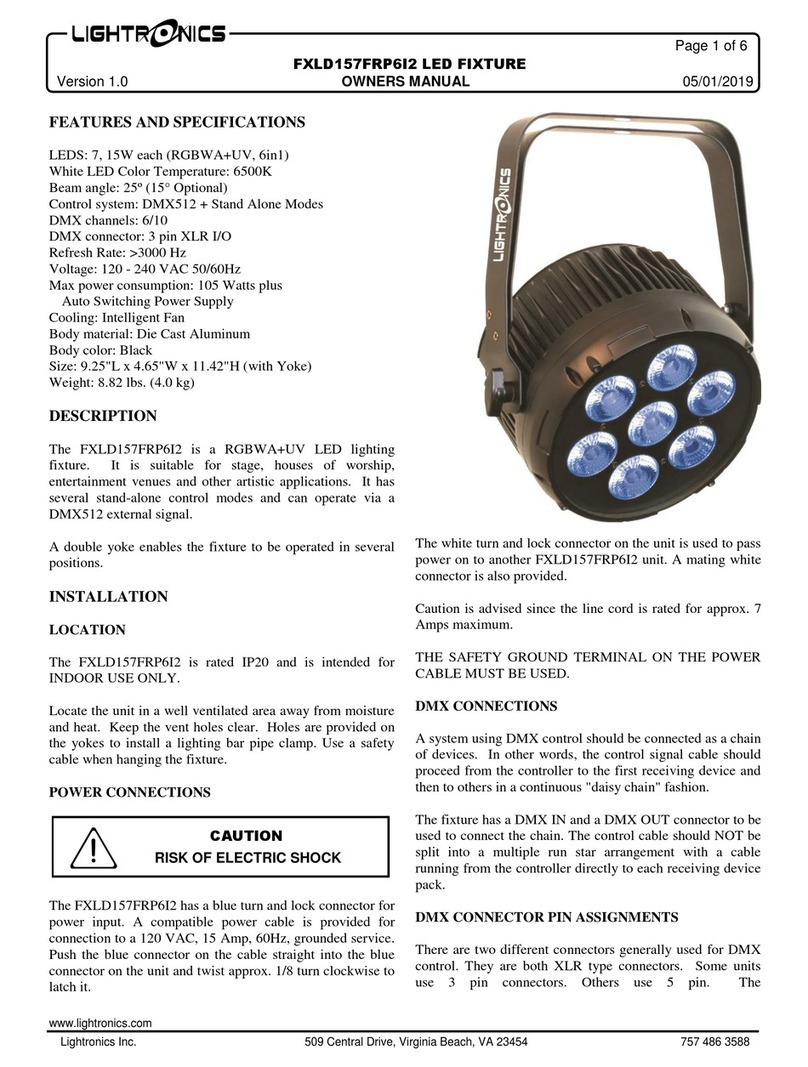
DMX CONNECTOR PIN ASSIGNMENTS
There are two different connectors generally used for DMX
control. They are both XLR type connectors. Some units
use 3 pin connectors. Others use 5 pin. The
FXLD157FRP6I only has 3 pin connections. DMX is
received on the 3 pin MALE connector on the back of the
unit. The 3 pin FEMALE connector is used to connect to the
next DMX device on the control chain.
The table below shows the pin assignments for the 3 pin
DMX cable.
DMX TERMINATION
A DMX chain should be terminated at the last receiving
device on the chain. This is done by installing a commonly
available 1/4 Watt, 120 Ohm resistor across the DATA - and
DATA + wires at the last device. If you have only a few
fixtures very close together and a very short run to the
controller then you may be able to operate without the
terminator.
OPERATION
A control panel on the back of the unit is used to set the
operating options. It consists of an LED display and four
buttons (MENU, UP, DOWN, and ENTER)
Push MENU to access the operating options. When you
reach the option you want to set or change press ENTER
and use UP or DOWN to set a value. Push ENTER again to
save your changes and activate the option. See the "MENU
NAVIGATION" diagram for additional details.
There are 7 operation modes: DMX 6 channel, DMX 10
channel, Color Fade, Color Change, Color Select, Manual
Level (6 selections), and Demo.
DMX OPERATION
For DMX operation the FXLD157FRP6I fixture can be
configured as a 6 channel, or 10 channel unit.
Use the dX.XX (6 ch) or Ax.xx (10 ch) menu to set the
starting address of the unit. You can select the starting
address of the unit with the UP and DOWN buttons.
Detailed information on DMX channel operation is given in
the tables DMX VALUES AND FUNCTIONS.
MANUAL OPERATION (CSXX)
For additional manual operations you can use the Color
Select menu (CSXX)to select a color and level.
COLOR FADE (CFXX)
The Color Fade mode cycles smoothly through a sequence
of colors. Use the CFXX menu to set the speed and activate
the option. The range is from 1 to 99. 99 is fastest.
R, G, B, W, A + UV MANUAL LEVEL CONTROL
You can operate the individual color levels manually using
the r000, g000, b000, E000, U000 and Y000 menus. Use
the UP and DOWN buttons to change the level, Push
ENTER when done. The range is 000 - 255 (255 is
maximum).
DEMO MODE (dENo)
The unit cycles through a fixed series of color and fades.
There are no other adjustments or settings in this mode.
SOUND MODE (SOUN)
The unit reacts to sounds by changing colors randomly.
There are no other settings within this mode.
Delay Mode (dEL0)
The delay mode slows down the commands that are given to
the light with or without DMX present. Use the dEL0 to set
the delay speed and activate the option. The range is from 0
to 3. 0 is off and 3 is the longest delay.
COLOR SELECT (CSXX)
Color Select provides a multiple of preprogrammed color
macros at various intensities.
Access the color Selector by pressing the MENU button