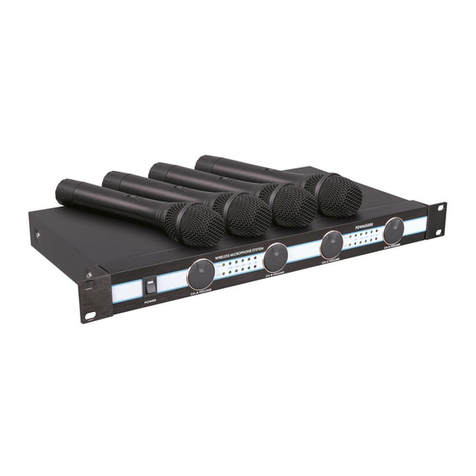
FRONT PANEL CONTROLS
4 | 800iX User Manual 800iX User Manual | 5
800iX User Manual 800iX User Manual
1. Lift the ceiling tile nearest the
grid rail in your desired sensor
location. Guide one side of the
C-clip over one edge of the grid
rail.Providingrmsupporttothe
back of the grid rail with one hand
(topreventbending),rmlyand
carefully snap the second side of
the C-clip over the edge of the rail.
2. Uncoil sensor wire. Connect one
end of the sensor cable to the plug
on the sensor. Loosely secure wire
overhead and route it back to the
800iX.
3. Connect the other end of the
sensor cable into one of the sensor
inputs on the back of the 800iX.
IR SENSOR INSTALLATION
1. Screw the plastic mounting
strip to a place high on the
wall or in the middle of the solid
ceiling. Mount the strip horizon-
tally as shown above.
2. Firmly snap the C-clip on the back
of the IR sensor onto the plastic
mounting strip with the sensor
plug hanging down (if a wall
mount) or toward the receiver
location (if ceiling mount).
3. Uncoil the sensor wire. Screw one
end of the sensor cable to the
plug on the sensor. Route the
wire back to the 800iX,
securing it along the way.
4. Connect the other end of the
sensor cable to one of the sensor
inputs on the back of the 800iX.
wall
mounting
strip
c-clip
sensor jack
Suspended Ceiling Mount Wall/Solid Ceiling Mount
1. POWER Switch/POWER Indicator:
This switch is used to turn the
800iX ON (switch up), or OFF
(switch down). When the POWER
switch is in the ON position, the
POWER light will glow red.
2. IR Indicators (IR): These lights will
glow red when the corresponding
microphone is turned on. This light
conrmsthe800iXisreceivinga
steady infrared signal.
1
2
3
45
3. AF Indicators (AF): These lights
ashgreenwhenaudio(voice)
from the microphone is detected.
4. A VOLUME: Controls the
volume level of the teacher
microphone that is switched to
Channel A. Rotating the knob
clockwise increases output level.
5. B VOLUME: Controls the
volume level of the optional second
microphone that is switched to
Channel B. Rotating the knob
clockwise increases output level.
Sensor Placement in the Classroom
Sensor location is very important for optimum perfor-
manceofthe800iXClassroomAmplicationSystem.
• BEST: On the ceiling at or near the middle of the
classroom.
• GOOD: High and centered on the long wall.
• AVOID: Locations in corners, on walls at heights
lower than 7 feet, or in places where the signal
could be obstructed.
< GOOD < BEST