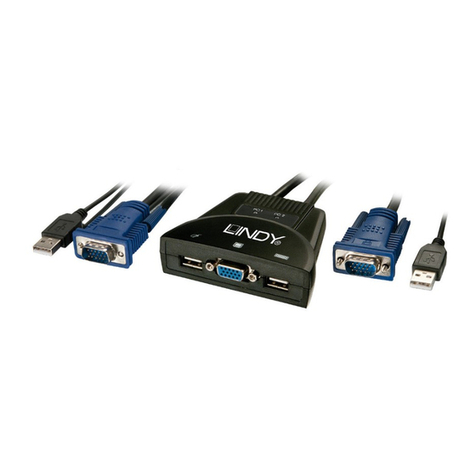
Lindy 51072 Quick start guide

INTERNAL 4+I PORT
USB HUB
Installation and Use English
Benutzerhandbuch Deutsch
Manuel Français
Manuale Uso Italiano
LINDY Art. Nr. 51072
© LINDY-ELEKTRONIK GMBH & LINDY ELECTRONICS LIMITED - Oct 2000
English Manual
Features
½
Windows 95 (OSR 2.1)/98/2000 and Mac OS 9.04 driver support
½
Plug and Play
½
USB data bandwidth 4 - 8Mbps
Package Contents
USB Card
This manual
Hardware & Driver Installation
Shut down your system, remove the power cable, remove all peripherals
and then remove the PC cover. Locate an available PCI slot and insert
the USB card. Ensure that the card is seated correctly. After you have
inserted the USB card, replace the cover and restart your PC, Windows
will now auto detect a PCI Universal Serial Bus.
Follow the “New Hardware Wizard”, Click next until you are asked to
“Search for the best drivers for your device (recommended)”, click next.
Ensure that nothing is selected and click next. The hardware wizard will
then install the drivers (you may have to supply the Windows 9x CD ROM)
and then click next. Once the drivers have loaded click finish. This will
then complete the installation of the USB Card.
Macintosh
Power down your system and remove the power cable, then remove the
Macintosh cover. Locate an available PCI slot and insert the USB card.
Ensure that the card is seated correctly. After you have inserted the USB
card, replace the cover and restart your Macintosh. The Macintosh will
auto detect the USB Card.
http://www.lindy.com
Deutsches Benutzerhandbuch
Eigenschaften
½
Windows 95 (OSR 2.1)/98/2000 und Mac OS 9.04 Treiber
½
Plug and Play
½
USB Daten Bandbreite4 - 8 Mbit/S.
Lieferumfang
USB-Karte
Dieses Handbuch
Hardware & Treiberinstallation
Schalten Sie Ihren Computer aus, entfernen Sie das Stromkabel sowie
alle angeschlossenen Peripheriegeräte und öffnen Sie das PC-Gehäuse.
Stecken Sie die USB-Karte in einen freien PCI-Slot und vergewissern Sie
sich, dass die Karte fest sitzt. Verschließen Sie das PC-Gehäuse wieder,
schließen Sie die Peripheriegeräte und das Stromkabel wieder an und
starten den Computer. Windows wird automatisch einen PCI Universal
Serial Bus erkennen. Folgen Sie dem Hardwareassistenten bis er Sie
auffordert, nach den besten Treibern zu suchen. Wählen Sie hier nichts
aus und klicken Sie auf „Weiter“. Der Hardwareassistent wird dann
automatisch Treiber installieren (möglicherweise wird die Windows 9x CD
ROM benötigt), dann klicken Sie auf „Weiter“. Nach dem Download des
Treibers beenden Sie die Installation.
Macintosh
Schalten Sie den Rechner aus, entfernen Sie das Stromkabel und öffnen
das Gehäuse. Stecken Sie die USB-Karte in einen freien PCI-Slot und
vergewissern Sie sich, dass die Karte fest sitzt. Dann schließen Sie das
Gehäuse und starten den Rechner. Ihr Mac wird die USB-Karte
automatisch erkennen.
http://www.lindy.de

Manuel en français
Caractéristiques
½
Windows 95 (OSR 2.1)/98/2000 et Mac OS 9.04
½
Plug and Play
½
Bande passante USB 4 - 8Mbps
Contenu de l’emballage
Carte USB
Le manuel
Installation matérielle et pilotes
Eteignez votre ordinateur et retirez le connecteur d’alimentation puis
ouvrez le capot. Localisez un port PCI disponible et insérez la carte USB.
Refermez ensuite le PC et démarrez-le. Windows détectera un
périphérique PCI USB. Cliquez ensuite sur suivant, puis choisissez
“Terminer”. Le CD-ROM de Win9x va vous être demandé. Ceci termine la
procédure d’installation de la carte.
Macintosh
Eteignez votre ordinateur et retirez le connecteur d’alimentation puis
ouvrez le capot. Localisez un port PCI disponible et insérez la carte USB.
Au redémarrage, le Macintosh détectera automatiquement la carte USB.
http://www.lindy.com
Manuale in Italiano
Caratteristiche
½
Windows 95 (OSR 2.1)/98/2000 e Mac OS 9.04
½
Plug and Play
½
USB larghezza di banda 4 - 8Mbps
Contenuto della scatola
Scheda USB
Manuale
Installazione Hardware & Driver
Spegnere il Computer, scollegare il cavo d’alimentazione, scollegare tutte
le periferiche collegate e aprire il case del PC. Localizzate uno slot PCI
libero ed inserite la scheda USB. Accertatevi che la scheda sia inserita
correttamente. Dopo aver inserito la scheda USB, richiudere il computer e
riavviare il sistema, Windows rileveràautomaticamente una PCI Universal
Serial Bus. Proseguite con “Installazione Guidata Nuovo Hardware”,
Cliccare Avanti sino a che apparirà“Ricerca dei migliori driver per la tua
Periferica (scelta consigliata)”, cliccare Avanti. Assicuratevi che niente sia
selezionato e cliccate Avanti. L’installazione guidata installeràI driver
(dovrete inserire il CD ROM di Windows 9x) e quindi cliccate Avanti. Una
volta che I driver saranno stati caricati, cliccate Fine. Questo completerà
l’installazione della scheda USB.
Macintosh
Spegnere il Computer, scollegare il cavo d’alimentazione, e aprire il case
del Macintosh. Localizzate uno slot PCI libero ed inserite la scheda USB.
Accertatevi che la scheda sia inserita correttamente. Dopo aver inserito la
scheda USB, richiudere il Vostro Macintosh. Il Macintosh rileverà
automaticamente la scheda USB.
http://www.lindy.com
LINDY Art. Nr. 51072
© LINDY-ELEKTRONIK GMBH & LINDY ELECTRONICS LIMITED - Oct 2000
Other Lindy Switch manuals
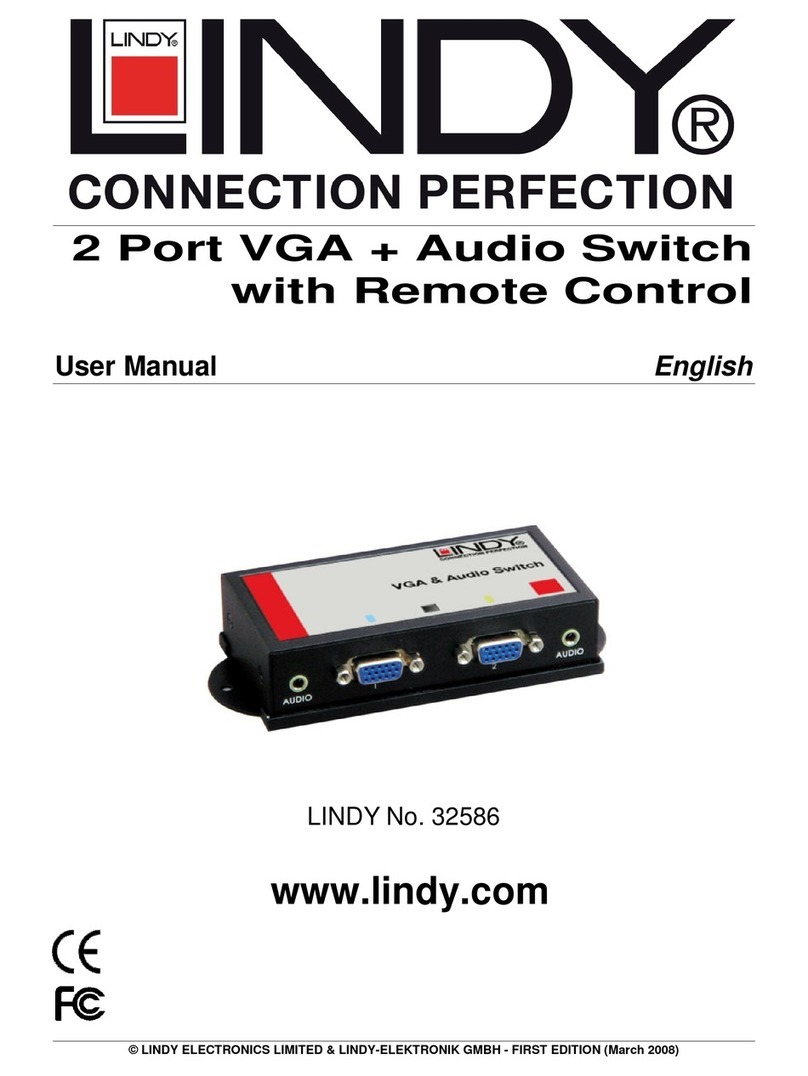
Lindy
Lindy 32586 User manual

Lindy
Lindy 25045 User manual

Lindy
Lindy 43153 User manual
Lindy
Lindy 43199 User manual
Lindy
Lindy 32361 User manual

Lindy
Lindy P16-IP User manual
Lindy
Lindy 39322 Installation and operating instructions
Lindy
Lindy Switch Owner's manual
Lindy
Lindy 38151 User manual
Lindy
Lindy 38036 User manual