4
Creating your layout
Operating your CW-80 Transformer safely 5
Building your Lionel layout 6
Joining the FasTrack track section 6
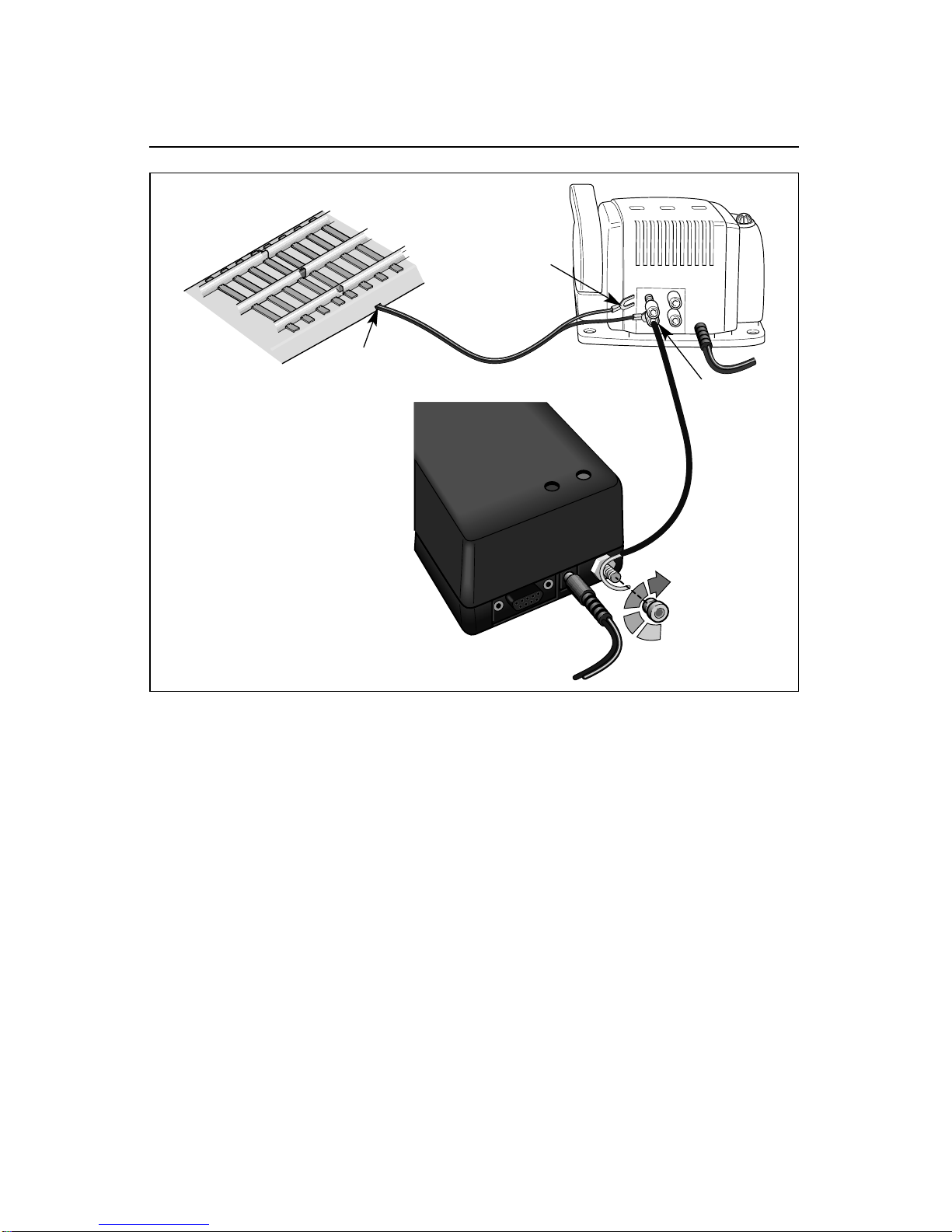
Wiring your CW-80 Transformer 7-8
TrainMaster Command Control operations
TrainMaster Command Control operations 9
Installing batteries in the CAB-1 Remote Controller 9
Operating your locomotive in the Command Control environment 10
CAB-1 Remote Controller commands 11
CAB-1 Remote Controller numeric keypad commands 12
Tuning your locomotive’s performance 13-14
Assigning your locomotive a new ID# 14
Building a lash-up 15
Reprogramming your locomotive to restore features 16
RailSounds sound system operations
RailSounds sound system operations 17
Installing the battery 17
Using the RailSounds sound system in the TrainMaster Command Control environment 18
Using the RailSounds sound system in the conventional environment 19
Odyssey System operations
Odyssey System operations 20
Odyssey System Command Control operation 20
Activating the Odyssey System in the conventional environment 21
Turning off the Odyssey System in the conventional environment 21
Conventional transformer operations
Conventional operations 22
Operating your locomotive in the conventional environment 23
Experiencing the features of the CW-80 Transformer 24-25
Locking your locomotive into a single direction 26
Uncoupling your locomotive in the conventional environment 27
Maintaining and servicing your locomotive
Adding fluid to your locomotive’s smoke generator 28
Lubricating your locomotive 29
Replacing your locomotive’s LEDs and lamps 30
Replacing the traction tires 30
Running your train
Coupling 31
Stacking the containers 32
Expanding the Maxi-Stack into a unit train 33-35
Replacing the lamp in your extended vision caboose 36
CW-80 Transformer operation
Powering your layout with the CW-80 Transformer 37
Setting the accessory output 38
Advanced connections: powering two isolated blocks with two transformers 39
Limited Warranty/Lionel Service 40
Table of contents