APPROVAL
ENG. MKT. Q.C. OFPG.
DR.DATECHANGE DESCRIPTION
INSTRUCTION SHEETPART NUMBER SIZE:
CN. NO.REV.
8.5 X 11 - ONE SIDE 11 X 17 - FOUR SIDES
8.5 X 11 - TWO SIDES
Information below is for Lithonia Lighitng documentation purposes only, DO NOT include in Instruction sheet art.
22
EMCSA00601
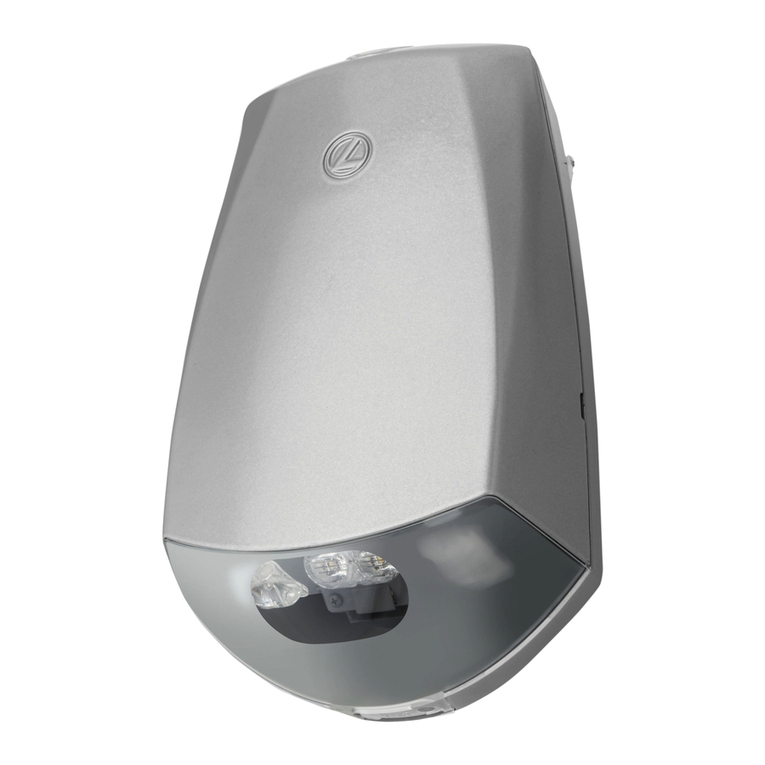
ELU 4/ELU 4N/ELU 8 EMERGENCY LIGHTING
UNIT
A INITIAL RELEASE MRS
INSTALLATION
Note:
Use fasteners with a minimum pullout rating of 30
pounds.
1.
MOUNTING:
This unitmaybe surfacewiredor mounted
over a J-box. Install two fasteners into the keyway mount-
ing holes h. Install a third fastener into the lower center
hole. For surface wiring, a 7/8" diameter pre-notched
cutout is provided on one side of the housing a .This
cutout should be removed by sawing.
Note:
For surface mount with rigid conduit use 1 3/8" flat
washer (provided) to support inside wall of conduit entry
knockout. Insert conduit coupling into knockout. From
inside of housing aslide flatwasher over coupling
threads flush to housing wall. Secure with conduit fitting
locknut.
2.
LAMPHEADASSEMBLY:
Selectheadlocationandplug
all unused holes with hole plugs d provided. Place
swivel l in selected housing mounting hole. Locate stop
washer non swivel with index tabs facing toward lamp
head. Screw lock nut oonto swivel finger until lamp
head is in desired position. Lamp head can be adjusted
on swivel by loosening swivel screw, setting lamp
position, and tightening swivel to lock in position.
WIRING
1. Connect AC input leads as follows:
120V AC - BLACK AND WHITE TRANSFORMER LEADS
277V AC - BROWN, OR ORANGE AND WHITE TRANS-
FORMER LEADS
Note:
Unused lead must be properly insulated with
wirenut or other approved method.
2.
ELU4and ELU8:
Connectlamp headleadstocharger
board c (see Fig. 3). Remote lamp head(s) are con-
nected using remote lamp leads supplied in prepack.
Connect remote lamp leads to charger board c. Connect
stripped end of leads to remote leads using wirenut or
other approved method.
ELU4N:
Connect lamp head leads to terminal board e
(see Fig. 2). Remote lamp head(s) must be connected to
screw terminals on terminal board e .
3.
ELU4N:
Connect charger board clead(s) to terminal
board (see Fig. 2).
4. Place battery k in housing aon battery chassis q .
Connect remaining battery and charger board leads as
shown in (Fig. 2 for ELU4N) (Fig. 3 for ELU4 and ELU8).
CAUTION:
Besure red leadisconnected to positive
terminal and blue lead is connected to negative terminal
(ELU4 and ELU8 only).
CAUTION:
Damage to batterywilloccur if battery is
connected to charger board for a prolonged period of time
without AC power provided.
5. Close front bby placing closure screw i in housing
slot p, and tighten screw into clip j.
Figure2
Wiring Diagram
ELU4N Only
Page 2
OR ORANGE