Page 4
Downloading the Connection
Wizard
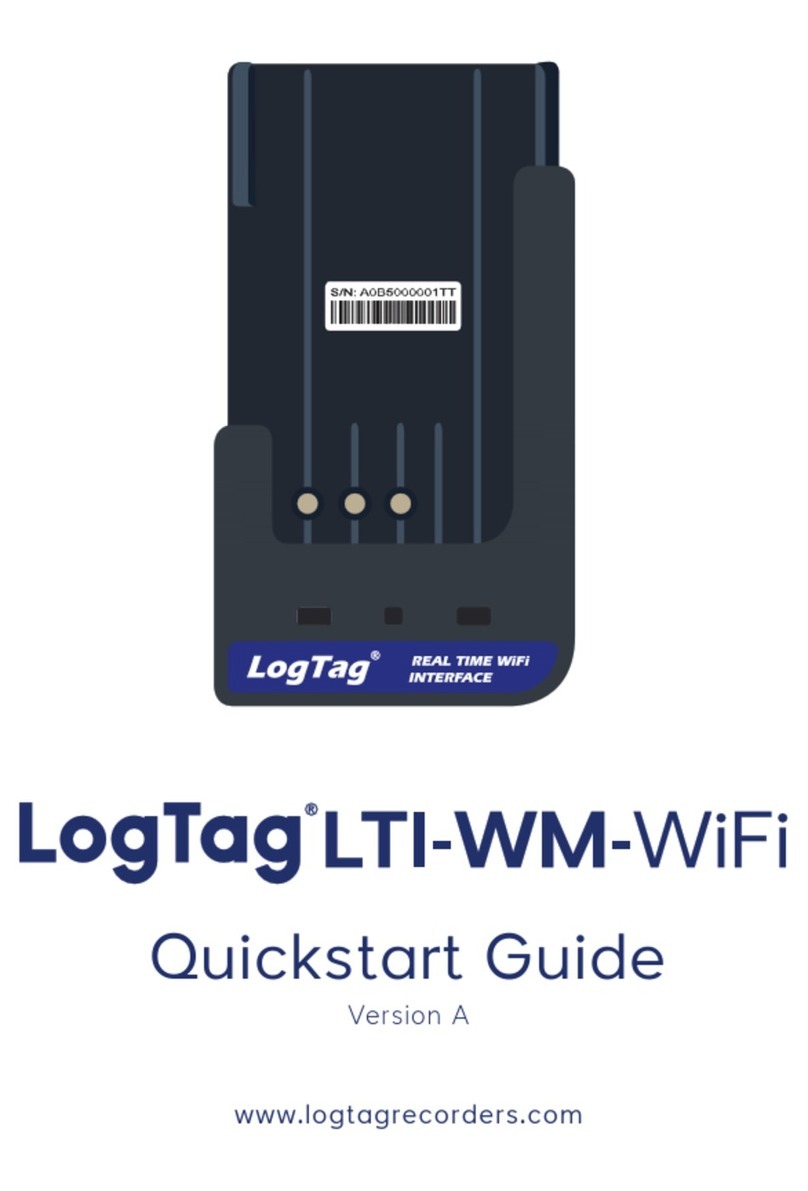
Your LTI-WM-WiFi requires you to connect it to your
WiFi Network. To do that, we have an easy tool for you
to use called the LogTag Online Connection Wizard.
To download the LogTag Online Connection Wizard,
please open your browser and type the link below to
begin the download: https://logtagrecorders.com/wp-
content/uploads/connectionwizard.exe
If you have issues with the link above, you can
download the .zip version instead and ensure you
unzip the file before running it via the link below:
https://logtagrecorders.com/wp-content/uploads/
connectionwizard.zip
Firstly, connect your LTI-WM-WiFi
to your computer via the USB
cable provided. The USB socket
on the device is located at the
bottom of the interface cradle.
Warning: Please ensure no other LogTag software is
currently running on your computer before running the
Wizard software.