EnglishDeutsch
 logo
Brands
  1. Home
  2. •
  3. Brands
  4. •
  5. Lovibond
  6. •
  7. Measuring Instrument
  8. •
  9. Lovibond SD 60 User manual

Lovibond SD 60 User manual

Other Lovibond Measuring Instrument manuals
Lovibond PFX995 Series Assembly instructions

Lovibond

Lovibond PFX995 Series Assembly instructions

Lovibond RT300 User manual

Lovibond

Lovibond RT300 User manual

Lovibond EC 2000 Gardner Assembly instructions

Lovibond

Lovibond EC 2000 Gardner Assembly instructions

Lovibond SensoDirect Con200 User manual
Lovibond

Lovibond SensoDirect Con200 User manual

Lovibond ORPTester10 User manual

Lovibond

Lovibond ORPTester10 User manual

Lovibond MD200 User manual

Lovibond

Lovibond MD200 User manual

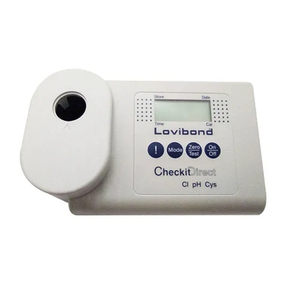
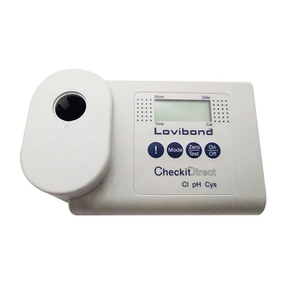
Lovibond CheckitDirect User manual

Lovibond

Lovibond CheckitDirect User manual

Lovibond MD200 User manual

Lovibond

Lovibond MD200 User manual

Lovibond PFXi 195 Assembly instructions

Lovibond

Lovibond PFXi 195 Assembly instructions

Lovibond Scuba User manual

Lovibond

Lovibond Scuba User manual

Lovibond LC 100 User manual

Lovibond

Lovibond LC 100 User manual

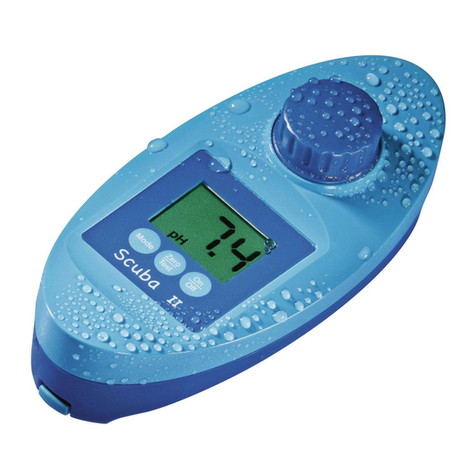
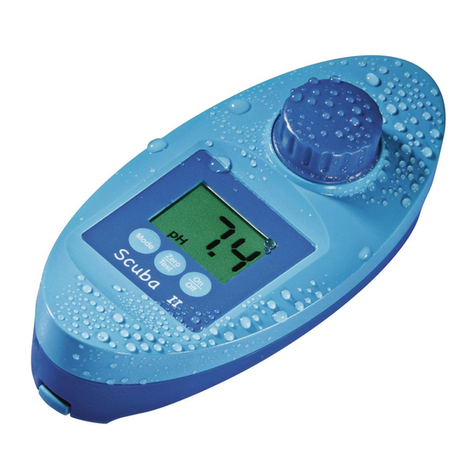
Lovibond Scuba II User manual

Lovibond

Lovibond Scuba II User manual
Lovibond MicroDirect pH10 User manual

Lovibond

Lovibond MicroDirect pH10 User manual

Lovibond MD200 User manual

Lovibond

Lovibond MD200 User manual

Lovibond SD 400 Oxi L User manual

Lovibond

Lovibond SD 400 Oxi L User manual
Lovibond MD200 User manual

Lovibond

Lovibond MD200 User manual

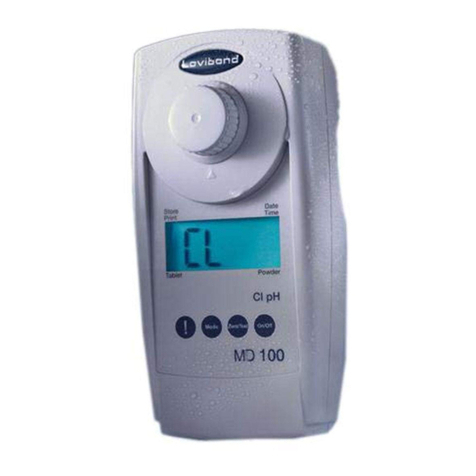
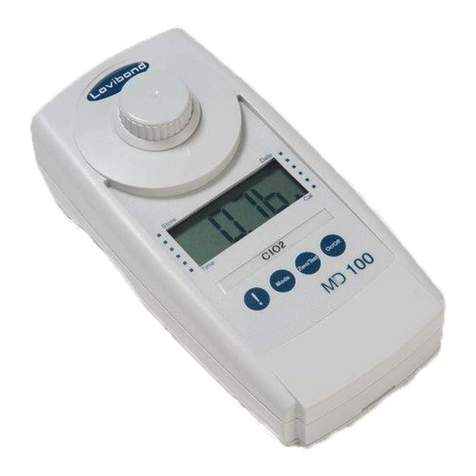
Lovibond Tintometer MD100 User manual

Lovibond

Lovibond Tintometer MD100 User manual

Lovibond TB300 IR User manual

Lovibond

Lovibond TB300 IR User manual

Lovibond Tintometer MD100 User manual

Lovibond

Lovibond Tintometer MD100 User manual

Lovibond RT 400 User manual

Lovibond

Lovibond RT 400 User manual

Lovibond TR 515 Assembly instructions

Lovibond

Lovibond TR 515 Assembly instructions
Lovibond TG 60/268 Assembly instructions

Lovibond

Lovibond TG 60/268 Assembly instructions

Lovibond SD 400 Oxi L User manual

Lovibond

Lovibond SD 400 Oxi L User manual
Lovibond Tintometer XD 7500 User manual

Lovibond

Lovibond Tintometer XD 7500 User manual

Popular Measuring Instrument manuals by other brands

Suaoki D40 user manual

Suaoki

Suaoki D40 user manual

Elster BK-G1.6 operating instructions

Elster

Elster BK-G1.6 operating instructions

Endress+Hauser Deltabar FMD71 technical information

Endress+Hauser

Endress+Hauser Deltabar FMD71 technical information

Duratool D03128 manual

Duratool

Duratool D03128 manual

Vega VEGAPULS 65 Quick setup guide

Vega

Vega VEGAPULS 65 Quick setup guide

Tonghui TH2618B Operation manual

Tonghui

Tonghui TH2618B Operation manual

Tenmars TM-801 user manual

Tenmars

Tenmars TM-801 user manual

MSR 145 user manual

MSR

MSR 145 user manual

TPS WP-82 manual

TPS

TPS WP-82 manual

PCB Piezotronics 003C30 Installation and operating manual

PCB Piezotronics

PCB Piezotronics 003C30 Installation and operating manual

Tenma 72-10465 manual

Tenma

Tenma 72-10465 manual

Endress+Hauser Proline Promag 50 Brief operating instructions

Endress+Hauser

Endress+Hauser Proline Promag 50 Brief operating instructions

Siemens SITRANS F Coriolis FCT030 Function manual

Siemens

Siemens SITRANS F Coriolis FCT030 Function manual

KLINGER CMF V Series instruction manual

KLINGER

KLINGER CMF V Series instruction manual

Keysight M8290A Getting started guide

Keysight

Keysight M8290A Getting started guide

Acterna MS1400 Operation manual

Acterna

Acterna MS1400 Operation manual

R&S ZPH manual

R&S

R&S ZPH manual

Datacolor ColorReader DC10-2 user guide

Datacolor

Datacolor ColorReader DC10-2 user guide

https://manuals.online logo
https://manuals.online logoBrands
  • About & Mission
  • Contact us
  • Privacy Policy
  • Terms and Conditions

Copyright 2026 Manuals.Online. All Rights Reserved.

SD 60
Redox
Lock/Unlock Data!
C. Backlight ON/OFF
____________________________________________________________________________________________
Note: Icons/Characters in RED meaning "BLINK"
: Hit once / : Press and hold / : Release
3
F. Store Data
1. In lock mode: 2s
2. In measurement mode: 2s (or 2s )
3. When the storage is full, it will overwrite the oldest data.
-------------------------------------------------------------------------------------------------------------------------------------------------------------------------------
G. System Setup
Menu selection:
2s (latest memory#)
(7.00 or 6.86) (dd-mm-yy/24hr or mm-dd-yy/12hr) (°C or °F)
(31-12 24 or 12-31 12ampm) .....
To enter:
!
MEASUREMENT
ORP CALIBRATION
Characters in RED represent „Flashing symbols“.
Remove protective cap from the probe
D. Store Data
Press
Press for
3 seconds
Press and
hold
+
+
+
1 2 3
4 5 6
+
-
--
-
Insert the batteries
unlock
off
off
unlock
off
Automatically turns off after 20 minutes of
inactivity.
Possible slight delay after pressing
before freeze of the data (!).
After 3 sec. the file no. temporarily appears
on the display, e.g. 01.
Once the storage has reached max. capacity,
the data will overwrite the oldest files.
off
lock
on
on
• Re-Calibrate according to individual recommendations! Rinse the electrode
with destilled water after each measurement.
• Choose Lovibond® ORP Standard Solution
Remove protective cap from the probe.
Power ON (see A)
GB
Immerse the probe
into calibration
solution.
E. Calibrate ORP
To decrease (-):
Adjustment +
∞
∞
To increase (+):
Max. ± 150 mV of window:
!
wait ( indicates „user calibrated“)
to store
lV. Set Data/Time display type
VI. Electrode Replacement
SETUP
I. Recall Data
II. Set Date and Time
Ill. Set Temperature system (°C/°F)
3 sec
3 sec
3 sec
3 sec
3 sec
3 sec
3 sec
Minutes
Minutes
24 h
AM
PM
Hours
Hours
Year
Year
Month
Day
Day
Month
F. System Setup
Unfreeze data first (see frontside B) before Menu selection.
Delete stored data.
Automatic Exit
Select V. `Set Data/ Time display type‘ first.
to increase (+);
am/pm 12 hour clock
24 hour clock
new electrode
to decrease (-)
am/pm
12 hour clock
or 24 hour
clock
Adjustment:
1x
2x
3x
Press for
further files. Exit
Exit
Exit
Exit
Exit
°C °C
select select
°F
123
4 5 6
Content
1 ORP Meter SD 60 in a robust
plastic case with strap
2 Batteries
1 Instruction Manual
Code: 419 48 01
Instruction manuals available in further languages, visit www.aqualytic.com
Accessories
19 500 17 Battery CR 2032 (2 Batteries required)
19 48 21 Replacement electrode
38 48 01 Beaker, 100 ml
19 50 70 Standard solution
SD60 ORP Specication/Features
Characters in RED represent „Flashing symbols“.
Recall Data
go to l.
Set Temperature
go to lV.
Set Data/Time display
type go to V.
Set Date and Time
go to lll.
To enter.
3x
2x
1x
3 sec