6
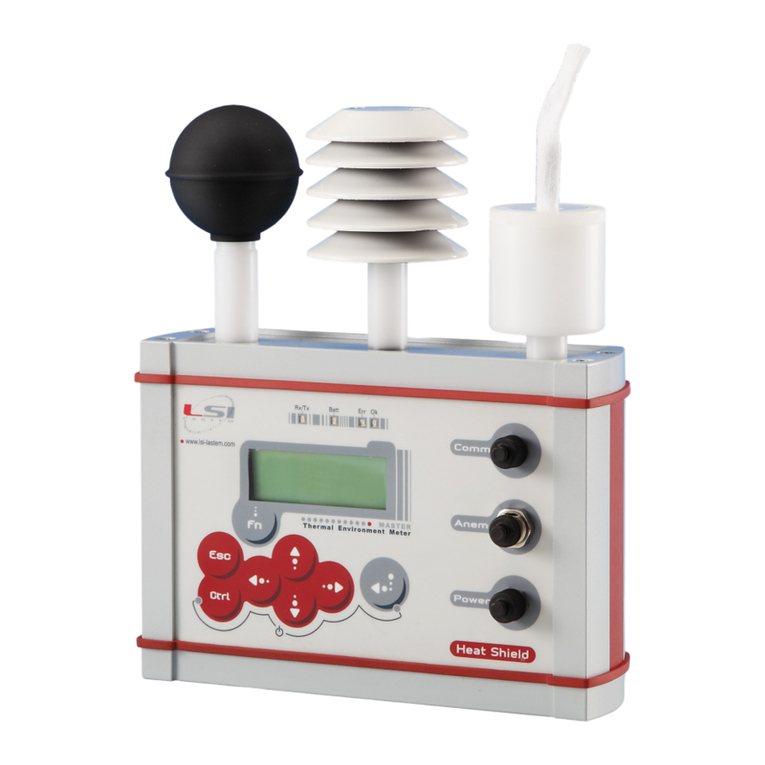
HS Manager is a PC program used to download the stored data and perform data
analysis.
Insta ation
Run Setup and follow its instructions.
During the first run, the program asks to install a new Heat Shield unit.
To recognize the PC port where
the USB adapter is connected. Go
to (Windows) Control Panel-
Device
Manager-
Universal
Serial bus
controller
and look for the COM number of
the USB serial port.
Data down oad
While Heat Shield is connected to PC:
- Select "Communications" from nstrument list.
- Select the instrument serial number and press .
- Select the data limits and select “Download”.
- When finish select “Close”.
Data disp ay
- From the browser, expand “Database”,
select instrument serial number.
- Left key on the mouse to select “Show Data”
- Select data limits and press .
HS MANAGER
Connect Heat Shield base unit to PC
using it cable and USB adapter.
Go to “Communication” and select the
PC port where the USB adapter is
connected.
Select “Go” until the instrument is
found. Select “end” to terminate this
procedure.
1 -
2 -
3 -
Before to start, install the USB
adapter driver in your PC.