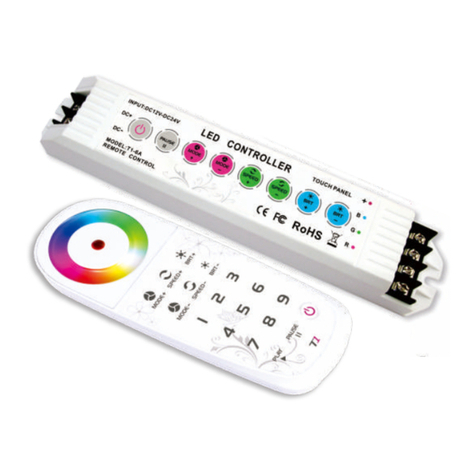
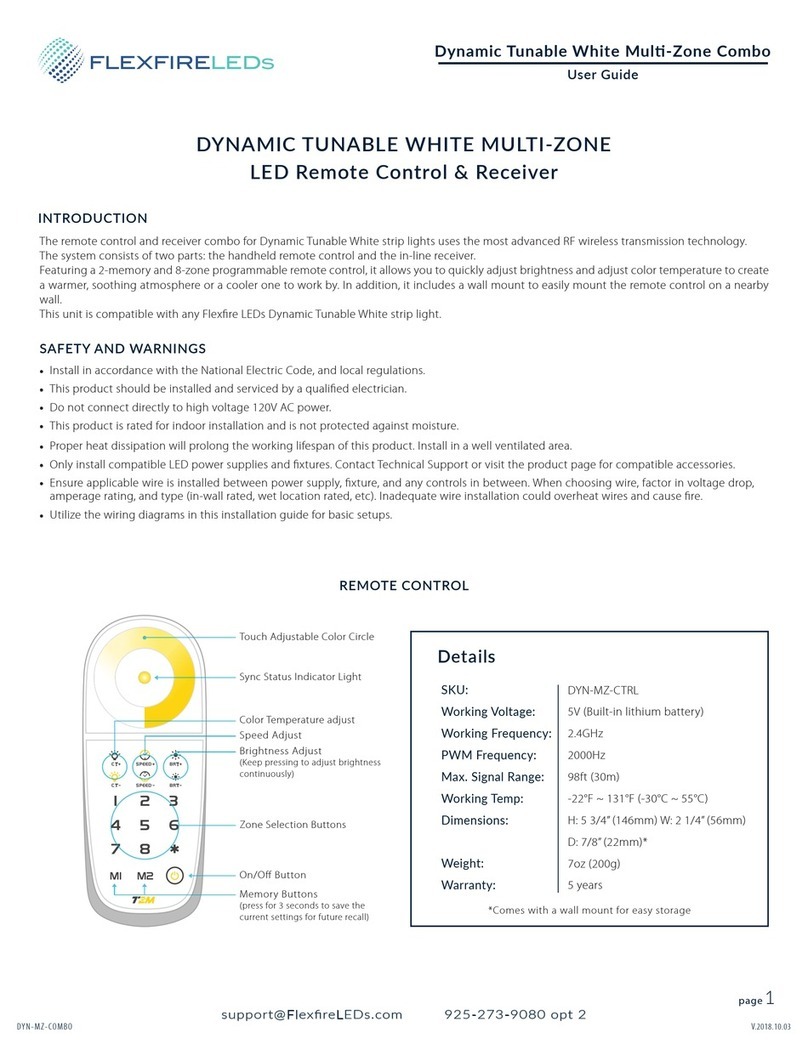
LED Dimming Controller (8 Zones)
T1
LED Dimming Controller
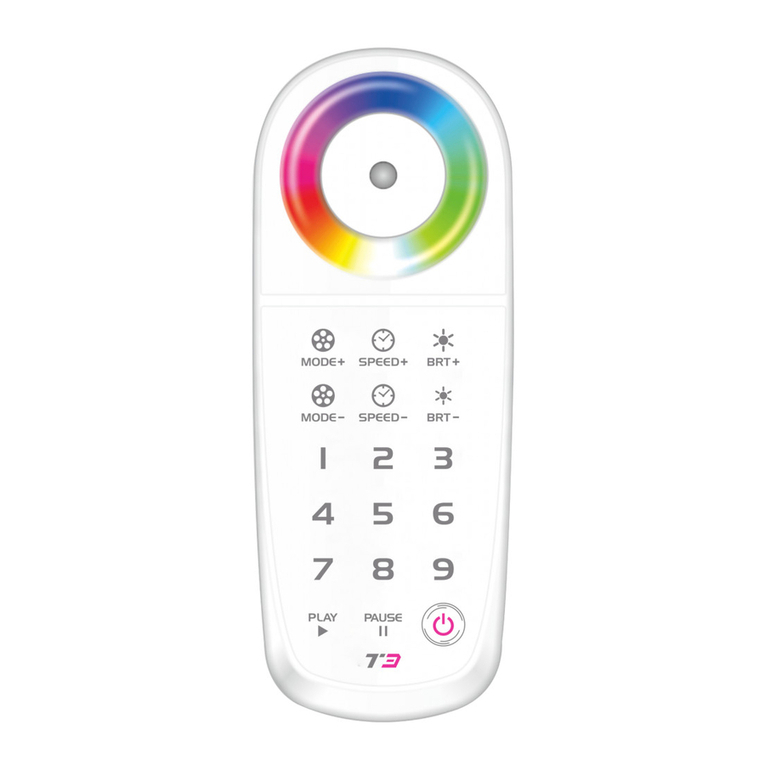
1. Operation Panel and Component Instruction:
On/Off
Touch Color Circle
Brightness
Shortcut Keys
Brightness Keys
Sync Status
Indicator Light
Scene-mode Keys
Zone Selection Keys
●
●
●
●
Select one of the zone: press any key of “1-8" on the remote.
M1 M2
Can RF remote the functions of dimming, quick brightness selection
and DIY and so on. User-friendly color wheel for brightness adjustment,
unique LED state light for sync change indicated, user can simply know
the LED working state from distance by checking the remote control.
Select zone control arbitrarily: press" + any number + ",
eg: take 456 as a zone, should press " 456 ".
All choose (8 zones): press " " twice.
When a zone is under inactive state, press the corresponding zone
No. to light up that zone.
Buzzer on/off: Press “Zone Selection Key” for 3 seconds.
T1 can realize the signal sync on multiple receivers, zone controlled
arbitrarily (no more than 8 zones) within effective distance, a very good
solution for the LED project needs sync/zone control wirelessly.
T1 remote works with T3-CV, T3-CC receiver.
(Press for 3s to save the scene
mode in the 8 current zone control.)
Zone Control : Instruction
— 6 —