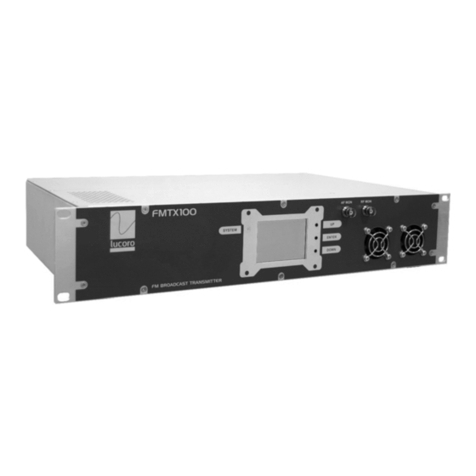
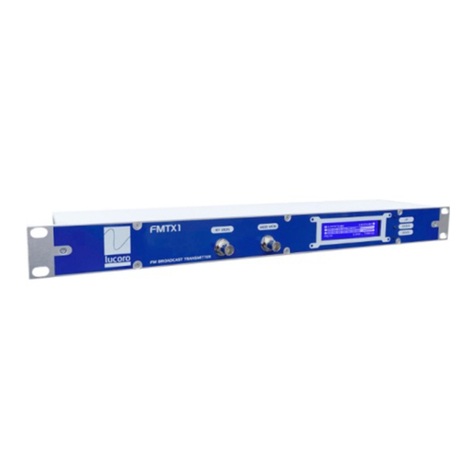
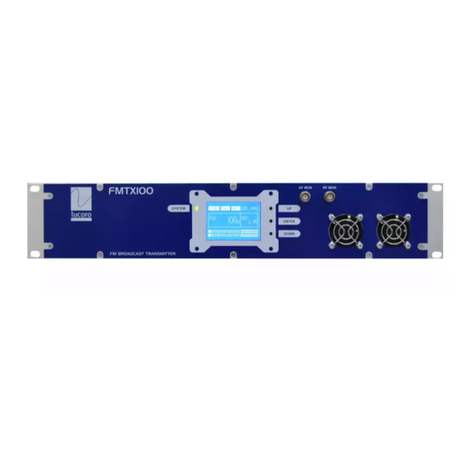
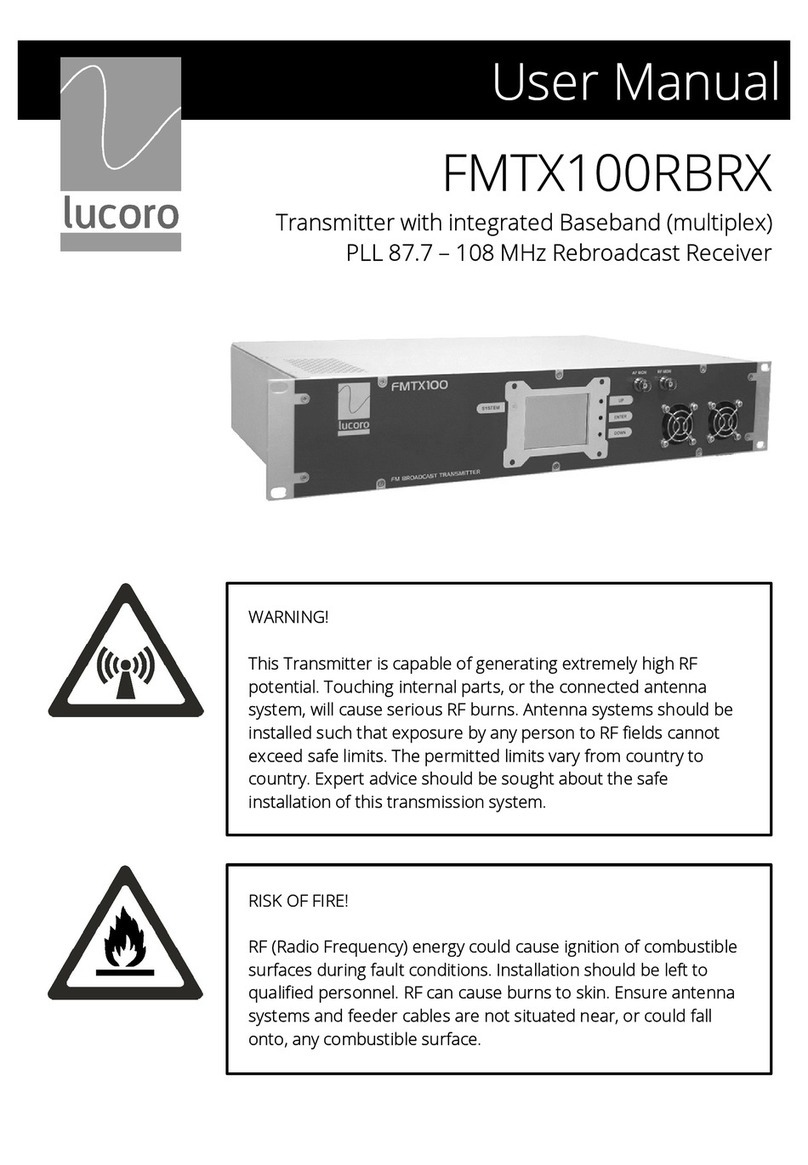
Using the front pane disp ay and buttons, set the desired transmission
frequency.
Power down the unit, wait a few seconds and, whi st pressing
ENTER for 5 seconds, power up the unit. After a short whi e, the
current y set frequency wi appear on the disp ay. Use the UP
and DOWN buttons to se ect the desired frequency. Press
ENTER to store. The new frequency wi f ash rapid y to indicate
that it is now stored. The unit wi begin its boot process and,
after a few seconds the disp ay wi return to norma mode, and
the transmitter wi begin broadcasting.
The factory wi have set the deviation, RDS and pi ot injection eve s.
They shou d need no further adjustment. However, if abso ute y
necessary, these can be changed as fo ows (NOT recommended):
To adjust the deviation eve , use a suitab e trimmer too
carefu y adjust the front pane “DEV ADJ”. This is a sing e turn
contro . The eve can be varied by approximate y ±10%. Pi ot
and RDS subcarrier eve s wi a so change.
To adjust the RDS injection eve , ocate the circuit board
“MPX/RDS” on the inside rear pane . Adjust trimmer “VR1 (RDS)”
to set the desired RDS injection eve . This is a mu titurn contro .
ELECTRIC SHOCK AND RF BURN HAZARD! DISCONNECT THE
POWER BEFORE REMOVING ANY COVERS.
Take GREAT CARE not to adjust any other circuit trimmer
contro s. Even the s ightest adjustment WILL degrade
performance and may cause non-comp iance to broadcast
regu ations.
Connect Left and Right Audio to the rear pane XLR connectors, and
adjust the source eve so that maximum audio peaks register just
be ow the peak section of the front pane audio eve bar graph disp ay.
Use ordinary programme materia , rather than test tones. Ensure the
MPX OUT to MPX IN oop-though patch ead (BNC to BNC) is
connected.
Once a settings are correct, power down the unit. Disconnect the test
oad and connect to the antenna. Power up the unit and increase the
RF Power (using the rear pane RF ADJ contro ) to the desired eve , not
exceeding 100W.