manuals.online logo
Brands
  1. Home
  2. •
  3. Brands
  4. •
  5. Luxor
  6. •
  7. Outdoor Cart
  8. •
  9. Luxor LMC User manual

Luxor LMC User manual

This manual suits for next models

1

Other Luxor Outdoor Cart manuals

Luxor MMC56 User manual

Luxor

Luxor MMC56 User manual

Luxor EA42CE User manual

Luxor

Luxor EA42CE User manual

Luxor FP4000 User manual

Luxor

Luxor FP4000 User manual

Luxor LMC User manual

Luxor

Luxor LMC User manual

Luxor AVJ42KB User manual

Luxor

Luxor AVJ42KB User manual

Luxor AVJ42KB User manual

Luxor

Luxor AVJ42KB User manual

Luxor ECMBSKBC-B User manual

Luxor

Luxor ECMBSKBC-B User manual

Luxor ATV-56 User manual

Luxor

Luxor ATV-56 User manual

Luxor AVJ42XLKB User manual

Luxor

Luxor AVJ42XLKB User manual

Popular Outdoor Cart manuals by other brands

Costway TH10057 manual

Costway

Costway TH10057 manual

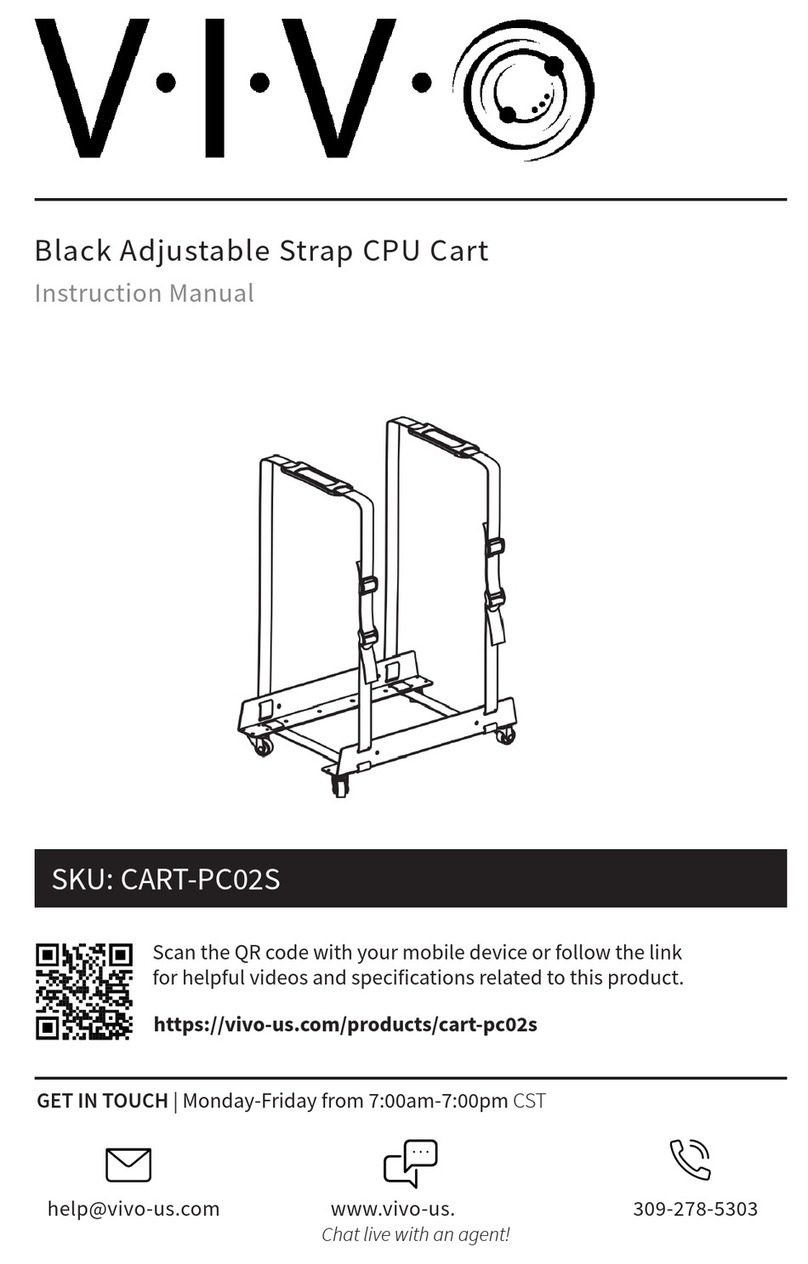
Vivo CART-PC02S instruction manual

Vivo

Vivo CART-PC02S instruction manual

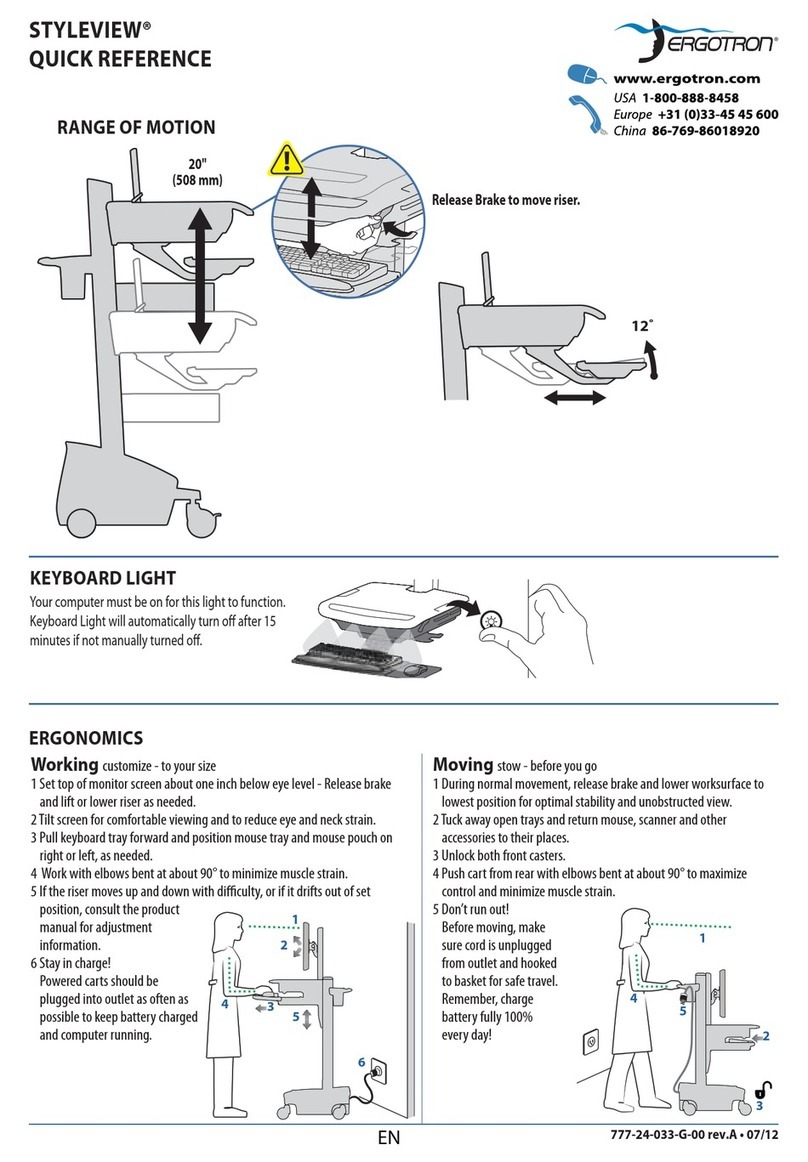
Ergotron STYLEVIEW SV42-3162-1 quick reference

Ergotron

Ergotron STYLEVIEW SV42-3162-1 quick reference

VEVOR SC01 quick start guide

VEVOR

VEVOR SC01 quick start guide

Carts Vermont 20 manual

Carts Vermont

Carts Vermont 20 manual

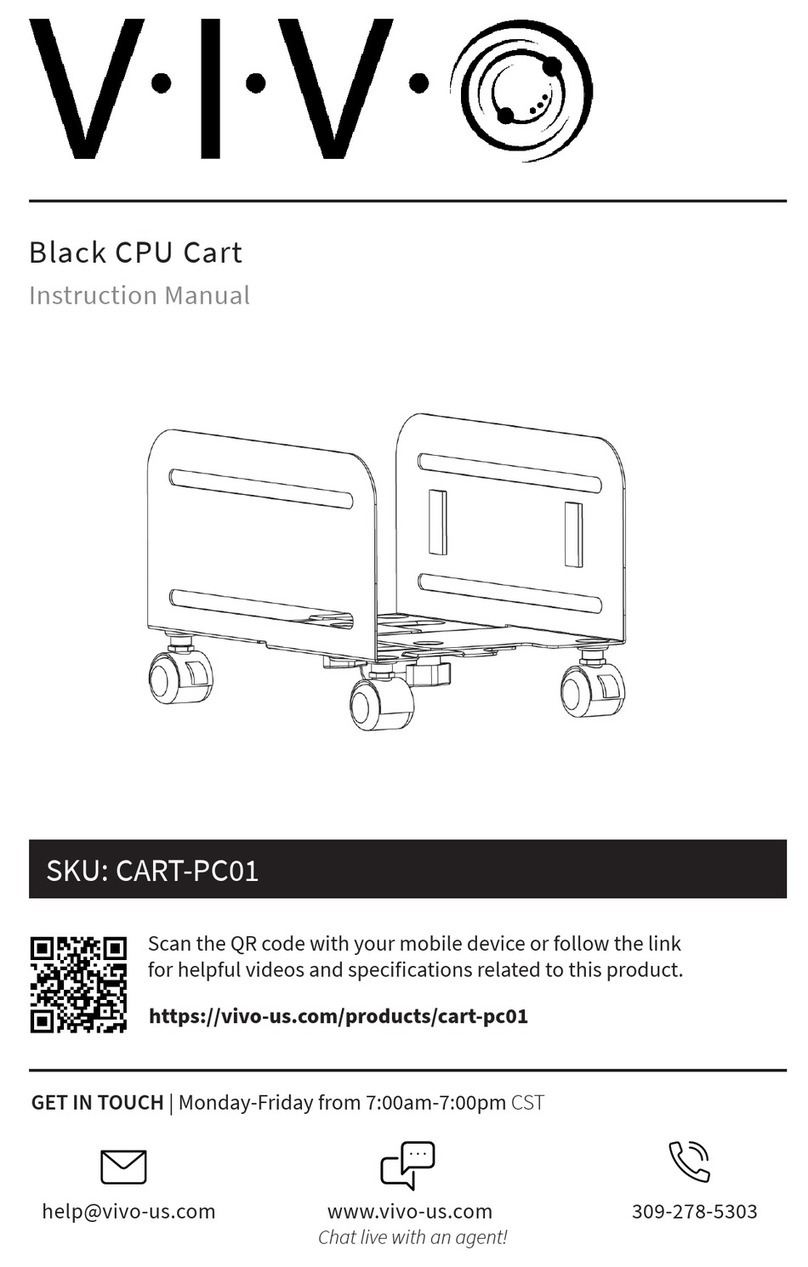
Vivo CART-PC01 instruction manual

Vivo

Vivo CART-PC01 instruction manual

Costway TL0400 user manual

Costway

Costway TL0400 user manual

XPOtool 30261 user manual

XPOtool

XPOtool 30261 user manual

Branick 130 Installation, Operation & Repair Parts Information

Branick

Branick 130 Installation, Operation & Repair Parts Information

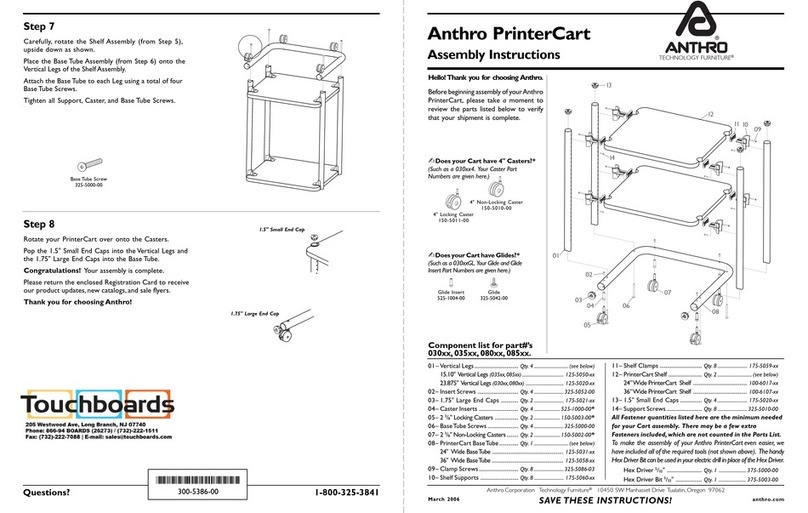
Anthro PrinterCart Assembly instructions

Anthro

Anthro PrinterCart Assembly instructions

Westward 2CZY4 Operating instructions and parts manual

Westward

Westward 2CZY4 Operating instructions and parts manual

Hupfer TTW/V operating instructions

Hupfer

Hupfer TTW/V operating instructions

Gorilla Carts GCR-10P quick start guide

Gorilla Carts

Gorilla Carts GCR-10P quick start guide

Numatic EcoMatic EM-5 Assembly

Numatic

Numatic EcoMatic EM-5 Assembly

Bosch XL-Cart Operating/safety instructions

Bosch

Bosch XL-Cart Operating/safety instructions

Tennsco Modular Cart Top Component Assembly Assembly Instructions/Parts Manual

Tennsco

Tennsco Modular Cart Top Component Assembly Assembly Instructions/Parts Manual

Makita DCU601 instruction manual

Makita

Makita DCU601 instruction manual

Clam POLAR TRAILER HD MAX manual

Clam

Clam POLAR TRAILER HD MAX manual

manuals.online logo
manuals.online logoBrands
  • About & Mission
  • Contact us
  • Privacy Policy
  • Terms and Conditions

Copyright 2025 Manuals.Online. All Rights Reserved.

Instruction Sheet
Model LMC, LMC2
Customer Service Dept
2245 Delany Rd
Waukegan, IL 60087
Ph: 847/244-1800 • 800/323-4656
Fax: 847/244-1818 • 800/327-1698
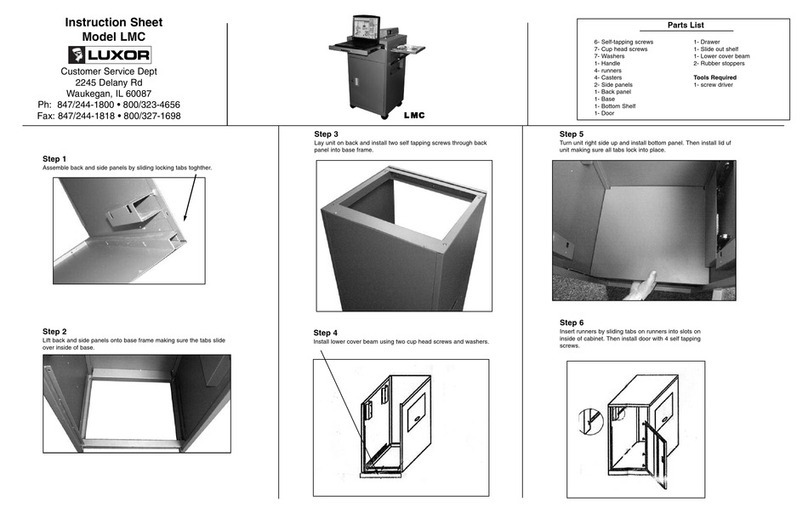
Step 1
Assemble back and side panels by sliding locking tabs together.
Step 3
Lay unit on back and install two self tapping screws through back
panel into base frame.
Step 5
Turn unit right side up and install bottom panel.
Step 6
Install door with 4 self tapping screws.
Step 4
Install lower cover beam using three cup head screws and washers.
8- Self-tapping screws
20- Cup head screws
3- Long pan head phillips screws
23- Washers
1- Handle
2- small screws for handle
4- runners
4- Casters
2- Side panels
1- Back panel
1- Base
1- Bottom Shelf
1- Door
1- Drawer
1- Slide out shelf
1- Lower cover beam
2- Rubber stoppers
LMC2 Only:
1- Inner shelf
4- Self supports
Tools Required
1- screw driver
Parts List
LLMMCCLLMMCC22
Step 2
Lift back and side panels onto base frame making sure the tabs slide
over inside of base.
5Oct07
Step 7
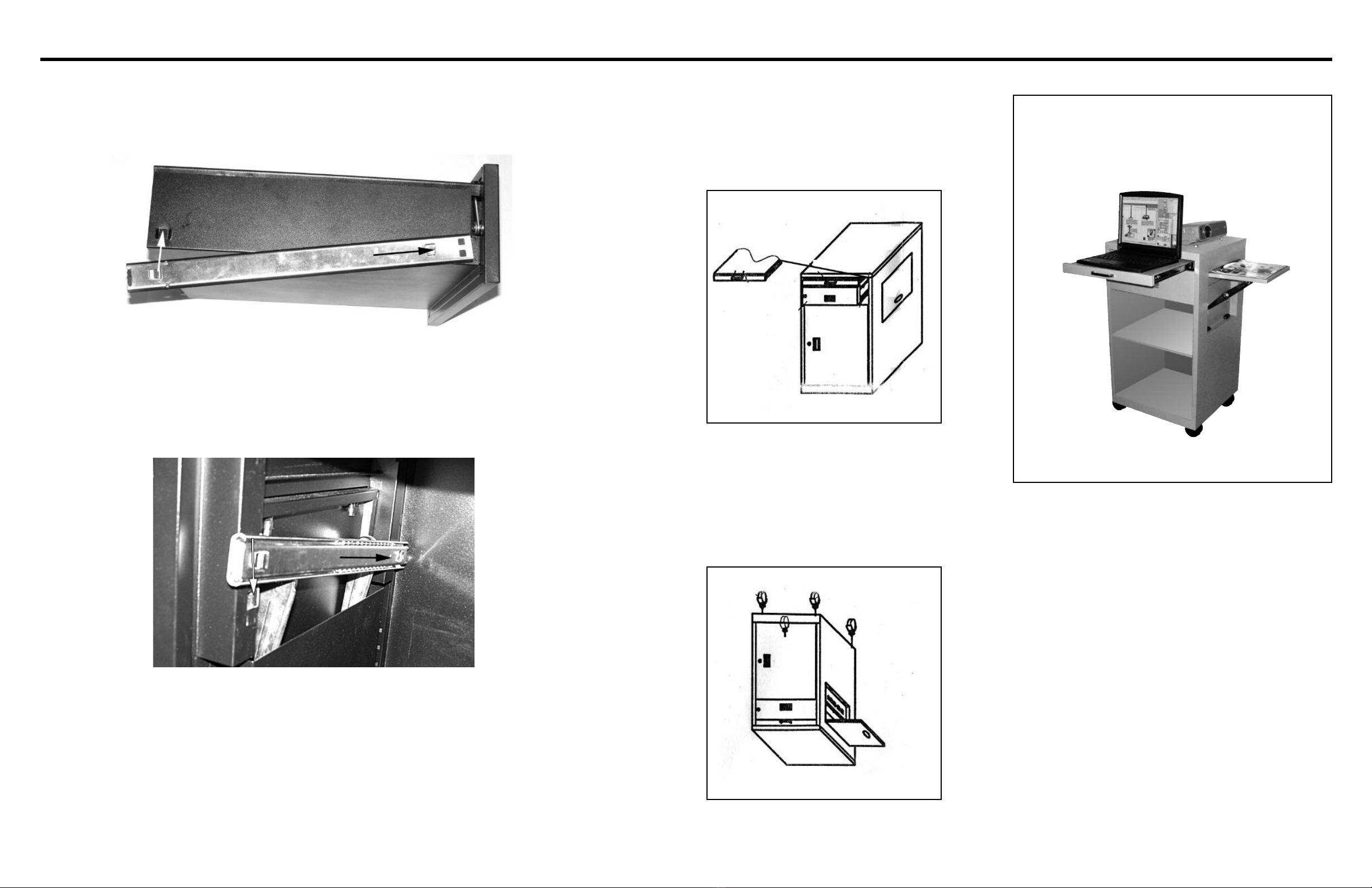
Install drawer with attached runners first following instructions
at left, then install top sliding shelf using same instructions.
After drawer and shelf are in place install top of unit pushing
firmly to lock into place.
When installing runners on drawer and shelf slide horizontal
tab into slot on front of drawer first then push vertical tab
up into place. Tab should only slide up into slot on drawer
(as shown), if the tab is facing down then the runner is on
the wrong side of drawer. Remove and mount on other side.
After runners are installed on drawers mount runners on
slots inside of unit as shown (note: runners should already
be attached to drawer/shelf, the above picture shows runner
without drawer for illustrative purposes). Slide horizontal tab
into slot at back of unit first, then push vertical tab down
into slot at front of unit. If vertical tab is facing up the
runners are on the wrong side of the drawer. Remove and
mount using above instructions.
Step 8
Turn unit upside down and install casters. (casters with
breaks are typically installed on front of unit).
Runner Instructions Step 9 For LMC2 ONLY
Insert shelf holder brackets into tabs at desired height on
inside of unit making sure all tabs are at the same height.
Place shelf inside on brackets.