Marantz PM8005 User manual

Appendix
TipsSettingsPlaybackConnections
Contents
Front panel Rear panel IndexRemote
Owner’s Manual
Integrated Amplier
PM8005
You can print more than one page of a PDF onto a single sheet of paper.

2
Appendix
TipsSettingsPlaybackConnections
Front panel Rear panel IndexRemote
Contents
Accessories························································································ 4
Inserting the batteries ······································································ 5
Operating range of the remote control unit ····································· 5
Features······························································································ 6
High quality sound············································································ 6
High performance ············································································ 7
Easy operation·················································································· 7
Part names and functions
Front panel ························································································ 8
Rear panel························································································ 10
Remote control unit······································································ 12
Amplifier operations ······································································· 12
CD player operations······································································ 13
Network audio player operations ··················································· 14
Connections
Speaker connection ······································································ 16
Connecting the speakers cables ···················································· 16
Speaker A/B connection································································· 17
Bi-wiring connection······································································· 18
Contents
Connecting a playback device ··················································· 19
Connecting a recording device·················································· 20
Connecting amplifiers·································································· 21
Connecting devices with remote control connectors ········ 22
Performing operations by RC on this unit
without visual contact ···································································· 22
Remotely connecting Marantz devices ·········································· 22
Connecting the power cord························································ 23
Playback
Turning the power on····································································· 25
Selecting the speakers for audio output ········································ 26
Selecting the input source ····························································· 26
Adjusting the volume ····································································· 26
Turning o the sound temporarily ·················································· 26
Adjusting the tone·········································································· 26
Playing CDs ···················································································· 27
Recording ······················································································· 28

3
Appendix
TipsSettingsPlaybackConnections
Front panel Rear panel IndexRemote
Contents
Settings
Setting the Auto Standby mode··············································· 30
Turning Auto Standby mode o ····················································· 30
Turning Auto Standby mode on ····················································· 30
Setting the power amp direct mode ······································· 31
Turning power amp direct mode on··············································· 31
Turning power amp direct mode o··············································· 31
Tips
Contents··························································································· 32
Tips································································································· 33
Troubleshooting ············································································· 34
Appendix
Explanation terms············································································ 39
Trademark information···································································· 39
Specifications ··················································································· 40
Index ·································································································· 42

4
Appendix
TipsSettingsPlaybackConnections
Contents
Front panel Rear panel IndexRemote
Accessories
Check that the following parts are supplied with the product.
qGetting Started wCD-ROM (Owner’s Manual) eSafety Instructions rPower cord
tRemote control unit
(RC002PMSA)
yR03/AAA batteries
Thank you for purchasing this Marantz product. To ensure proper operation, please read this owner’s manual carefully before using the product.
After reading this manual, be sure to keep it for future reference.

5
Appendix
TipsSettingsPlaybackConnections
Contents
Front panel Rear panel IndexRemote
Inserting the batteries
qRemove the rear lid in the direction of
the arrow and remove it.
wLoad the two batteries properly as
indicated by the qand wmarks in the
battery compartment.
R03/AAA
batteries
ePut the rear cover back on.
NOTE
•When inserting the batteries, be sure to do so in the proper direction, following the
qand wmarks in the battery compartment.
•To prevent damage or leakage of battery fluid:
•Do not use a new battery together with an old one.
•Do not use two dierent types of batteries.
•Remove the batteries from the remote control unit if it will not be in use for long
periods.
•If the battery fluid should leak, carefully wipe the fluid o the inside of the battery
compartment and insert new batteries.
Operating range of the remote control unit
Point the remote control unit at the remote sensor when operating it.
30°30°
Approx. 7 m

6
Appendix
TipsSettingsPlaybackConnections
Contents
Front panel Rear panel IndexRemote
High quality sound
•All-discrete current-feedback amplifier
Marantz proprietary current-feedback circuit, using discrete components,
is adopted in the pre-amplifier and power amplifier. It is a high-speed
amplifier using the latest technology developed for the higher-grade
amplifiers.
•HDAM®SA3 Module
This unit includes the HDAM®SA3 which had been developed for high-
end models. The HDAM®SA3 is incorporated into many components,
such as the current feedback phono equalizer.
•Improved momentary current supply ability
It is generally known that the sound quality is not necessarily the same
even if amplifiers have the same specifiations. Marantz considers the
cause to be the power to drive speakers. The power amplifier of this unit
has the ability to momentarily supply current of 45 A or more to drive
speakers strongly.
•Short-power-line layout
For strong momentary current supply, a short power-line layout unifies
the power circuit and output stage of the power amplifier section.
This layout allows connecting the large-current lines via the shortest
route while to arranging the left and right channels symmetrically.
•CD direct buer amplifier
An input buer amplifier exclusive for CD is mounted near the CD
input jacks. This is a high-speed buer amplifier made with discrete
components, which avoids interference between right and left channels
and can send the signals to the pre-amplifier with very high fidelity.
•All-Discrete current-feedback phono equalizer
As a phono equalizer amplifier for MM cartridges, a constant current-
feedback PHONO equalizer of quality equal to that of the higher-grade
model is used.
Features

7
Appendix
TipsSettingsPlaybackConnections
Contents
Front panel Rear panel IndexRemote
•Double-shielded triodal transformer
The unit is equipped with a toroidal power transformer to minimize
vibration and leakage flux specific to the transformer. Especially to
reduce leakage flux, which aects sound quality, the periphery is double-
shielded, using a core ring and a short ring.
•Block condenser of large capacity
The unit is equipped with a newly developed 18000 μF large capacity
condenser that incorporates the concepts of high-end devices into the
power amplifier power circuit.
•Two-sets of speaker output terminals
In addition to using two sets of speakers (Speakers A and Speakers B),
you can connect to bi-wiring speakers with separate input terminals
for high range and low range (vpage 18). The unit adopts screw
terminals that can connect thick audio cables.
High performance
•Tri-tone control
This unit is equipped with a tone control function that enables adjustment
of the strength of the mid range as well as the low and high ranges
(vpage26).
•Power Amplifier Direct In Mode
In this mode, this unit works as a power amplifier. This mode will be
useful in home theater systems.
Easy operation
•Remote control compatible with CD players and network audio
players
The remote control provided with this unit can control Marantz CD
players and network audio players in addition to this unit (vpage13).

8
Appendix
TipsSettingsPlaybackConnections
Contents
Front panel Rear panel IndexRemote
Front panel
rioQ0 Q1
yu
tw e
q
Q4 Q3 Q2Q5
Part names and functions
qPower indicator
This is lit as follows according to the power status :
•Power on : O
•Standby : Red
•Power o : O
•When the protection circuit is activated : Red (blinking)
wPower operation button (X)
This turns the power on/o (vpage25).
eHeadphone jack (PHONES)
Used to connect headphones.
Turn o speaker output when using headphones (vpage26).
NOTE
•To prevent hearing loss, do not raise the volume level excessively when using
headphones.

9
Appendix
TipsSettingsPlaybackConnections
Contents
Front panel Rear panel IndexRemote
Q4 Q3 Q2Q5
r i o Q0 Q1y ut
rBASS control knob
This adjusts the bass (vpage26).
tSpeaker switching buttons/indicators (SPEAKERS A/B)
These select the speaker for audio output (vpage26).
yMID control knob
This adjusts the mid (vpage26).
uPower amplifier direct mode button/indicator
(POWER AMP DIRECT)
This switches the power amp direct mode on/o (vpage31).
iTREBLE control knob
This adjusts the treble (vpage26).
oSOURCE DIRECT button/indicator
This turns SOURCE DIRECT mode on/o (vpage27, 30).
Q0 BALANCE control knob
This adjusts the balance of the volume output from the left and right
speakers (vpage26).
Q1 Remote control sensor
This receives signals from the remote control unit (vpage5).
Q2 VOLUME control knob
This adjusts the volume level (vpage26).
Q3 MUTE indicator
This lights while the sound is muted (vpage26).
Q4 Input indicator (vpage26)
Q5 Input source select knob (INPUT SELECTOR)
This selects the input source (vpage26).
NOTE
•r, y, iand Q0 can be adjusted when ois o (SOURCE DIRECT mode is o).

10
Appendix
TipsSettingsPlaybackConnections
Contents
Front panel Rear panel IndexRemote
Rear panel
u i
Q0Q1Q2Q3 o
yrewq t
qCD input connectors
Used to connect a CD player (vpage19).
wNetwork audio player input connectors (NETWORK)
Used to connect a network audio player (vpage19).
eAUX input connectors
Used to connect a player (vpage19).
rTuner input connectors (TUNER)
Used to connect a tuner (vpage19).
tRecorder input connectors (RECORDER)
Used to connect the output connector of a recorder (vpage20).
yRecorder output connectors (RECORDER)
Used to connect the input connector of a recorder (vpage20).
uSpeaker system terminals (SPEAKERS)
Used to connect speakers (vpage16).
Other manuals for PM8005
3
Table of contents
Other Marantz Amplifier manuals

Marantz
Marantz PM8004/K1SG User manual

Marantz
Marantz PM6006 User manual
Marantz
Marantz PM5004 User manual

Marantz
Marantz PM7001KI User manual
Marantz
Marantz 250 User manual
Marantz
Marantz 1060 User manual

Marantz
Marantz SR8012 User manual

Marantz
Marantz PM243 User manual
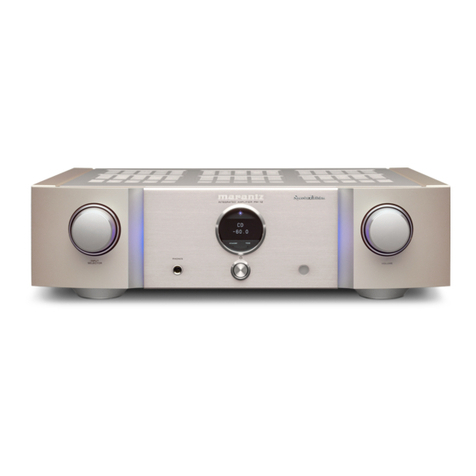
Marantz
Marantz PM-12 SE User manual
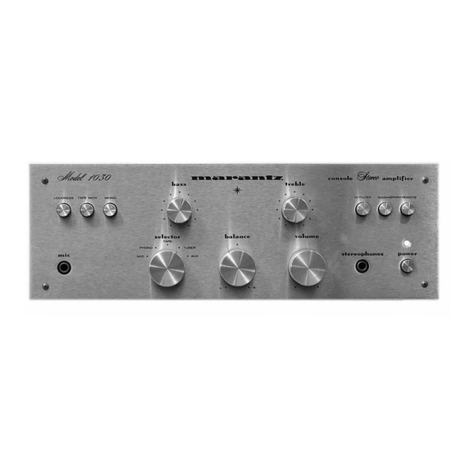
Marantz
Marantz 1030 User manual

Marantz
Marantz SM6100SA User manual
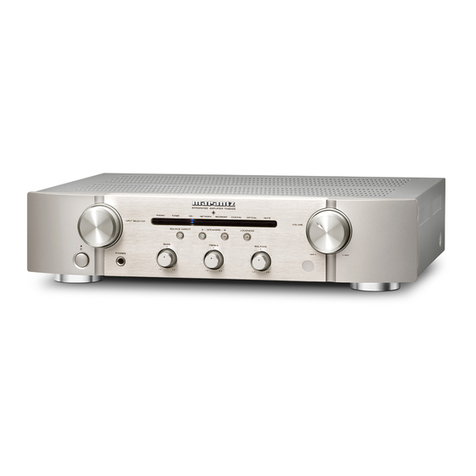
Marantz
Marantz PM6004/N1SG User manual

Marantz
Marantz 74 PM52/00B User manual
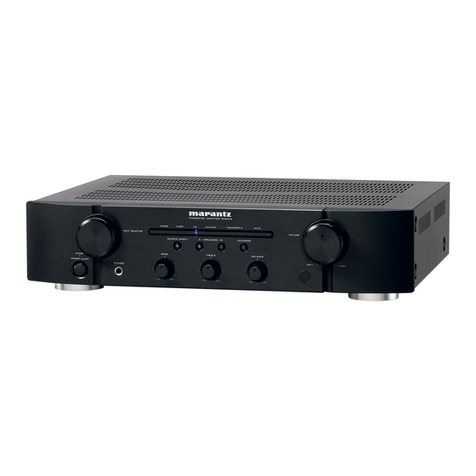
Marantz
Marantz PM5003 User manual
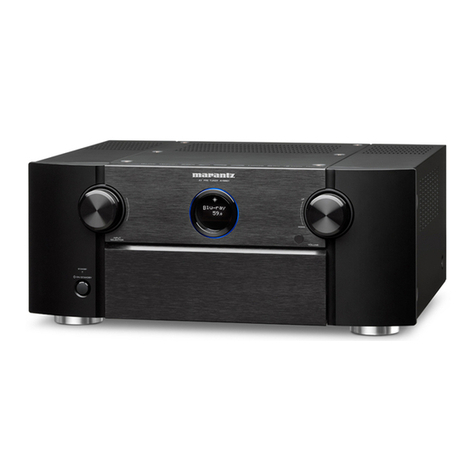
Marantz
Marantz AV8801 User manual

Marantz
Marantz PM140 User manual

Marantz
Marantz PM-10 User manual
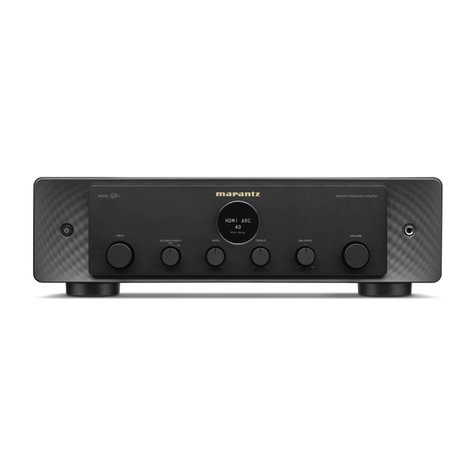
Marantz
Marantz 40n User manual
Marantz
Marantz 541110491028M User manual
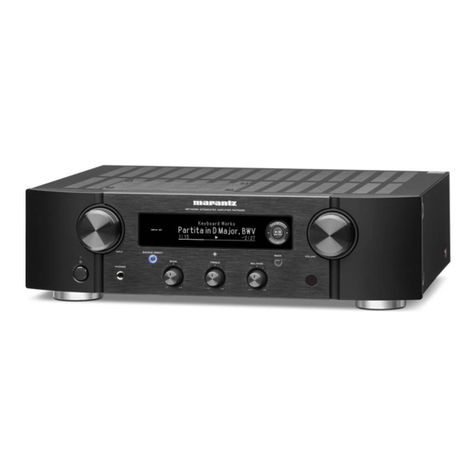
Marantz
Marantz PM700N User manual