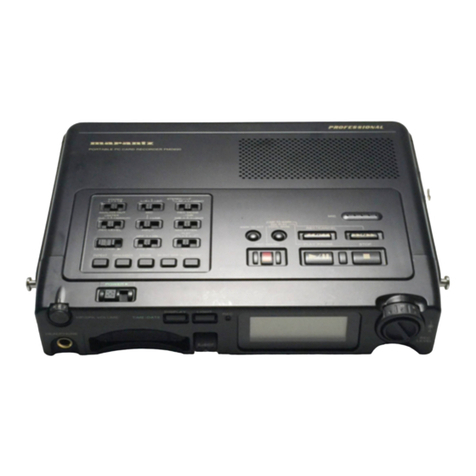
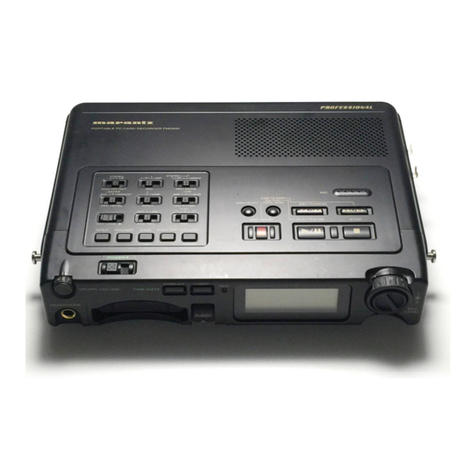
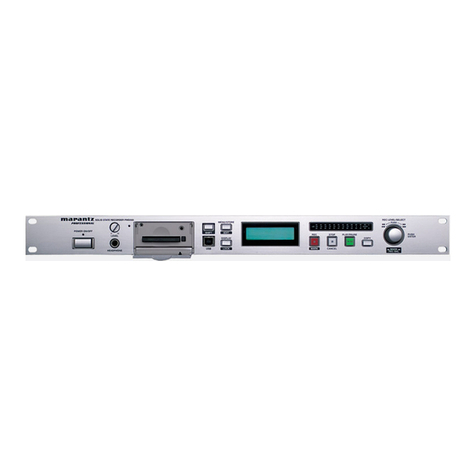
marantz
PROFESSIONAL
Compact Flash Card
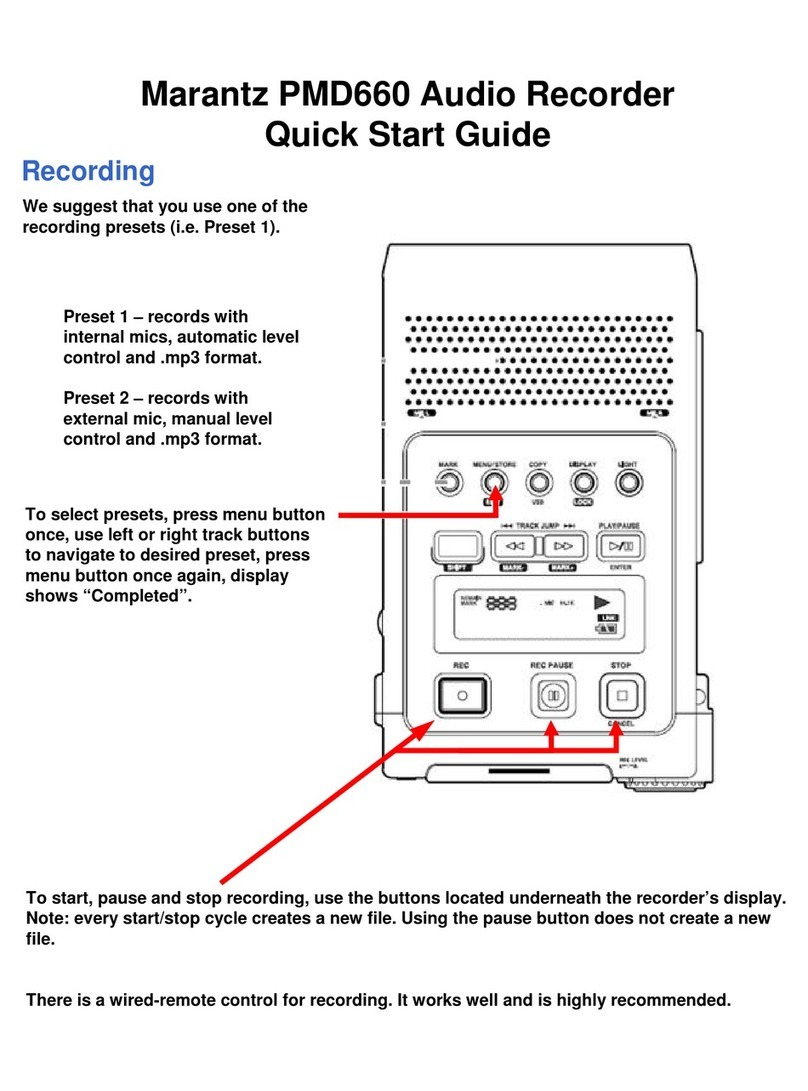
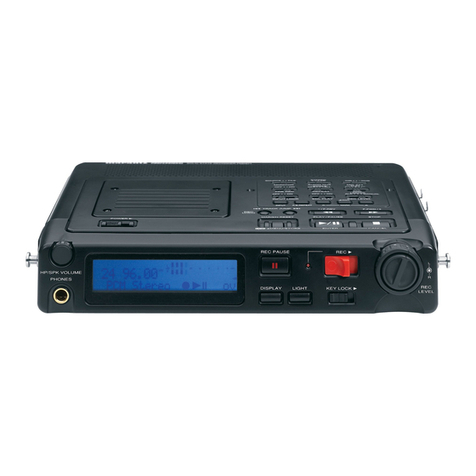
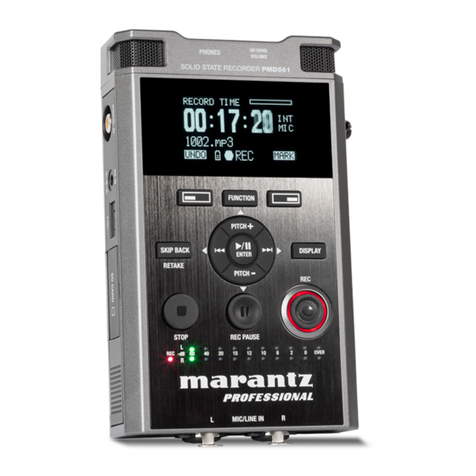
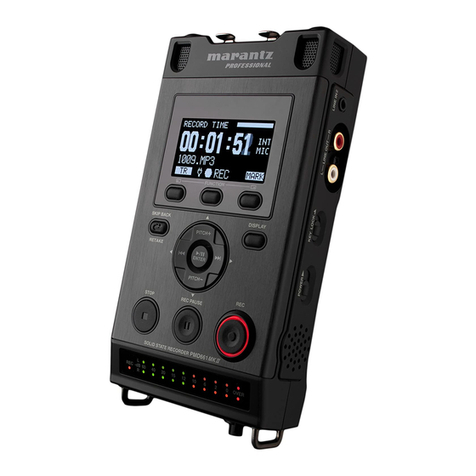
The PMD660 records directly onto a Compact Flash card (CF), which range in size from
1 GB to 8 GB and are very affordable.
Format the Compact Flash Card
If the CF card is formatted other than FAT16 or FAT32, reformat in your computer.
✳ While in stop, push and hold the SHIFT button then push the MENU/STORE
EDIT button. “Trk Erase” will appear in the display.
✳ Push the arrow button until “Format” is displayed.
✳ Push the ENTER button. The display switches to “OK”.
✳ Push the ENTER button. “Executing” will be displayed.
✳ When finished, “Completed” will be displayed.”
Recording
✳ Press the record button.
✳ To stop recording press the stop/cancel button.
✳ Press the record button again to create an additional track while recording.
✳ To adjust input levels, use the dial on the bottom of the PMD660. The levels
will be indicated by the lights.
✳ To skip between recorded tracks use the track/jump buttons.
✳ Holding down the button during playback will double playback speed.
✳ If held down during pause the speed will increase by 10, after 3 seconds it will
increase 140 times.
To create an Edit Decision List (EDL)
✳ Press the mark button during pause, recording, or playback.
✳ To switch between EDL marks, hold down the shift button while pressing
the mark button.
Playback
Procedures
✳ Turn On, Push PLAY/PAUSE button. PLAY indicator will be lit. Push the PLAY/
PAUSE button again to pause, and push the STOP button to stop.
✳ Track Jumping: During playback push the track jump arrows to move to the next
track.
✳ Search: During playback: pause, push and hold the track jump arrows to rewind
or fast forward. This will rewind or fastforward at 10X the speed for three seconds, then
automatically speeds up to 140x speed.
✳ Audio Outputs for playback: Using the Output Menu select either SP/HP
(PHONES jack) or the LINE (line out) jacks. You are not able to use the LINE
OUT and the SP/HP simultaneously.