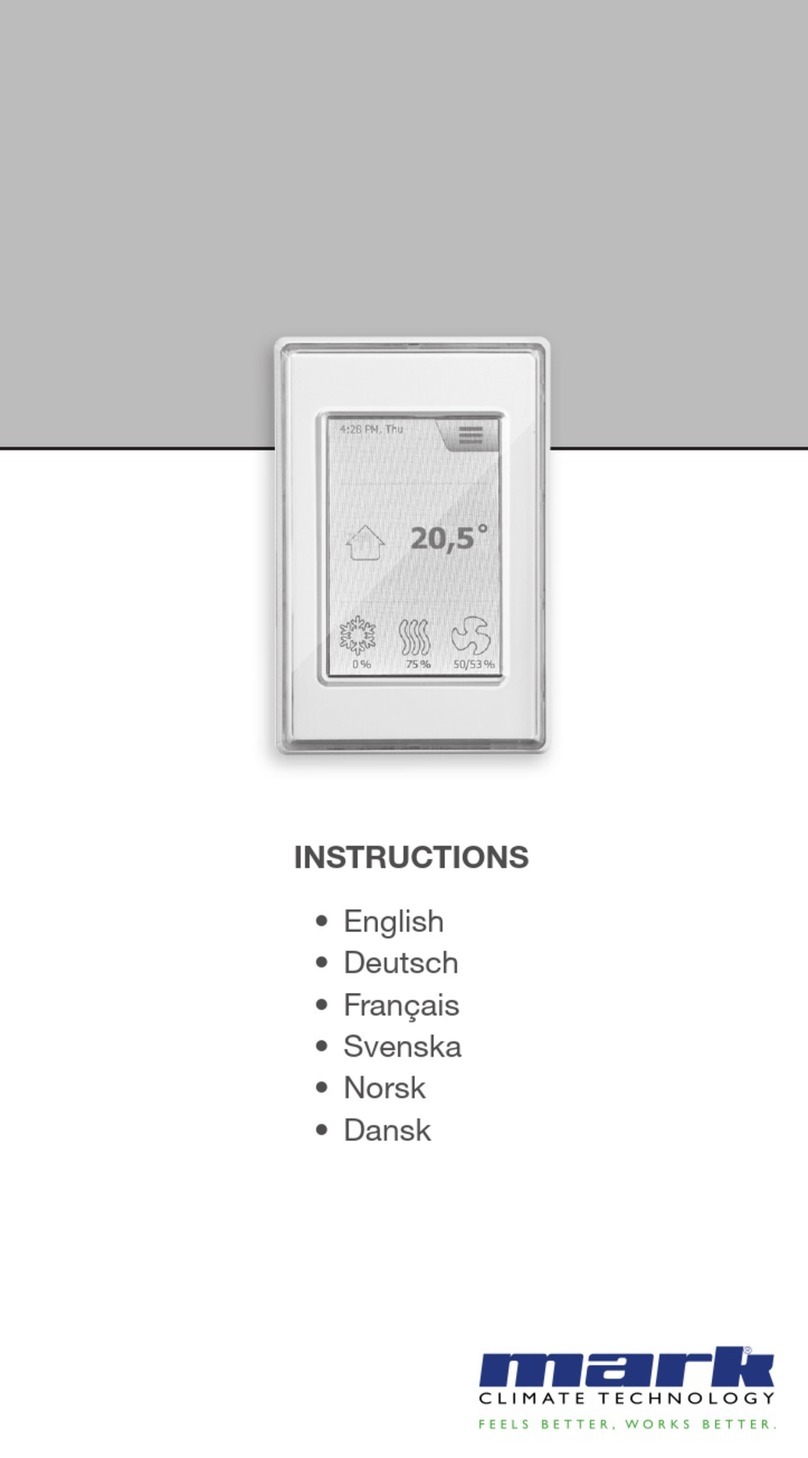
Mark Infra zone control User manual

Technical manual
Technisches Handbuch
Livret technique
Technisch boek
EN
DE
FR
MARK INFRA ZONE CONTROL
0664015_R02
NL

2

3
Read through this document before you
begin installation and commissioning
Warning!
Incorrect installation, adjustment, alteration, repair or maintenance work may lead to material
damage or injury. All work must be carried out by certied, qualied professionals. If the
appliance is not positioned in accordance with the instructions, the warranty shall be rendered
void. This appliance is not intended for use by children or persons with a physical, sensory or
mental handicap, or who lack the required experience or expertise, unless they are supervised or
have been instructed in the use of the appliance by somebody who is responsible for their safety.
Children must be supervised to ensure that they do not play with the appliance.
1.0 General
1.1 Subjecttomodication
The manufacturer is continuously striving to improve its products and reserves the right to make
changes in the specications without prior notice. The technical details are assumed to be correct,
but do not form the basis for a contract or guarantee. All orders are accepted on the standard
terms of our general conditions of sale and delivery (available on request).
1.2 Generalwarnings
Installation must meet the current local and/or national regulations. The Infra zone control must
therefore be installed by a competent and qualied tter, in compliance with the national and
international legislation. In the event of faulty installation, calibration, modication, maintenance or
repair, the guarantee shall cease to apply.
2.0 Technicalspecications
2.1 TechnicaldetailsInfrazonecontrol
• Delivery: Control panel with external display
• Dimensions external display (wxhxd): 160x98x43mm
• Dimensions switchbox (wxhxd): 376 x 300 x 120mm
• Weight switchbox: 4800 gram
• Weight display: 206 gram
• Protection class: IP20
• Mounting of display: built-in / wall installation
• Mounting of switchbox: built-on / wall mounting
• Number of zones: 3
• Number of Infra’s per zone: 6
• Temperature range: 2…40°C per 0,5°C.
• Operating options: Auto, continuous day, continuous night or continuous off
• Day-/night temperature monitoring with reading of the actual room temperature on the display
• Automatic switching between summer/winter time.
• Control: on/off, high/low or modulating
EN

4
• High/low control: Auto 1, 2 or 3K
• Time switch with week program (7 switch blocks)
• Overtime timer: 0-180 min. per zone
• Signaling of burner malfunction
• Reset option to release a burner malfunction per zone
• PIN security to modify for example switching times and temperatures
• Languages: English, French, German and Dutch
• Calibration temperature sensor: range from -3°C to +3°C per 0,5°C
• Power: 230Vac / 50Hz.
• Modbus TCP/IP
• Embedded webserver
2.2 Technicaldetailsforexternalglobesensor
• Type name : RSTF PT1000
• Article code : 06 29 082
• Resistance : PT1000
• Dimensions (wxhxd) : 85 x 85 x 27mm (40 mm incl. height external globe sensor)
• Weight : 42 gram
• Electrical connection : 0.14-1.5mm²
• Degree of protection : IP30
2.3 Externalglobesensorresistancetable
PT1000
°C Ω°C Ω°C Ω
- 50 803 + 20 1078 + 90 1347
- 40 843 + 30 1117 + 100 1385
- 30 882 + 40 1155 + 110 1423
- 20 922 + 50 1194 + 120 1461
- 10 961 + 60 1232 + 130 1498
0 1000 + 70 1271 + 140 1536
+ 10 1039 + 80 1309 + 150 1573
2.4 FactorysettingsZoneControlInfra
• Menu code : 1000
• Switching times : Block 1 MA, DI, WO, DO, VR 08:00-17:00 hrs
Block 2-7 off
• Room temperature : Day-time temperature 18°C
Night-time temperature 08°C
• Calibration : +0.0

5
3.0 Installation
3.1 General
The Infra zone control exists of:
- A control box with in it connection terminals and controller;
- An external display to operate the controller;
- External globe sensor(s)
Control box Display Wall mounting plate External globe sensor
3003795 0629082
After unpacking, check the Infra zone control and (if ordered) external globe sensor for damage.
Check for correctness of the type/model and voltage.
3.2 MountingInfrazonecontrol
Determine an appropriate place to mount the Infra zone control (control box, external display and
external globe sensor).
Place the external globe sensor in a draft-free area, within sight of the unit at a height of approx.
1,5 meter from the oor. Connect the sensor to the appropriate terminals in the Infra zone
control. See table on the next page for the correct cable diameter.
EN

6
Make sure the power is off before connecting the wiring. If this is not the case, the power must
be turned off before proceeding. When switching off the power of the device the technical book/
operation manual should be taken into account.
Connect the Infra zone control according to the electrical diagram at the end of this chapter.
Diameter Length
0.8mm2 80 meter
1.0mm2 100 meter It is recommended that a protected cable is used here.
1.5mm2150 meter
3.3 Checkconnectioncontrolleranddisplay
When the display and controller are connected properly through CAN-bus connections, the
lowest green LED will blink.

7
4.0 Operation and display
4.1 Operation
Buttons
• Scroll up
• Return to last page
• Increase value / edit setting
• Go to next
• Scroll down
• Go to next page
• Decrease value / edit setting
• Go to last
• Scroll down
• Go to next level/menu/edit mode
(open folder, subfolder, parameter setting)
• Open and conrm setting/parameter setting
• Conrm the change/setting.
• Move cursor to the right in edit mode
• Exit menu page / go back to last menu
• Move cursor to the left in edit mode
• (Press and hold) Leave editing mode without
making changes
LED LED green / orange / red
In case the red LED is lighting, it means an
Infra heater is in fault condition. Through the
display it can be seen in which zone this is.
EN

8
4.2 Menustructure
On: ame
Off: no ame
####: No sensor connected. 13.6 ºC: Measured
temperature.
8.0 ºC: Setpoint.
Set the desired day temperature, night temperature, calibration, modulating control, high/low
control for each zone seperately.
Clock program
Set the clock program for each zone.
It is possible to control 3 zones and have 7 timing functions per day.
Select the days, start and end times.

9
Operating mode
Set-up for operating mode for each zone
- auto (clock program will be followed),
- continuous day,
- continuous night,
- out
System menu
In this menu the date/time, language, IP address and password can be changed.
The software version can be requested.
Zone description
To name each zone differently instead of standard: zone 1, zone 2, zone 3.
4.3 Systemmenu
System menu
In this menu the date/time, language, IP address and password can be changed.
The software version can be requested.
Date/time
Set-up of actual date and time.
EN

10
Language
Set-up for desired language (English, Nederlands, Français, Deutsch).
IP address
Set-up IP-address and Subnetmask
Note:After saving the IP address the controller will restart.
Change password
Set-up for changing the password to get access to the menu or to the webpage (standard
password is: 1000).
Software version
The actual software version.
This manual suits for next models
1
Table of contents
Languages:
Other Mark Control Panel manuals