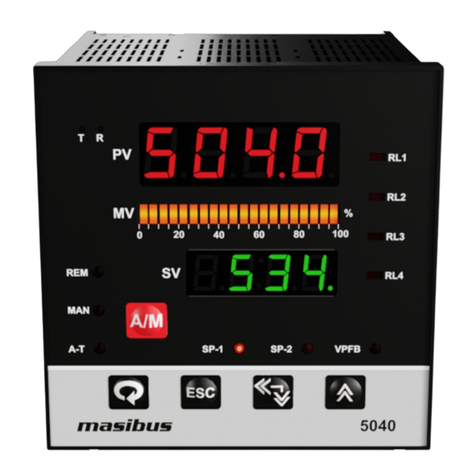
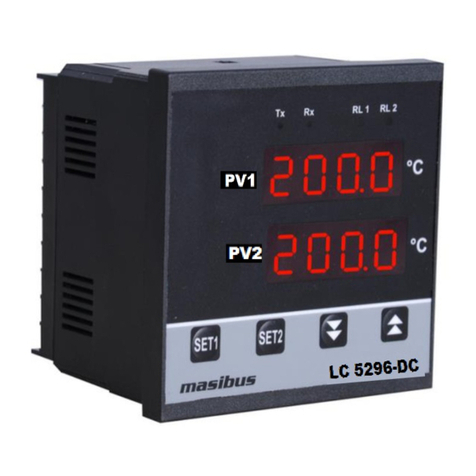
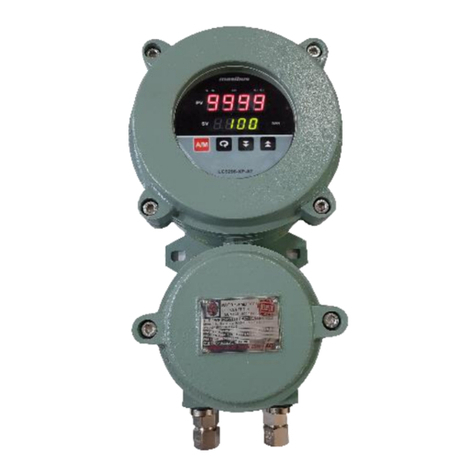
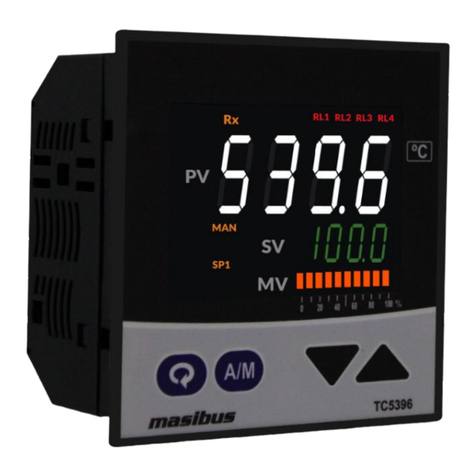
Model: LC5296-AT /LC5248E-AT/LC5296V-AT masibus
Doc. Ref. no. : - m61C/om/301
Issue no. 13
User’s Manual Page 2 of 44
Contents
1. INTRODUCTION........................................................................................................................... 4
Foreword ........................................................................................................ 4
Notice ............................................................................................................ 4
Trademarks .................................................................................................... 4
Checking the Contents of the Package ................................................................ 4
List of Accessories ........................................................................................... 4
Safety Precautions ........................................................................................... 4
2. SPECIFICATIONS......................................................................................................................... 6
2.1 Inputs....................................................................................................... 6
2.2 Display& Keys............................................................................................ 6
2.3 Output Types............................................................................................. 7
2.4 Communication Details ............................................................................... 8
2.5 Power Supply............................................................................................. 8
2.6 Environmental Conditions............................................................................ 9
3. PHYSICAL SPECIFICATIONS &MOUNTING DETAILS....................................................... 9
3.1 LC5296-AT ................................................................................................ 9
3.3 LC5248E-AT .............................................................................................. 9
3.4 LC5296V-AT ............................................................................................ 10
4. TERMINAL CONNECTIONS ....................................................................................................11
4.1 LC5296-AT .............................................................................................. 11
4.3 LC5248E-AT ............................................................................................ 12
4.4 LC5296V-AT ......................................................................................... 12
4.4 How to connect wires................................................................................ 13
5. FRONT PANEL DETAILS ........................................................................................................14
5.1 Front Panel Description of LC5296-AT ......................................................... 14
5.3 Front Panel Description of LC5248E-AT/LC5296V-AT..................................... 15
6. MENU LAYOUT ..........................................................................................................................17
6.1 Menu Layout for LC5296-AT ...................................................................... 17
6.2 Menu Layout for LC5248E-AT/LC5296V-AT .................................................. 19
6.3 RUN Time Indication/Function.................................................................... 21
6.4 Set Point Setting ...................................................................................... 21
6.5 AUTO TUNE MODE.................................................................................... 21
6.6 CONFIGURATION MODE ............................................................................ 22
6.7 CALIBRATIONMODE.................................................................................. 26