manuals.online logo
Brands
  1. Home
  2. •
  3. Brands
  4. •
  5. Massoth
  6. •
  7. Tools
  8. •
  9. Massoth 8410 Series Manual

Massoth 8410 Series Manual

Popular Tools manuals by other brands

AGI Westfield MKX16 Assembly manual

AGI

AGI Westfield MKX16 Assembly manual

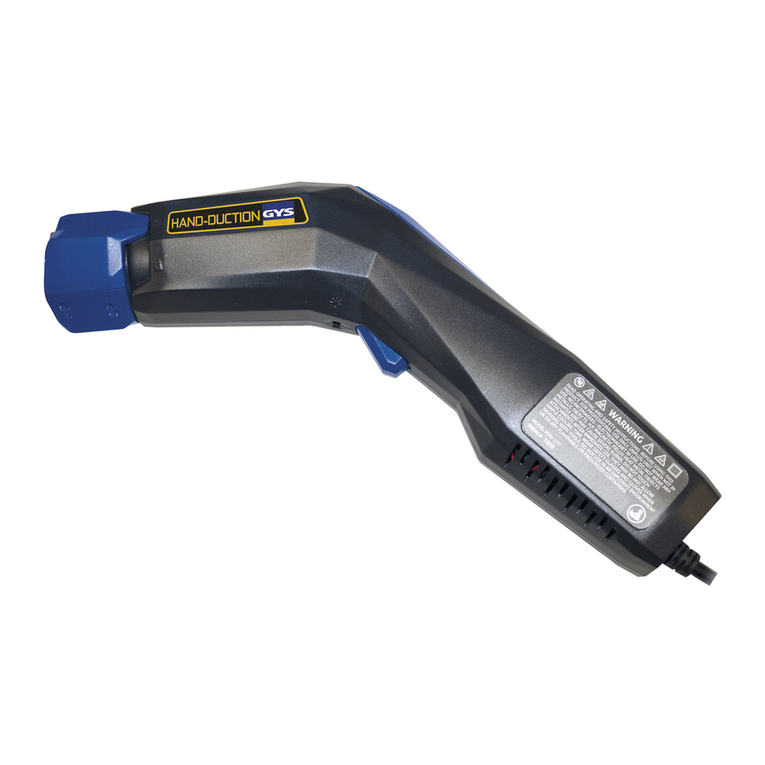
GYS HAND-DUCTION 056923 Translation of the original instructions

GYS

GYS HAND-DUCTION 056923 Translation of the original instructions

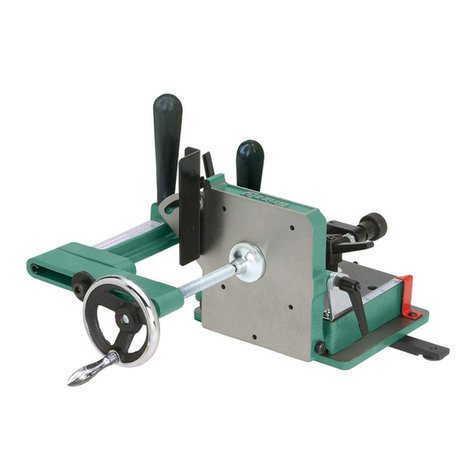
Grizzly H7583 instruction manual

Grizzly

Grizzly H7583 instruction manual

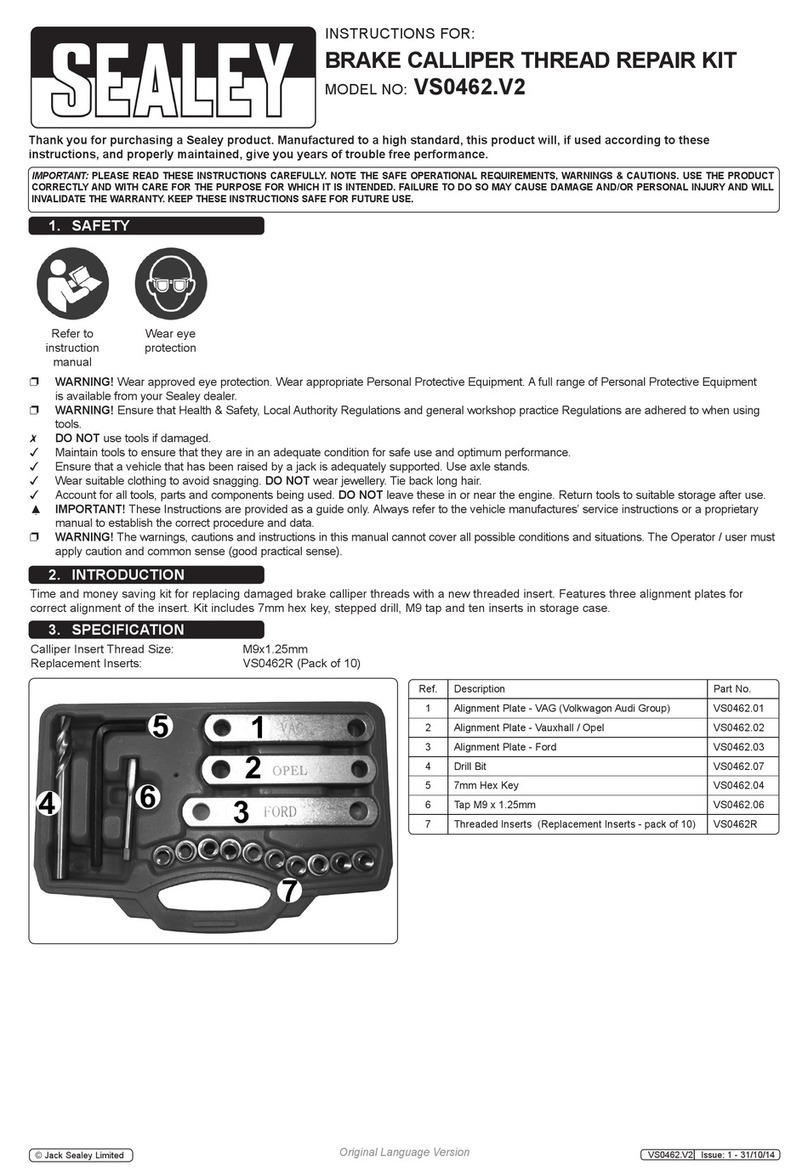
Sealey VS0462.V2 instructions

Sealey

Sealey VS0462.V2 instructions

Makita HR2650 instruction manual

Makita

Makita HR2650 instruction manual

Forza 1100H Series manual

Forza

Forza 1100H Series manual

Aventics EBS-PI operating instructions

Aventics

Aventics EBS-PI operating instructions

Martor SECUNORM 175 quick start guide

Martor

Martor SECUNORM 175 quick start guide

jbc N4473 instruction manual

jbc

jbc N4473 instruction manual

FEINMETALL FZWZ-SET-001 quick start guide

FEINMETALL

FEINMETALL FZWZ-SET-001 quick start guide

Worx Professional Sonicrafter WU676 Original instructions

Worx Professional

Worx Professional Sonicrafter WU676 Original instructions

Gage Bilt GB713SH Original instructions

Gage Bilt

Gage Bilt GB713SH Original instructions

Hilti DX 9-ENP Original operating instructions

Hilti

Hilti DX 9-ENP Original operating instructions

norbar NORTRONIC 34399 Operator's manual

norbar

norbar NORTRONIC 34399 Operator's manual

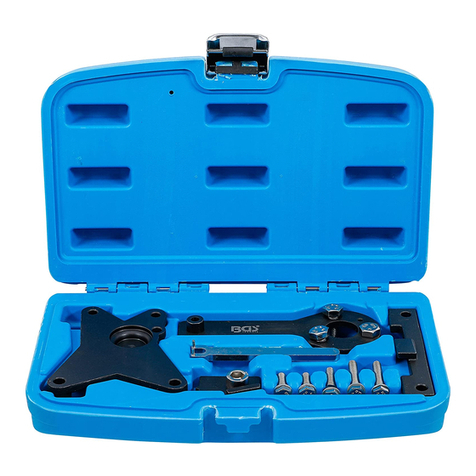
BGS technic 8578 manual

BGS technic

BGS technic 8578 manual

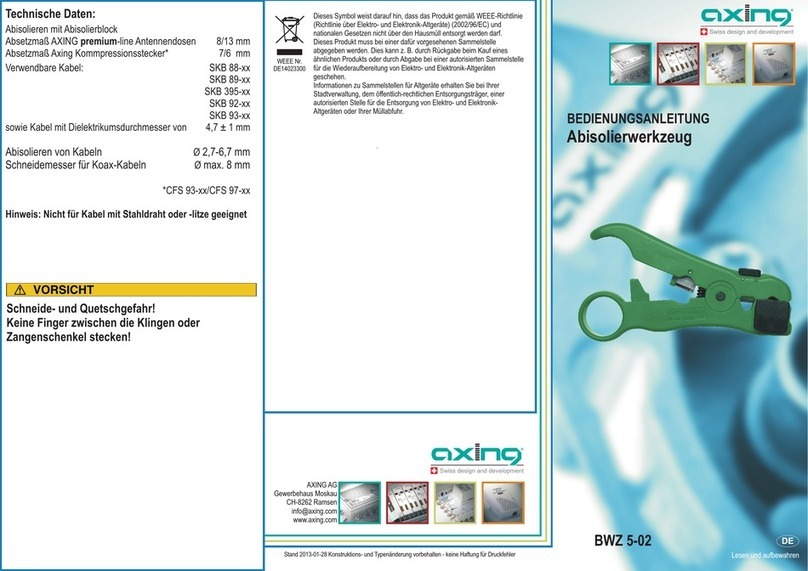
axing BWZ 5-02 Operation instructions

axing

axing BWZ 5-02 Operation instructions

Makita DHR241 instruction manual

Makita

Makita DHR241 instruction manual

Motor Guard JMB-1250 instructions

Motor Guard

Motor Guard JMB-1250 instructions

manuals.online logo
manuals.online logoBrands
  • About & Mission
  • Contact us
  • Privacy Policy
  • Terms and Conditions

Copyright 2025 Manuals.Online. All Rights Reserved.

Automatischer Entkuppler
Automatic Uncoupler
84140xx
Important setup information
Wichtige Information zur Inbetriebnahme
2
FREILANDTAUGLICHKEIT
Sehr geehrte Kunden, immer wieder errei-
chen uns Anfragen bezüglich „rostender
Schrauben“ bei Komponenten, die im
Außenbereich der alljährlichen Witterung
ausgesetzt sind. Zweckgemäß führen
Schraubklemmen und Schrauben eine
elektrische Spannung. In Verbindung mit
Feuchtigkeit aus Luft und Boden ndet bei
Anliegen einer Spannung eine elektroche-
mische Reaktion statt, die physikalischen
Gesetzen unterliegt. Das Auftreten von
sogenanntem Flugrost ist das Resultat und
nicht zu verhindern. Es behindert die Funk-
tion nicht. Sind die Komponenten Wasser
ausgesetzt, beschleunigt dies die Reaktion
deutlich. Wasser muss ungehindert abie-
ßen können. Steht die Elektronik im Was-
ser kann trotz vergossener Elektronik das
Wasser durch die Schraubklemmen ins
innere der Elektronik vordringen und damit
zum Totalausfall führen. Wir möchten Sie
darauf hinweisen, dass die Komponenten
so zu installieren sind, dass sie keiner
andauernden Feuchtigkeit ausgesetzt sind.
Ein Totalausfall auf Grund eines Wasser-
schadens ist kein Garantiefall.
SUITABILITY FOR OUTDOOR USE
Dear customer, we have received a
number of enquiries about rusty screws
in components that are used outside and
exposed to the elements. In this regard,
it is important to note that screws and
screw terminals are designed to be able to
carry an electrical current. When they are
exposed to moisture from the air and the
ground, an electrochemical reaction takes
place whenever a difference in electrical
potential is present. This leads to the
formation of a rust lm, which is a natural
physical process that cannot be prevented.
This rust lm does not interfere with
the proper functioning of the compo-
nent. When components are exposed to
water, the electromechanical reaction is
accelerated considerably. For this reason,
It is important to ensure that water
ows away freely from the components.
Water can seep into components through
screw terminals and soak the enclosed
electronics including those that are potted;
water seepage may lead to total equipment
failure. We would like to point out that
components should be installed in such a
way that they are not exposed to persistent
moisture. Total equipment failure due to
water damage is not covered under the
warranty.
3
WICHTIG: Bitte lesen Sie diese
Bedienungsanleitung vor Inbetrieb-
nahme gründlich durch.
1. Einleitende Information
Der Automatische Entkuppler ent-
kuppelt einen angehängten Zug per
Knopfdruck. Es handelt es sich um
ein hochwertiges, aber gleichzeitig
anspruchsvolles Produkt. Aus die-
sem Grund lesen Sie diese Anleitung
bitte durch und beachten Sie insbe-
sondere die Hinweise zur Montage
und Inbetriebnahme. Dieses Produkt
ist kein Spielzeug!
1.1Lieferumfang
• Automatischer Entkuppler
(Anzahl abhängig von VPE)
• Schraube zur Befestigung
(Anzahl abhängig von VPE)
• Bedienungsanleitung
IMPORTANT: Please read this ma-
nual thoroughly before unpacking,
installing or using this product.
1. General Information
The Automatic Uncoupler may
be used to remotely uncouple a
locomotive from a trailing train
simply by pressing a button. It is a
high sophisticated, quality product.
You are strongly urged to read this
manual before unpacking, installing
and operating the Uncoupler. This
product ist not a toy!
1.1Scope of Supply
• Automatic Uncoupler
(quantity depends on packaging)
• screw
(quantity depends on packaging)
• Manual
4
2. Wichtige Informationen
zur Inbetriebname
Der Entkuppler wird aus Gründen
der Transportsicherheit komplett
montiert ausgeliefert. Für die Monta-
ge wird die Antriebseinheit des Ent-
kupplers (mit 2 Schrauben befestigt)
demontiert. Hierbei ist besonders zu
beachten, dass die Mechanikeinheit
des Entkupplers mit der Gummitülle
xiert ist (ist im Auslieferungszu-
stand um die Entkupplungsbügel
geschoben). Diese darf erst entfernt
werden, wenn der Entkuppler kom-
plett montiert ist. Ohne Gummitülle
besteht Gefahr, dass die Mechani-
keinheit außeinander rutscht und
Kleinteile verloren gehen.
3. Inbetriebnahme des Entkupplers
Bitte halten Sie bei der Inbetriebnah-
me die folgenden Schritte ein:
3.1Vorbereitung zur Montage
• Stellen Sie sicher, dass die Gum-
mitülle um die Entkupplungsbügel
xiert ist.
• Entfernen Sie die zwei Schrauben
aus der Antriebseinheit (Schritt 1).
• Ziehen Sie die Antriebseinheit nach
unten ab (Schritt 2).
• Das Befestigungsloch für den
Entkuppler bendet sich in der
Mechanikeinheit (Schritt 3).
2. Important information
For transport reasons the Automatic
Uncoupler is delivered fully assem-
bled. It must be partially disassem-
bled for installation. The Uncoupler
is made up of a mechanical unit and
a drive unit which are held together
by 2 screws (see illustration #1,
image 1). A rubber sleeve has been
placed around elements of the me-
chanical unit to keep it from coming
apart during installation. This rubber
sleeve should not be removed until
the Uncoupler is completely attached
to the locomotive.
3. Getting started
To get started please follow the
steps as listed below:
3.1Preparation for installation
• DO NOT Remove the rubber sleeve
until the installation is complete.
• Remove the two screws that hold
the drive unit and the mechanical to-
gether (see illustration #1, image 1)
• Separate the drive unit from the me-
chanical unit as shown in illustration
#1, image 2.
• The uncoupler‘s mounting hole is
located in the mechanical unit as
shown in illustration #1, image 3.
5
Abbildung 1: Vorbereitung des Automatischen Entkupplers zur Montage
Illustration #1: Preparing the Automatic Uncoupler for installation
2
1
3
Mechanikeinheit
mechanical unit
Antriebseinheit
drive unit
6
3.2Montage
• Der Entkuppler verfügt über die
standardisierte Kupplungsaufnahme,
wie sie bei Groß- und Gartenbahnen
(LGB®, etc.) üblich ist. Befestigen
Sie zuerst die Mechanikeinheit mit
der beiliegenden großen Schraube
an der Kupplungsaufnahme der
gewünschten Lok (Schritt 4).
• Montieren Sie die Antriebseinheit
vorsichtig an der Mechanikeinheit
des Entkupplers. Achten Sie dabei
bitte darauf, dass die Vierkantmutter
der Antriebseinheit sauber in die
dafür vorgesehene Führung in der
Mechanikeinheit rutscht (Schritt 5).
• Schrauben Sie anschließend die
Antriebseinheit mit den zwei kleinen
Schrauben fest (Schritt 6). Bitte
ziehen Sie die Schrauben dabei nicht
fest an. Es reicht aus, die Schrauben
nur ganz leicht anzuziehen. Werden
die Schrauben sehr fest angezogen,
kann sich dies nachteilig auswirken
und z.B. zu Blockieren oder Klem-
men führen. Die Gummitülle muss
nun entfernt werden!
• Wenn Sie den Entkuppler an eine
andere Lok montieren möchten (um-
montieren), stellen Sie sicher, dass
die Gummitülle um die Entkupp-
lungsbügel xiert ist. Sollten Sie die
Gummitülle nicht mehr haben, so -
xieren Sie die übereinanderliegenden
3.2Installation & Assembling
• The automatic uncouplers have
standard G scale coupler ttings like
those found on LGB rolling stock
(see illustration # 2, image 4).
Insert the large supplied screw
through the mounting hole of the
mechanical unit to attach mechani-
cal unit to the coupling appliance of
the locomotive.
• Reattach the drive unit to the
mechanical unit carefully. Make sure
that the square nut of the drive unit
slides neatly into the designated slot
in the mechanical unit (illustration
#2, image 5).
• Then use the two small screws to
tighten the drive unit to the mechani-
cal unit (illustration #2, image 6).
Do not overtighten the screws. Over
tightening the screws may harm the
operation of the Uncoupler and may
result in blocking or jamming it.
Remove the rubber sleeve upon
completion of this step.
• If you decide to install the Uncoupler
in another locomotive, make sure
that the rubber sleeve is attached
to the mechanical unit before you
separate the drive unit from the
mechanical unit. In any case, always
make sure that the mechanical unit
remains together whenever it is not
attached to the drive unit.

7
Abbildung 2: Montage des Automatischen Entkupplers an gewünschten Lok
Illustration #2: Mouting the Automatic Uncoupler to the locomotive
4
5
6
Mechanikeinheit
mechanical unit
Antriebseinheit
drive unit
8
Entkupplungsbügel bitte mit Hilfe
eines normalen Haushaltsgummis
oder einem Stück Klebeband. Achten
Sie in jedem Fall darauf, dass die Bü-
gel übereinanderliegen, während der
Antrieb nicht befestigt ist; Kleinteile
können verloren gehen.
4. Anschluss des Entkupplers
Der Anschluss des Entkupplers kann
über den angebrachten Stecker oder
direkt über Anschlussklemmen des
Decoders erfolgen. Beim Verlegen
des Kabels ist darauf zu achten, dass
man das Kabel nicht einklemmt.
Folgende Anschlussmöglichkeiten
sind möglich:
4.1Anschluss mit Stecker
Bei den folgenden Decodern und
Schnittstellenplatinen kann der
Stecker des Entkupplers (Abb. 3)
direkt in eine dafür geeignete 3polige
Buchse gesteckt werden, wenn diese
nicht anderweitig belegt ist. Eine
Doppelbelegung mit 2 gleichen Ent-
kupplern ist möglich. Details entneh-
men Sie bitte der Dokumentation der
Decoder und Schnittstellenplatinen.
• LGB®Onboard Decoder (groß)
• LGB®DCC Schnittstellenplatine
• MASSOTH Onboard Adapter
• MASSOTH PluG Schnittstellenplatine
4. Hook up
The Uncoupler may be connected
to a decoder by using the attached
plug. If a plug-in connection is not
possible the Uncoupler may be
wired directly to the decoder. Please
be careful when routing the cable.
Do not jam or pinch the cable. The
following connections are possible:
4.1Using the plug-in connection
The following decoders and DCC
interface boards offer a direct plug-
in connection for the Uncoupler (see
illustration #3) if the socket is not
used. Double use with 2 equal un-
couplers possible. Always make sure
to read the decoders or interface
board ‘s documentation to ensure
proper operation.
• LGB®Onboard Decoders
• LGB®DCC Interface Board
• MASSOTH Onboard Adapter
• MASSOTH PluG Interface Board
9
Abbildung 3: Anschluss des Entkupplers an Decoder und Schnittstellenplatinen
Illustration #3: Connecting the Uncoupler to decoders and interface boards
LGB Onboard Decoder
(groß / large)
LGB DCC Interface MASSOTH Onboard Adapter
MASSOTH PluG Interface
FA4
FA5
Dimmwert / Dimming value CV 49 = 32
Funktionstaste /Function Key CV 51 = 1...8
10
4.2Anschluss ohne Stecker
Bei Decodern mit Klemm- oder
Lötanschluss schneiden Sie den
3poligen Stecker ab und schließen
das Kabel gemäß Abbildung 4 wie
folgt an:
•Schwarz: Decoder - (GND, Masse)
•Braun: FA, Schaltleitung (freier Open
Collector Funktionsausgang*)
•Rot: Decoder + (bis zu 200mA)
*Open Collector Ausgänge sind
(verstärkte) Funktionsausgänge mit
mindestens 50mA Belastbarkeit.
4.2Wiring the Uncoupler directly
Other decoders may require wiring
via clamps or soldering. Cut off the
plug attached to the cable and wire
the Uncoupler as follows: (see also
illustration #4)
•Black: Decoder - (GND)
•Brown: FA, Switching line (free open
collector function output*)
•Red: Decoder + (up to 200mA)
*Open collector outputs are (am-
plied) function outputs that offer
50mA and more.
Abbildung 4: Anschluss des Entkupplers mit direkter Verdrahtung
Illustration #4: Connecting the Uncoupler with direct wiring
Dec+
FA
Dec-
eMOTION XLS