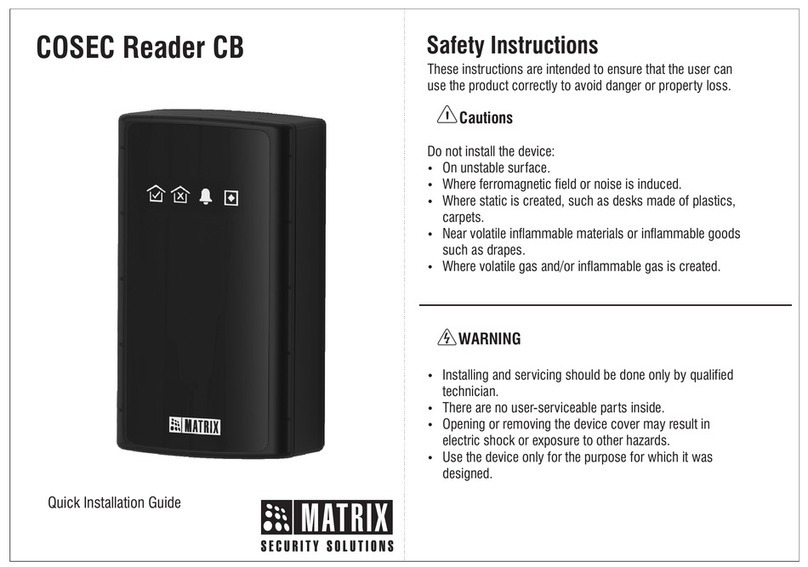
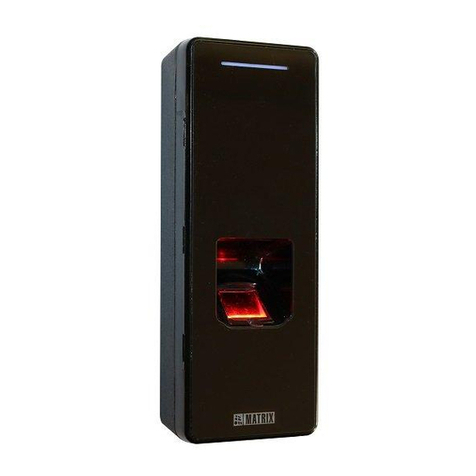
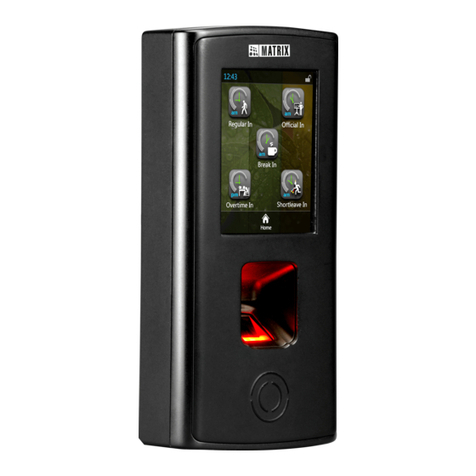
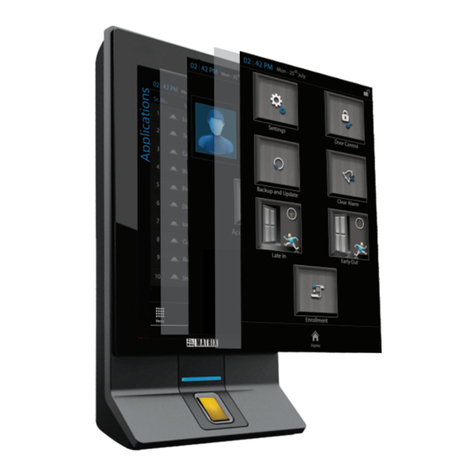
Matrix COSEC ARGO CAE200 User manual

COSEC ARGO
2
Please read this guide first for correct installation and retain it
for future reference. The information in this guide has been
authenticated at the time of publication. However, Matrix
Comsec reserves the right to make changes in product design
and specifications without prior notice.
Know your COSEC ARGO 3
8
Preparation for Installation
23
Connecting the Cables
What your Package Contains 7
Technical Specification 9
Installation Instruction - Wall Mounting
11
Installation Instruction - Flush Mounting 17
Assigning IP Address and Other Network Settings 7
COSEC ARGO FOE212/ FOM212/ FOI212
COSEC ARGO CAE200/ CAM200/ CAI200
Contents

Touch Screen
Display
Mounting Screw Hole
Knock Out Area
Know your COSEC ARGO
34
The COSEC ARGO is available in two series with three
different variants in each series as follows:
1) COSEC ARGO with variants FOE212, FOM212 and
FOI212.
2) COSEC ARGO with variants CAE200, CAM200 and
CAI200.
Finger Sensor
Card Sensing
Area
Touch Screen
Display
Card Sensing
Area
Front View
ARGO (FOE212/ FOM212/
FOI212)
ARGO (CAE200/ CAM200/
CAI200)
Rear View (Common for both Series)
Back Plate or
Wall Mounting Plate
Flush
Mounting
Plate
Bottom View (Common for both Series)
Figure 3
Figure 2
Figure 1a Figure 1b

2
Next
Level
5. Do not install the device in outdoor areas which may be exposed
to rain, cold and dust. You can do indoor installation or on the turnstile
under the roof as shown in Figure 5.
Figure 5
Figure 6
1. Do not install the device in extremely hot temperature or under direct
Sunlight on turnstile or at extra bright places. This may affect the LCD
and finger print sensor of device. You can do indoor installation or on the
turnstile under the roof as shown in Figure 4.
2. You can mount the device on a flat surface such as a wall or near the
elevator, close to the access point (door) with surface wiring or concealed
wiring as shown in Figure 6.
3. Recommended height from ground level is upto 4.5 feet.
4. Do not install on unstable surfaces, near volatile inflammable materials,
areas where volatile gas is created, where ferromagnetic field or noise is
induced, where static is created, such as desks made of plastics, carpets.
Figure 4
Pre-Installation Safety Instruction
56

1) COSEC ARGO Unit
2) Flush Mounting Plate
3) Four Screws M5/25
4) Four Screw Grips
5) Overswing Diode
6) Power Adapter 12VDC,2A
7) Power Supply Cable (with DC Jack)
8) EM Lock Cable
9) External Reader Cable
10) Flush Mounting Template
What your Package Contains
For Concealed wiring in Wall Mounting/Flush Mounting, first draw out
the sufficient length of the cables from the hole of the mounting plate.
For Non-concealed wiring in Wall Mounting; the knock -out area has to be
removed from outside by pressing on the bottom duct as shown
in Figure 3.
The connection of EM Lock must be done using the diode for Back
EMF protection.
Preparation for Installation
78
Before Wall Mounting and Flush Mounting of COSEC ARGO follow below
instructions.
•Remove the mounting screw from mounting screw hole of the bottom
of device as shown in Figure 3. The screw will be required to fix the
device after Wall Mounting or Flush Mounting.
•Slide the back plate downwards to unlock the device from the
mounting hook and then remove it by pulling it outwards. This back
plate server as the Wall Mounting plate. For details see Installation
Instructions for Wall Mounting.
•The Flush Mounting plate is available in the package. This plate will be
required for Flush Mounting of COSEC ARGO. For details see
Installation Instructions for Flush Mounting.
Wall Mounting: Select a location. It must be a flat surface such as wall,
close to the access point (door).
Flush Mounting: Select a wooden door or a location where the duct can be
made. The rectangular duct has to be made in the wooden door in which
Flush Mounting plate will be installed.

Step 2: Drill the screw holes along the traced markings. Fix Wall
Mounting plate with the supplied screws. Tighten the screws with
screw driver.
Step 1: Place the Wall Mounting plate and trace screw holes 1
and 2 on the wall where the device is to be installed.
1
2
Installation Instruction: Wall Mounting
9
10

•Keep all the cables parallel to the side of the COSEC ARGO
body in such a way that it should not cover the back portion
of the unit as illustrated in figure below.
•Radially curve all the cables and lead it through the duct to fit
the wall mounting plate easily with COSEC ARGO.
11 12
Step 3: Connect the cables of the ARGO unit and lead all the cables
through the duct of the Wall Mounting plate into the electrical box
recessed in the wall i.e. concealed wiring or through the bottom of
the device in non-concealed wiring.
Duct for Concealed
Wiring
Cable
Connectors
Knock Out Area
for Non-Concealed Wiring
Mounting
Slots

Mounting
Screw
Step 5: Insert the mounting screw into the mounting screw hole
at the bottom of the device. Tighten the screw to complete the
Wall Mounting.
13 14
Step 4: Align COSEC ARGO on the mounting plate and hook it
into the mounting slot. Press the bottom side inwards to lock it in
place.

Step 2: Place and fix the Flush Mounting plate with the supplied
screws. Tighten the screws with screw driver.
Figure 7
15 16
Installation Instruction: Flush Mounting
Step 1: Place the Flush Mounting Template on the desired
installation surface.
•Mark the area along the dotted line and trace the four screw
holes (say A,B,C,D) on the wall as shown in Figure 7.
•Now drill the dotted line area and four screw holes (say
A,B,C,D) on the wall as illustrated in Figure 8. Flush Mounting
Plate
A
B
C
D
Flush Mounting
Template
Figure 8
A
B
CD

18
Cable
Connectors
Step 3: Connect the cables of the ARGO unit and lead all the
cables through the Flush Mounting plate into the electrical box
recessed in the wall.
Mounting
Slots
Mounting
Screw hole
17
•Keep all the cables parallel to the side of the COSEC ARGO
body in such a way that it should not cover the back portion
of the unit as illustrated in the figure below.
•Radially curve all the cables and lead it through the duct to
fit the flush mounting plate easily with COSEC ARGO.

19 20
Step 4: Align COSEC ARGO with the mounting plate and hook it
into the mounting slot. Press the bottom side inwards to lock it
in place.
Mounting Screw
Step 5: Insert the mounting screw into the mounting screw hole
at the bottom of the device. Tighten the screw to complete the
Flush Mounting.
This manual suits for next models
5
Table of contents
Other Matrix IP Access Controllers manuals