manuals.online logo
Brands
  1. Home
  2. •
  3. Brands
  4. •
  5. McCURDY
  6. •
  7. Intercom System
  8. •
  9. McCURDY CS9100 User manual

McCURDY CS9100 User manual

Popular Intercom System manuals by other brands

Videx VRDK1 (25H) Technical manual

Videx

Videx VRDK1 (25H) Technical manual

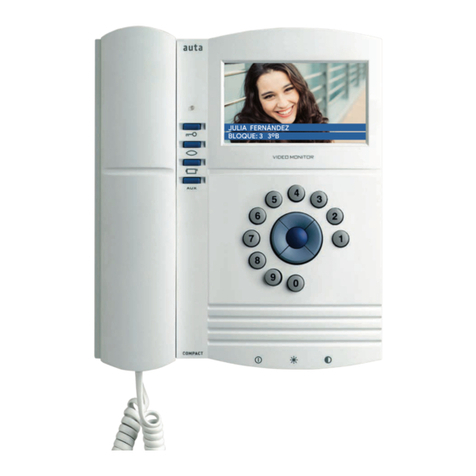
Auta COMPACT VISUALTECH manual

Auta

Auta COMPACT VISUALTECH manual

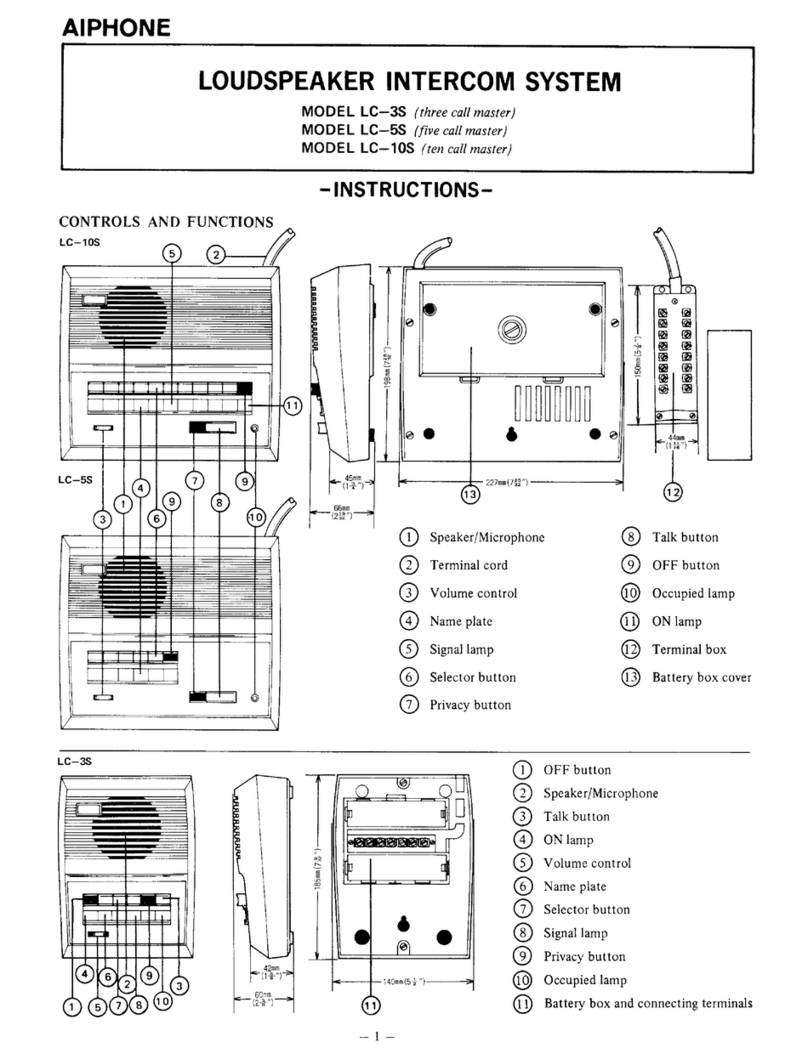
Aiphone LC-10S instructions

Aiphone

Aiphone LC-10S instructions

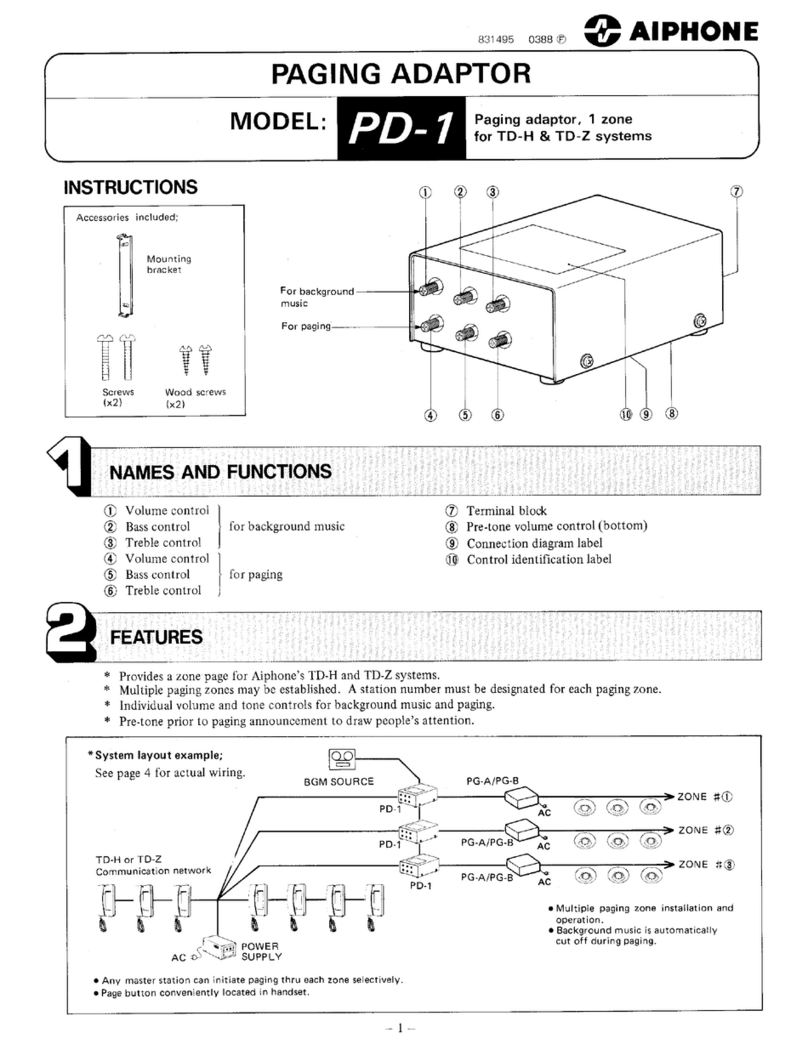
Aiphone PD-1 instructions

Aiphone

Aiphone PD-1 instructions

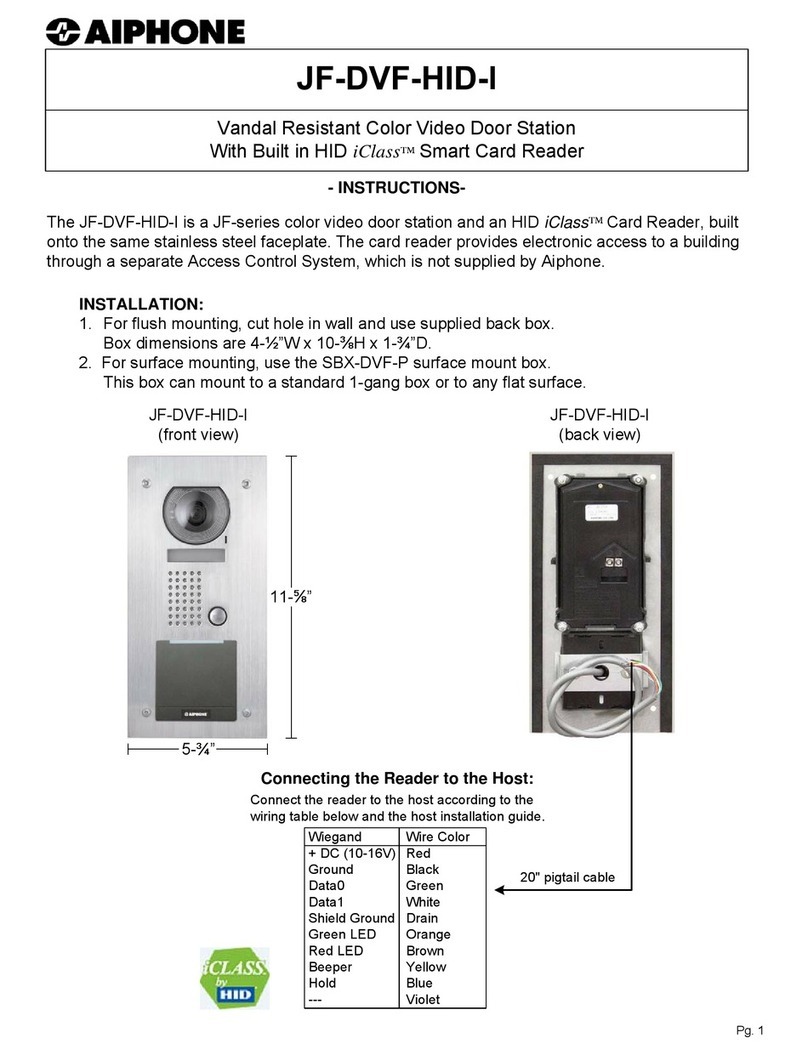
Aiphone JF-DVF-HID-I instructions

Aiphone

Aiphone JF-DVF-HID-I instructions

Comelit 4893M Technical manual

Comelit

Comelit 4893M Technical manual

MGL Avionics V16 manual

MGL Avionics

MGL Avionics V16 manual

SSS Siedle BVI 750-0 Installation & programming
SSS Siedle

SSS Siedle BVI 750-0 Installation & programming

urmet domus AIKO 1716/1 quick start guide

urmet domus

urmet domus AIKO 1716/1 quick start guide

urmet domus IPerVoice 1039 Installation

urmet domus

urmet domus IPerVoice 1039 Installation

Alpha Communications STR QwikBus TT33-2 Installation, programming, and  user's manual

Alpha Communications

Alpha Communications STR QwikBus TT33-2 Installation, programming, and user's manual

Monacor ICM-20H instruction manual

Monacor

Monacor ICM-20H instruction manual

Logenex A202CR Installation & programming

Logenex

Logenex A202CR Installation & programming

Quantum QR5 Installation and programming manual

Quantum

Quantum QR5 Installation and programming manual

EVGA XR1 quick guide

EVGA

EVGA XR1 quick guide

CyberData 011211 series Installation quick reference

CyberData

CyberData 011211 series Installation quick reference

Vidos duo M1021 user manual

Vidos

Vidos duo M1021 user manual

Savant DOR-SMS-00 Deployment guide

Savant

Savant DOR-SMS-00 Deployment guide

manuals.online logo
manuals.online logoBrands
  • About & Mission
  • Contact us
  • Privacy Policy
  • Terms and Conditions

Copyright 2025 Manuals.Online. All Rights Reserved.

www.SteamPoweredRadio.Com
\
~
'
Section
2
3
4
5
6
7
Figure
1-1
/
-
INSTRUCTIONS
CS9100
lOxlO
INTERCOM
SYSTEM
INDEX
Subject
Genera
1
Des
cr i
pt
i on
Specifications
lnstal
lat
ion
Operation
Ma
i.ntenance
Parts
List
System
Drawings
LI
ST
OF
ILLUSTRATIONS
Title
BCD
Control
Wiring
McCURDY RADIO INDUSTRIES
LI
MITED
108 CARNFORTH ROAD,
TORONTO
,
ONTARIO
M4A 2L4
(416) 751-6262, TELEX 06-963533,
T\/1/X
610-492-1373
McCURDY
RAD
IO INDUSTRIES IN
C.
1711 CARMEN DRIVE, ELK GROVE
VILLAGE
, ILLINOIS 60007,
(312) 640-7077,
T\/1/X
910-222-0436
Page
4
8
9
.
11
12
13
14
Page
7
Issue
2
October
1977,
Page 1
of
13
Mccurdy
Radio Industries reserves the right, without notice to make such changes
in
equipment, design, specifications,
or
components
as progress in engineering or manufacturing techniques may warrant
to
improve the performance
of
the product.
www.SteamPoweredRadio.Com
CARS
MIC
INPUT
...
J
I
. 0 .
~
INPUT
SH
IE
LD
-
io
0~
1
--+-'"--~
...
)
2
-~
ct
--
'(
....
aus
GND
.
DYN MIC
/Ll~E
INPU
T
o--
-----~----....,1l 10
u~'?,~~.;_
-
----
-+-2------4--..,.'
_..,j..,.,--u~
4
'(,J
_'2,r
'-"
J.--+-+--
-----
'.
:.
r·
8
-
~-
..
•
!
X-
PO
INT
CTL
Aa
-u
,;
3-----.....t--~....,11
~o,;
....,;_++-------
. . 4 2
Cf)
(_)
0
·
rl:
tfJ "U
G,
,._
3
4
----~-+--<..,,>
.
123
'-"
,._
:
========::==:=~
:;
~::::>==:==:==::=============:===
:1
SCI} ¼
··
6
<l
7
--------(
I
~
0~
CTl.
~
i!t
'
ff)
~l
~c~---_..,+--------t---
2J
{TENS)
t
~
!;
L
eco
i
..
!""n..
*
._
·,;,
NlTS}
4
5
6
-~ .
~
~
-----a...-.(...,~
'?.7
\..,
* .
•----f---+---1
7
4-,4.
vC-)....---.µ~-------...---
I
II
9
-------~u~
23
...,.,c>---+-+-------
8
-'!S
0
12.
9
-
13
J.O
TOTAL
MUTE
J
,.--
rJ,
__
.....,.
__
...__.._,J
:3()l
.._,
>--+-+----'----
COM
4,f
0
PARTIAL
MUTE
.....
-'"
a.
\_,0--++-------
-4V
3w
8AOR
600.D. I
,..,
~
J
~1
....
'6c,
)
y
..,
I
OUTPUT
----..-ci
..
··"'·
...
'•
-
~
,..,
..
-•.·,
..
.~ ;
·•-
....
7 •
_:_-,.c
,;;,r
...
::
__;;_a!....,_;._
_____
_
-•--
0
..
;:
I(,
r
..,
_17
u
-
,.
._
.,
~·
.1
l l
V
OUTPUT
SHIELD
BUS
CHASSIS
+18d8m
600.0.
OUT PUT
GNO
M--
INOiCATES
OPTIONAL
WIRING.
-<
·~-.
0
en
A
I
z
w
3:
ll
0
<
"'
·
a:
X
Q 0
IO,_,,,
0
0
~
:;:
q
ff
fl
ff
.,
<
.,
z
ar
<
0
j
.
:r
;:
u
::,
u
"'
Q
<
a::
'-
Q
.
~
=
"'
.J
u
z
w
:,
L
13
z.
<
.
•·
·
w ...
0 •
z -
:-?
N
Ill
.J
:r:
0
..
..
0
<
0
I
z
t>
;;
14
Q
l't
g
'%
u
0 \II
-;r
':J
:i
2 ·.
~
0
·- u u
www.SteamPoweredRadio.Com
CS9100
Instructions
Figure
7-1
7-2
7-3
SYSTEM
DRAWINGS
Title
Audio
Functional
and
Frame Layout
Power
Supply
Distribution
and
DC
Control
Typical
Rear Panel
Connector
Wiring
Layout
Index
Number
D9100/1-1
D9100/2-1
A9100/8-1
Page 2
www.SteamPoweredRadio.Com
CS91OO
Instructions
SUB
ASSEMBLY
INSTRUCTIONS
(
~
Af:_2
_
7-6
_
~-
-~
-
AM478T
RT613
PS852
CS9OOO-5
Preamp]
ifier
Output
Amplifier
Relay Timer
Power Supply
Voltage
Regulator
Page 3
of
13
www.SteamPoweredRadio.Com
cs9100
Instructions
Section
1
GENERAL
DESCRIPTION
Section
1
1.01
to
1.12
1.01 The CS9100 is a
complete
10
input,
10
output
(10 x 10)
intercom
system
with
the
reliability
and
flexibility
to
fill
the
majority
of
requirements
for
professional
use.
1.02
All
switching
is
done
by
sol
id
state
crosspoints
with
balanced
inputs
and
outputs.
1.03
The
intercom
system
includes
ten
input
amplifier
and
matrix
modules,
five
dual
output
amplifiers,
and a power
supply
mo~nted in a
single
19
inch
equipment
frame.
1.04
All
inputs,
outputs
and
controls
are
connected
to
the
intercom
system
via
50-pin
subminiature
'D'
connectors
mounted
on
the
rear
of
the
equipment
frame.
1.
05
Key
panels,
microphones
and
speakers
can be
supplied,
as
extra-cost
options
,
by
Mccurdy Radio
Industries
to
complete
the
system
.
Prea
m
plifier
1.06
The preamp]
if
i
er
and a 1 x
10
switching
matrix
are
mounted
on
a
common
printed
circuit
board.
See AP176, AP276, AP376,
AP476
manual
for
a
detailed
description.
1
.07
The preamp]
ifier
incorporates
an
AGC
amplifier,
which
may
be
switched
in
or
out
by
m
eans
of
a
plug-in
jumper
on
the
PC
board.
1
.08
Three
inputs,
carbon
microphone,
dynamic microphone and
line,
are
provided
.
These
can be
se
l
ected
by
means
of
a
rotary
switch
mounted
directly
on
the
PC
board.
1
.09
The preamp]
ifier
output
is
routed
to
the
edge
connector
before
being
fed
to
the
matri
x
section
to
allow
for
the
insertion
of
auxiliary
equipment
(jackfields
,
etc.)
.
Switching
Matrix
1.10
The
switching
matrix
determines
the
audio
routing
from
the
l
nput
to
the
desired
output,
as
shown
on
the
Audio
Functional
Diagram,
Figure
7-2
.
1.
11
Each
printed
circuit
board
contains
a 1 x
10
(one
input
to
ten
output)
switching
mat r
ix
along
with
the
input
and
AGC
amp
l
ifiers.
1.
12
At
each
crosspoint
of
the
matrix,
w
here
communication
is
desired,
a
sol
id-
state
integrated
c i
rcuit
switch
is
installed
. The
switch
is
activated
by
the
application
of
a
-4V
DC
control
voltage,
via
a key
panel,
to
the
proper
control
pin
(or
pins)
.
Page 4
www.SteamPoweredRadio.Com
CS9100
Instructions
Section
1.13
to
1.22
1.
13
The
crosspoints
may
be
controlled
by
one
of
two
methods:
1.
14
(a)
Discrete
control,
where
the
control
voltage
is
applie
d
to
one
pin
which
activates
the
desired
cross
p
oint,
ten
wir
es
for
ten
crosspoints.
(b)
BCD
(Binary
Coded Decimal)
contro
l,
where
the
control
voltage
is
applied,
in
BCD
code,
to
the
control
pins.
A
BCD
to
decimal
decoder,
on
the
circuit
board,
then
activates
the
desired
crosspoint.
Four ·
control
wires
can
control
up
to
ten
crosspoints.
Isolation
in
the
switching
mat
rix
is
maintained
by
resistors
and a
virtual
ground summing
amplifier.
which
are
on
when
the
crosspoint
is
not
aciivated,
on
the
isolation
resistors.
means
of
the
isolating
The
FET
switches,
maintain
back-loading
Output
Amplifiers
1.15
Several
output
amplifier
configurations
are
available.
Some
types
having
a O
dBm
and +
18
dBm
line
output
only,
and
others
having
a
3W,
8
ohm
output
in
addition
to
the
line
output.
In
addition,
some
types
have
output
transformers,
providing
isolated
8
ohm
and 150
or
600
ohm
outputs
,
while
other
types
do
not.
See
AM178,
AM278, AM378,
AM378T,
AM379,
AM478,
AM478T,
AM479
manual
for
a
detailed
description.
1.
16
All
output
amplifiers
incorporate
a summing
amplifier
input
and O
dBm
and
+18
dBm
outputs
whose
levels
are
independent
of
the
front
panel
gain
control
sett
ing.
1.
17
All
output
amplifiers
with
a
three
watt
output
stage
incorporate
a
sol
id-
state
FET
switching
circuit
for
muting.
By
grounding
the
proper
control
pin
(or
connecting
to
-4V
DC)
the
output
may
be
totally
muted
or
reduced
in
level
by
15
dB
(adjustable
O
dB
to
approximately
30
dB).
1.
18
The
three
watt
output
stage,
on
amplifiers
so
equipped,
is
fully
protected
against
overloads
or
short
circuits.
Power Supply
1.19
One
PS852
or
PS852A
power
supply
provides
±15
volts
DC
at
2A
, which
is
sufficient
to
operate
all
amplifiers
and
switching
circuits
in
the
intercom.
1.20
In
order
to
reduce
the
turn-on
current
surge,
power
is
fed
to
output
amplifiers
AM7
through
AM
lO
via
a
delay
circuit.
This
circuit
delays
the
application
of
power
to
these
output
amplifiers
for
a few
seconds,
giving
the
rest
of
the
intercom
system
time
to
stabilize.
1.21 Where
the
PS852
is
used ,
the
RT613
delay
circuit
is
used.
The
PS852A
has
this
circuit
built-in.
1.22
The
±15
volt
DC
supply
is
reduced
to
±4
volts
DC
by
a CS9000-4
sub-
regulator
.
This
voltage
is
used
to
operate
the
switching
and
control
circuits.
Page 5
www.SteamPoweredRadio.Com
CS9100
Instructions
Section
1
1.23
to
1.
32
Options
1.23
External
Circuit
Drivers
The
external
circuit
drivers,
when
wired,
provide
an
electronic
switch,
for
the
control
of
lamps
or
relays,
which
closes
to
ground
when
the
cross-
point
is
activated.
One
electronic
switch,
consisting
of
an open
collector
transistor
shunted
by
a
diode,
is
provided
per
crosspoint.
See
AP176
-
AP476
,
XP177
-
XP477
instructions
for
full
specifications.
1
.24
BCD
(Binary
Coded Decimal)
Crosspoint
Control
As
previously
described
in
section
1.13
(b),
the
BCD
control
system
al
lo
ws
ten
crosspoints
to
be
control]ed
with
only
four
control
leads.
See
AP176
-AP476,
XP177
-
XP477
instructions
for
a more
detailed
description.
Also,
see
Figure
1-1
for
line
encoding
information.
1
.25
Output
Muting
The
output
m
uting
circuit,
when
w
ired,
provides
for
remote muting
of
the
three
w
att
o
utput
as
described
in
paragraph
1.
17.
For
details
on
adjustment
of
the
partial
muting,
see
AM178, AM278,
AM378,
AM378T,
AM379,
AM478,
AM
478T,
AM479
manual.
Optional
Equipm
ent
1
.26
CP7101
or
CP7102
Control
Panel
Each
panel
contains
five
lever
keys and
is
designed
for
flush
mounting
in a
desk
t op. The keys
are
three
position
(centre
off)
and
may
be
locking
(LJ,
non-locking
(NL),
or
L-NL.
1.
27
CS9000-2
Control
Pa
n
el
This
panel
contains
up
to
ten
lever
keys and
is
designed
for
flush
mounting
in a
desk
t op. The keys
are
three
position
(centre
off)
and
may
be
locking
(L),
non-locking
(NL)
or
L-NL:
It
is
designed
to
be used
with
BCD
control
and
con{ains
a
circuit
board
for
mounting
the
encoding
diodes.
1.
28
SA601
Speaker
The
SA601
is
an 8
ohm
enclosed
speaker;
with
volume
control,
designed
for
placement
on
a
desk.
Mechanical
Details
1.29
The
interco
m
system
is
com
pletely
contained
in a
single
5¾
inch
high,
equipment
frame.
This
frame mounts in a
standard
19
inch
equipment
rack
.
1
.30
Al
1
connections,
both
audio
and
control,
are
made
by
cables
to
standard
50
pin
subminiature
1
0
1
connectors
on
the
rear
of
the
intercom
frame.
No
direct
solder
connections
are
required.
1.31 The
input
am
plifier
and
matri
x modul es and
output
amplifiers
are
built
on
glass-
e
po
xy
printed
circuit
cards
attached
to
metal
guide
plates.
Circuit
connections
are
made
by
a
72
pin
card
edge
connector.
1.32 The
po
we
r s
up
p
ly
is
contai
ned in an
enclosed,
ventilated,
chassis
which
is
mounted in
the
intercom
frame
as
a
plug-in
unit.
Circuit
connections
are
ma
de
by
a
24
pin
''blue
ribbon"
connector.
Pa
ge 6
www.SteamPoweredRadio.Com
CS9100
Instructions
Section
1
1.31
to
1.33
1
.32
The
±4
volt
sub-regulator
is
built
on
a
glass-epoxy
printed
circuit
card
which
plugs
into
a
15
pin
edge
connector
located
behind
the
frame
rear
panel.
The
circuit
card
is
retained
in
the
connector
by
a
sponge
rubber
pad
on
the
inside
surface
of
the
hinged
rear
panel.
1.33 The
relay
timer
is
built
on
a
glass-epoxy
printed
circuit
card
mounted
to
the
rear
of
the
frame,
beh ind
the
rear
panel,
with
brackets
and a
mounting
plate.
BCD
Control
Lines
8
Matrix
Board
Pins
,
Units
31
Matri x
Boa
rd
Pins,
Tens
32
Cable
Connector,
Units
20
Cable Connecto
r,
Tens
24
Table
1:
Pin
Connections
BCD
Control
8 4
0 0 0
1 0 0
2 0 0
3 0 0
Decim
al
Number
4 0 1
5 0 1
6 0 1
7 0 1
8 1 0
9 1 0
Table
2 :
Truth
Tabl e
4
33
34
21
25
Lines
2 1
0 0
0 1
1 0
1 1
0 0
0 1
1 0
1 1
0 0
0 1
2
35
36
22
26
1
37
38
23
27
0
Indicates
the
control
I
ine
pulled
do
w
n.
Connected
to
-4V
control.
Indicates
control
1
ine
pulled
up. Not
connected
to
-4V
control
.
Figur
e
1-1:
BCD
C
ont
rol
\./iring
Page 7
www.SteamPoweredRadio.Com
CS9100
Instructions
Section
2.
SPECIFICATIONS
Section
2
2.01
to2.11
2.01
Input
levels
and
source
impedances w
ith
AGC
section
bypassed:
(a)
AP176
-
AP476
input
amplifiers
l.
Dynamic Microphone:
-60
dBm,
150
ohms
nominal
2.
Carbon Microphone:
-25
dBm,
50
ohms
nominal
3.
Line:
0
dBm,
600 ohms.
(b)
OL76
input
amplifier
1. Dynamic
Microphone:
-60
dBm,
150
ohms
nominal
2.
Li
ne One:
-10
dBm,
600
ohms
3.
Line
Two:
+8
dBm,
600 ohms.
2.02
Maximum
output
levels
and
load
impedances
(Output
Amplifier):
(a) +18
dBm
and O
dBm,
600
ohms
(b) 3
watts,
8
ohms
(c) 3
watt
s (+35
dBm)
600 ohms,
strappable
to
150
ohms
with
two
splits
on
AM478T,
w
liich
has
output
transformers.
2.
03
Input
levels
w
ith
A
GC
section
inserted,
dynamic
microphone
input,
nominal:
(a)
-70
dBm
to
-60
dBm,
Li~ear
gain
\b)
-60
dBm
to
-40
dB
m, 2
dB
c
ha
nge
at
output.
2.04
Frequenc
y
Response:
±2
dB
, 1
00
Hz
to
10
kHz.
2.05
Distortion
(a)
AM
478
1%
maximum, 100
Hz
to
10
kHz,
at
rated
output
level
(b)
AM478T
1% maximum, 150
Hz
to
10
kHz,
at
rated
output
1
eve
l.
2.06
Equivalent
input
noise
(dynamic
microphone):
Better
than
-115
dBm.
2.07
Crosstal
k:
Better
than
55
dB
below +18
dBm,
100
Hz
to
10
kHz,
at
test
level.
2.
08
E
xt
ernal
circuit
drivers:
Maximum
vo l
tage
:
40
volts
Max
imum
current:
75
mA.
2.09
Power
Requirement
:
117
volts
AC,
50/60
Hz
(230
volts
supplied
on
request),
approx.
105
VA.
2.
10
Weight:
Approximately
40
lb.
2.11
Dimensions:
19
11
w
x Sl''H x 1
6~
11
D.
P
age
8
www.SteamPoweredRadio.Com
CS9100
Instructions
Section
3
INSTALLATION
Mounting
Section
3
3.01
to
3.
07
3.01 The
intercom
is
designed
to
be mounted in a
standard
19
inch
equipment
rack,
taking
5¼
inches
of
panel
space.
3.02
Normally,
the
intercom
is
shipped
with
all
modules in
place
and
held
by
means
of
shipping
bars.
These
bars
may
be removed
after
installation
is
completed.
If
unusual
shipping
conditions
necessitate
removing and
packing
modules
separately,
install
the
modules in
the
correct
slots
by
referring
to
the
designations
on
the
module
guide
plates
and
matching
these
with
the
numbers on
the
frame
layout
diagram,
Figure
7-1.
Wiring
Connections
3
.03
All
wiring
is
d
one
to
50
pin
subminiature
1
D
1
con
nectors
mounted
on
the
intercom
rear
panel.
See
Figure
7-3
. Each
of
the
ten
connectors
contains
all
the
audio
and
control
co
nnections
for
a
particular
station.
See
Figure
7-3
for
the
connections
necessary
in
fabricating
the
cables.
3.04
Wiring
should
be
segregated
according
to
level
and
function;
i.e.
aud io
inputs
(microphone
or
1
ine),
audio
outputs
(speaker
or
1
ine)
and
DC
control.
DO
NOT
lace
together
pairs
of
more
than
30
dB
difference
in
level.
3.05
In
order
to
prevent
degradation
of
the
crosstalk,
adjacent
input
amp!
ifiers
should
not
be
assigned
so
as
to
have
input
levels
differing
by
more
than
45
dB.
In
other
wor
ds,
an
input
amplifier
set
for
1
ine
input
(0
dBm)
should
not
be
next
to
one
set
for
dynamic
microphone
input
(-60
dBm).
3.06
Audio
input
wiring
should
consist
of
shielded
twisted
pairs
such
as
Mccurdy SA12002 (22
gauge,
stranded),
while
the
output
wiring,
for
3
watt
outputs
,
should
be Belden 8790 (18
gauge,
stranded).
Ground
the
shields
only
at
the
common
-s
ystem ground
pins
on
the
cable
connector.
3.07
Control
Panel
The
standard
control
panel
for
the
intercom
is
a Mccurdy CP7102
using
five
3-position
lever
keys
with
2C
contacts.
A
wiring
diagram
is
supplied
with
the
panel.
Please
read
the
notes
on
the
diagram
which
refer
to
various
wiring
configurations
pertaining
to
the
types
of
keys
installed.
Where
extra
contacts
are
required
for
external
muting,
order
the
optional
CP7101
key panel
with
3-position
4C
keys.
When
the
optional
BCD
cross-
point
control
is
utilized,
the
CS9000-2 key
panel
must be
used.
This
panel
is
supplied
with
up
to
ten
3-pos
it
ion 1
ever
keys.
Refer
to
the
notes
on
the
diagram
supplied
with
this
panel
for
the
proper
wiring
connections.
Page 9