CARD CREDENTIAL:
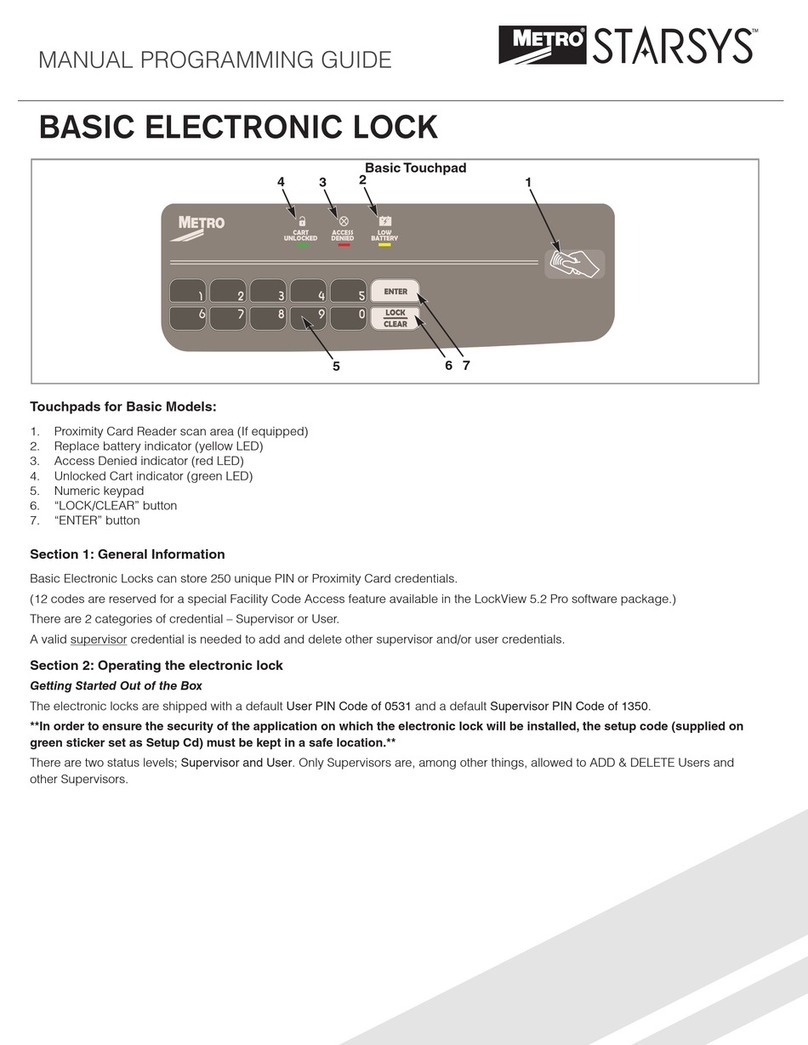
If the electronic lock is equipped with a card reader (HID Proximity or HID iCLASS, iClass SE or iClass Seos):
1. Present a valid card within range of the proximity card reader.
DUAL CREDENTIAL:
If the User or Supervisor requires a dual credential:
1. Enter a valid PIN and press “ENTER” (for touchpad credentials) or present a valid card (for HID Proximity or HID iCLASS, iClass SE
or iClass Seos credentials).
2. Enter the second credential (4-14 digit PIN) and press “ENTER.”
NOTE: The second credential must always be a 4 - 14 digit pin.
To Relock the Cart using the Touchpad:
1. The carts are equipped with AUTO RE-LOCK, the cart will lock automatically when the specified time elapses.
2. To re-lock before time limit expires, press LOCK/CLEAR button.
NOTE: The default AUTO RE-LOCK time is 5 minutes. AUTO RE-LOCK settings are adjustable via the LOCKVIEW software and this
feature can be disabled. Consult with your supervisor if there any questions about AUTO RE-LOCK settings.
Unlocking the Cart using the Override Key Lock:
1. Insert the key into the mechanical key lock and turn clockwise.
2. To open, pull out drawer to access.
To Relock the Cart using the Override Key Lock:
1. To close, push in drawer.
2. Turn the key in a counter-clockwise direction.
© 2020 InterMetro Industries Corporation, Wilkes-Barre, PA 18705
L07-159 REV B 06/20
* Save this document for future application, load rating and/or safety reference.
Strongly recommended to use either Duracell®or Rayovac®batteries. Please DO NOT use Energizer®Max due
to an incompatibility with this application.