manuals.online logo
Brands
  1. Home
  2. •
  3. Brands
  4. •
  5. MICRO-EPSILON
  6. •
  7. Thermometer
  8. •
  9. MICRO-EPSILON thermoMETER CS Installation manual

MICRO-EPSILON thermoMETER CS Installation manual

This manual suits for next models

2

Other MICRO-EPSILON Thermometer manuals

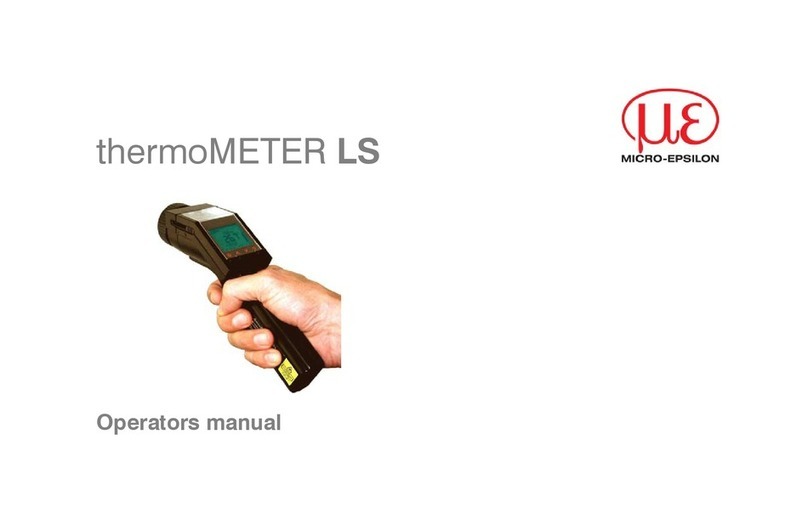
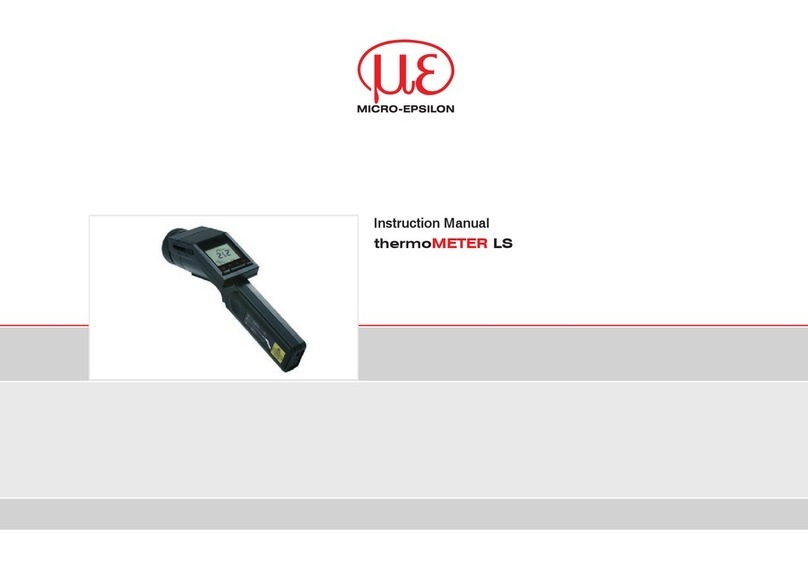
MICRO-EPSILON LS User manual

MICRO-EPSILON

MICRO-EPSILON LS User manual

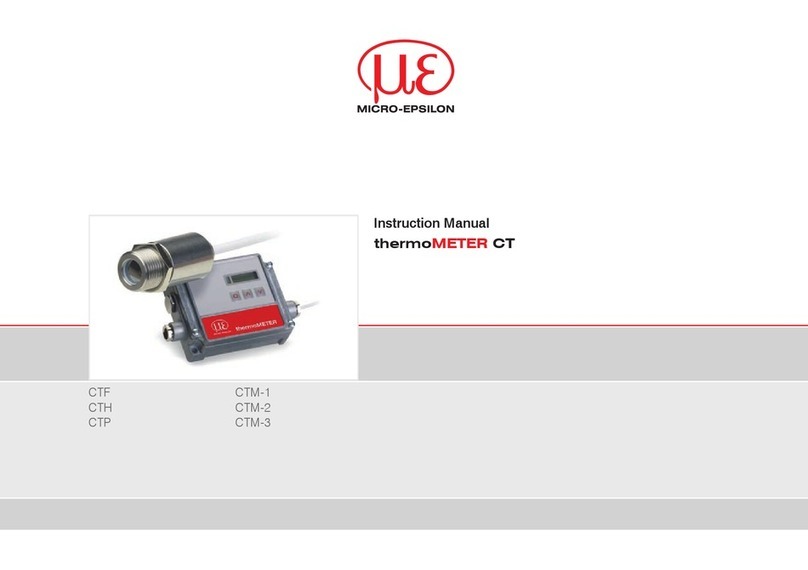
MICRO-EPSILON thermoMETER CT User manual

MICRO-EPSILON

MICRO-EPSILON thermoMETER CT User manual

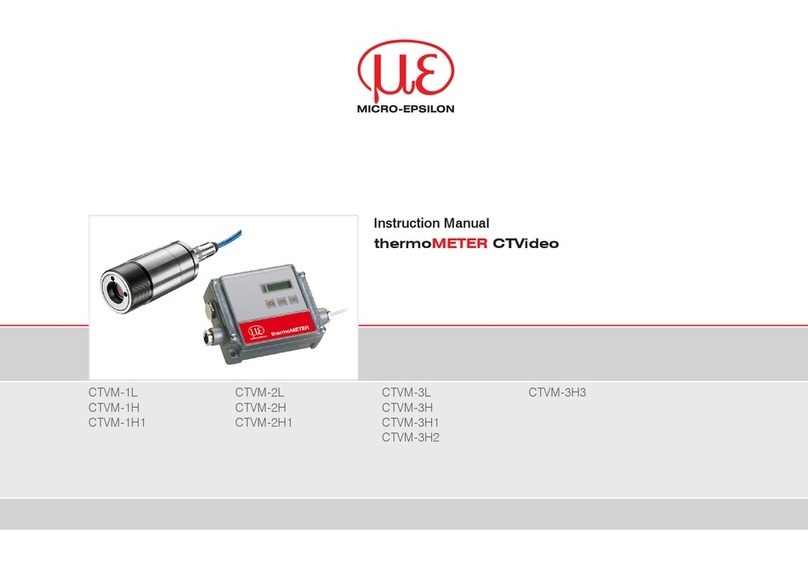
MICRO-EPSILON CTVM-1L User manual

MICRO-EPSILON

MICRO-EPSILON CTVM-1L User manual

MICRO-EPSILON LS User manual

MICRO-EPSILON

MICRO-EPSILON LS User manual

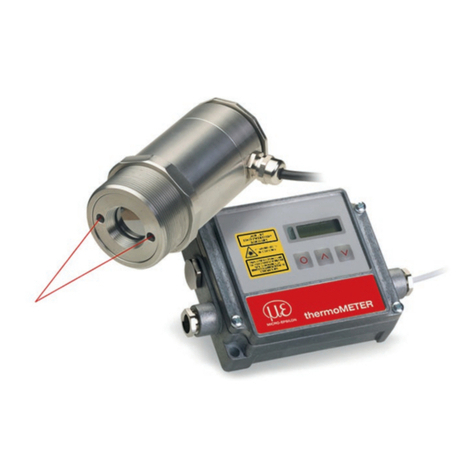
MICRO-EPSILON thermoMETER CTL Series User manual

MICRO-EPSILON

MICRO-EPSILON thermoMETER CTL Series User manual

Popular Thermometer manuals by other brands

Delton 981A instruction manual

Delton

Delton 981A instruction manual

Baker MM2P instruction manual

Baker

Baker MM2P instruction manual

Tarmo 320281 manual

Tarmo

Tarmo 320281 manual

Citizen CTD 504 instruction manual

Citizen

Citizen CTD 504 instruction manual

TFA 14.1500 instruction manual

TFA

TFA 14.1500 instruction manual

Vive DMD1010 user manual

Vive

Vive DMD1010 user manual

Gotemp THB4002 user guide

Gotemp

Gotemp THB4002 user guide

GREISINGER G 1202 Quick reference guide

GREISINGER

GREISINGER G 1202 Quick reference guide

Amprobe TMD-53W user manual

Amprobe

Amprobe TMD-53W user manual

Trotec BP10 operating manual

Trotec

Trotec BP10 operating manual

Radiance instruments RT616 Series product manual

Radiance instruments

Radiance instruments RT616 Series product manual

Eurolec IR151 operating instructions

Eurolec

Eurolec IR151 operating instructions

Scaneo TS42B instruction manual

Scaneo

Scaneo TS42B instruction manual

Sper scientific 800043 instruction manual

Sper scientific

Sper scientific 800043 instruction manual

Motorola MBP69SN General questions

Motorola

Motorola MBP69SN General questions

The MeatStick The MeatStick quick start guide

The MeatStick

The MeatStick The MeatStick quick start guide

Hama TH35-A operating instructions

Hama

Hama TH35-A operating instructions

Veridian Healthcare 09-349 instruction manual

Veridian Healthcare

Veridian Healthcare 09-349 instruction manual

manuals.online logo
manuals.online logoBrands
  • About & Mission
  • Contact us
  • Privacy Policy
  • Terms and Conditions

Copyright 2025 Manuals.Online. All Rights Reserved.

Ergänzende Information / Additional Information
Artikel-Nr./Stock No. X975X203.01 Auftrags-Nr./Order No.
Produkt/Product thermoMETER CS USB-Schnittstellenmodul
thermoMETER CS USB interface module Rahmen-Nr./B-Order No.
Basis-Betriebsanleitung/Main Operating Instructions thermoMETER CS - X9750203/ X9751203
USB-Schnittstellenmodul USB Interface Module
Hinweise zur CE-Kennzeichnung Notes on CE Marking
Für das thermoMETER CS USB-Schnittstellenmodul gilt: The following apply for the thermoMETER CS USB interface module:
- EU-Richtlinie 2014/30/EU
- EU-Richtlinie 2014/35/EU
- EU-Richtlinie 2011/65/EU
- EU Directive 2014/30/EU
- EU Directive 2014/35/EU
- EU Directive 2011/65/EU
Produkte, die das CE-Kennzeichen tragen, erfüllen die Anfor-
derungen der zitierten EU-Richtlinien und der jeweils an-
wendbaren harmonisierten europäischen Normen (EN). Das
Messystem ist ausgelegt für den Einsatz im Industriebereich.
Die EU-Konformitätserklärung wird gemäß der EU-Richtlinie,
Artikel 10, für die zuständige Behörde zur Verfügung gehalten.
Products which carry the CE mark satisfy the requirements of the EU
directives cited and the relevant applicable harmonized European
standards (EN). The measuring system is designed for use in indus-
trial environments. The EU Declaration of Conformity is available to
the responsible authorities according to EU Directive, article 10.
Lieferumfang Unpacking, Included in Delivery
IR Verbindungskabel mit Micro-USB-Stecker und USB-C- und
USB-A-Adapter
IR connection cable with Micro-USB plug and adapter for USB-C-
and USB-A adapter
Ergänzende Information / Additional Information
Artikel-Nr./Stock No. X975X203.01 Auftrags-Nr./Order No.
Produkt/Product thermoMETER CS USB-Schnittstellenmodul
thermoMETER CS USB interface module Rahmen-Nr./B-Order No.
Basis-Betriebsanleitung/Basic Operating Instructions thermoMETER CS - X9750203/ X9751203
USB-Schnittstellenmodul USB Interface Module
Hinweise zur CE-Kennzeichnung Notes on CE Marking
Für das thermoMETER CS USB-Schnittstellenmodul gilt: The following apply for the thermoMETER CS USB interface module:
- EU-Richtlinie 2014/30/EU
- EU-Richtlinie 2014/35/EU
- EU-Richtlinie 2011/65/EU
- EU Directive 2014/30/EU
- EU Directive 2014/35/EU
- EU Directive 2011/65/EU
Produkte, die das CE-Kennzeichen tragen, erfüllen die Anfor-
derungen der zitierten EU-Richtlinien und der jeweils an-
wendbaren harmonisierten europäischen Normen (EN). Das
Messystem ist ausgelegt für den Einsatz im Industriebereich.
Die EU-Konformitätserklärung wird gemäß der EU-Richtlinie,
Artikel 10, für die zuständige Behörde zur Verfügung gehalten.
Products which carry the CE mark satisfy the requirements of the EU
directives cited and the relevant applicable harmonized European
standards (EN). The measuring system is designed for use in indus-
trial environments. The EU Declaration of Conformity is available to
the responsible authorities according to EU Directive, article 10.
Lieferumfang Unpacking, Included in Delivery
IR Verbindungskabel mit Micro-USB-Stecker und USB-C- und
USB-A-Adapter
IR connection cable with micro-USB plug and USB-C/USB-A
adapters
Schnittkante

Installation Installation
Verbinden Sie bitte mit Hilfe des Klemmblocks jede Ader
des IR Connector-Kabels mit der gleichfarbigen Ader des
Sensorkabels.
Drücken Sie mit einem Schraubendreher auf die einzel-
nen Kontakte wie abgebildet, um einen Kontakt zu lösen.
Please connect each wire of the IR connector cable with the
same colored wire of the sensor cable by using the terminal
block.
Use a screwdriver to press on the individual contacts as shown
to release a contact.
Betrieb Operation
Das Verbindungskabel kann für den Anschluss an einen PC
mit der Software CompactConnect betrieben werden.
Dieses Programm finden Sie online unter:
The connector cable can be used for the connection to a PC with the
CompactConnect software. You will find this program online under:
http://www.micro-epsilon.de/CompactConnect
MICRO-EPSILON MESSTECHNIK GmbH & Co. KG
Koenigbacher Str. 15 · 94496 Ortenburg / Germany
Tel. +49 (0) 8542 / 168-0 · Fax +49 (0) 8542 / 168-90
[email protected] · www.micro-epsilon.com
Your local contact: www.micro-epsilon.com/contact/worldwide/
X975X203.01-A012100HDR
*X975X203.01-A01*
MICRO-EPSILON MESSTECHNIK
Installation Installation
Verbinden Sie bitte mit Hilfe des Klemmblocks jede Ader
des IR Connector-Kabels mit der gleichfarbigen Ader des
Sensorkabels.
Drücken Sie mit einem Schraubendreher auf die einzel-
nen Kontakte wie abgebildet, um einen Kontakt zu lösen.
Please contact each wire of the IR connector cable with the
same colored wire of the sensor cable by using the terminal
block.
Press with a screw driver as shown in the picture to open a
contact.
Betrieb Operation
Das Verbindungskabel kann für den Anschluss an einen PC
mit der Software CompactConnect betrieben werden.
Dieses Programm finden Sie online unter:
The connector cable can be used for the connection to your PC in
combination with the software CompactConnect. You will find this
program under:
http://www.micro-epsilon.de/CompactConnect
MICRO-EPSILON MESSTECHNIK GmbH & Co. KG
Koenigbacher Str. 15 · 94496 Ortenburg / Germany
Tel. +49 (0) 8542 / 168-0 · Fax +49 (0) 8542 / 168-90
[email protected] · www.micro-epsilon.com
Your local contact: www.micro-epsilon.com/contact/worldwide/
X975X203.01-A012100HDR
*X975X203.01-A01*
MICRO-EPSILON MESSTECHNIK
Schnittkante