3
Contents
Welcome 2
Important information for using the manual ..................... 2
Disclaimer ........................................................................2
Copyright..........................................................................2
Contents 3
Knowing your device 5
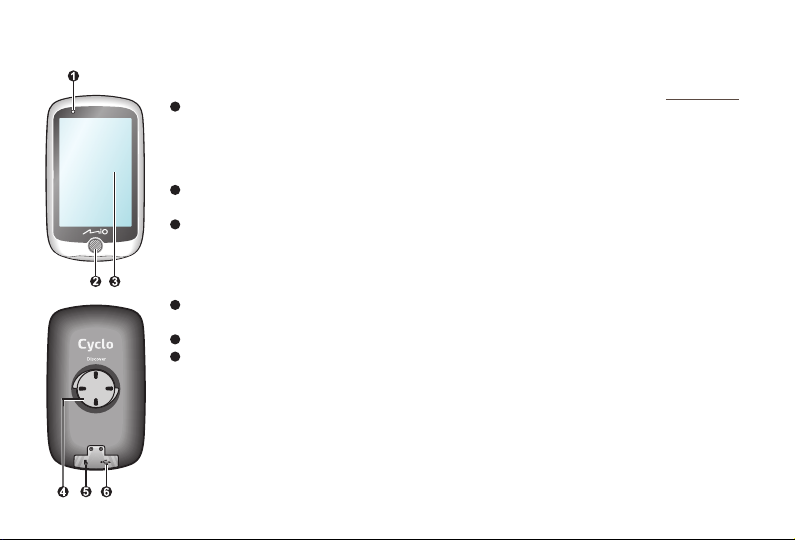
Main unit ..........................................................................5
Accessories......................................................................5
Getting started 6
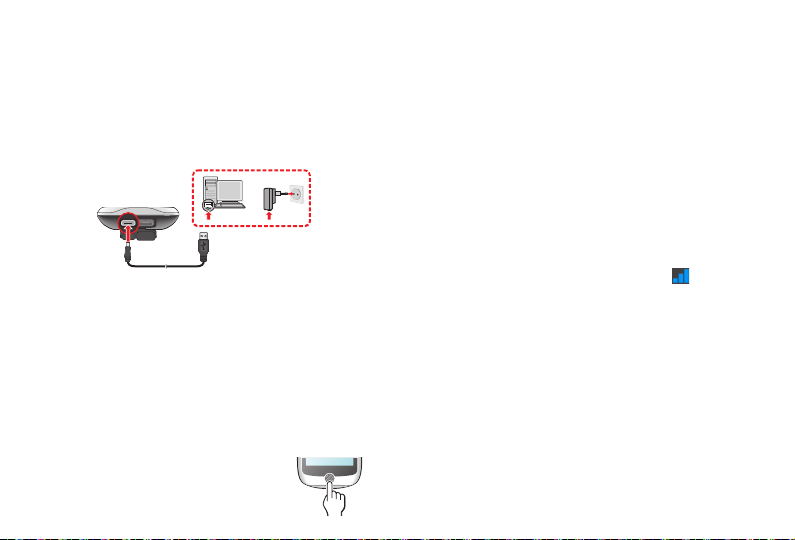
Charging the battery ........................................................ 6
Performing the initial start-up........................................... 6
Connecting your device to the computer ......................... 6
Registering your Cyclo device with MioShare..................7
Installing the device 7
Mounting the device on your bike .................................... 7
Operating basics 8
Using the POWER button ................................................ 8
Using the touch screen .................................................... 8
Unlocking the screen ....................................................... 8
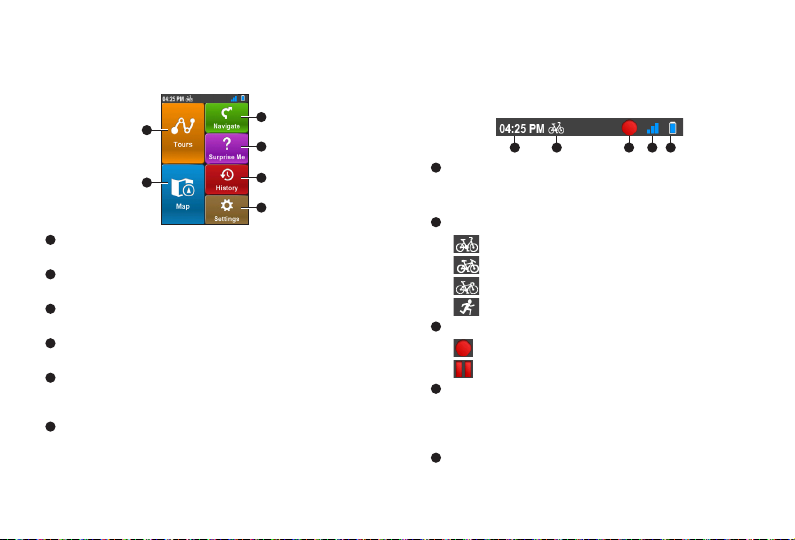
Main menu 9
System icons....................................................................9
Keyboard screen............................................................10
Managing data on the device 10
MioShare........................................................................10
CycloAgent.....................................................................10
Planning your tour 11
Starting the tour ............................................................. 11
NeverMiss™: Notifications of POI (Point of Interest)..... 11
Viewing Map screens 12
Viewing the dashboard screens.....................................13
Starting navigation 14
Using the Navigate wizard .............................................14
Navigating to Home ....................................................... 15
Other navigating options................................................16
Surprise Me 17
Loop...............................................................................17
A to B (Address, POI or Point on map) .......................... 17
Viewing the History 18
Viewing the summary of recorded data ......................... 18
Customising your device 19
Profiles...........................................................................19
Routing...........................................................................19
Dashboard .....................................................................20
Where Am I .................................................................... 20
Manage..........................................................................20
Maps ..............................................................................20
System...........................................................................20
For more information 22
Online support................................................................22
Caring for your Mio ........................................................ 22
Resetting the device ...................................................... 22