manuals.online logo
Brands
  1. Home
  2. •
  3. Brands
  4. •
  5. MonLines
  6. •
  7. TV Mount
  8. •
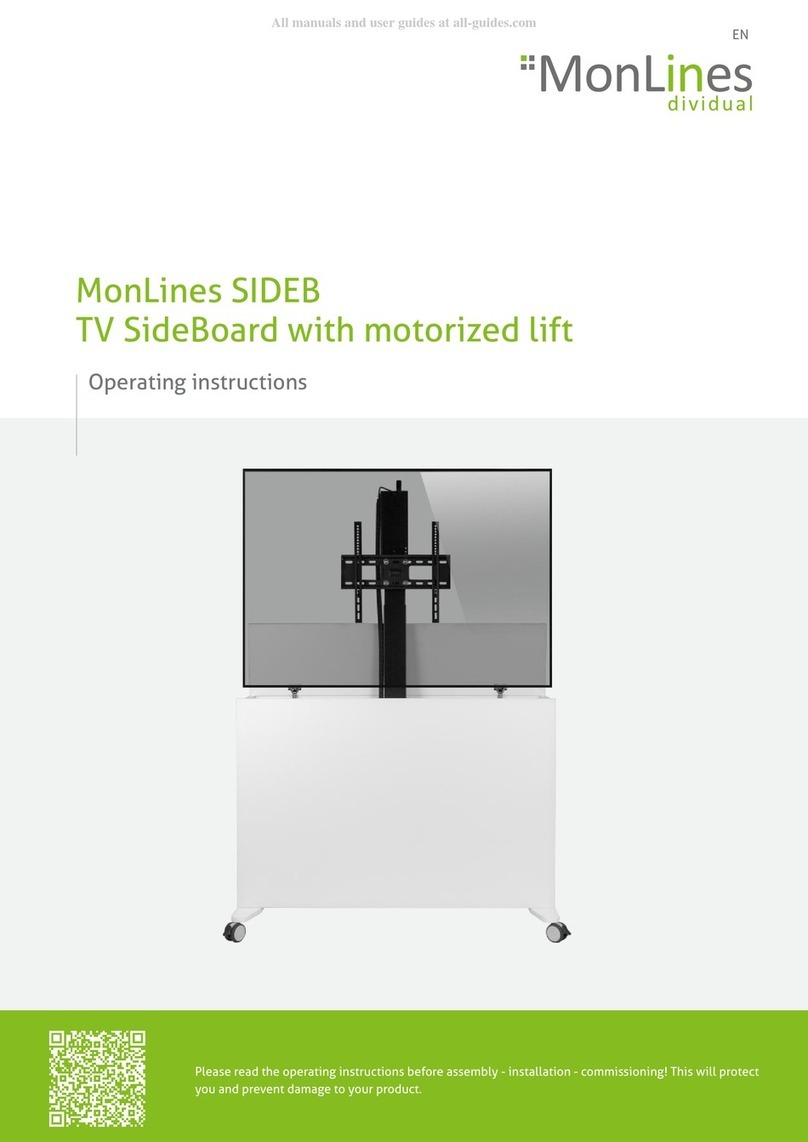
  9. MonLines SIDEB User manual

MonLines SIDEB User manual

This manual suits for next models

2

Other MonLines TV Mount manuals

MonLines MBS012W User manual

MonLines

MonLines MBS012W User manual

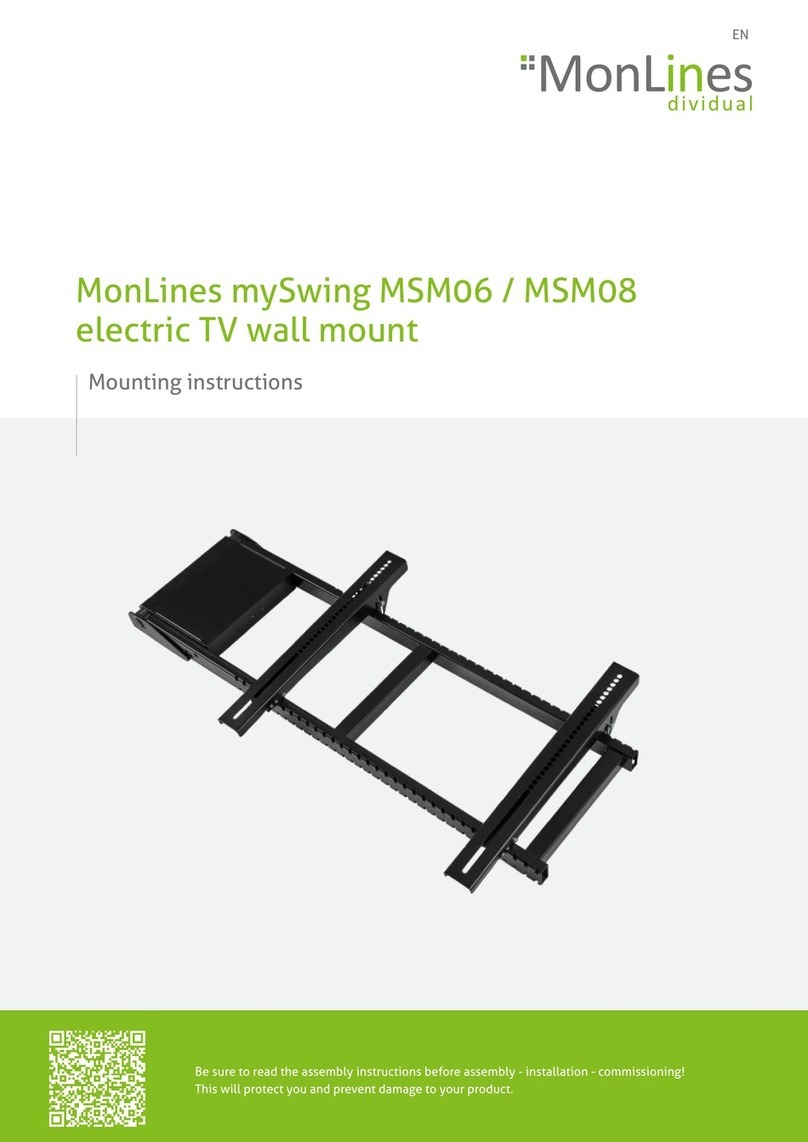
MonLines mySwing MSM06 User manual

MonLines

MonLines mySwing MSM06 User manual

MonLines SIDEB User manual

MonLines

MonLines SIDEB User manual

MonLines MDH013B User manual

MonLines

MonLines MDH013B User manual

MonLines mySwing MSM06 User manual

MonLines

MonLines mySwing MSM06 User manual

Popular TV Mount manuals by other brands

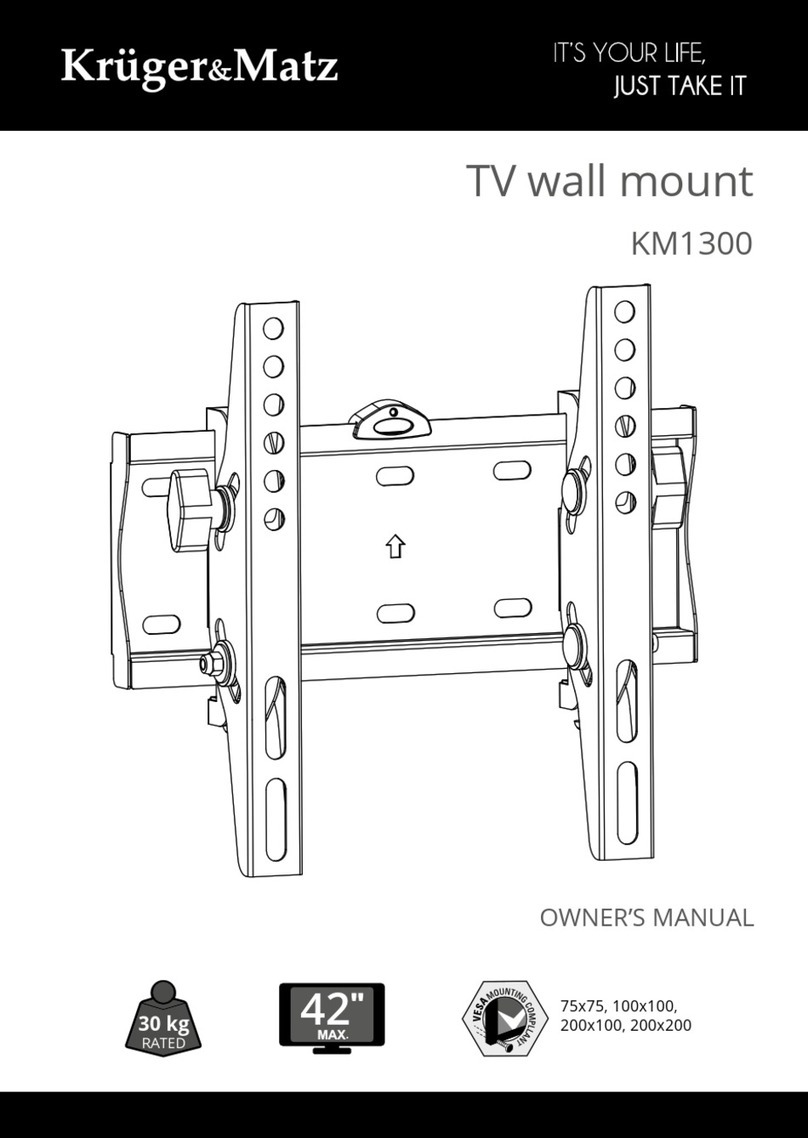
Krüger & Matz KM1300 owner's manual

Krüger & Matz

Krüger & Matz KM1300 owner's manual

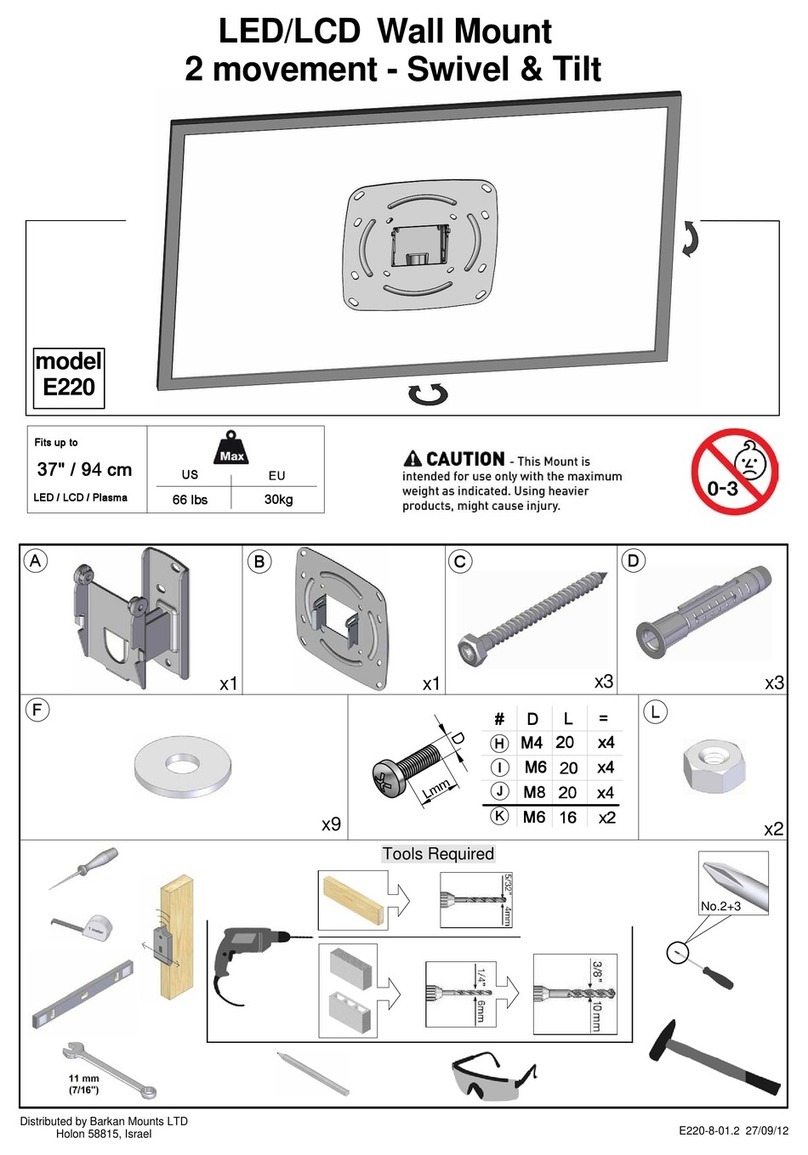
Barkan E220 manual

Barkan

Barkan E220 manual

Bauhn ACTVB-1120 installation guide

Bauhn

Bauhn ACTVB-1120 installation guide

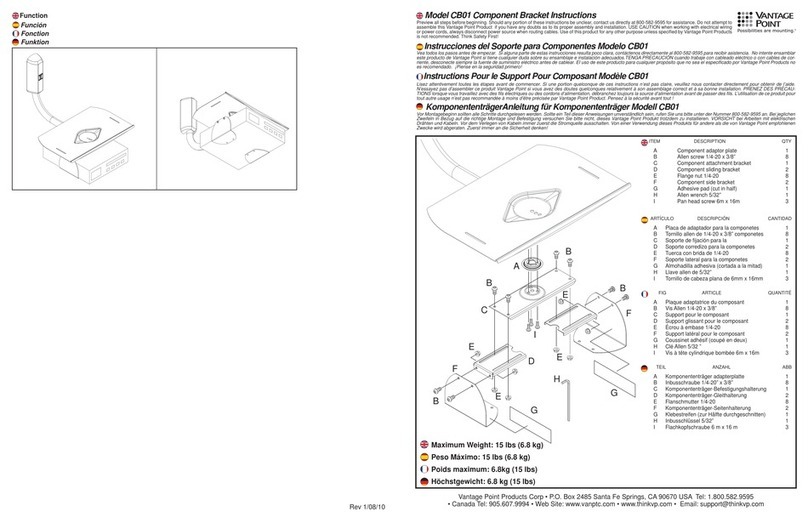
Vantage Point Products CB01 instructions

Vantage Point Products

Vantage Point Products CB01 instructions

Ergotron Neo Flex Cantilever UHD user guide

Ergotron

Ergotron Neo Flex Cantilever UHD user guide

ECG LD 174203 instruction manual

ECG

ECG LD 174203 instruction manual

StarTech.com FPCEILBTB user manual

StarTech.com

StarTech.com FPCEILBTB user manual

VonHaus 05/038 instruction manual

VonHaus

VonHaus 05/038 instruction manual

Techlink ECHO TV manual

Techlink

Techlink ECHO TV manual

Sandstrom SSTVMC12X instruction manual

Sandstrom

Sandstrom SSTVMC12X instruction manual

Kanto RCAD590 user manual

Kanto

Kanto RCAD590 user manual

Forging Mount HY9440 instruction manual

Forging Mount

Forging Mount HY9440 instruction manual

ICW SCACC18 installation instructions

ICW

ICW SCACC18 installation instructions

LG WM-L640V owner's manual

LG

LG WM-L640V owner's manual

Gembird WM-65ST-01 user manual

Gembird

Gembird WM-65ST-01 user manual

ERARD FiTUP XXL 035320 quick start guide

ERARD

ERARD FiTUP XXL 035320 quick start guide

PEERLESS PLCK-1 Installation and assembly

PEERLESS

PEERLESS PLCK-1 Installation and assembly

GEM GEM GP001 instructions

GEM

GEM GEM GP001 instructions

manuals.online logo
manuals.online logoBrands
  • About & Mission
  • Contact us
  • Privacy Policy
  • Terms and Conditions

Copyright 2025 Manuals.Online. All Rights Reserved.

EN
Please read the operating instructions before assembly - installation - commissioning! This will protect
you and prevent damage to your product.
Operating instructions
MonLines SIDEB
TV SideBoard with motorized lift
EN
Operating instructions MonLines SIDEB - Version no. 2021-10
2
Table of contents
Congratualtions!
With the MonLines SIDEB you have chosen a high-quality product that offers you great benefits in the areas of comfort and
design at a high technical level.
The usability and service life of the MonLines SIDEB depends on proper and professional installation, operation, care and
compliance of the instructions contained in these installation instructions. Any electrical connections that may be required
should only be made by the appropriate professional.
The SIDEB TV SideBoard is electrically operated. To avoid danger and prevent wear and tear on the built-in electronics, please
read the instructions carefully.
1. Images..................................................................................................................................................................................3
2. Operating instructions.....................................................................................................................................................4
3. Safety instructions............................................................................................................................................................4
4. Checking scope of delivery.............................................................................................................................................4
5. Mounting VESA plate on TV & operating lift switch..................................................................................................5
6. Troubleshooting advices.................................................................................................................................................6
EN
Versionsnr. 2016-08 - Montageanleitung TabLines TWE Tablet Wandeinbau
Version no. 2021-10 - Operating instructions MonLines SIDEB 3
1. Images
Fig. 1 Lift with tv cabinet
Abb. 2 Handschalter
Fig. 3 Multiple outlet sockets
Fig. 4 Castors with brake function Fig. 5 Cable drum Fig. 6 Lift with VESA standard
Fig. 2 Lift switch
EN
Operating instructions MonLines SIDEB - Version no. 2021-10
4
2. Operating instructions
1. Before assembly, check all components received against the scope of delivery. If any parts are damaged or missing,
please contact us by e-mail or telephone.
2. Do not operate the lift system in a damp or wet environment.
3. Select an installation location with sufficient space to be able to extend and retract the mount.
4. Only use suitable tools.
5. Use only the screws supplied and do not overtighten them.
6. Only mount load-bearing components in accordance with the mounting instructions. Improper installation may result in
damage or injury.
7. Do not use televisions that exceed the permissible weight. Improper use may result in damage or injury.
3. Safety instructions
1. Use the SIDEB indoors only. Outdoor use may result in damage or injury.
2. Use the lift system only with the supplied power supply. Modifications to the supplied power supply are not permitted.
3. Never operate the lift system with a damaged mains cable or plug. If any parts are damaged, please contact us.
4. Do not clean the lift system while it is in operation.
5. Never unscrew the components of the lift system by yourself. Do not disassemble or replace any components.
6. This product contains small parts that may cause a choking hazard if swallowed. Keep these parts away from children.
7. Ensure that the TV Lift is used by children (8 years and older) only under supervision or after receiving proper instruction.
8. regardless of the weight, do NOT exceed the duty cycle of approx. 6 minutes per hour or max. 2 minutes for continuous
operation, as this will result in a risk of injury be exceeded, as this may cause the motor to overheat. Exceeding the duty
cycle can significantly reduce the service life of the system.
4. Checking scope of delivery
1. Scope of delivery:
- Sideboard incl. lift system
- VESA mount / adapter / screws for the TV set (see Fig. 7)
2. Remove the packaging material carefully and without sharp objects.
3. Check the scope of delivery for completeness and proper condition.
4. If any parts are missing or damaged, please contact us immediately.
5. Dispose of the packaging material in accordance with national
regulations.
Fig. 7 Scope of delivery screws
EN
Versionsnr. 2016-08 - Montageanleitung TabLines TWE Tablet Wandeinbau
Version no. 2021-10 - Operating instructions MonLines SIDEB 5
Mounting the braces on the TV rear side
Disconnect the TV from the mains before you
start mounting. We recommend that you
spread a blanket the size of your screen on
the floor in preparation. Loosen the screws
of the current TV stand. Please be careful not
to damage the TV. Carefully place the front
of the screen on the blanket so that you can
attach the VESA braces to the VESA mount
on the back of the TV.
5. Mounting VESA plate on TV & operating lift switch
Mounting the TV set onto a VESA plate
Connect the flat plug / mains plug of the
sideboard to the socket (220V). Use the lift
switch to move the lift unit to the highest
position (see below for operation of the lift
switch). To lift large, heavy flat screens,
enlist the help of a second person and
carefully hook in the TV (Fig. 10). Mount your
TV on the VESA mount on the lift unit. Then
tighten the safety screws with a suitable
screwdriver without overtightening.
Fig. 8 Installation for TV sets / monitors with flat backsides
Fig. 9 Installation for TV sets / monitors with curved backsides
For TV sets / monitors with a flat back select
the M-A / M-B screws (Fig. 8). For monitors
with a curved back (curved monitors) select
the M-C / M-D / M-E screws (Fig. 9). Insert the
spacers M-G / M-H depending on the
condition / curvature of the monitor. The
washers M-F serve for stabilisation and the
surface of the struts is thereby spared.
Tighten all screws firmly with a screwdriver,
but do not overtighten.
Fig. 10 Mounting the TV / screen onto the VESA plate

EN
Operating instructions MonLines SIDEB - Version no. 2021-10
6
Possible sources
6. Troubleshooting advices
Error Check / verify
The lift unit does not move. Overheating
No power connection
Incorrect operation
Let the unit cool down to room
temperature for approx. 30 minutes.
Check that the mains cable is
correctly connected to the socket as
well as the power supply unit.
Make sure that you have followed the
instructions in this manual properly.
The lift unit stops during operation. Blockage due to impurities
TV lift too heavy Make sure that the weight of the TV
set does not exceed the max. load
capacity.
The lift unit makes an unusual noise. Cable damaged / TV lift overloaded Please contact us by e-mail or telephone.
Remove the foreign object and
operate the hand switch again.
Test run / operation of the manual lift
switch
Then test the TV lift with the mounted TV set/
monitor by pressing the down button. Make
sure that the screen retracts completely into
the sideboard. The lid closes automatically
with the soft-close mechanism. To prevent
uncontrolled upward or downward
movement of the lift, the up/down button
(Fig. 11) must always be pressed manually
during the entire movement process.
Releasing a button causes the lift to stop at
the corresponding point. Please ensure that
no cables are pinched or come under tension
during the lifting movement.
Fig. 11 Up/Down Lift Hand Switch
EN
Notes
Version no. 2021-10 - Operating instructions MonLines SIDEB 7
Operatinginstructions
TabLines
Am Marienhof 8
22880 Wedel
Germany
Please contact us
Your MonLines dealer / specialist partner
Changes reserved
MonLines
Am Marienhof 8
22880 Wedel
Germany
E-Mail: info@monlines.com
Web: www.monlines.com
Tel.: +49 (0) 4103 / 90387 - 0
Fax: +49 (0) 4103 / 90387 - 11
MonLines SIDEB
SideBoard with motorized lift