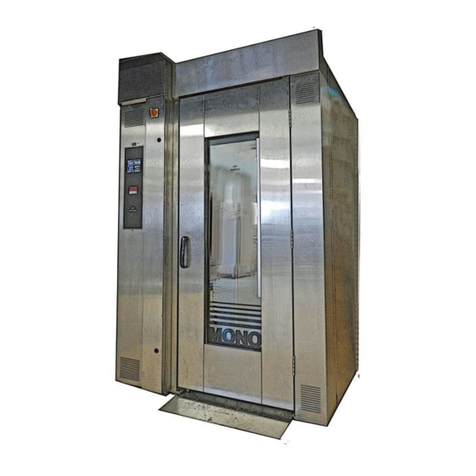
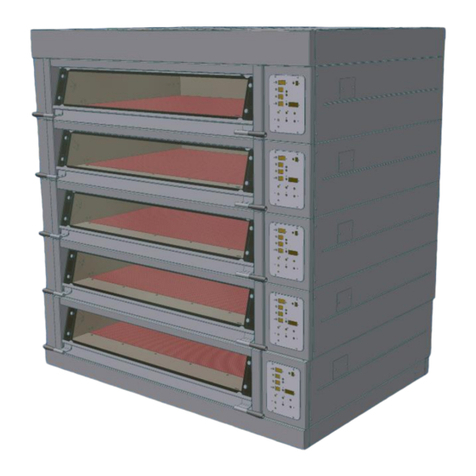
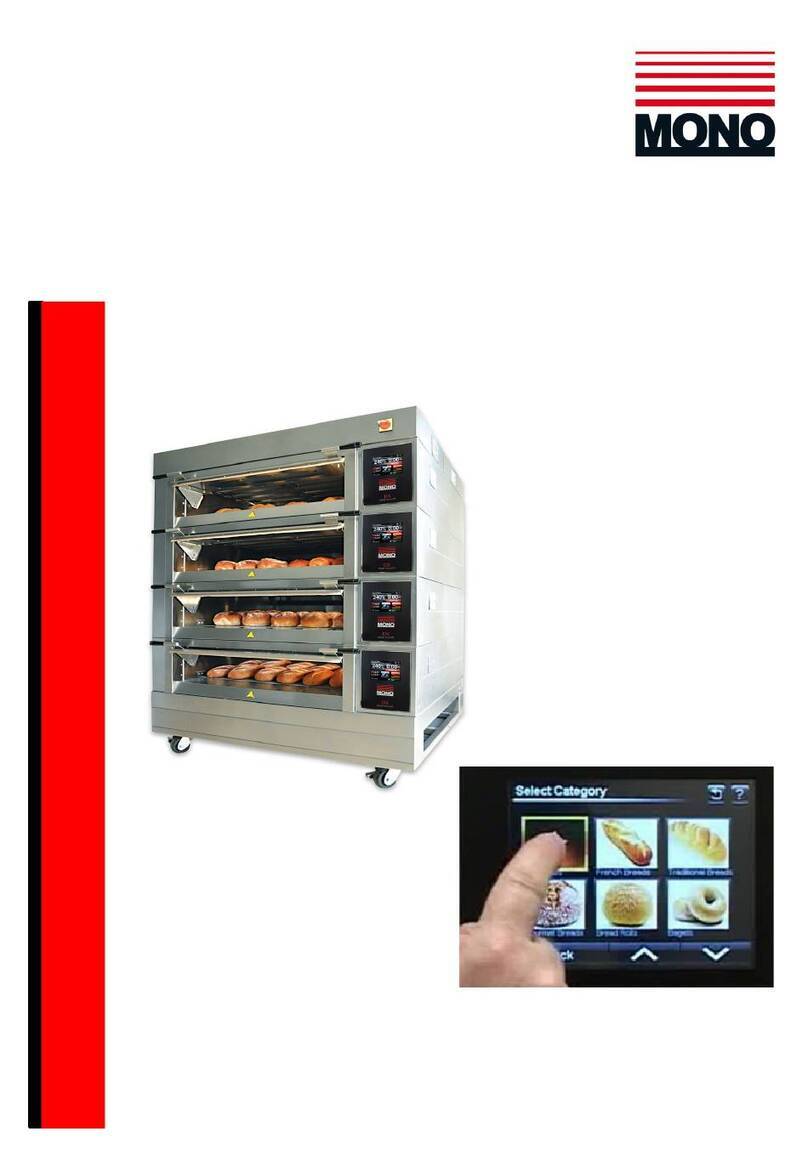
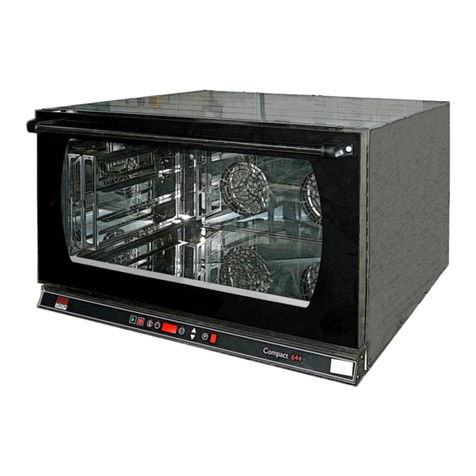
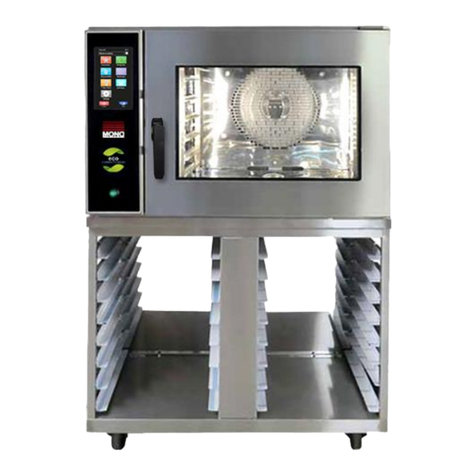
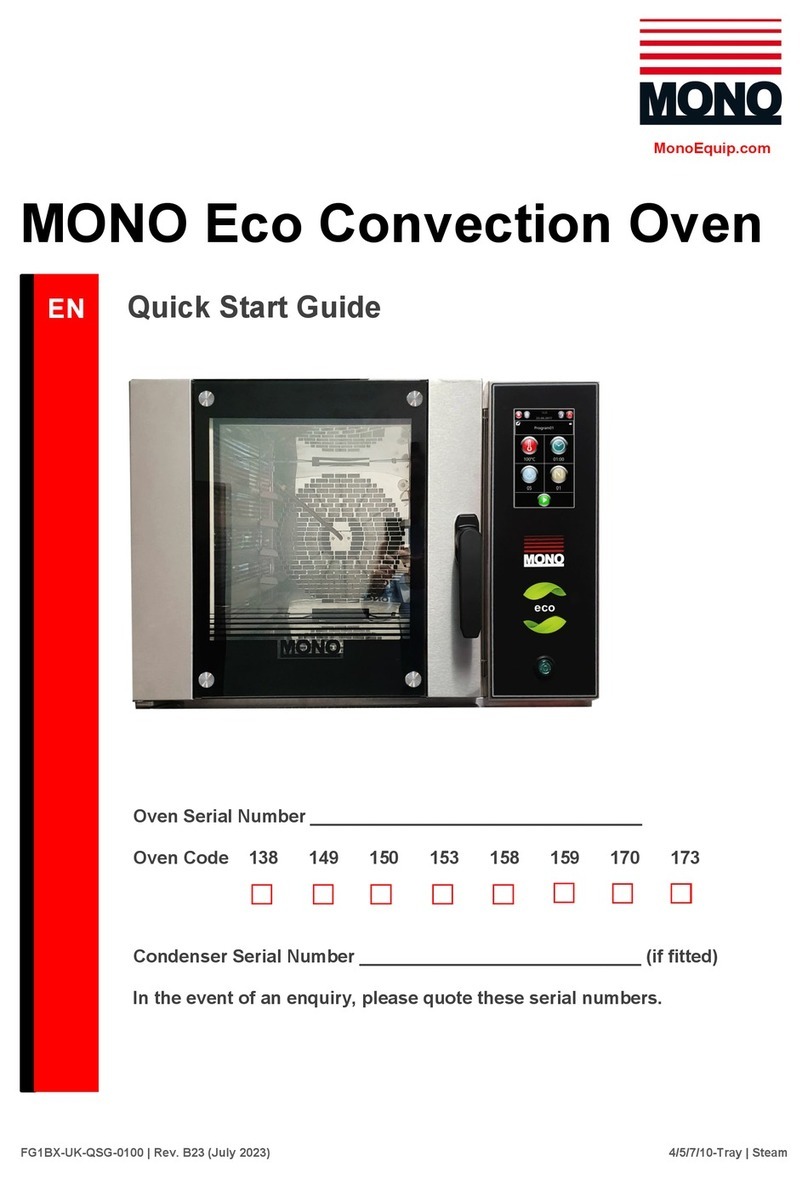
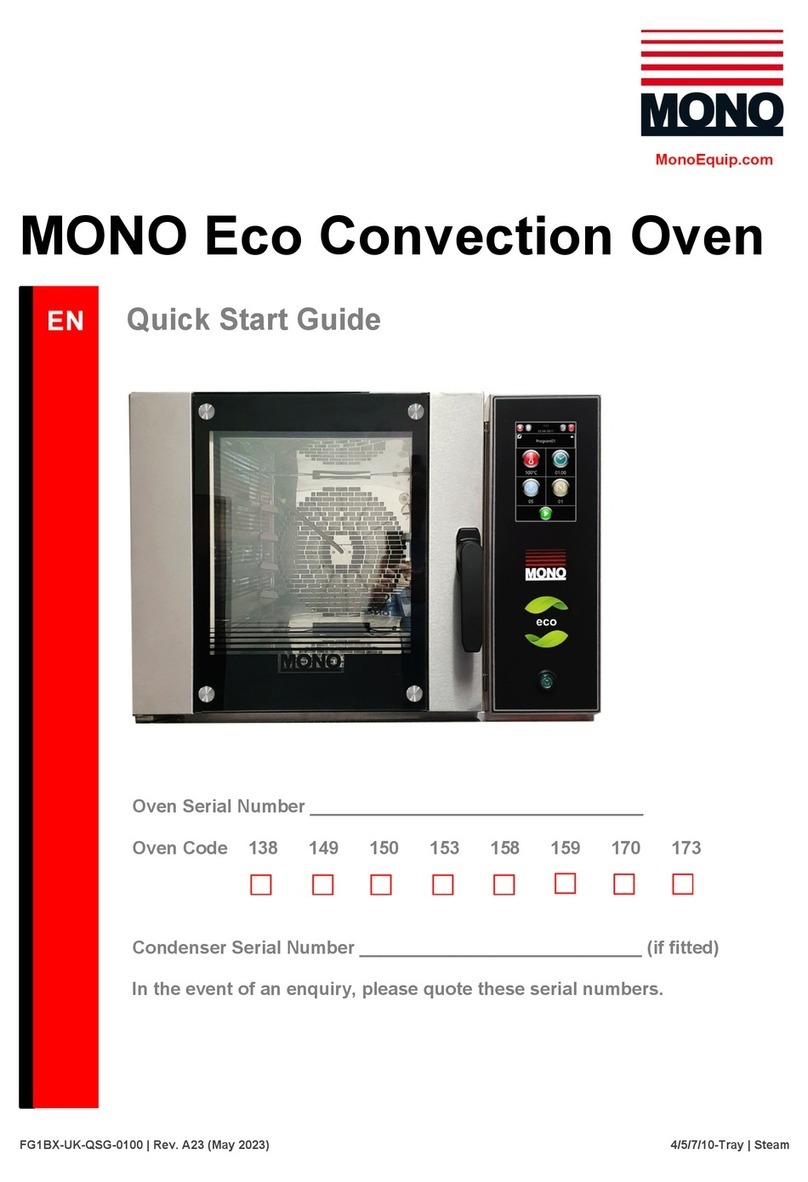
Ensure power and water are connected to the oven.
1. Turn power on at mains connection.
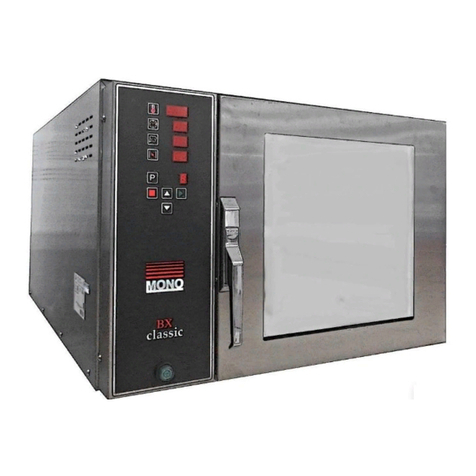
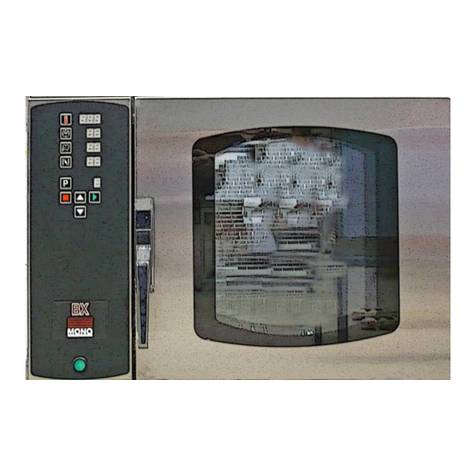
2. Press power button. (1)
To turn off hold down for 5 seconds until the interior light goes out.
Baking using a pre-set programme
3. Press “P” button.(3) PO1 should be displayed (flashing if not programmed) on
the LED screen.
4. Use the arrow keys (5), (6) to select a programme.
5. Once you find your desired programme, press “P” button (3) to select it.
6. Press start (9) and close the door.
The oven will preheat and then a sounder will be heard.
(The oven will heat to a temperature 20% higher than the set temperature to
allow for heat loss when loading trays)
7. Load the oven with trays of product.
8. Close the door to start your bake
Editing programmes
1. Once selected, you can edit the program by pressing the temperature (4), steam
(7) and time (2) buttons.
2. To edit the temperature, press the temperature button (4) and use the arrows
(5),(6) to select a temperature. Press the temperature button (4) again to
confirm.
3. To edit the steam, press the steam button (7) and use the arrows (5),(6) to
select the amount of steam. Press the steam button (7) again to confirm.
4. To edit the time, press the time button (2) and use the arrows to select a time.
Press the time button (2) again to confirm.
5. Once all settings have been edited, you can press the “C” button (8) to change
the phase.
(There are 3 phases available per bake)
6. Repeat steps 7-10 if necessary to set different cooking phases.
7. When you are happy with the settings, press “P” (3) once. Then press and hold
“P” (3) to save your new settings.