v3.0
REV.10/2019
MP105 MP205
USER/INSTALLER MANUAL
EN
• It is important for your safety that these instructions are
followed.
• Keep these instructions in a safe place for future reference.
• The ELECTROCELOS S.A. is not responsible for the improper
use of the product, or other use than that for which it was
designed.
• The ELECTROCELOS S.A. is not responsible if safety
standards were not taken into account when installing the
equipment, or for any deformation that may occur.
• The ELECTROCELOS S.A. is not responsible for insecurity
andmalfunctionoftheproductwhenusedwithcomponents
that were not sold by the them.
• This product was designed and manufactured strictly for
the use indicated in this manual.
• Any other use not expressly indicated may damage the
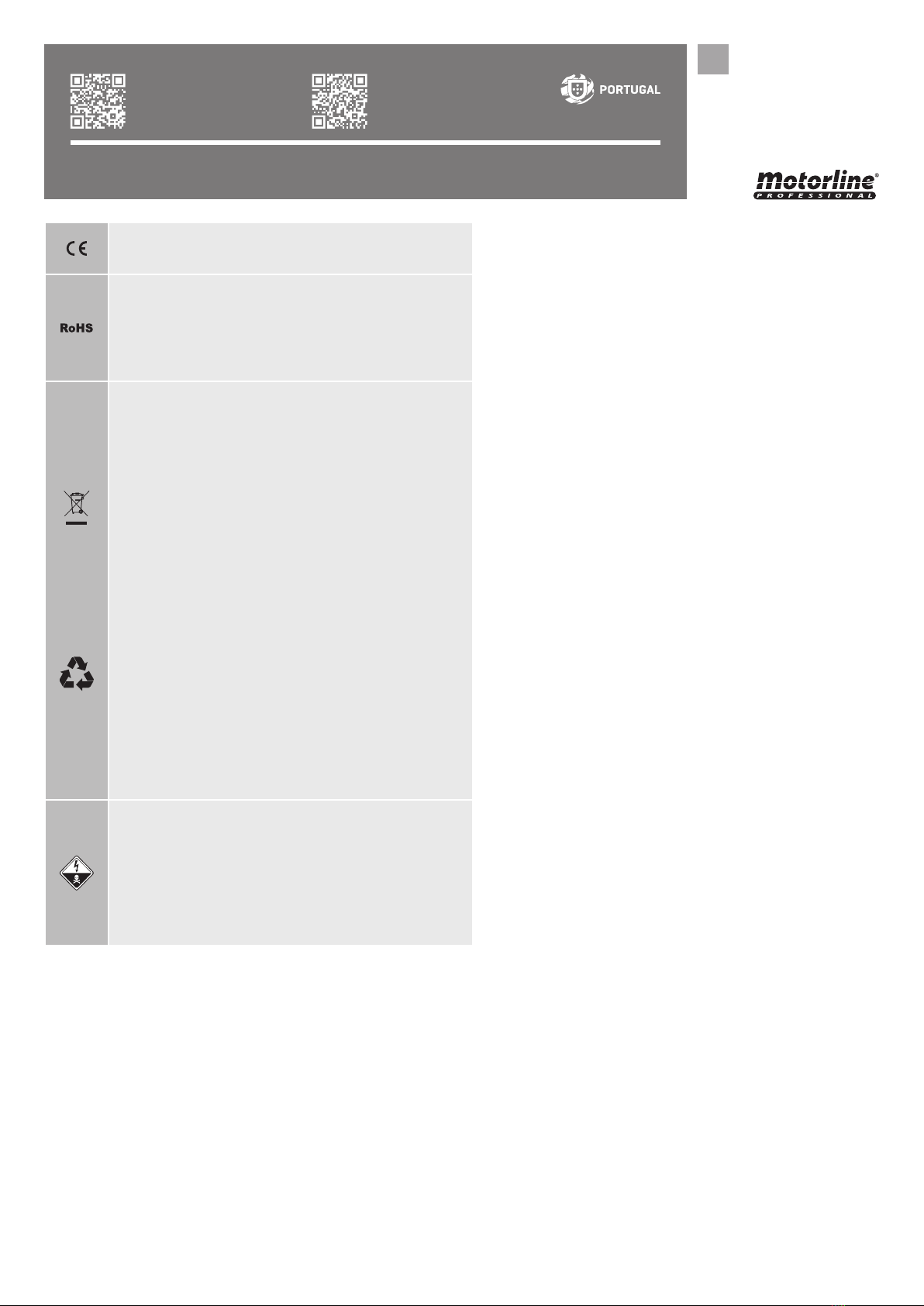
This product is certified in accordance with
European Community (EC) safety standards.
This product complies with Directive 2011/65/
EU of the European Parliament and of the
Council, of 8 June 2011, on the restriction of
the use of certain hazardous substances in
electrical and electronic equipment.
(Applicablein countrieswith recyclingsystems).
This marking on the product or literature
indicates that the product and electronic
accessories (eg. Charger, USB cable, electronic
material, controls, etc.) should not be disposed
of as other household waste at the end of
its useful life. To avoid possible harm to the
environmentorhumanhealthresultingfromthe
uncontrolled disposal of waste, separate these
items from other types of waste and recycle
them responsibly to promote the sustainable
reuse of material resources. Home users should
contact the dealer where they purchased this
product or the National Environment Agency
for details on where and how they can take
these items for environmentally safe recycling.
Business users should contact their vendor
and check the terms and conditions of the
purchase agreement. This product and its
electronic accessories should not be mixed
with other commercial waste.
This marking indicates that the product
and electronic accessories (eg. charger, USB
cable, electronic material, controls, etc.) are
susceptible to electric shock by direct or
indirect contact with electricity. Be cautious
when handling the product and observe all
safety procedures in this manual.
product and/or can cause physical and property
damages, and will void the warranty.
• Do not make any changes to the automation
components and/or their accessories.
• The customer shall not, under any circumstances,
attempt to repair or tune the automatism. Must call
qualified technician only.
• The installer must have certified professional
knowledge at the level of mechanical assemblies in
doors and gates and control board programmation.
He should also be able to perform electrical
connections in compliance with all applicable
regulations.
• The installer should inform the customer how to
handle the product in an emergency and provide
him the manual.
• This device can be used by children 8 year old
or older and persons whose physical, sensory or
mental capacities are reduced, or by persons without
experience or knowledge if they have received
supervision or instructions on the use of the device
in a safe manner and understood the hazards
involved. Children should not play with the device.
Cleaning and maintenance by the user must not be
carried out by unsupervised children.
• Automatism powered by very low safety voltage,
with electronic board/control board/control unit.
• Before installing, the installer must verify that the
temperature range indicated on the automatism is
appropriate to the location of the installation.
• If the automation is to be installed at a level higher
than 2,5 m above ground level or other level of access,
should be followed the minimum safety and health
requirements for the use of work equipment workers
at work in Directive 2009/104/EC of the European
Parliament and of the Council of 16th September of
2009.
• In order to protect the electrical cables against
mechanical stress, you should use conduit for the
electrical wires, essentially on the power cable.


















