Getting Started
1
2
3
4
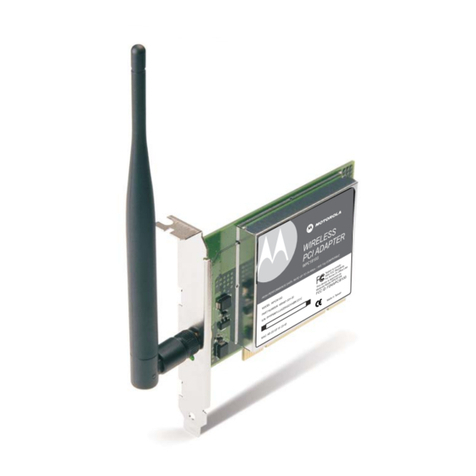
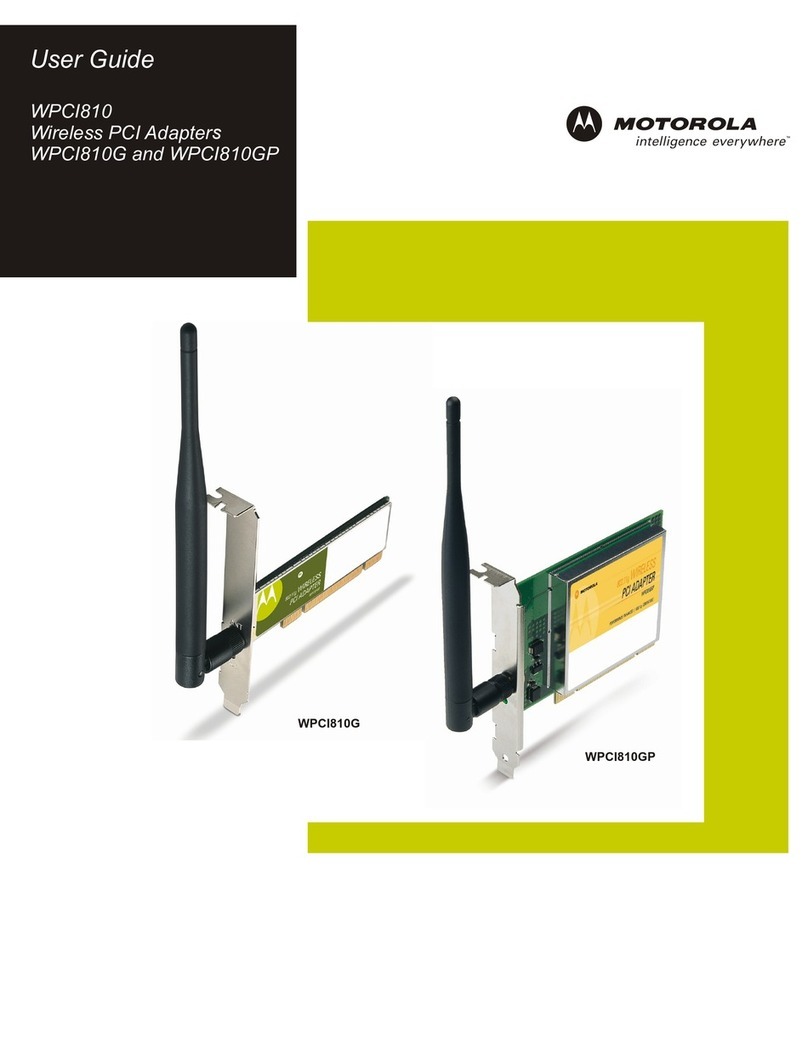
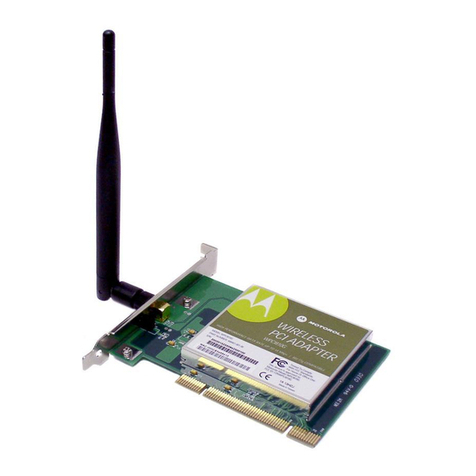
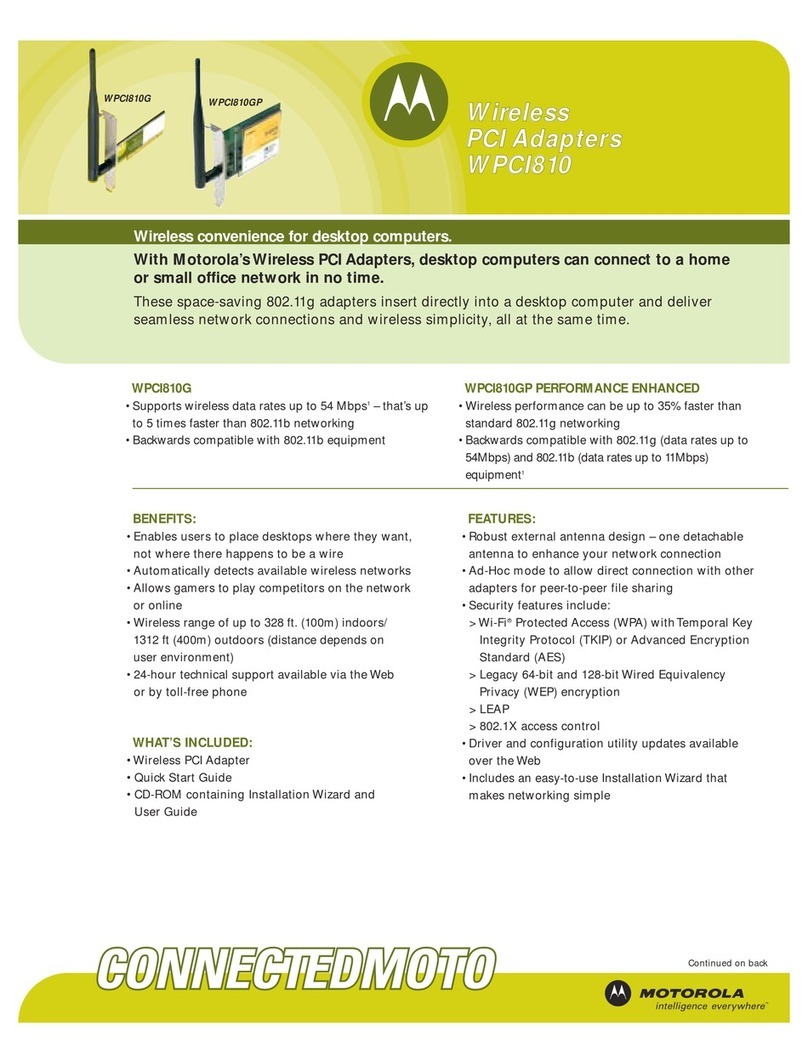
Motorola WPCI810GP / WPCI810G
Wireless PCI Adapter
Check that your box contains
these items.
(User Guide: Section 1)
Insert the Installation Wizard
CD-ROM.
(User Guide: Section 2)
Install the software for your unit
from the CD-ROM.
(User Guide: Section 2)
Insert your card into
the PC
(User Guide: Section 2)
518251-001 MGBI
If you need assistance, call:
1-877-466-8646
7 days a week, 24 hours a day
You can also check for the latest developments at:
www.motorola.com/broadband/networking
WPCI Antenna
CD-ROM
WPCI810GP
or
WPCI810G
IRELESS
W
IA A
D P
T
E
PR
C
40gO
E2 L
RR UPMCMBE
ECTO
b1I
GHPORMDATA E 5 p 8.1P AT
HI FN AT s
A/
C8101 GP
W
ee
smy
dTtc
top
l
o
S
tC Ctans
W h d
iar
Fd
U
O c
FHomre
Ofe
ef
oris
Mi
aa i
dw ane n T
esppe
Tvrd
h
isicov a
dias
e
MI
orMde8
lP C
ool1
ta
W0
o G
NCI 280
C: P C
FI1
D F W G
D:CI
OP
M81W 0
LG
E
00
: 1
PNU9 8
RER40
ATB
67 - 0
M-
4
M C
PPP Y
/:PJJCC
SS BB
NM JSSCAA
SS C
0
:ABDC EF14
A C 5
M2
3
WIR ESS
EL
PCI E
AAPTR
D
H
ENT U
IP
R
OM E
AT O 01O I
AAAT5
. E
G RE
P
p
sT
B
HFC
DM/
81C
M
AL
R4b 2g P
WP 10G
C18
c
T s eoop
et t
dm ly
d
rds
Wa FC
ia
thCt
Sn
ffcU
Fm e
HrO
ooes
ie
rO
in
w
M
d
i
a
e
n
Ta
a
desao
Tsep p
v d
ivireas
h i
c
l
roG
MotM d C0
aelW
1
o8
oPI
CWC10G
DF
:2PI
F I 8C N
EC
WP I8
M:10
ODLG
AT6
U0
N7-0 -00
PMBR491
R4
E : 8
SBC/ PSCA C
S:P J
JSAB C
JS
P Y SC
NPM
M
4MBCE13 CA
5
A:0 DF2