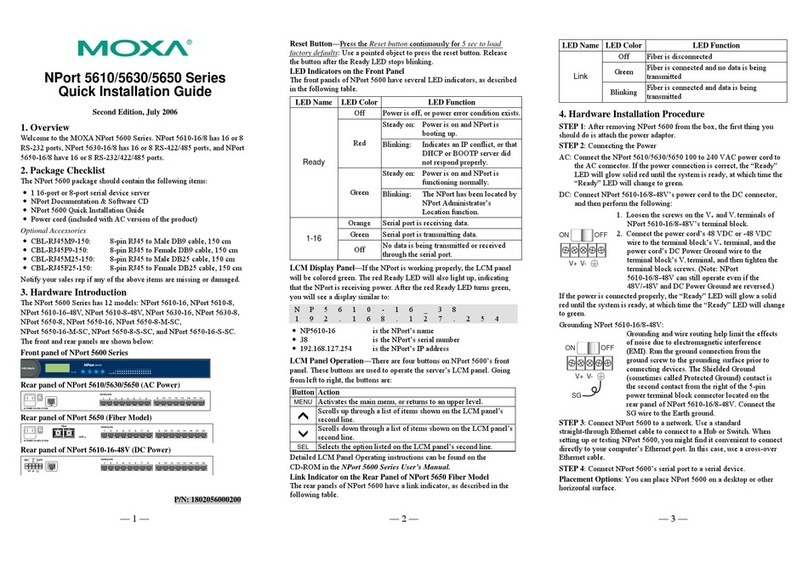
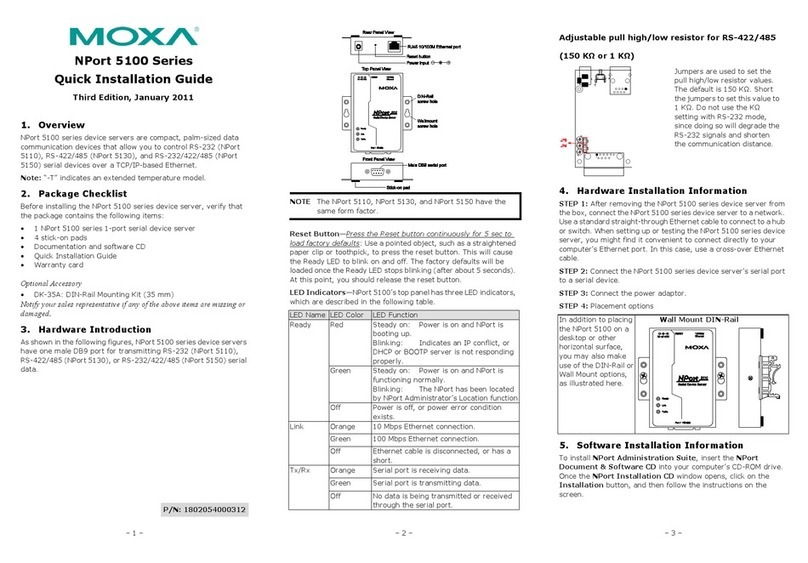
– 1 – – 2 – – 3 –
P/N: 1802056001012
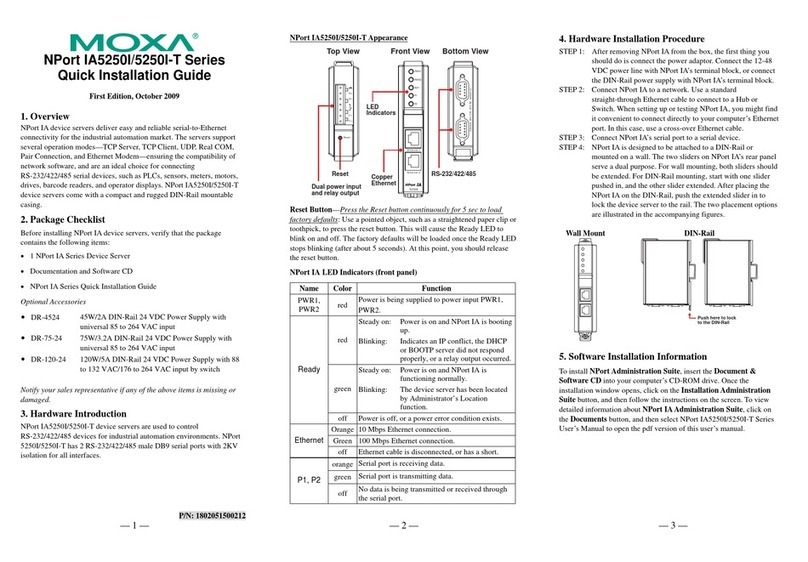
NPort 5600-8-DT
Quick Installation Guide
Third Edition, May 2014
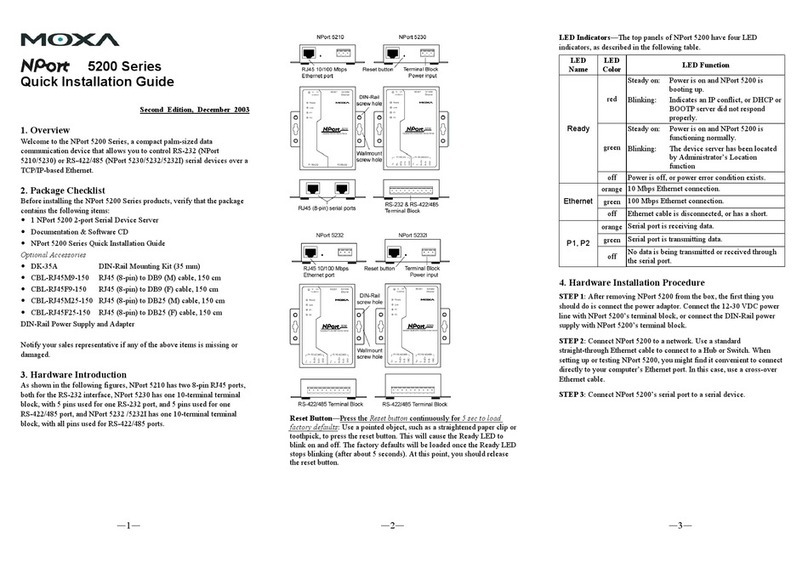
Overview
The NPort 5600-8-DT series includes the following models:
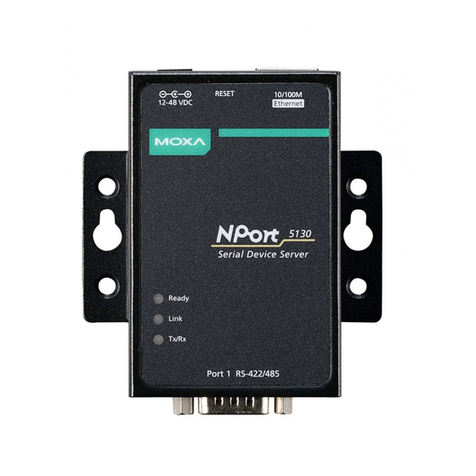
NPort 5610-8-DT: 8 ports, RS-232, DB9
NPort 5610-8-DT-J: 8 ports, RS-232, RJ45
NPort 5650-8-DT: 8 ports, RS-232/422/485, DB9
NPort 5650-8-DT-J: 8 ports, RS-232/422/485, RJ45
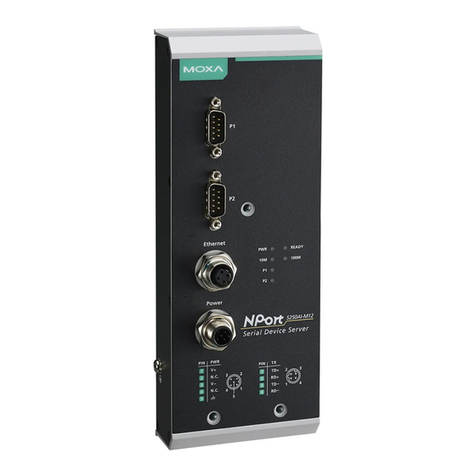
NPort 5650I-8-DT: 8 ports, RS-232/422/485, DB9, optical
isolation
Package Checklist
The NPort 5600-8-DT package should contain the following items:
•NPort 5600-8-DT 8-port serial device server
•Power cord and adapter
•DIN rail kit
•NPort documentation and software CD
•NPort 5600-8-DT Quick Installation Guide
Optional Accessories:
DK-35A: DIN rail mounting kit (35 mm)
CBL-RJ45M9-150: 8-pin RJ45 to male DB9 cable, 150 cm
CBL-RJ45F9-150: 8-pin RJ45 to female DB9 cable, 150 cm
CBL-RJ45M25-150: 8-pin RJ45 to male DB25 cable, 150 cm
CBL-RJ45F25-150: 8-pin RJ45 to female DB25 cable, 150 cm
NP21101: DB25-M to DB9-F RS-232 cable, 30 cm
Please notify your sales representative if any of the above items
are missing or damaged.
Hardware Introduction
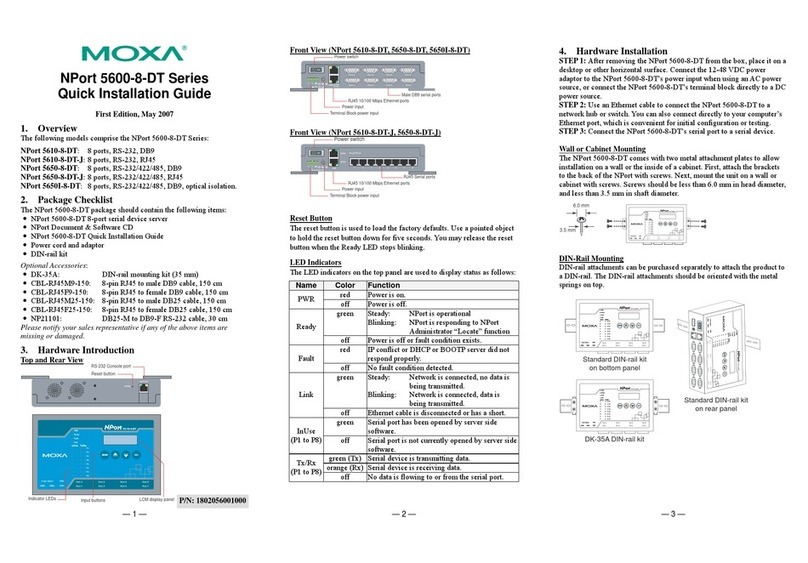
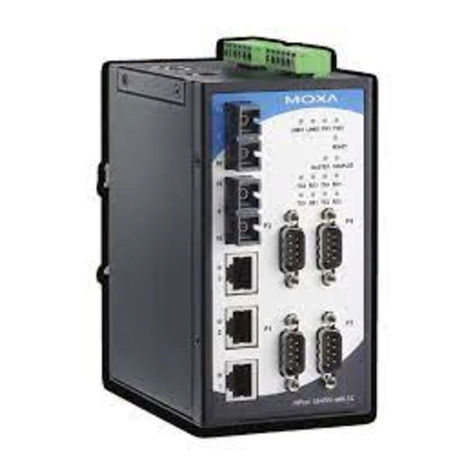
Top and Rear View
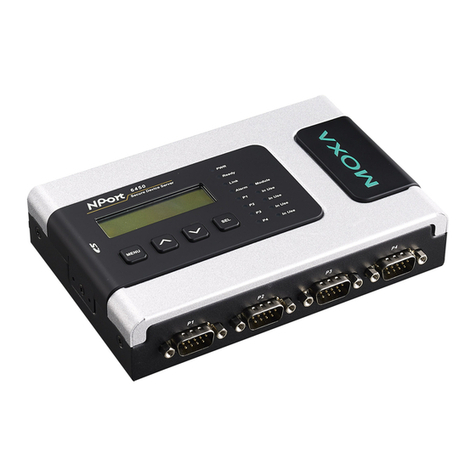
Front View (NPort 5610-8-DT, 5650-8-DT, 5650I-8-DT)
Front View (NPort 5610-8-DT-J, 5650-8-DT-J)
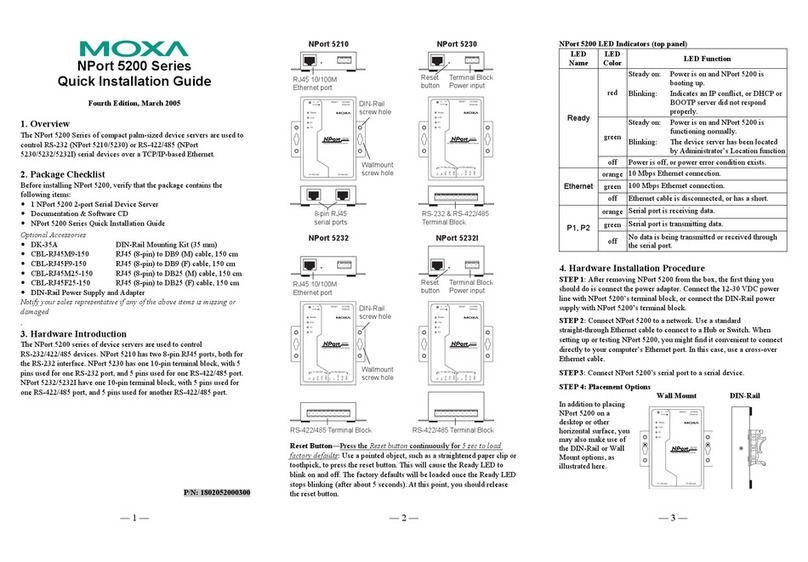
Reset Button
The reset button is used to load the factory defaults. Use a pointed
object to hold the reset button down for five seconds. You may
release the reset button when the Ready LED stops blinking.
LED Indicators
The LED indicators on the top panel are used to display status as
follows:
NPort is responding to NPort
Administrator “Locate”
Power is off or fault condition exists.
IP conflict or DHCP or BOOTP server did
not respond properly.
No fault condition detected.
Network is connected, no data
is being transmitted.
Network is connected, data is
being transmitted.
off Ethernet cable is disconnected or has a
Serial port has been opened by server
side software.
off Serial port is not currently opened by
Serial device is transmitting data.
Serial device is receiving data.
No data is flowing to or from the serial
port.
Hardware Installation
STEP 1: After removing the NPort 5600-8-DT from the box, place
it on a desktop or other horizontal surface. Connect the 12-48 VDC
power adaptor to the NPort 5600-8-DT’s power input when using
an AC power source, or connect the NPort 5600-8-DT’s terminal
block directly to a DC power source.
STEP 2: Use an Ethernet cable to connect the NPort 5600-8-DT to
a network hub or switch. You can also connect directly to your
computer’s Ethernet port, which is convenient for initial
configuration or testing.
STEP 3: Connect the NPort 5600-8-DT’s serial port to a serial
device.
Wall or Cabinet Mounting
The NPort 5600-8-DT comes with two metal attachment plates to
allow installation on a wall or the inside of a cabinet. First, attach
the brackets to the back of the NPort with screws. Next, mount the
unit on a wall or cabinet with screws. Screws should be less than
6.0 mm in head diameter, and less than 3.5 mm in shaft diameter.
DIN Rail Mounting
DIN-rail attachments can be purchased separately to attach the
product to a DIN-rail. The DIN-rail attachments should be oriented
with the metal springs on top.