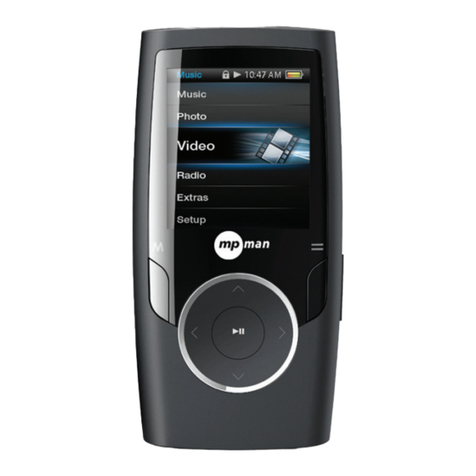
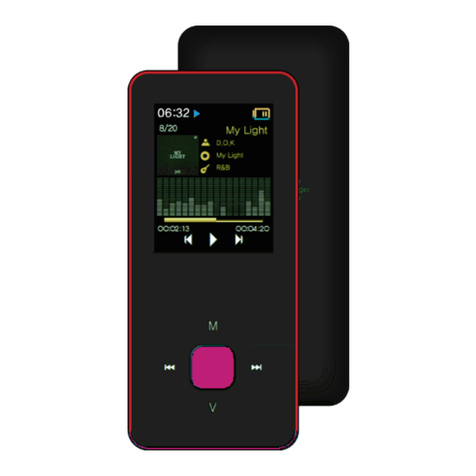
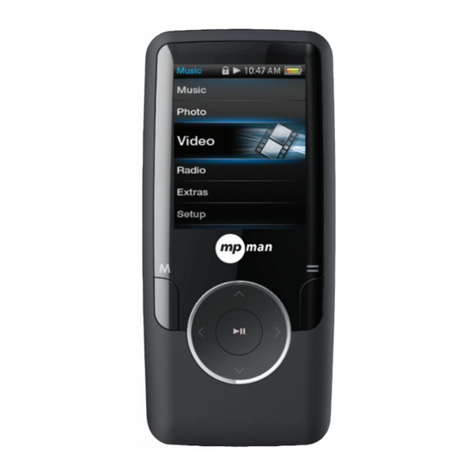
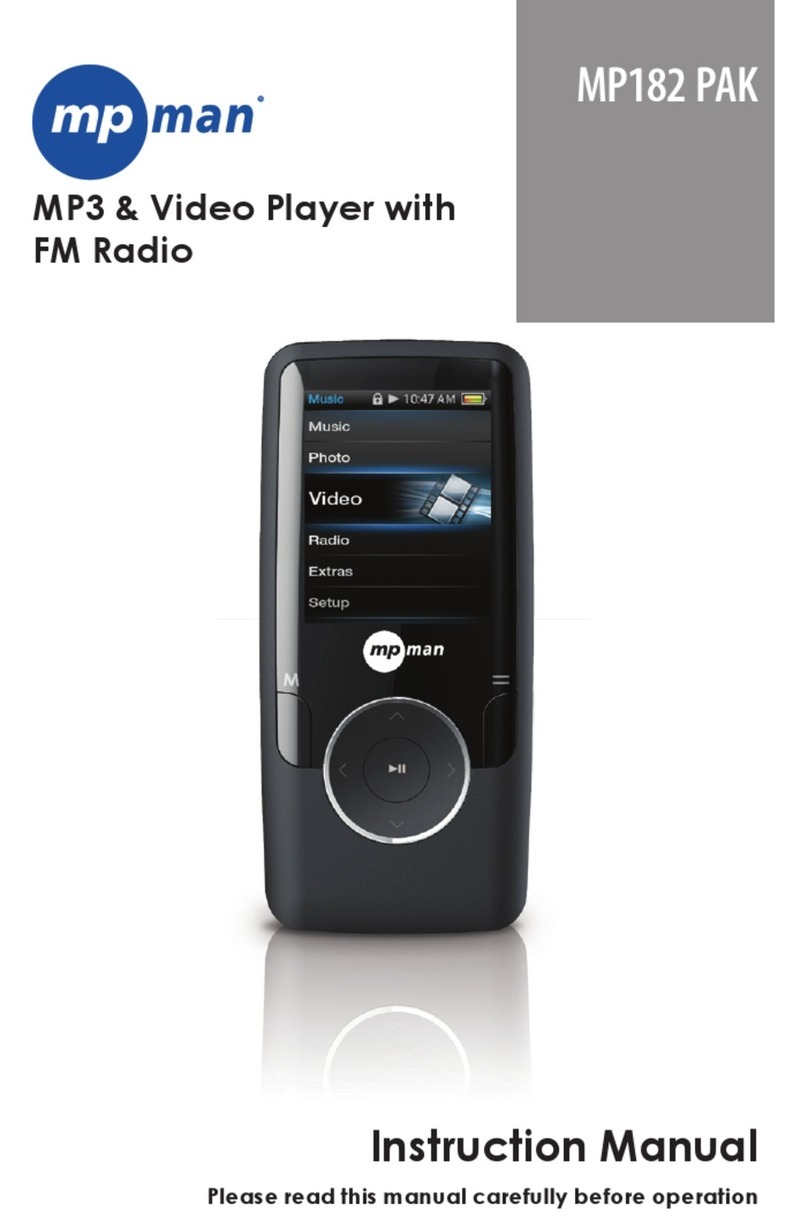
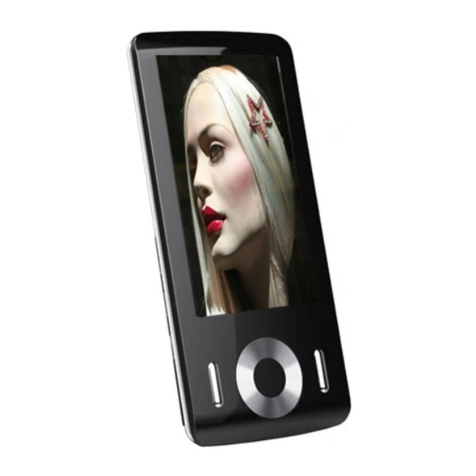
MP-Man MP244 User manual

EN MP3 & Video Player
Instruction Manual
Please read this instruction carefully before the operation
FOR MODEL NO
MP244

1
Content
1GETTING READING TO USE ............................................................................................................................................................................................................................... 3
1. Precautions ....................................................................................................................................................................................................................................................3
2. Safety warnings.............................................................................................................................................................................................................................................3
3. Features overview.........................................................................................................................................................................................................................................3
4 Precautions .....................................................................................................................................................................................................................................................4
2PLAYER OVERVIEW .......................................................................................................................................................................................................................................... 6
2.1 LOCATING BUTTONS ........................................................................................................................................................................................................................................... 6
2.2 MAIN INTERFACE ................................................................................................................................................................................................................................................ 7
2.3 BATTERY INDICATOR........................................................................................................................................................................................................................................... 7
2.4 BUTTONS INTRODUCTION................................................................................................................................................................................................................................... 7
2. 5OPERATING BUTTONS........................................................................................................................................................................................................................................ 8
2.5 POWER ON /OFF ................................................................................................................................................................................................................................................ 8
3MAIN MENU ...................................................................................................................................................................................................................................................... 8
4PLAY MUSIC ..................................................................................................................................................................................................................................................... 8
5FUNCTION OF BUTTONS ................................................................................................................................................................................................................................. 10
FUNCTION DESCRIPTION ........................................................................................................................................................................................................................................ 11
6PHOTO............................................................................................................................................................................................................................................................ 12
FUNCTION OF BUTTONS.......................................................................................................................................................................................................................................... 13
7VIDEO ............................................................................................................................................................................................................................................................. 15
FUNCTION OF BUTTONS.......................................................................................................................................................................................................................................... 15
FUNCTION DESCRIPTIONS ...................................................................................................................................................................................................................................... 16
8RECORD ......................................................................................................................................................................................................................................................... 17
FUNCTION OF BUTTONS.......................................................................................................................................................................................................................................... 18
9FM.................................................................................................................................................................................................................................................................. 18
OPERATION METHOD .............................................................................................................................................................................................................................................. 19
10 E-BOOK ...................................................................................................................................................................................................................................................... 21
FUNCTION OF BUTTONS.......................................................................................................................................................................................................................................... 21
11 TOOLS ............................................................................................................................................................................................................................................................ 22
11.1 STOPWATCH ................................................................................................................................................................................................................................................... 23

2
11.2 CALCULATOR .................................................................................................................................................................................................................................................. 24
11.3 CALENDAR...................................................................................................................................................................................................................................................... 25
11.4 PC CAMERA ................................................................................................................................................................................................................................................ 26
12 NAVIGATION .................................................................................................................................................................................................................................................... 27
13 LOCAL FOLDER ........................................................................................................................................................................................................................................... 27
14 SETTINGS ................................................................................................................................................................................................................................................... 27
DETAIL INFO ............................................................................................................................................................................................................................................................ 28
15 SPECIAL EFFECTS SETTING........................................................................................................................................................................................................................ 28
16 DATE AND TIME........................................................................................................................................................................................................................................... 28
DISPLAY SETTING.................................................................................................................................................................................................................................................... 29
LANGUAGE.............................................................................................................................................................................................................................................................. 30
SET RESTORING...................................................................................................................................................................................................................................................... 30
17 CAMERA ..................................................................................................................................................................................................................................................... 30
18.1 MAIN MENU INTRODUCTION ........................................................................................................................................................................................................................... 30
18.2 SUBMENU INTRODUCTIONS............................................................................................................................................................................................................................ 30
18 RECORD VIDEO .......................................................................................................................................................................................................................................... 31
19.1 MAIN MENU INTRODUCTION ........................................................................................................................................................................................................................... 31
19.2 SUBMENU INTRODUCTIONS............................................................................................................................................................................................................................ 32
MAKING VIDEO FILES .............................................................................................................................................................................................................................................. 32
TOOLS APPLICATION PLATFORM ............................................................................................................................................................................................................................. 33
OPERATION STEPS.................................................................................................................................................................................................................................................. 33
FIRMWARE UPGRADING .......................................................................................................................................................................................................................................... 35
CONNECTING TO PC .............................................................................................................................................................................................................................................. 35
FIRMWARE UPGRADING .......................................................................................................................................................................................................................................... 36
TROUBLE-SHOOTING .............................................................................................................................................................................................................................................. 38
SPECIFICATIONS ..................................................................................................................................................................................................................................................... 39

3
1 Getting reading to use
1. Precautions
Please read the following instructions carefully for your safety and prevention of property damage;
¾Do not expose the device to liquid, moisture or humidity place;
¾Do not leave the device under strong light or nearby any heating appliances for a long time;
¾Do not dismantle, assemble or alter the device arbitrarily;
¾Do not use the product in locations where it is forbidden to use electronic devices, such as on the plane;
¾Do not drop, or give a strong shock or vibration to the unit, or it may cause a malfunction;
¾Don’t expose the device to chemicals such as benzene or diluents.
2. Safety warnings
¾If the LCD panel breaks due to a strike, the liquid crystal may spilled out.
¾The company shall not be liable for the compensation for the third party damages or damages not caused by the product itself.
¾The company can not accept any liability for data loss caused by repair or improper operation, so please backup important data on your PC or
other storage media devices.
¾For your personal safety, please note:
a) If you are driving a vehicle or doing something which requires your full attention, please do not use this MP3 player, since it may be distracting
in general because your attention is divided between two separate tasks. And use of player while driving is illegal in some areas.
b) Do not listen to music at very loud volumes, long time listening at high volume may cause permanent hearing impairment. Please adjust the
volume to the appropriate level for listening.
c) Please lower the volume level or stop using the MP3 player if you suffered from tinnitus.
3. Features overview
z320 X 240 dot matrix full color high speed TFT screen;
zSupporting music formats of WMA, WAV, OGG, APE, FLAC;
zSupporting video formats of WMV, RMVB, FLV, AVI (XVID);
zFM radio, able to save 20 broadcasting stations at each band;

4
zSupporting picture browse in JPEG, BMP, GIF format;
zWith built-in microphone, and ultra-long time record;
zWith energy saving settings, freely adjustable brightness and automatic shutdown;
zVarious equalizers and repeat modes for option;
zMulti-language display;
zUSB2.0 high speed transmission;
zSupport e-Book reading;
zSupport mobile hard disk;
zFirmware upgradeable;
zSupport functions of calendar, stopwatch and calculator;
zSupport PC Camera;
zNavigation function
4 Precautions
1. Keep the player away from dusty, dry and humidity places, or temperature extremes (either too cold or hot);
2. Make sure not drop the item on the ground while using it.
3. The battery life may be different in consideration of actual use condition, manufacturing company or producing time.
4. Please charge the battery in below conditions:
5. When the battery indicator shows no power remaining;
6. The player turns off automatically, and it turns off again after reboot;
7. No response on button press;
8. Never disconnect the player from a PC abruptly during downloading, uploading, so as to avoid program error;

5
9. When the player is used as a mobile hard disk, please follow the correct operation method for storing or transferring documents. The company shall
not bare any responsibilities for data loss caused by illegal operations;
10. Your battery will be recharged while the player is connected to a PC, no matter the player is on or off;
11. Do not dismantle, assemble or alter the product arbitrarily, please contact the distributor for any questions.
12. The product specifications and functions are subject to change for improvement without any prior notice.
Disclaimer
○Thank you for your purchase of this digital player!
Please read carefully of this user manual before your real operation.
○To provide better service, the content of this user manual and the specifications are
subject to change for improvement without any prior notice.
If the actual setting or operation method varied from what we descript in the manual,
please visit our company website for reference of our new products information.

6
2 Player Overview
2.1 Locating buttons
Previous Next
Mode
Play/Pause
Vo l u m e
Display Screen

7
2.2 Main interface
2.3 Battery indicator
When the device is fully charged, the battery indicator blocks are full, and then it gradually becomes blank as the using time
increases.
When the battery runs out, the battery capacity indicator blocks become blank, now you need to charge the player in time.
You can charge the player by linking it with PC, or using accessory charger for battery charging.
(Note: switch on the player before charging.)
2.4 Buttons introduction
︱◄◄: Option button; long time press for fast-rewind, previous options;
►►︱: Option button; long time press for fast-forward, next options;
VOL button: press the button momentarily goes back to the previous menu, long time press the button to enter volume adjusting
interface.
Note: if any item is selected, the background color of this item turns grey.

8
PLAY button (►‖): press the button momentarily to pause or continue playing; when the player is turned on/off, long time press this
button to turn it off/on; in some working mode, press this button for confirmation.
2. 5 Operating buttons
Action Method of pressing buttons
Short press Press the button for less than 1.2 seconds, and
release.
Long press Press the button for more than 1.2 seconds
Press and hold Press the button and hold until the desired
function is in effect
2.5 Power on / off
zWhen the player is off, push the power switch to “ON” position to turn the player on.
When the player is on, push the power switch to “OFF” position to turn the player off.
The player will be turned off automatically after reached the set period of inactivity time.
Note: when the player connected to a computer, this function will not work.
3 Main Menu
From the main menu, press “︱◄◄/►►︱” button to choose different function mode, and press “PLAY” button to access the
corresponding function mode.
In music mode, e-Book mode, FM mode or Video mode, press “V” button momentarily will return to the upward menu.
4 Play Music
Choose “Music” option from the main menu, short press “PLAY” button to enter “Music” mode. Now the screen displays the Audio file
list.

9
Now playing The playing song list, it is empty when there
is no music exist;
All tracks All tracks list;
Artist Playlist arranged by artist;
Album Playlist arranged by album;
Genre Playlist arranged by genre;
Play list Customized playlist;
Directory list Choose local folder, or card menu;
Recorded files Recording files list
Level Playlist for starred songs (with five star level)
Tag playlist Playlist for tag songs;
Music playing interface
Table of contents
Other MP-Man Portable Multimedia Player manuals

MP-Man
MP-Man MP180 User manual
MP-Man
MP-Man RPS 900 User manual
MP-Man
MP-Man MP152 PAK User manual
MP-Man
MP-Man MP150 User manual
MP-Man
MP-Man MP160 User manual
MP-Man
MP-Man MP70HD User manual
MP-Man
MP-Man MP152 User manual
MP-Man
MP-Man MP-RUMBA FM User manual
MP-Man
MP-Man MP77HD User manual
MP-Man
MP-Man MP152IE User manual
MP-Man
MP-Man MP186 User manual
MP-Man
MP-Man MP40DAB User manual
MP-Man
MP-Man TK 250 User manual
MP-Man
MP-Man PDV 777 User manual
MP-Man
MP-Man TK 240 User manual
MP-Man
MP-Man BT182PAK User manual
MP-Man
MP-Man MP132 User manual
MP-Man
MP-Man TK185 User manual
MP-Man
MP-Man TK280 User manual

MP-Man
MP-Man OV15 User manual