manuals.online logo
Brands
  1. Home
  2. •
  3. Brands
  4. •
  5. MSE Audio
  6. •
  7. Speakers
  8. •
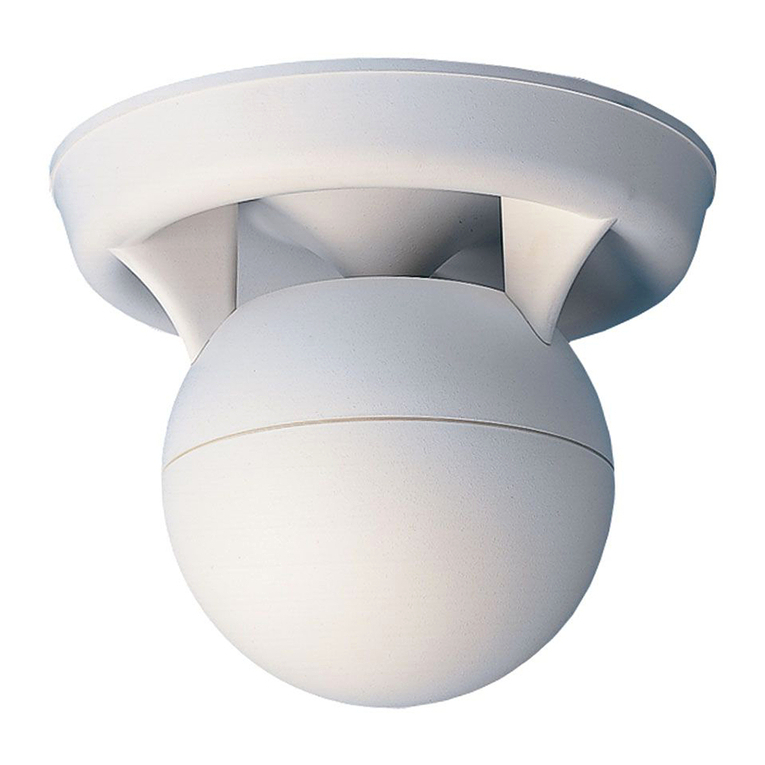
  9. MSE Audio SOUNDSPHERE SS-Q-12A User manual

MSE Audio SOUNDSPHERE SS-Q-12A User manual

This manual suits for next models

1

Other MSE Audio Speakers manuals

MSE Audio Phase Tech SPACIA CI15 User manual

MSE Audio

MSE Audio Phase Tech SPACIA CI15 User manual

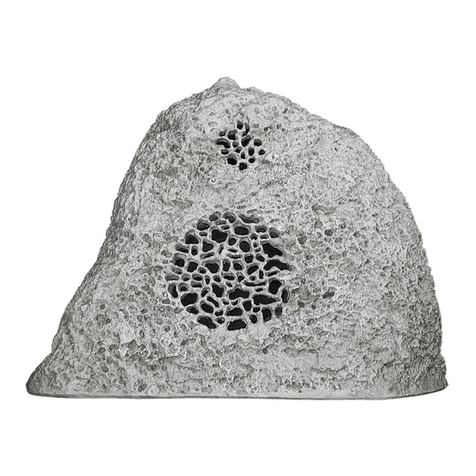
MSE Audio Rockustics TeleStone Configuration guide

MSE Audio

MSE Audio Rockustics TeleStone Configuration guide

MSE Audio SOUNDSPHERE SS-Q-8 User manual

MSE Audio

MSE Audio SOUNDSPHERE SS-Q-8 User manual

MSE Audio SOUNDTUBE Look UP LA808I-II-BK Configuration guide

MSE Audio

MSE Audio SOUNDTUBE Look UP LA808I-II-BK Configuration guide

MSE Audio Rockustics CHERRY BOMB User manual

MSE Audio

MSE Audio Rockustics CHERRY BOMB User manual

MSE Audio Rockustics SUBSCAPE TOP ROCK User manual

MSE Audio

MSE Audio Rockustics SUBSCAPE TOP ROCK User manual

MSE Audio PHASE PREMIER LUX PL150 User manual

MSE Audio

MSE Audio PHASE PREMIER LUX PL150 User manual

MSE Audio Phase Tech Solaris SPF-15 User manual

MSE Audio

MSE Audio Phase Tech Solaris SPF-15 User manual

MSE Audio Rockustics Cherry Bomb Configuration guide

MSE Audio

MSE Audio Rockustics Cherry Bomb Configuration guide

MSE Audio PHASE TECH CIX IN-WALL User manual

MSE Audio

MSE Audio PHASE TECH CIX IN-WALL User manual

MSE Audio Soundtube Look Up LA808i-II Configuration guide

MSE Audio

MSE Audio Soundtube Look Up LA808i-II Configuration guide

MSE Audio SoundTube IPD4-BGM-II Series Configuration guide

MSE Audio

MSE Audio SoundTube IPD4-BGM-II Series Configuration guide

MSE Audio Phase Tech Teatro TSB 3.0 User manual

MSE Audio

MSE Audio Phase Tech Teatro TSB 3.0 User manual

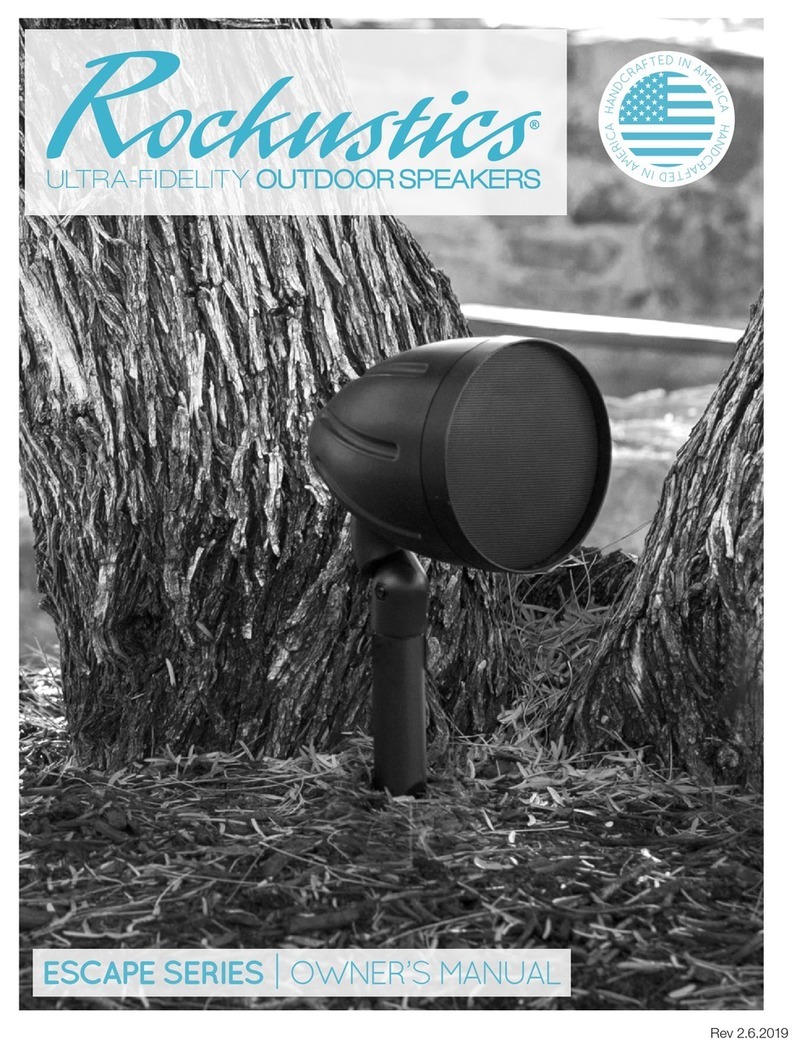
MSE Audio Rockustics ESCAPE Series User manual

MSE Audio

MSE Audio Rockustics ESCAPE Series User manual

MSE Audio SoundTube Mighty Mite MM43-BGM Configuration guide

MSE Audio

MSE Audio SoundTube Mighty Mite MM43-BGM Configuration guide

MSE Audio Soundsphere SS-110 Page User manual

MSE Audio

MSE Audio Soundsphere SS-110 Page User manual

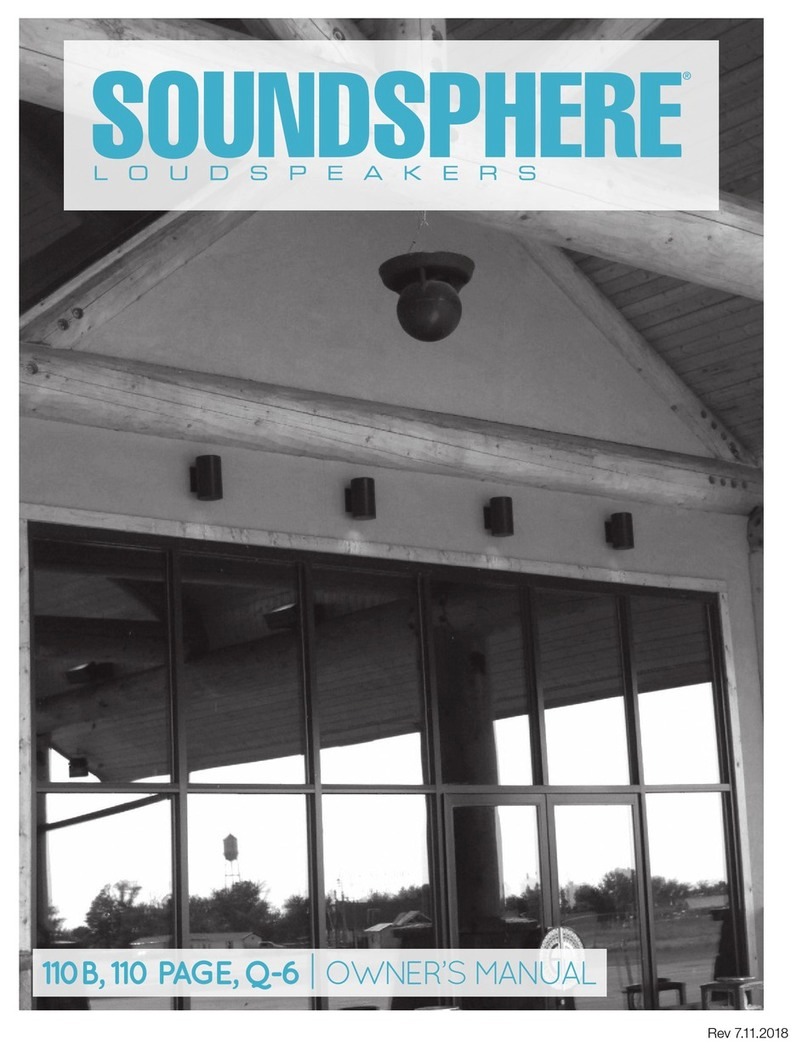
MSE Audio Soundsphere 110 B User manual

MSE Audio

MSE Audio Soundsphere 110 B User manual

MSE Audio Rockustics Rock Series Configuration guide

MSE Audio

MSE Audio Rockustics Rock Series Configuration guide

Popular Speakers manuals by other brands

Electro-Voice LR4S engineering data

Electro-Voice

Electro-Voice LR4S engineering data

Definitive Technology Sound Cylinder user guide

Definitive Technology

Definitive Technology Sound Cylinder user guide

AudioSource LS545 user manual

AudioSource

AudioSource LS545 user manual

Paso C402-T Instructions for use

Paso

Paso C402-T Instructions for use

Altec Lansing 416-8C LF SPEAKER manual

Altec Lansing

Altec Lansing 416-8C LF SPEAKER manual

Kenwood KFC-1072 Servise manual

Kenwood

Kenwood KFC-1072 Servise manual

Peavey ProSys 112 user guide

Peavey

Peavey ProSys 112 user guide

JBL Control Contractor 60 Series installation instructions

JBL

JBL Control Contractor 60 Series installation instructions

Aura STORM-8 owner's manual

Aura

Aura STORM-8 owner's manual

Oontz ANGLE 3 PLUS quick start guide

Oontz

Oontz ANGLE 3 PLUS quick start guide

Electro-Voice LR4A engineering data

Electro-Voice

Electro-Voice LR4A engineering data

Rave RK-650-ICA-B owner's manual

Rave

Rave RK-650-ICA-B owner's manual

Flux Reference Series installation manual

Flux

Flux Reference Series installation manual

Lanzar AQAWBS64BK installation manual

Lanzar

Lanzar AQAWBS64BK installation manual

DAPAudio DCS-6230 manual

DAPAudio

DAPAudio DCS-6230 manual

Aluratek ABS03F quick start guide

Aluratek

Aluratek ABS03F quick start guide

Kenwood KES-5A instruction manual

Kenwood

Kenwood KES-5A instruction manual

Sonance ORIGINAL SERIES instruction manual

Sonance

Sonance ORIGINAL SERIES instruction manual

manuals.online logo
manuals.online logoBrands
  • About & Mission
  • Contact us
  • Privacy Policy
  • Terms and Conditions

Copyright 2025 Manuals.Online. All Rights Reserved.

SS-Q-12A & SS-Q-12-AWR
OWNER’S MANUAL
© 2021 MSE Audio. Rev. 02.25.2021
360º of the Best Sound Around™
Contact: MSE Audio, 855.663.5600 / 913.663.5600 / [email protected]
Please read the following instructions carefully before installing
your Soundsphere®speaker. If you have any questions
regarding installation that are not answered in the following
directions, please contact your local sound contractor or the
Soundsphere®/MSE Audio®technical support team.
General Information
Maximum Amplier Power 250 Watts RMS
Nominal Impendance 8 ohms
Wiring
Amplier connection is via ying leads. Connect the positive
(+) amplier lead to the RED input wire. Connect the negative
(-) amplier lead to the BLACK wire. Secure connections using
wire nuts, etc. Please see next page for Q-12-AWR wiring.
Mounting
Hanging Kit
Mount using one of the following methods:
a) Properly secured wire rope with a minimum breaking
strength of 400 lbs. (for a 10:1 safety factor).
b) Beam clamp with proper load rating.
It is recommended to use a secondary wire rope support around
one of the legs. Do not use rope for mounting. The use of
chain is not recommended unless rated for suspension of loads
greater than or equal to 400 lbs (for a 10:1 safety factor).
Surface Mount Bracket
Secure the bracket to the hard surface using proper hardware.
Secure the speaker to the bracket using the washers and nylon
locknuts provided. It is recommended to use a secondary wire
rope support around one of the legs and through an unused
bracket hole.
Warranty
Soundsphere loudspeakers carry a 5 year limited warranty. See
warranty sheet for details and limitations.
Replacement Parts
12” 250 Watt coaxial loudspeaker driver with crossover.
Order Model Number CX-12
Always check local requirements for overhead suspension
of loudspeakers.
Replacing the Coax Driver and Crossover in the Q-12A
1. Remove the reector from the Q-12A by removing the 3
bolts, washers, and tabs.
2. Remove the 8 screws securing the driver. Remove the
driver by pushing up on it through the port hole in the
sphere with one hand and removing it with the other
hand. Pull the wire out through the hole in the bolt.
3. Feed the wire from the replacement driver through the
drilled bolt inside the sphere. Install the new driver and
secure with screws.
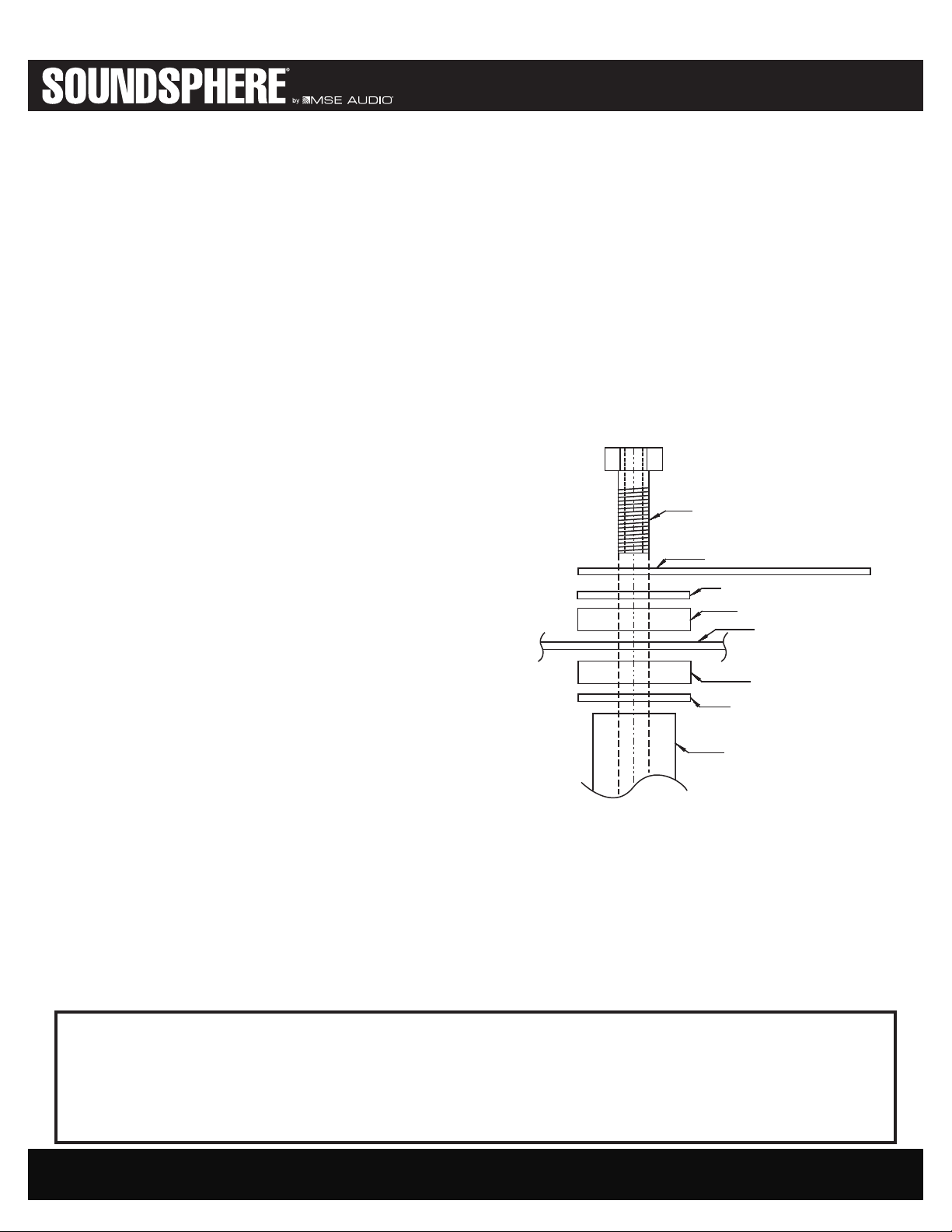
5. Replace the reector. The washer order is metal washer to
leg, then rubber washer, reector, rubber washer, metal
washer and bolt (see gure below). Feed the wire through
the washers and the drilled bolt. Tighten bolts until the
rubber washers begin to deform.
Other Information
Wire runs between the amplier(s) and loudspeaker(s) must be
of the appropriate gauge to insure the full audio performance
capabilities of the Soundsphere loudspeakers. This applies to
all loudspeaker impedances (4 or 8 Ohms) or audio line volt-
ages (50, 70.7 or 100 Volts). For more information, please see
the ‘Downloads” section at www.soundsphere.com, or call our
Customer Service at 913.663.5600.
Leg Bolt
Tab
Metal Washer
Rubber Washer
Reector
Rubber Washer
Metal Washer
Leg
WARNING
Be sure to securely tighten all hardware before hanging the loudspeaker. Wire rope (steel cable), cable clamps with saddles and
thimbles of suitable size and strength are the recommended materials for overhead suspensions. All loudspeakers should be
redudantly safety wired to structural members of the building with an approved safety wire system or other agency certied materials.
IMPORTANT: Always check local safety codes before installing any overhead loudspeaker system and for periodic inspection
and maintenance of the installation.

SS-Q-12A & SS-Q-12-AWR
OWNER’S MANUAL
© 2021 MSE Audio. Rev. 02.25.2021
360º of the Best Sound Around™
Contact: MSE Audio, 855.663.5600 / 913.663.5600 / [email protected]
Wiring for SS-Q-12-AWR
Remove Cover
Choose Tap Setting
Choose the Tap setting and connect the red and black wires
from the input connector to the transformer wire using the
supplied wire crimp.
COVER