Table of Contents
Multi-Tech Systems, Inc. MT5634IND User Guide (S000369B) 3
Contents
Chapter 1 – Description and Specifications ..............................................................................................................5
Introduction.................................................................................................................................................................5
Safety Warnings.........................................................................................................................................................5
MultiModem Package Contents..................................................................................................................................5
AT Commands............................................................................................................................................................5
Features and Technical Specifications.......................................................................................................................6
Electrical Specifications..............................................................................................................................................7
LED Indicators............................................................................................................................................................7
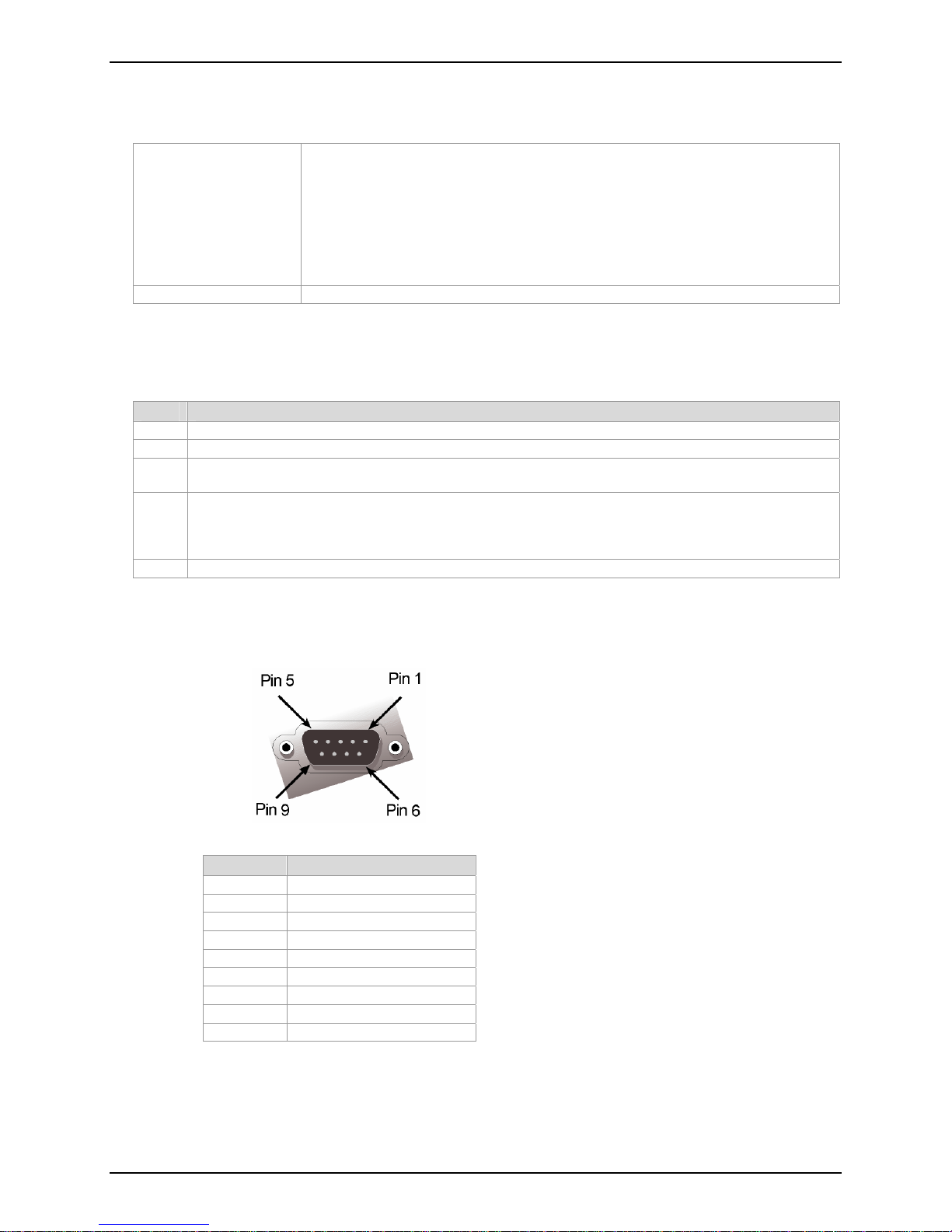
RS-232 9-Pin Connector ............................................................................................................................................7
About the Leased-Line Operation Feature .................................................................................................................8
Setup.....................................................................................................................................................................8
Chapter 2 – Installation................................................................................................................................................9
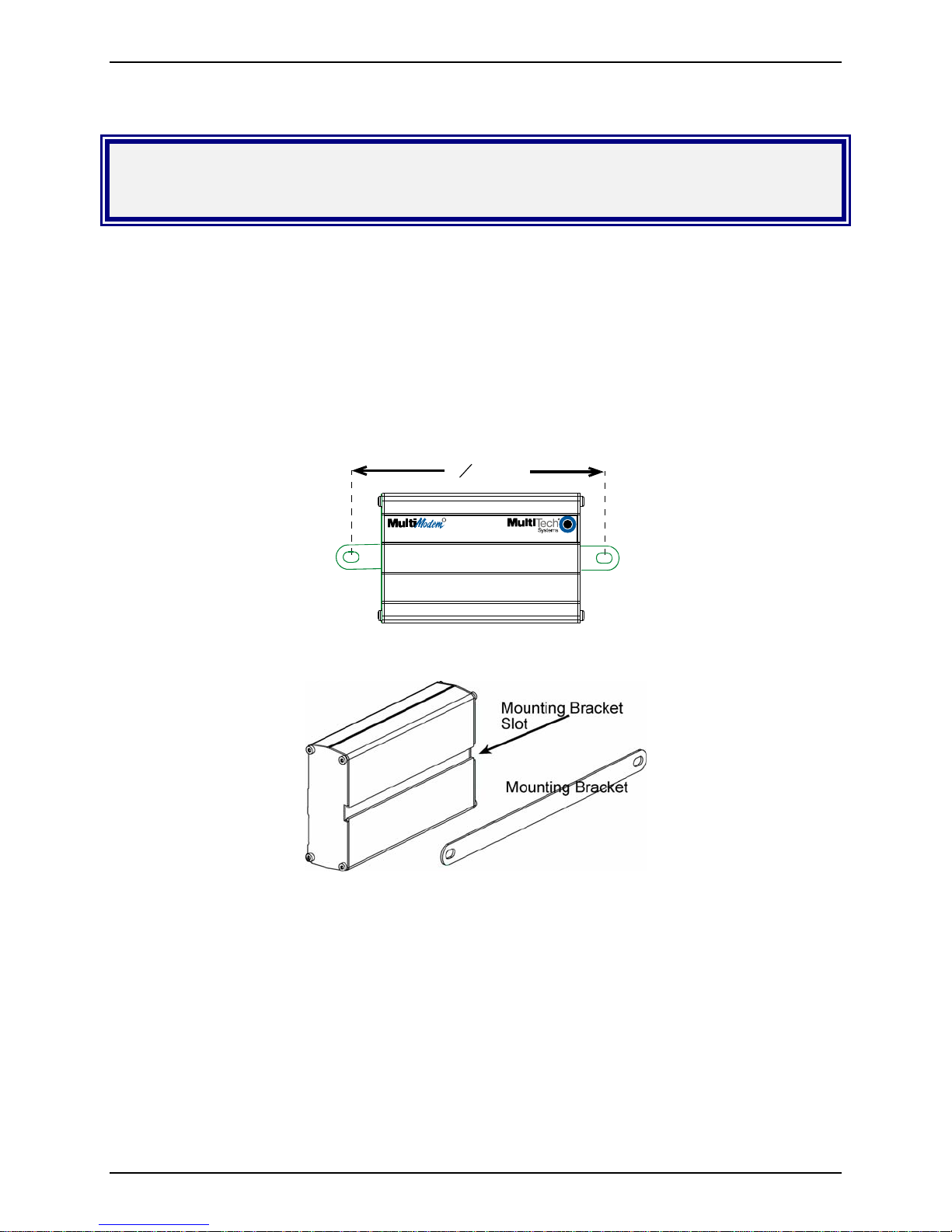
Step 1 – Desktop Placement or Panel-Mounting........................................................................................................9
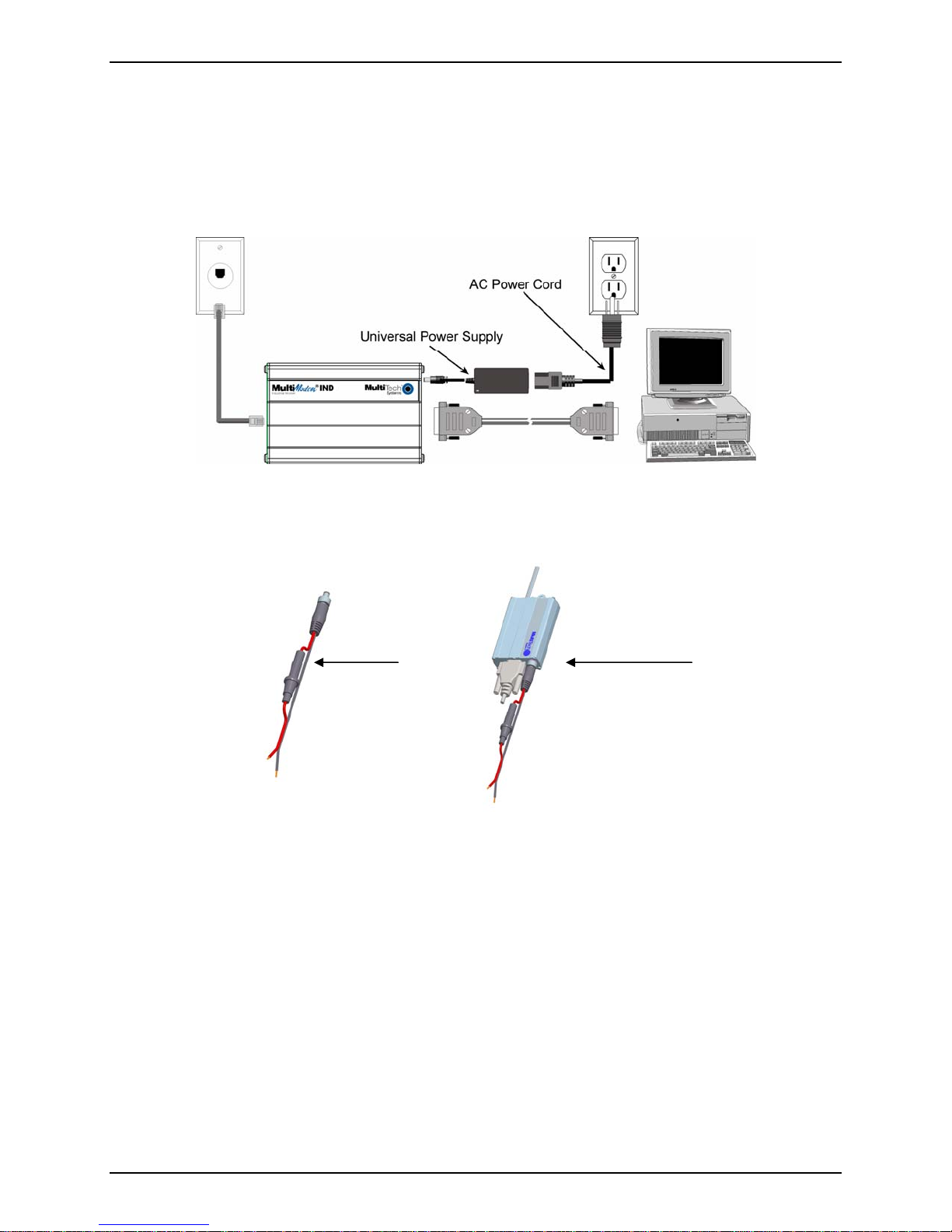
Step 2 – Connect the Modem to Your System..........................................................................................................10
For AC Power......................................................................................................................................................10
For DC Power......................................................................................................................................................10
Step 3 – Install the Modem Driver ............................................................................................................................11
Step 4 – Configure the Modem for Your Country or Region.....................................................................................11
Using the Global Wizard......................................................................................................................................11
Using AT Commands ..........................................................................................................................................11
Step 5 – Install Data Communications Software.......................................................................................................12
PhoneTools .........................................................................................................................................................12
Chapter 3 – AT Commands, S-Registers and Result Codes ..................................................................................13
Chapter 4 – Remote Configuration...........................................................................................................................14
Basic Procedure.......................................................................................................................................................14
Setup........................................................................................................................................................................14
Changing the Setup Password............................................................................................................................14
Changing the Remote Escape Character............................................................................................................14
Chapter 5 – Callback Security...................................................................................................................................15
Changing the Setup Password.................................................................................................................................15
Turning Callback Security On and Off ......................................................................................................................15
Setting Callback Security Message Parity................................................................................................................16
Assigning Callback Passwords and Phone Numbers...............................................................................................16
Calling Procedures...................................................................................................................................................16
Password-Only Callback .....................................................................................................................................16
Number-Entry Callback .......................................................................................................................................17
Extension-Entry Callback ....................................................................................................................................17
Direct Connection................................................................................................................................................18
Callback Security Commands..............................................................................................................................18
Chapter 6 – Troubleshooting ....................................................................................................................................19
None of the Indicators Light......................................................................................................................................19
The Modem Does Not Respond to Commands........................................................................................................19
The Modem Cannot Connect When Dialing .............................................................................................................20
The Modem Disconnects While Online.....................................................................................................................21
Modem Cannot Connect When Answering...............................................................................................................21
File Transfer Is Slower Than It Should Be................................................................................................................21
Data Is Being Lost....................................................................................................................................................22
There Are Garbage Characters on the Monitor ........................................................................................................22
The Modem Doesn’t Work with Caller ID..................................................................................................................22
Fax and Data Software Can’t Run at the Same Time...............................................................................................22
Appendix A – Flash Upgrade ....................................................................................................................................23
Appendix B – Regulatory Compliance .....................................................................................................................24
Regulatory Compliance Statements.........................................................................................................................24
EMC, Safety, and R&TTE Directive Compliance.................................................................................................24
International Modem Restrictions........................................................................................................................24