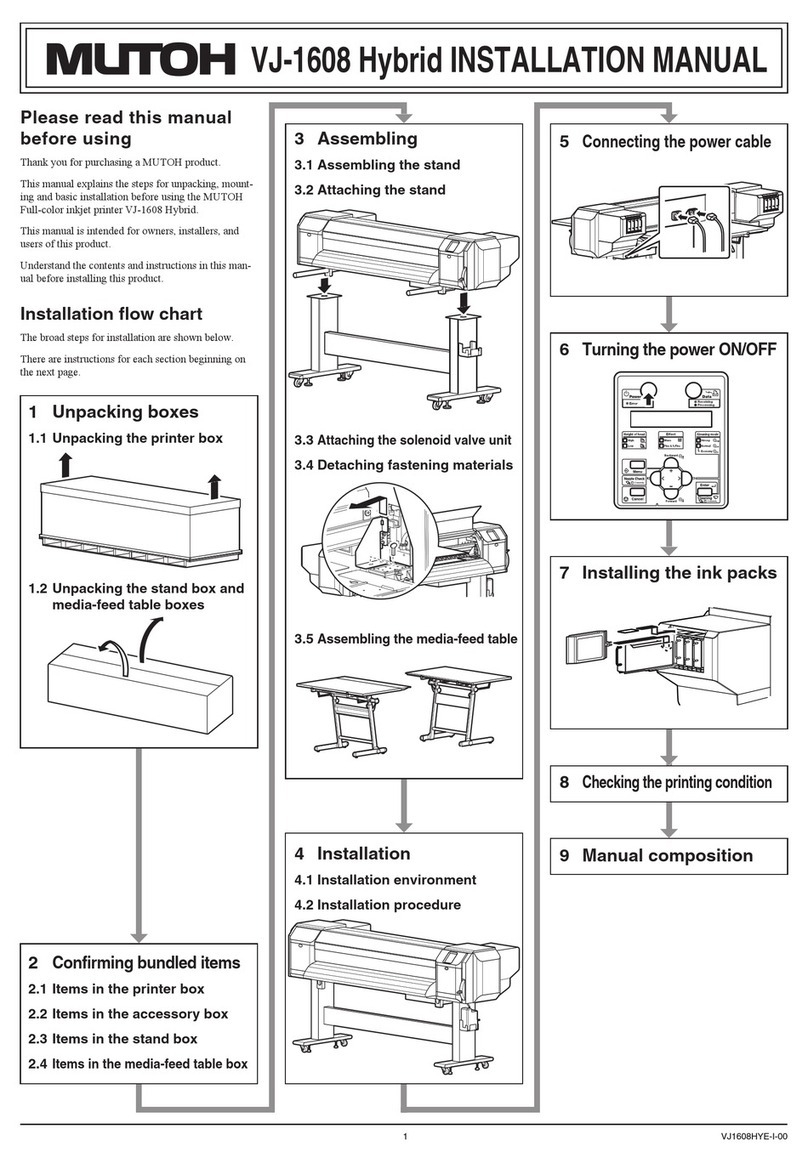
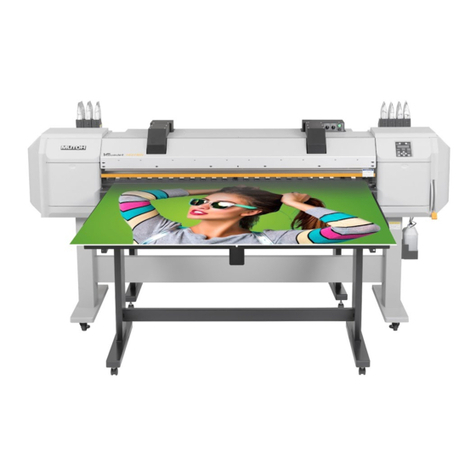
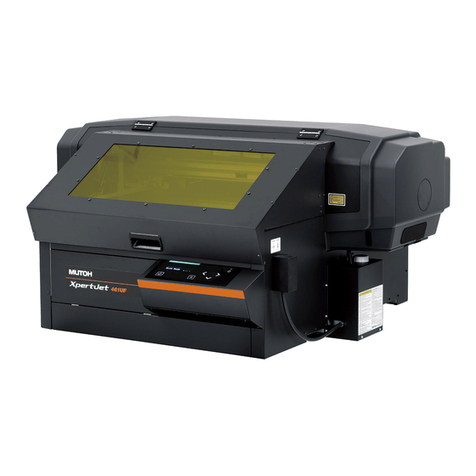
Insert the cleaning cartridge all the way to•
the end of the ink cartridge slot.
If the head height is set to High, "Change•
Head Gap Low" is displayed on Operation
panel. Set the head height to Low.
Operation manual "4.2.5.3 When
setting the head height to Low"
When all cleaning cartridges are installed,•
"Busy-Washing" is displayed on the operation
panel, and the printer starts charging the
cleaning uid.
When the cleaning fluid has been charged,•
"Remove Cartridges" is displayed on the
operation panel.
Remove all the cleaning cartridges.5.
"Busy-Washing" is displayed on the operation•
pan el and the printer starts head cleaning.
When head cleaning is complete, "Wash retry?•
No" is displayed on the operation panel.
Press the [Enter] key on the operation6.
panel.
"Insert InkCartridges" is displayed on the•
operation panel.
Install Ink cartridges (K, C, M, Y: 2 each) in7.
Ink cartridge slots (K, C, M, Y: 2 each) on the
back of the printer.
Shake Ink cartridge two to three times gently•
before inserting it into Ink cartridge slot.
Slots for ink cartridges are specied depending•
on colors of the ink cartridges. Match the ink
color label with the ink color before inserting Ink
cartridge.
Keep the arrow of Ink cartridge facing up and•
insert it into the printer.
Insert the ink cartridge all the way to the end•
of the ink cartridge slot.
When all the ink cartridges are installed, "Ink•
Refill **%" is displayed on the operation panel
and ink replenishment starts.
Initial lling takes time as follows.•
VJ-2638: about 20 minutes•
VJ-1638: about 17 minutes.•
Ink lling operation and pause operation are•
repeated during the ink replenishment.
When "100%" is displayed, the ink•
replenishment is complete.
After the ink replenishment is complete,•
"Media End" is displayed on the operation
panel.
Do not perform the following
・
operations during ink lling. If lling
is interrupted,ink will be lost when
lling is resumed.
Do not turn OFF the power of the
•
printer.
Do not unplug the power cable of
•
the printer.
Do not open the front cover.
•
Do not open the maintenance cover.
•
Do not raise the media loading
•
lever.
If the printer performs the nozzle check
●
prin t i n g im me d ia t e ly a f te r in it i al i n k
replenishment is complete, the following
results may occur.
Printed lines become blurred.
•
The data is partially not printed.
•
In such cases, follow "6.2.3 Head
cleaning" and rell a small amount of
ink. Then, check the printing result.
If there is no improvement in the print result
●
even after refill a small amount of ink, leave
the printer unused for an hour or more. Then,
refill a small amount of ink again and check
the print result.
If there is still no improvement, contact
your local MUTOH dealer.
For VJ-1638W9.1.2
Turn the printer ON.1.
The printer starts the initializing operation.•
Af ter the initial operation is compete,•
"Start Ink Charge ? > E" is displayed on the
operation panel.
Press the [Enter] key on the operation2.
panel.
"Perform Washing? No" is displayed on the•
operation panel.