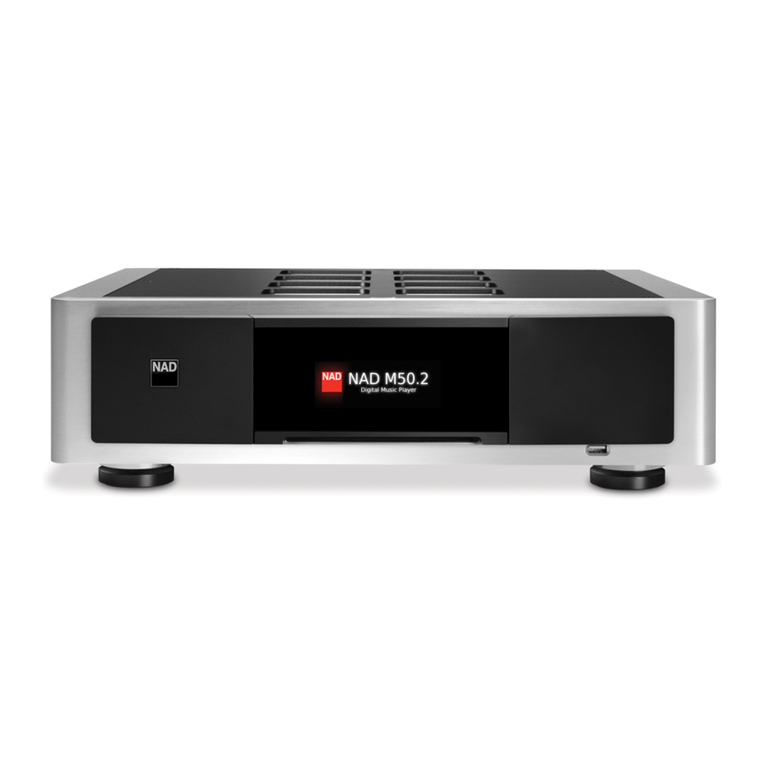
NAD M50 User manual

External Device - M51
®
M50
Digital Music Player
Quick Setup Guide
WHAT’S IN THE BOX
External Device - M51 External Device - M51
External Device - M51
CONNECT!
WITH DIGITAL INPUT DEVICES
IMPORTANT!
• The M51, M52 and router that appear in this guide are for
reference only and are not included in the M50 package. Both
M51 and M52 are the recommended compatible NAD models
for M50.
• Download the M50 Digital Music Player owner’s manual from
the Manuals/Downloads tab of the NAD website link:
http://nadelectronics.com/products/masters-series/M50-
Digital-Music-Player
NOTE
Refer to the owner’s manual
for Wireless connection setup
guidelines.
External Device - M52* Network Router
CONNECT!
WITH OUTPUT DEVICE AND ROUTER
* - M52 is optional only. USB 2 input is also compatible with standard USB mass storage devices.

For Apple iOS devices (iPad, iPhone, iPod), visit the iTunes App Store and
download the free NAD BluOS Controller app.
For Android devices, download the free NAD BluOS Controller App
on Google Play.
CONNECT TO MUSIC
You’re ready to stream Internet Radio!
• Go to the Music Sources menu by tapping the Home menu icon.
• Launch TuneIn and select your favorite radio station from
anywhere on the planet. Live!
To play music stored on a computer or NAS device,
• Select the Settings icon on the upper right corner of your device’s
display screen..
• Choose “Congure Player” from the pop-up menu, and then
“Congure Network Shares”.
• Follow the screen prompts, and open your whole home to the
pleasure of streaming HiFi music.
POWER UP! **
DOWNLOAD THE APP AND START ENJOYING MUSIC
©2014 NAD ELECTRONICS INTERNATIONAL, A DIVISION OF LENBROOK INDUSTRIES LIMITED
All rights reserved. NAD and the NAD logo are trademarks of NAD Electronics International, a division of Lenbrook Industries Limited.
No part of this publication may be reproduced, stored or transmitted in any form without the written permission of NAD Electronics International.
While every effort has been made to ensure the contents are accurate at the time of publication, features and specifications may be subject to change without prior notice.
M50_QS_v15 - Dec 2014
** - Make sure to connect, plug-in and power up the linked devices also in this guide - M51, M52 and router.
All connections remain the same as above except for the M50 not being connected to M52.
Note: For rst time use, be sure to initiate “Upgrade now”when a“Player notication”window pops up. This will update your NAD M50 with the latest software available.
M50 AS A STAND-ALONE CD PLAYER
Other manuals for M50
2
Other NAD MP3 Player manuals