4. DO NOT allow “blood” to dry on simulator &8211; it may stain the skin.
5. Use only 500 cc of infusion fluid, as a larger amount will also increase the pressure of the venous
system, resulting in leaks.
6. DO NOT clean the simulator with solvents or corrosive material as they will damage it.
7. Newsprint, similar printed paper, or plastic will permanently stain the simulator if prolonged contact
occurs.
Troubleshooting
PROBLEM: Cannot get blood to flow or flashback.
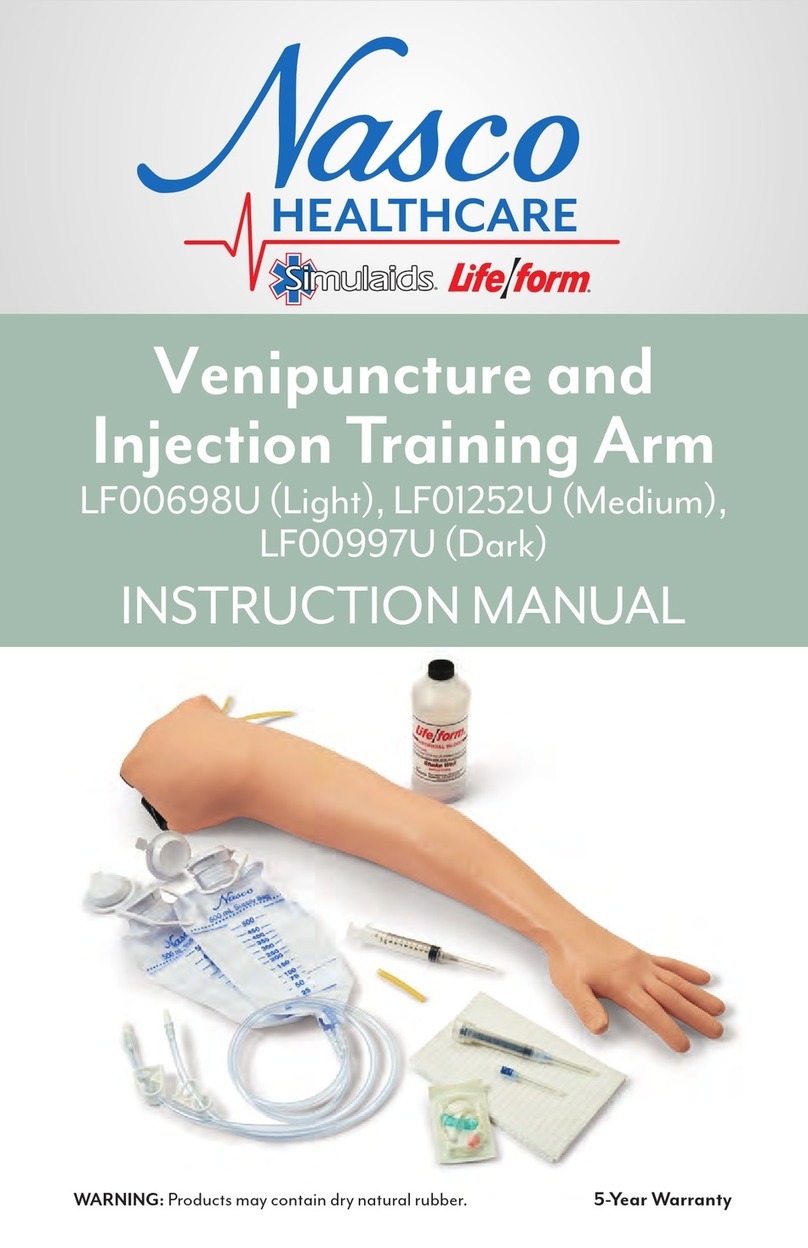
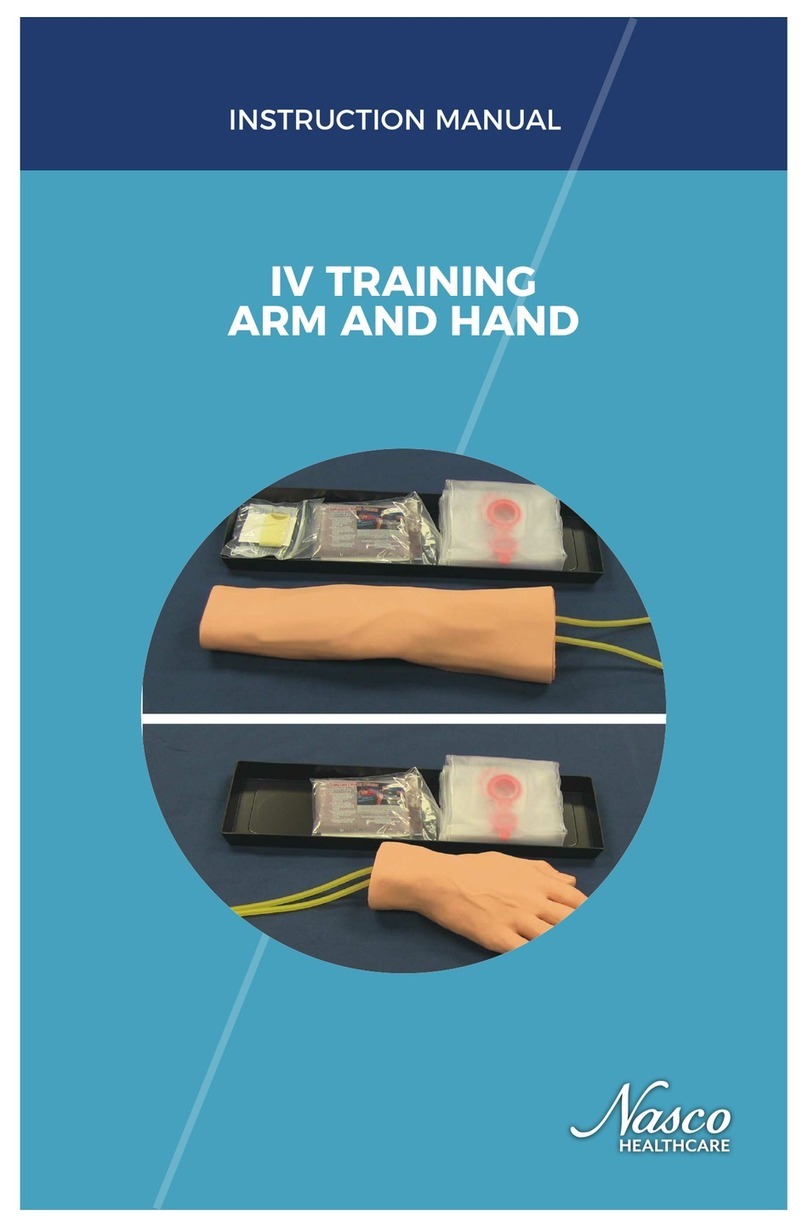
If you are unable to get blood flow through your IV Arm, there is most likely a restriction somewhere within
the system. Restrictions can be caused by air bubbles, kinks (either in the veins or supply and drain tubing),
or dried blood within the system.
1. Check for kinks in the tubing of the fluid supply bags: If a clamp has been located in one spot of the
tube for a long period of time, the tube can become kinked, restricting flow even when the clamp is
open. Massage the tube where the clamps have been to open the tubing again. Change positions of
clamps often to keep this from reoccurring.
2. Fluid supply bag height: Is the supply bag hung at the appropriate height according to the instruction
manual? Hanging the supply bags slightly higher for the arms that are not producing enough
pressure can create just enough gravity on the fluid to facilitate flow.
3. Check for air bubbles: Make sure you purge the arm of air bubbles. Gradually “flush” the system with
synthetic blood by slowly opening the supply clamp. Allow some blood to pass through the system
until the air bubbles have been eliminated in the drain bag. Close the clamp on the supply bag and
then turn the arm over so it is palm up. Slowly open the clamp to allow some blood to pass through
and to remove any remaining air that is trapped in the system.
4. Dried blood left in veins from previous uses: If these are veins that have been used before, you
could try running a couple of bags of clear warm water through them. There may be some sediment
from previous uses lodged within the veins/tubing.
5. Check vein tubing for kinks: Following a skin/vein replacement, it is possible that a vein rolled out of
the track or there may also be a slight kink in the tubing. This is most likely in the underside of the
fingers. Flexing the fingers will sometimes work out the kink. Try massaging the area of the arm
(thumb and fingers) to relocate the vein back within the track of the arm core. Also, make sure you
haven’t pulled the skin on too tight, causing a restriction. Skins should be loose fitting, especially
around the thumb and finger areas. Apply lubrication to help move the veins back into place.
Supplies And Replacement Parts
LF00845U &8211; Life/form® Blood, 1 quart
LF00846U &8211; Life/form® Blood, 1 gallon
LF00966U &8211; Light Skin & Vein Replacement Kit
LF00987U &8211; Dark Skin & Vein Replacement Kit
LF00996U &8211; Vyna Bond
LF01022U &8211; Fluid Supply Stand
LF01099U &8211; Vein Tubing Sealant Kit
LF01104U &8211; Life/form® IV Arm Skin & Vein Replacement DVD &8211; FREE
LF01105U &8211; Life/form® IV Arm Set-Up & Troubleshooting DVD &8211; FREE
LF01055U &8211; Vein Replacement Kit
LF01130U &8211; Fluid Supply Bag
LF09919U &8211; Nasco Cleaner
Actual product may vary slightly from photo. Nasco reserves the right to change product color, materials,
supplies, or function as needed.