EnglishDeutsch
 logo
Brands
  1. Home
  2. •
  3. Brands
  4. •
  5. NEC
  6. •
  7. Projector
  8. •
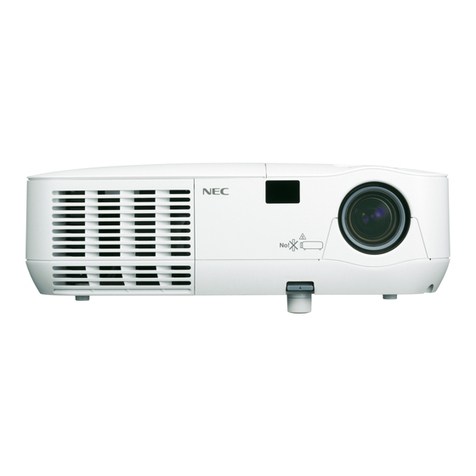
  9. NEC NP410W WXGA User manual

NEC NP410W WXGA User manual

Other manuals for NP410W WXGA

1

This manual suits for next models

7

Other NEC Projector manuals

NEC P502WL User manual

NEC

NEC P502WL User manual

NEC VT650 User manual

NEC

NEC VT650 User manual

NEC GT5000 Series User manual

NEC

NEC GT5000 Series User manual

NEC PA500X Series User manual

NEC

NEC PA500X Series User manual

NEC VT590 Series User manual

NEC

NEC VT590 Series User manual

NEC NP-M271X User manual

NEC

NEC NP-M271X User manual

NEC VT460 User manual

NEC

NEC VT460 User manual

NEC NP1000 User manual

NEC

NEC NP1000 User manual

NEC MT50 Assembly instructions

NEC

NEC MT50 Assembly instructions

NEC PX750U Series User manual

NEC

NEC PX750U Series User manual

NEC P350W Series User manual

NEC

NEC P350W Series User manual

NEC NP-M271X User manual

NEC

NEC NP-M271X User manual

NEC VT49 Series User manual

NEC

NEC VT49 Series User manual

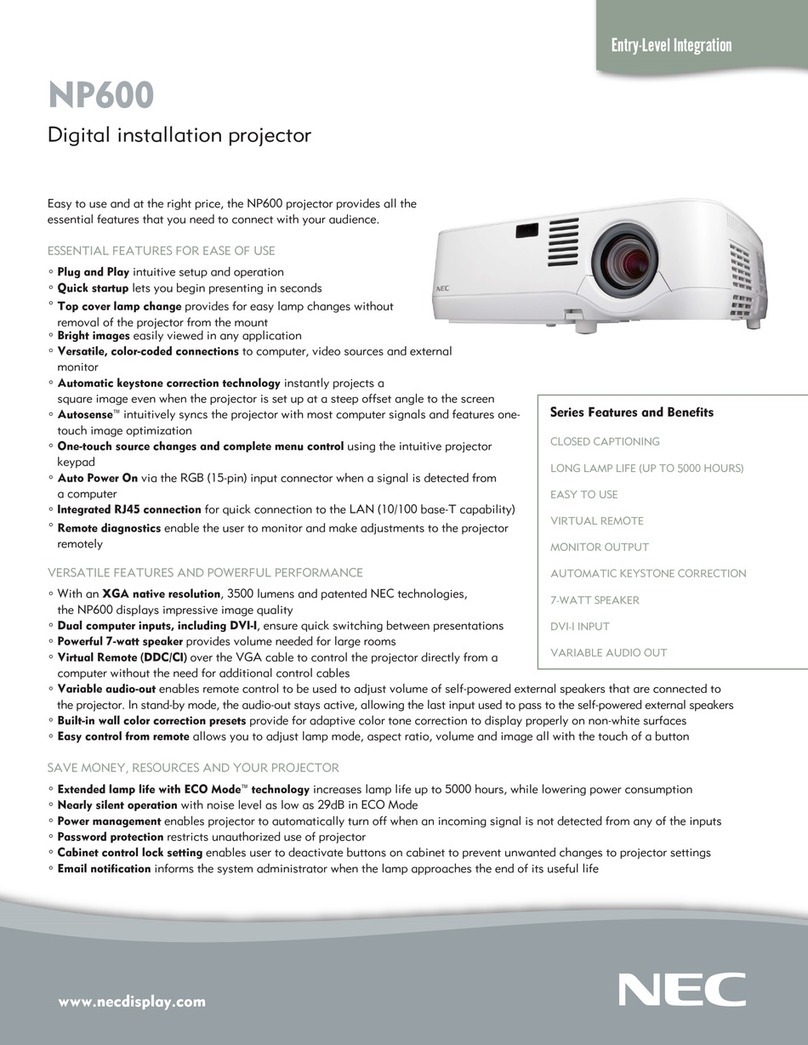
NEC NP600 XGA User manual

NEC

NEC NP600 XGA User manual

NEC NP-P401W User manual

NEC

NEC NP-P401W User manual

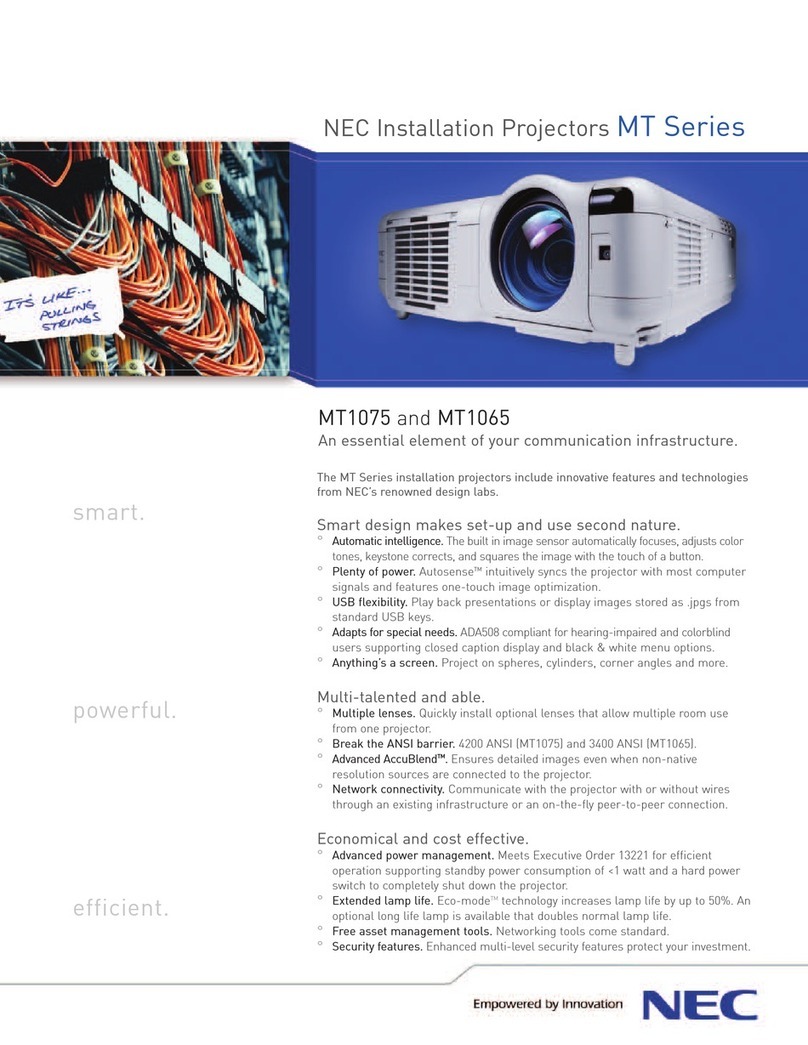
NEC MT1065 - MultiSync XGA LCD Projector User manual

NEC

NEC MT1065 - MultiSync XGA LCD Projector User manual

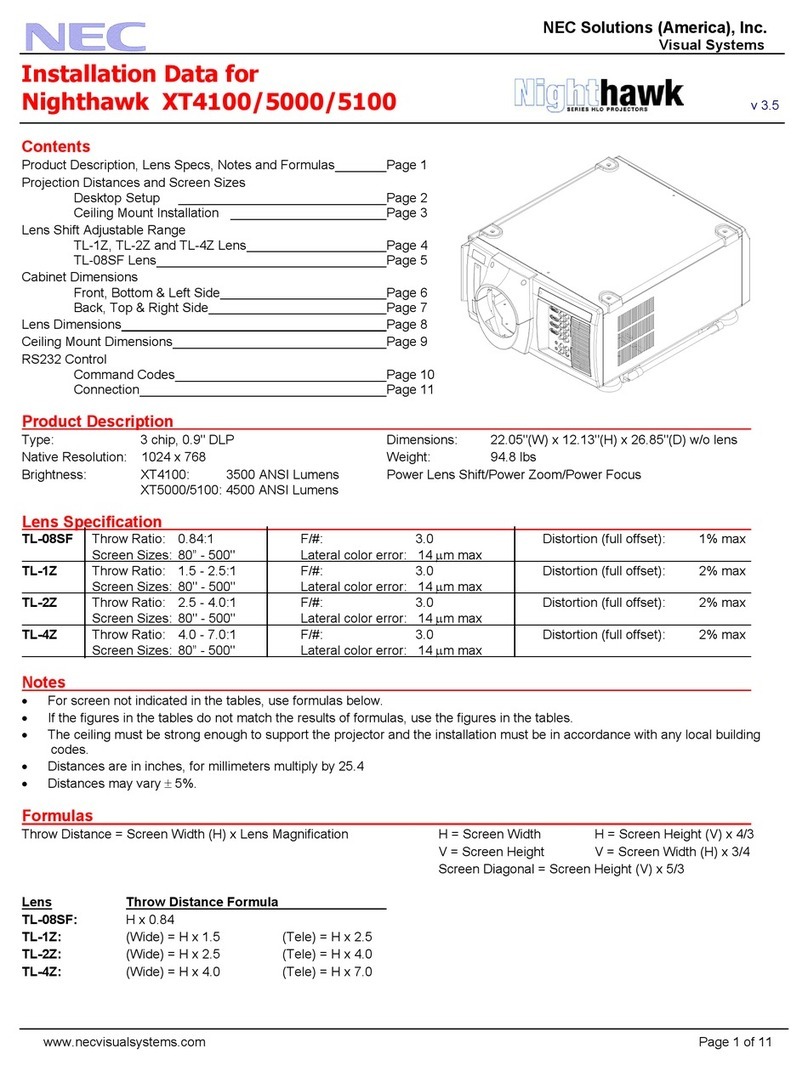
NEC Nighthawk XT4100 Installation and user guide

NEC

NEC Nighthawk XT4100 Installation and user guide

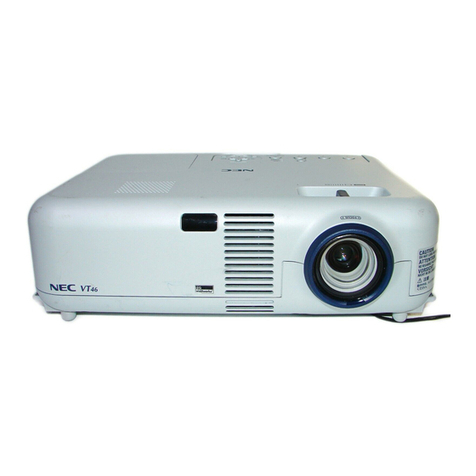
NEC VT46 User manual

NEC

NEC VT46 User manual

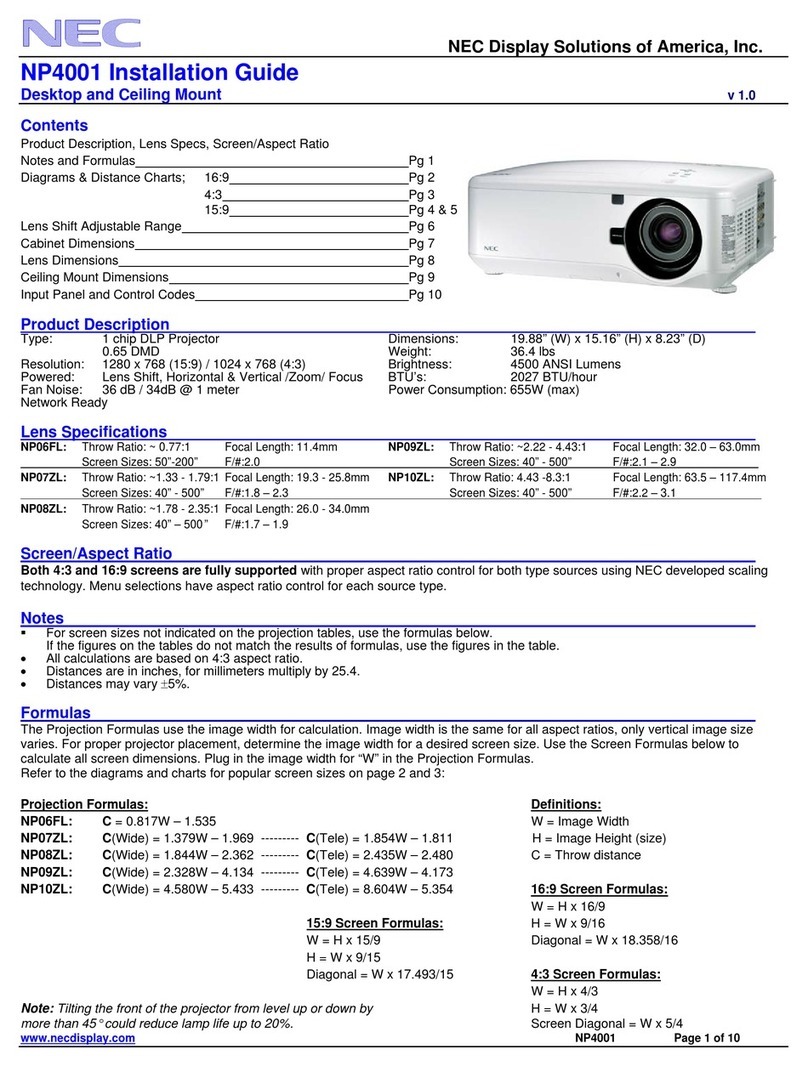
NEC NP4001 User manual

NEC

NEC NP4001 User manual

NEC NP-V260 User manual

NEC

NEC NP-V260 User manual

NEC GT950 - MultiSync XGA LCD Projector User manual

NEC

NEC GT950 - MultiSync XGA LCD Projector User manual

NEC NP4001 User manual

NEC

NEC NP4001 User manual

NEC NP4100W - WXGA DLP Projector User manual

NEC

NEC NP4100W - WXGA DLP Projector User manual

NEC NP901W Manual

NEC

NEC NP901W Manual

Popular Projector manuals by other brands

iEmmet MP-312 user manual

iEmmet

iEmmet MP-312 user manual

Epson VS400 Specifications

Epson

Epson VS400 Specifications

Sony VPL-HS10 Marketing Specifications & Features manual

Sony

Sony VPL-HS10 Marketing Specifications & Features manual

Sony VPL-HW65ES Quick reference manual

Sony

Sony VPL-HW65ES Quick reference manual

Toshiba TLP-791U Specifications

Toshiba

Toshiba TLP-791U Specifications

Philips LC1341 Declaration of conformity

Philips

Philips LC1341 Declaration of conformity

BenQ SH753P user manual

BenQ

BenQ SH753P user manual

Eiki EK-623U series quick start guide

Eiki

Eiki EK-623U series quick start guide

Epson PowerLite Pro Cinema 6020UB user guide

Epson

Epson PowerLite Pro Cinema 6020UB user guide

Epson PowerLite Home Cinema 705HD user guide

Epson

Epson PowerLite Home Cinema 705HD user guide

Christie LHD700 user manual

Christie

Christie LHD700 user manual

Navitar FX instruction manual

Navitar

Navitar FX instruction manual

InFocus LitePro 560 user guide

InFocus

InFocus LitePro 560 user guide

Sony SRX-R815P operating instructions

Sony

Sony SRX-R815P operating instructions

Vivitar DP1500 X specification

Vivitar

Vivitar DP1500 X specification

Asus ZenBeam Latte user manual

Asus

Asus ZenBeam Latte user manual

Epson PowerLite 810p specification

Epson

Epson PowerLite 810p specification

BOXLIGHT CP-322i/CP-634i user manual

BOXLIGHT

BOXLIGHT CP-322i/CP-634i user manual

https://manuals.online logo
https://manuals.online logoBrands
  • About & Mission
  • Contact us
  • Privacy Policy
  • Terms and Conditions

Copyright 2026 Manuals.Online. All Rights Reserved.

www.necdisplay.com
Portable Projectors
NP Portable Series
NP310, NP410, NP410W, NP510 and NP510W digital projectors
Easy to use and at the right price, NP Portable Series projectors provide
all the essential features that you need to connect with your audience.
ESSENTIAL FEATURES FOR EASE OF USE
° Plug and Play intuitive setup and operation
° Top cover lamp change provides for easy lamp changes without
removal of the projector from the mount
° Bright images easily viewed in any application
° Versatile, color-coded connections to computer, video sources and external monitor
° Automatic keystone correction technology instantly projects a square image even
when the projector is set up at a steep offset angle to the screen
° Autosense™ intuitively syncs the projector with most computer signals and features one-
touch image optimization
° One-touch source changes and complete menu control using the intuitive projector
keypad
° Integrated RJ45 connection for quick connection to the LAN (10/100 base-T capability)
° Remote diagnostics enable the user to monitor and make adjustments to the projector
remotely
VERSATILE FEATURES AND POWERFUL PERFORMANCE
° Remarkable contrast ratio (2000:1) enhances your image (NP310 & NP410)
° With XGA and WXGA native resolutions, high brightness up to 3000 lumens and
patented NEC technologies, NP Portable Series projectors display impressive
image quality
° Dual computer inputs, including DVI-I, ensure quick switching between presentations
° Powerful 7-watt speaker provides volume needed for large rooms
° Virtual Remote (DDC/CI) over the VGA cable to control the projector directly from a
computer without the need for additional control cables
° Variable audio-out enables remote control to be used to adjust volume of self-powered
external speakers that are connected to the projector. In stand-by mode, the audio-out
stays active, allowing the last input used to pass to the self-powered external speakers.

° Built-in wall color correction presets provide for adaptive color tone correction to
display properly on non-white surfaces
° Easy control from remote allows you to adjust lamp mode, aspect ratio, volume and image all with the touch of a button
DESIGNED WITH THE ENVIRONMENT IN MIND
° Extended lamp life with ECO Mode™ technology increases lamp life up to 5000 hours, while lowering power
consumption
° Power management enables projector to automatically turn off when an incoming signal is not detected from any
of the inputs
° Auto Power On via the RGB (15-pin) input connector when a signal is detected from a computer
° Carbon savings meter calculates the positive effects of operating the projector in ECO Mode, which is encouraged by an optional
message at startup. A green ECO Mode button on the remote control makes the switch easy.

° Quick start (3 to 4 seconds) lets you begin presenting in seconds while quick shutdown (immediate power off with no cooling
required after shutdown) ensures efficient energy usage
° Sleep timer can be set to automatically turn off the projector at set countdown times
° Filter life increased by three times compared to previous generation models
° Low power consumption (0.6W in stand-by mode) minimizes energy costs
Series Features and Benefits
CLOSED CAPTIONING
LONG LAMP LIFE (UP TO 5000 HOURS)
EASY TO USE
VIRTUAL REMOTE
MONITOR OUTPUT
AUTOMATIC KEYSTONE CORRECTION
7-WATT SPEAKER
DVI-I INPUT
VARIABLE AUDIO OUT
LONG FILTER LIFE
NEC Display Solutions
500 Park Boulevard, Suite 1100
Itasca, IL 60143
866-NEC-MORE

OPTICAL
Display Technology
Native Resolution
Maximum
Light Output (lumens)
Contrast Ratio
Lamp Type
Lamp Life (up to)
Screen Size (diagonal)
Throw Ratio
Projection Distance
Projection Angle
Lens
Zoom
Focus
F-#, f-#
Keystone Correction
SIGNAL COMPATIBILITY/CONNECTIVITY
Scan Rate
Supported Video Standards
SD/HD Video Signal Compatibility
PC Signal Compatibility
Macintosh Compatibility
Input/Output Terminals
RGB 1 (analog)
RGB2
Video 1
Video 2
Audio 1
Audio 2
Audio 3
Audio Out
Monitor Out
Audio
External Control
Sync Compatibility
ELECTRICAL
Power Req.
Input Current
Power Consumption (Normal Mode/
ECO Mode/Standby (Power Saving)
MECHANICAL
Installation Orientation
Dimensions (WxDxH)
Net Weight
Fan Noise
Regulations
ENVIRONMENTAL
Operational Temp
Humidity
Storage
ACCESSORIES
NP01MR
WPA001
SPKR30
ADP-CV1E
LEATHERROLLER
NP600CM
NP01UCM
ADJ006009
ADJ0012018
ADJ0203
ADJ0305
SCP100
NP14LP
NP07LP
RMT-PJ29
WARRANTY PROGRAMS
NECEW1-MP
NECEW2-MP
ADVEXON1-MP
ADVEXON2-MP
NECECO
Advanced AccuBlend and ECO Mode are trademarks of NEC Display
Solutions. All other brand or product names are trademarks or registered
trademarks of their respective holders. Product specifications subject to
change. 4/10 ver. 3.
©2010 NEC Display Solutions of America, Inc. All rights reserved.
NP310/NP410: 0.63” LCD
NP510: 0.63” LCD with MLA
NP410W/NP510W: 0.59” LCD with MLA
NP310/NP410/NP510: XGA 1024 x 768
NP410W/NP510W: WXGA 1280 x 800
UXGA 1600 x 1200
NP310: 2200 normal / Eco = approx. 80% of normal mode
NP410: 2600 normal / Eco = approx. 80% of normal mode
NP410W: 2600 normal / Eco = approx. 70% of normal mode
NP510: 3000 normal / Eco = approx. 80% of normal mode
NP510W: 3000 normal / Eco = approx. 70% of normal mode
NP310/NP410: 2000:1
NP410W: 450:1
NP510/NP510W: 500:1
NP310/NP410/NP510: 180W AC / 168W eco
NP410W/NP510W: 230W AC / 168W eco
4000 hours normal / 5000 hours eco
21 – 300 in., 0.53-7.6m
1.5 – 1.8
NP310/NP410/NP510: 2.3 - 37.1 ft. / 0.7 - 11.3m
NP410W/NP510W: 2.6 - 39 ft. / 0.8 - 11.9m
NP310/NP410/NP510: 7.9 - 8.3º tele / 9.5 - 10.0º wide
NP410W/NP510W: 7.6 - 7.9º tele / 9.1 - 9.5º wide
1.0 to 1.2
Manual
F=1.7 - 2.07, f=18.9 - 22.7mm
Automatic or manual +/- 30º
Horizontal 15 - 100 kHz / Vertical 50 - 120 Hz
NTSC, NTSC4.43, PAL, PAL-60, PAL-M, PAL-N, SECAM
1080i, 720p, 576p, 576i, 480p, 480i,Y/Cb/Cr component (with optional adapter
– ADP-CV1E)
VGA, SVGA, XGA, SXGA, SXGA+, UXGA
Yes
15 pin
DVI-I w/ HDCP
RCA
S-Video
L/R RCA (shared by video sources)
1/8 in. stereo
1/8 in. stereo
mini stereo (Variable audio out)
Yes
7W speaker
RS-232, IR, LAN, DDC/CI
Separate Sync / Composite Sync / Sync on G
100 - 240V AC, 50/60Hz
NP310/NP410/NP510: 3.2A/1.4A
NP410W/NP510W: 3.8A/1.5A
NP310/NP410/NP510: 251W / 203W / 0.6W
NP410W/NP510W: 312W / 237W / 0.6W
Floor/Front, Floor/Rear, Ceiling/Front, Ceiling/Rear
12.1 x 10.3 x 3.7 in. / 308 x 262 x 93.5mm
6.6 lbs. / 3 kg
35 dB normal / 29 dB eco
UL60950-1, CSA60950-1, FCC Part 15 Class B, ICES-03 Class B,
NOM-001-SCFI-1993
41° - 95°F / 5° - 40°C
20-80% non-condensing
14° - 122°F / -10° - 50°C
IR receiver enables PJ remote to control PC and MAC functions
802.11b/g wireless adapter
Amplified 30 watt speaker
Component video to VGA adapter
Leather case with compartments for laptop and projector
Ceiling mount
Universal ceiling mount for projectors weighing less than 40 pounds
6 to 9 inch adjustable extension column for use with projector mount
12 to 18 inch adjustable extension column for use with projector mount
2 to 3 foot adjustable extension column for use with projector mount
3 to 5 foot adjustable extension column for use with projector mount
Adjustable suspended ceiling plate for use with ceiling mount
Replacement lamp for NP310, NP410 and NP510
Replacement lamp for NP410W and NP510W
Replacement remote control
Extends term of parts and labor warranty to 3 years
Extends term of parts and labor warranty to 4 years
Extends term of InstaCare service program to 2 years
Extends term of InstaCare service program to 3 years
Projector recycling program, disposal certificate
UNIQUE FEATURES
Advanced AccuBlend ensures detailed images
when non-native resolution sources are connected
to the projector
64-step image magnification with location control
Countdown sleep timer can be set to automatically
turn off the projector
Built-in HTTP page for control and monitoring over
a LAN network
Built-in closed captioning enables decoding and
display of text information from a video
Nearly silent operation with noise level as low as
29dB in ECO Mode
Password protection restricts unauthorized use of
projector
Cabinet control lock setting enables user to de-
activate buttons on cabinet to prevent unwanted
changes to projector settings
Email notification informs the system administrator
when the lamp approaches the end of its useful life
WARRANTY
Registered owners receive a 2-year parts and labor
warranty including the first year of InstaCare. The
lamp is covered for one year or 500 hours - whichev-
er comes first. InstaCare provides the original owner
one year of either limited 3-business-day repair/re-
turn or next-business-day exchange.
IN THE BOX
Carrying case, remote control, batteries, power cord,
RGB signal cable, lens cap, user’s manual on CD-
ROM, quick start guide, product registration card,
DVI-I – VGA adapter
12.1”
(308mm)
10.3”
(262mm)
3.7”
(93.5mm)
Specifications for NP310, NP410, NP410W, NP510 & NP510W
Additional accessories are available, including screens, carts, mount accessories and replacement cables.
Visit www.necdisplay.com for details.