manuals.online logo
Brands
  1. Home
  2. •
  3. Brands
  4. •
  5. NETGEAR
  6. •
  7. Switch
  8. •
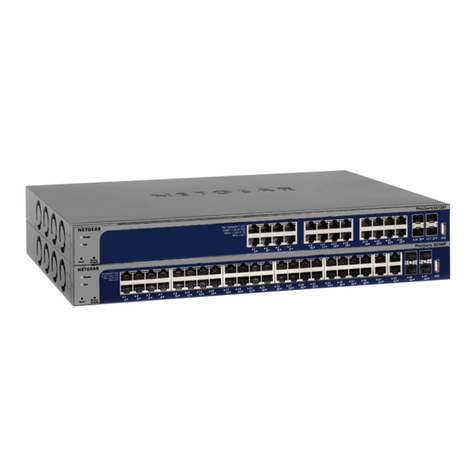
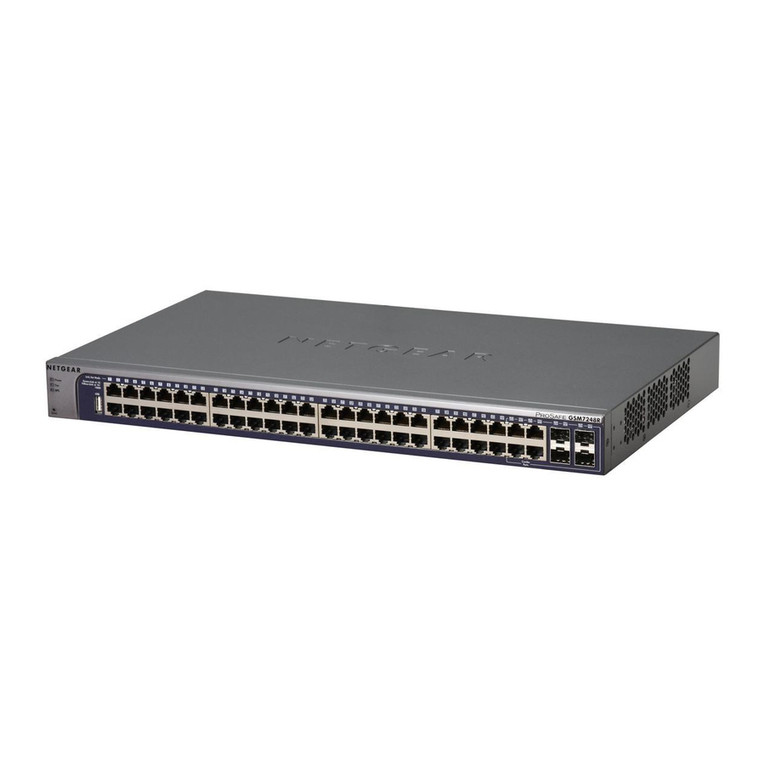
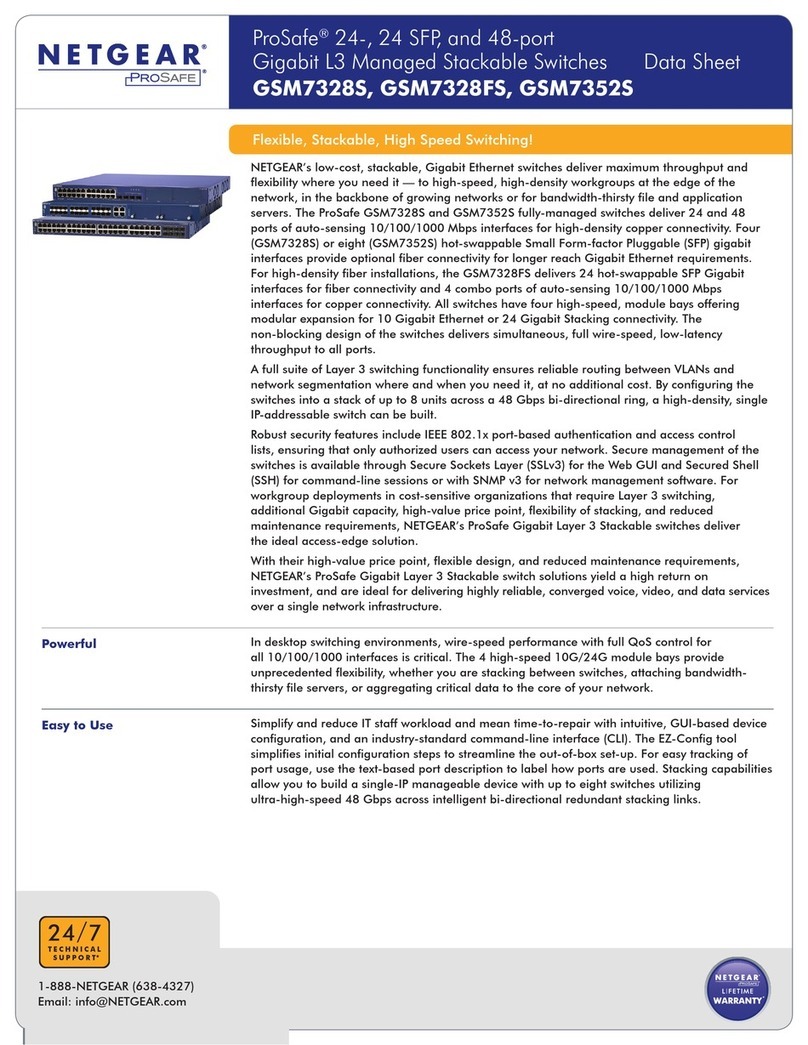
  9. NETGEAR FS728TS - ProSafe Smart Switch User manual

NETGEAR FS728TS - ProSafe Smart Switch User manual

Other manuals for FS728TS - ProSafe Smart Switch

5

This manual suits for next models

2

Other NETGEAR Switch manuals

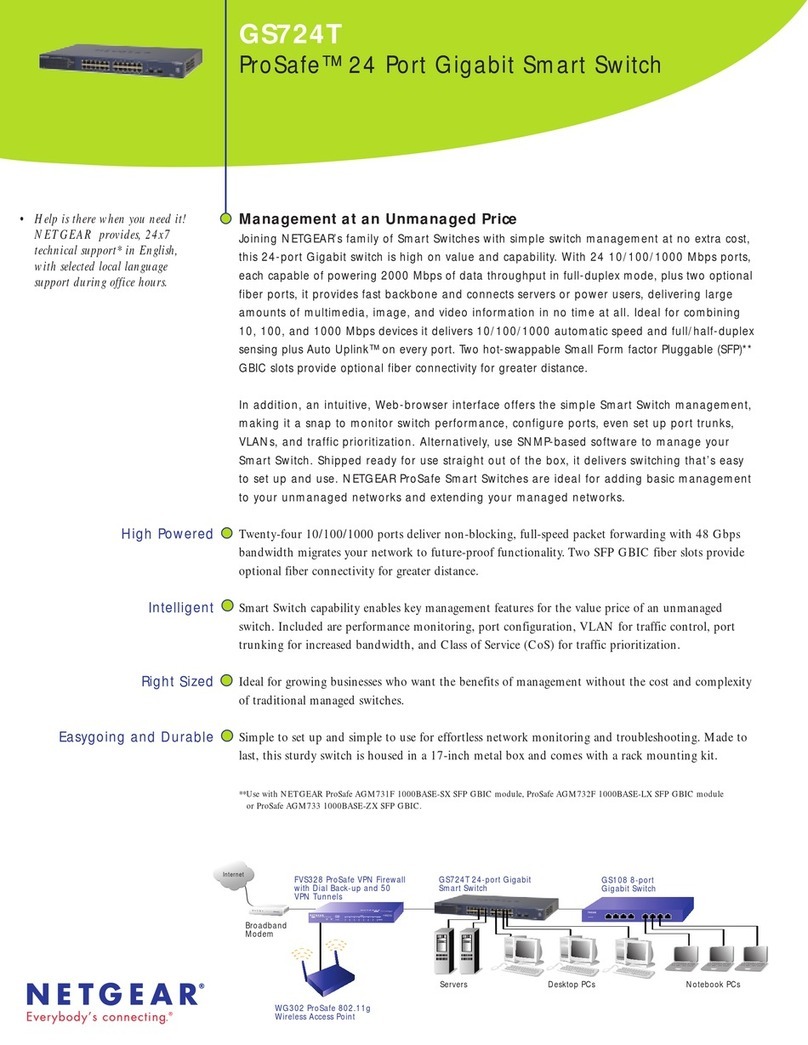
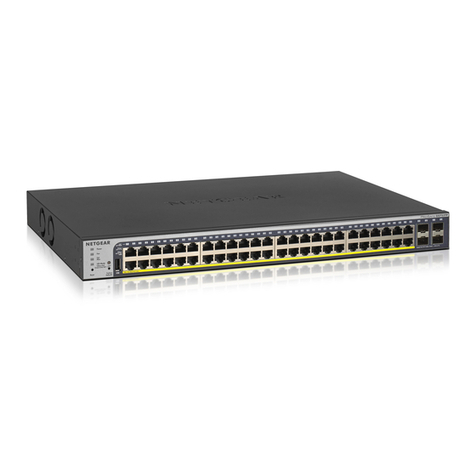
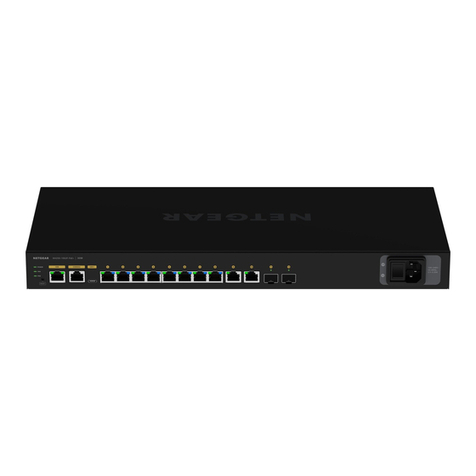
NETGEAR ProSafe FS750T2 User manual

NETGEAR

NETGEAR ProSafe FS750T2 User manual

NETGEAR ProSafe GS700TP Instruction Manual

NETGEAR

NETGEAR ProSafe GS700TP Instruction Manual

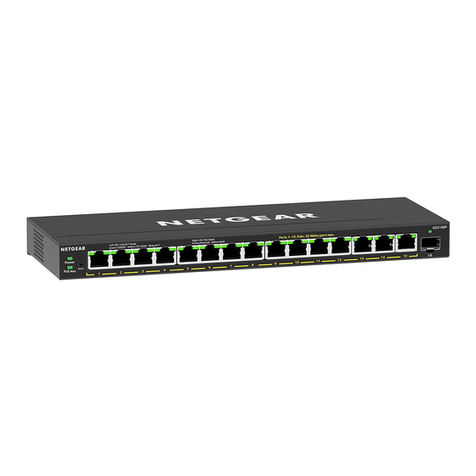
NETGEAR GS316EP User manual

NETGEAR

NETGEAR GS316EP User manual

NETGEAR GSS108EPP User manual

NETGEAR

NETGEAR GSS108EPP User manual

NETGEAR GS605av User manual

NETGEAR

NETGEAR GS605av User manual

NETGEAR FS608 User manual

NETGEAR

NETGEAR FS608 User manual

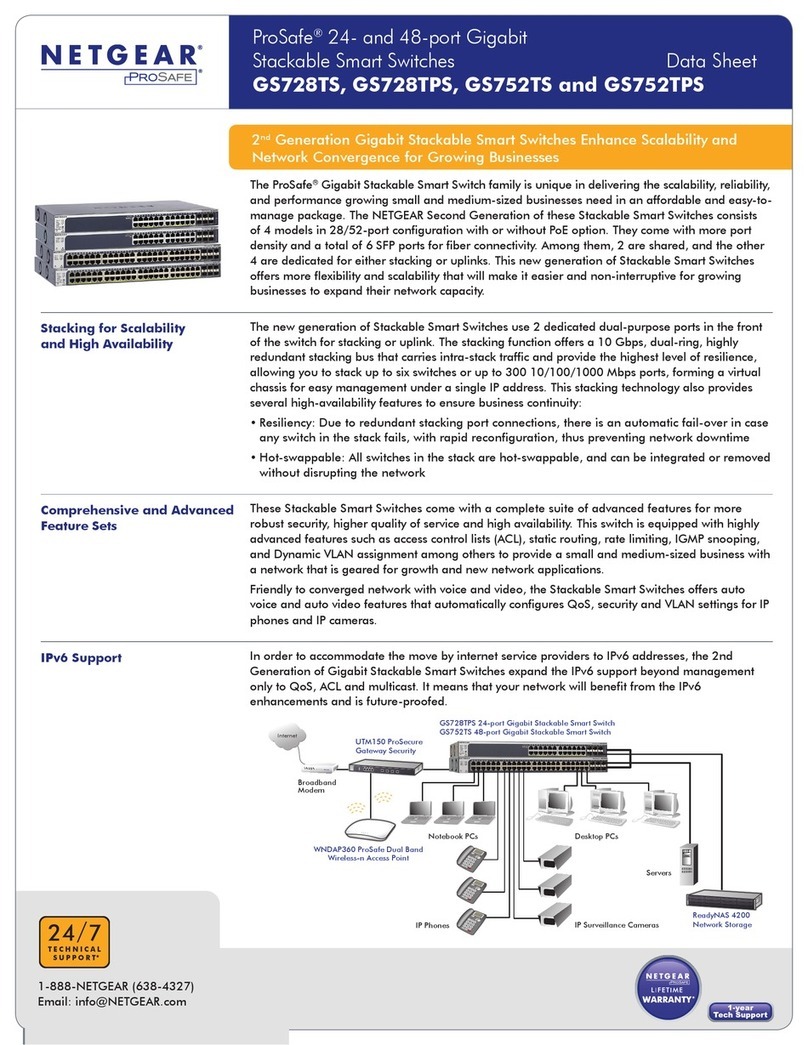
NETGEAR ProSafe GS728TP Manual

NETGEAR

NETGEAR ProSafe GS728TP Manual

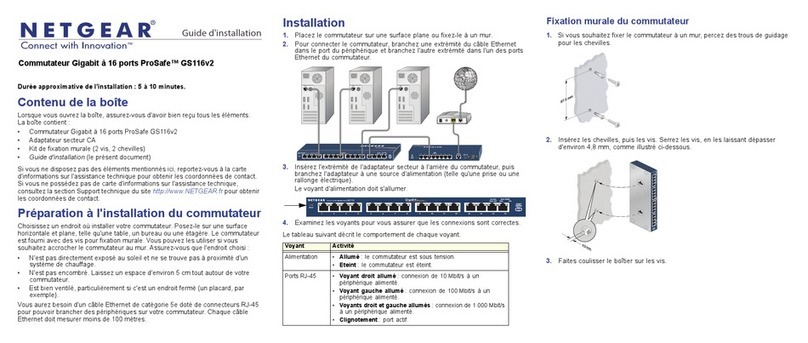
NETGEAR GS116v2 User manual

NETGEAR

NETGEAR GS116v2 User manual

NETGEAR JGS524F User manual

NETGEAR

NETGEAR JGS524F User manual

NETGEAR FS728TP-100NAS Instruction Manual

NETGEAR

NETGEAR FS728TP-100NAS Instruction Manual

NETGEAR GSS108E User manual

NETGEAR

NETGEAR GSS108E User manual

NETGEAR ProSafe GS728TP User manual

NETGEAR

NETGEAR ProSafe GS728TP User manual

NETGEAR FSM7328PS - ProSafe 24 Port 10/100 L3 Managed Stackable... User manual

NETGEAR

NETGEAR FSM7328PS - ProSafe 24 Port 10/100 L3 Managed Stackable... User manual

NETGEAR ProSafe Plus GS116E User manual

NETGEAR

NETGEAR ProSafe Plus GS116E User manual

NETGEAR GS724Tv1 - ProSafe Gigabit Smart Switch User manual

NETGEAR

NETGEAR GS724Tv1 - ProSafe Gigabit Smart Switch User manual

NETGEAR M4350 Series Manual

NETGEAR

NETGEAR M4350 Series Manual

NETGEAR GSM7248 - ProSafe Switch User manual

NETGEAR

NETGEAR GSM7248 - ProSafe Switch User manual

NETGEAR ProSafe GSM7252PS Instruction Manual

NETGEAR

NETGEAR ProSafe GSM7252PS Instruction Manual

NETGEAR ProSafe GSM7328 Instruction Manual

NETGEAR

NETGEAR ProSafe GSM7328 Instruction Manual

NETGEAR GS724TPv3 Manual

NETGEAR

NETGEAR GS724TPv3 Manual

NETGEAR GSM7224R - ProSafe Switch User manual

NETGEAR

NETGEAR GSM7224R - ProSafe Switch User manual

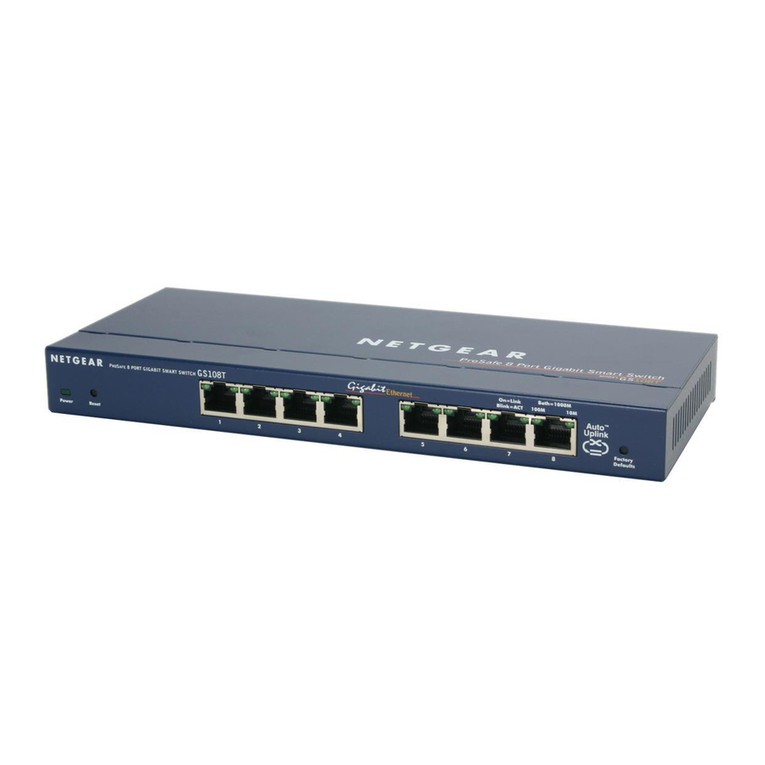
NETGEAR GS108Tv1 - Gigabit Smart Switch Manual

NETGEAR

NETGEAR GS108Tv1 - Gigabit Smart Switch Manual

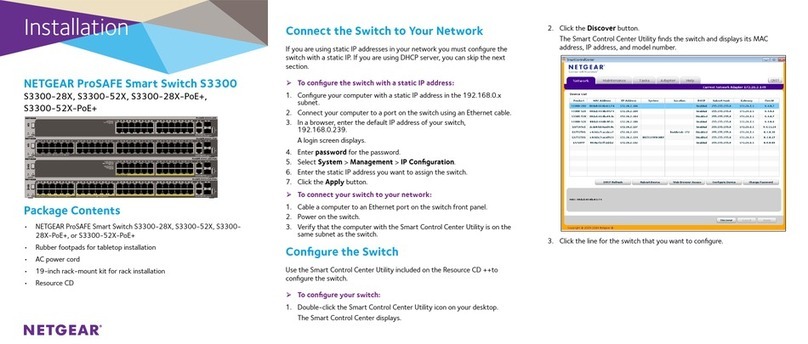
NETGEAR ProSAFE S3300 Manual

NETGEAR

NETGEAR ProSAFE S3300 Manual

NETGEAR 748TP Manual

NETGEAR

NETGEAR 748TP Manual

Popular Switch manuals by other brands

TRENDnet TK-401R null

TRENDnet

TRENDnet TK-401R null

TRENDnet TK-200K null

TRENDnet

TRENDnet TK-200K null

TRENDnet TE100-S8 null

TRENDnet

TRENDnet TE100-S8 null

URC Total Control MFS-8 installation manual

URC

URC Total Control MFS-8 installation manual

Azbil HPQ-D11 user manual

Azbil

Azbil HPQ-D11 user manual

Sony DFS-900M operating instructions

Sony

Sony DFS-900M operating instructions

SICK i17S operating instructions

SICK

SICK i17S operating instructions

F&F SZR-277 quick start guide

F&F

F&F SZR-277 quick start guide

Shure UAMS/BK user guide

Shure

Shure UAMS/BK user guide

Dräger X-zone Switch Off Instructions for use

Dräger

Dräger X-zone Switch Off Instructions for use

Asco Joucomatic 349 Series manual

Asco

Asco Joucomatic 349 Series manual

BT Mini Hub user guide

BT

BT Mini Hub user guide

D-Link DES-1226G manual

D-Link

D-Link DES-1226G manual

Johnson Controls FS80-C installation instructions

Johnson Controls

Johnson Controls FS80-C installation instructions

MicroNet SP1200A user manual

MicroNet

MicroNet SP1200A user manual

Ruijie RG-PF2920 Series Hardware  installation and reference guide

Ruijie

Ruijie RG-PF2920 Series Hardware installation and reference guide

Altinex DA1914SX user guide

Altinex

Altinex DA1914SX user guide

RJM MASTERMIND PBC/6X user manual

RJM

RJM MASTERMIND PBC/6X user manual

manuals.online logo
manuals.online logoBrands
  • About & Mission
  • Contact us
  • Privacy Policy
  • Terms and Conditions

Copyright 2025 Manuals.Online. All Rights Reserved.

FS728TS/FS752TS/FS752TPS
ProSafe Stackable Smart Switch Family
24+4, 48+4 and 48+4 with PoE
Stackable Switches Designed for Small, Growing Businesses
Small and growing companies “bet the business” on their network, depending on it as the essential
nerve center for applications, VoIP phones, videoconferencing, and much more. Businesses with 40-150
users want full-featured network switches that can support the full range of network applications, but
without enterprise-class pricing, training, and support requirements. The ProSafe Stackable Smart
Switch family delivers the flexibility, reliability, and performance growing businesses need at very
affordable prices – in an easy-to-use package. Each ProSafe Stackable Smart Switch comes with 24 or
48 10/100 ports and four Gigabit ports. Up to 24 ports of Power over Ethernet (PoE) are also available,
making these switches ideal for deploying wireless access points, VoIP phones, and surveillance
cameras. Two of the Gigabit Ethernet ports offer the option of fiber connectivity via Small Form-factor
Pluggable (SFP) GBIC** slots for long distance links. A 4Gbps, dual-ring, resilient stacking architecture
provides the highest reliability, while allowing you to mix and match to stack up to six units or 192
10/100 ports - and easily manage them all at a single IP address!
The popular intuitive, Web-browser interface offers the Smart Switch management, making it a snap to
monitor stack performance, configure ports, even set up port trunks, VLANs, and traffic prioritization. In
addition, the ProSafe Stackable Smart Switches expand on the current ProSafe Smart Switch feature set
by adding 801.x security, SNMP v2c and v3 support, logging, rate limiting and Layer 3 prioritization.
Why buy stackable network switches designed and priced for the enterprise? NETGEAR ProSafe
Stackable Smart Switches are designed for small and growing businesses – they are easy to buy and
use, with all of the features you need!
Expand your network as you grow your business, adding switches to the stack as you need them. Use PoE ports
to simplify the installation and management of wireless access points, VoIP phones, and security cameras.
Gigabit ports provide high-speed connectivity when you add more servers, or link in power users. Use copper
connections, or two SFP GBIC fiber slots provide optional fiber connectivity for greater distance. The non-block-
ing design of the switches deliver simultaneous, full wire-speed, low-latency throughput to all ports. Advanced
feature set delivers the security, reliability, prioritization, and monitoring capabilities small businesses need.
All ProSafe Stackable Smart Switches are made to last, with 5-year warranty and available Premium Support
Packs. Redundant stacking features delivers maximum availability.
Manage all ProSafe Stackable Smart Switches as though they are one unit from an easy-to-use Web
console. Optimized for ProSafe Network Management Software (NMS100) and works with other SNMP-
based management software. Shipped ready to go straight out of the box, NETGEAR delivers switching
that is easy to set up, stack-up, and use.
**Use with AGM731F ProSafe 1000BASE-SX SFP GBIC, AGM732F ProSafe 1000BASE-LX SFP GBIC, or AGM733 ProSafe 1000BASE-LZ
SFP GBIC module
Versatile
Powerful
Reliable
Easy
• Help is there when you need it!
NETGEAR provides, 24x7
technical support* in English,
with selected local language
support during office hours.
Desktop PCs
Notebook PCs
FVS338 ProSafe
VPN Firewall 50
WG302 ProSafe 802.11g
Wireless Access Point
FS752TS 48+4 10/100 Stackable Smart Switch
FS728TS 24+410/100 Stackable Smart Switch
Broadband
Modem
POWER
CABLE
STATUS
ETHERNET
USB
BroadbandCable Modem
Internet
Servers
Technical Specifications
• Network Protocol and Standards
Compatibility:
-IEEE 802.3 10BASE-T
-IEEE 802.3u 100BASE-TX
-IEEE 802.3ab 1000BASE-T
- IEEE 802.3z 1000BASE-X
-IEEE 802.3x full-duplex flow control
-IEEE 802.3af power over Ethernet (FS752 TPS)
• Interfaces
-FS728TS: 24 10/100 Mbps auto sensing
switching ports
-FS752TS/FS752TPS: 48 10/100 Mbps auto
sensing switching ports
-FS752TPS: 24 10/100 Mbps ports with PoE
-4 Built-in RJ-45 Gigabit Ethernet ports for
10/100/1000 Mbps connectivity
-2 SFP slots for fiber Gigabit Ethernet modules

-Auto-sensing and auto-negotiating capabilities
for all ports
-Auto Uplink™on all ports to make the
right connection
• Administrative Switch Management
-IEEE 8021.Q VLAN (128 groups, Static)
-IEEE 802.1p Class of Service (CoS)
-Port-based QoS
-IEEE 802.3ad Link Aggregation (LACP)p
-IEEE 802.1D Spanning Tree Protocol
-SNMP v1, v2c, v3
-RFC 1213 MIB II
-RFC 1643 Ethernet Interface MIB
-RFC 1493 Bridge MIB
-RFC 2131 DHCP client
-IEEE 802.1x
-Port-based security by locked MAC addresses
-Storm control for broadcast, multicast and
unknown unicast packets
-Port-based ingress/egress rate limiting
-SNTP
-RMON group 1, 2, 3, 9
-Private Enterprise MIB
-Port Mirroring Support
-Web-based configuration
-Configuration Backup/Restore
-Password Access Control
-Firmware upgradeable
• Performance Specifications
-Forwarding modes: Store-and-forward
-Bandwidth: 12.8 Gbps for FS728TS, 17.6 Gbps
for FS752TS/FS752TPS
-Network latency: Less than 20 microseconds for
64-byte frames in store-and-forward mode for100
Mbps to 100 Mbps transmission
-Buffer memory: 128 KB
-Address database size: 8,000 media access control
(MAC) addresses per system
-Addressing: 48-bit MAC address
-Mean Time Between Failure (MTBF): 100,000
hours (~11 years) for FS728TS; 84,000 hours
(~9 years) for FS752TS; 80,000 (~9 years) for
FS752TPS
NETGEAR ProSafe Related Products
• Accessories:
-FA311 32-bit 10/100 PCI Adapter
-FA511 PC Card 10/100 Adapter
-GA311 32-bit Gigabit PCI Adapter
-GA511 Gigabit PC Card Adapter
-NMS100 Network Management
Software
• VPN Firewalls:
-FVS124G Gigabit VPN
Firewall 25
-FVS338 VPN Firewall 50
• Wireless:
-WAG102 Dual Band Access Point

-WG102 802.11g Access Point
• Switches:
-FS726TP 24 Port 10/100 Smart Switch
w/2 Gigabit Ports and PoE
-FS726T 24 port 10/100 Smart Switch
with 2 Gigabit ports
-FS750T2 48 port 10/100 Smart Switch
with 2 Gigabit ports
-GS716T 16 port Gigabit
Smart Switch
-GS724T 24 port Gigabit
Smart Switch
-GS748T 48 port Gigabit
Smart Switch
ProSupport Maintenance Services
-PMB0331 OnCall 24x7
-PRR0331 XPressHW Support Service
FS728TS/ ProSafe Stackable Smart Switch Family
FS752TS 24, 48, Gigabit, and PoE
FS752TPS
• LEDs
-Unit: Power, Master, Stack ID
-Per Port: Link, Speed, Activity
-Per Gigabit Port: Link, Speed, Activity, Stack
-FS752TPS: PoE Max, PoE active, PoE fault
• Power Supply
-Power Consumption: 15 W maximum
-100-240VAC/50-60 Hz universal input
-FS752 TPS: 180 W PoE power budget
• Physical Specifications
-Dimensions (H x W x D): 1.70 x 17.32 x 10.12 in.
(43.2 x 440 x 257 mm)
-Weight: FS728TS: 5.73 / 2.6 (lbs/kg)
FS752TS: 6.57 / 2.98 (lbs/kg)
FS752TPS: 8.91 / 4.05 (lbs/kg)
• Environmental Specifications
-Operating temperature: 32 to 104° F (0 to 40° C)
-Storage temperature: -4 to 158° F (-20 to 70° C)
-Operating humidity: 90% maximum relative humidity,
non-condensing
-Storage humidity: 95% maximum relative humidity,
non-condensing
-Operating altitude: 10,000 ft (3,000 m) maximum
-Storage altitude: 10,000 ft (3,000 m) maximum
• Electromagnetic Compliance
-CE mark, commercial
-FCC Part 15 Class A
-VCCI Class A
-EN 55022 (CISPR 22),
-EN 55024 (CISPR 24)
-C-Tick
• Safety
-CE mark, commercial
-CUL 60950 (Listed)/ EN60950
(Low Voltage Directive)
• Warranty
-NETGEAR 5-year warranty
System Requirements
-Category 5 network cables
-Network card for each PC
-Network software (e.g., Windows®)
Package Contents
-FS728TS/FS752TS/FS752TPS ProSafe 24/48 port Stackable
Smart Switch with 4 Gigabit Ports
-Rubber footpads
-Power cord
-Rack-mount kit
-Resource CD Installation Guide
-Warranty/Support information card
Modules
-AGM731F ProSafe 1000BASE-SX SFP GBIC:
Module with LC connectors for 50um or 62.5um
multi-mode fiber cable
-AGM732F ProSafe 1000BASE-LX SFP GBIC:
Module with LC connectors for 9um single-mode
fiber cable
-AGM733 ProSafe 1000BASE-LZ SFP GBIC:
Module with LC connectors for 9um
single-mode fiber cable
4500 Great America Parkway
Santa Clara, CA 95054 USA
Phone: 1-888-NETGEAR
E-mail: [email protected]
www.NETGEAR.com
©2006 NETGEAR, Inc. NETGEAR, the
NETGEAR logo, Connect with Innovation,
Everybody’s connecting, the Gear Guy logo,
IntelliFi, ProSafe, RangeMax and Smart
Wizard are trademarks or registered
trademarks of NETGEAR, Inc. in the United
States and/or other countries. Microsoft and
Windows are trademarks or registered
trademarks of Microsoft Corporation in the
United States and/or other countries. Other
brand and product names are trademarks
or registered trademarks of their respective
holders. Information is subject to change
without notice. All rights reserved.
* Free basic installation support provided
for 90 days from date of purchase.
Advanced product features and
configurations are not included in free
basic installation support; optional
premium support available.
D-FS728TS/FS752TS-2