5
Shortcuts
•To switch between open applications, press
and hold .
Leaving applications running in the background
increases the demand on battery power and
reduces the battery life.
•To open the music player, press and hold .
•To start the camera press and hold the
capture key.
•To open Gallery, press twice.
•To call your voice mailbox (network service), press and
hold .
•To open the multimedia menu, press , or in the standby
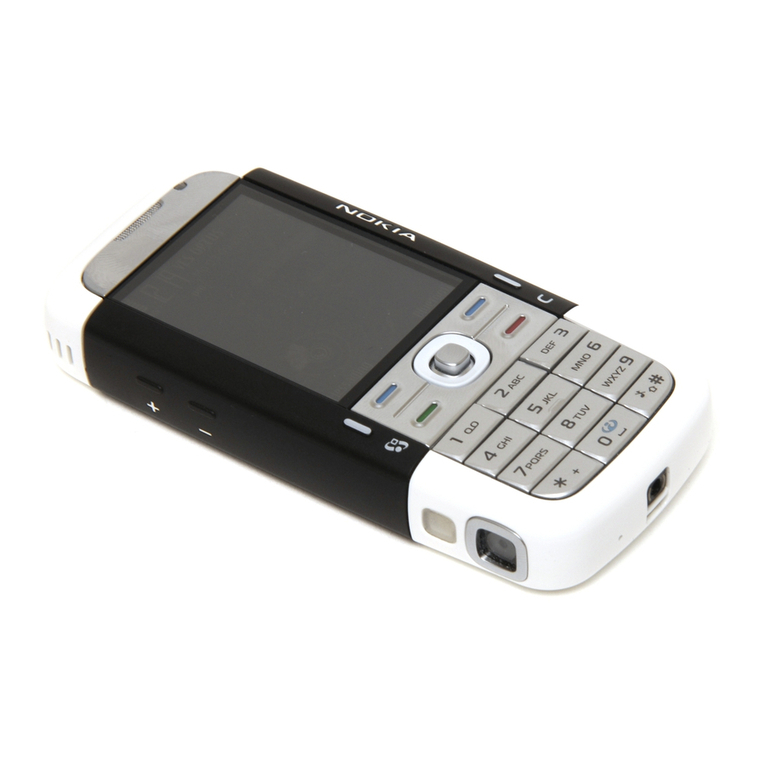
mode, open the media keys under the 2-way slide.
•To change the profile, press , and select a profile.
•To switch between Normal and Silent profiles, press and
hold . If you have two phone lines (network service), this
action switches between the two lines.
•To open the last dialed numbers list, press .
•To use voice commands, press and hold .
•To start the Web browser (network service), press and
hold .
Keypad lock (keyguard)
When the keys are locked, is displayed.
To lock the keys, press , then .
To unlock the keys, open the 2-way slide, or press , then .
To have the keypad lock activated automatically after a time-out
or when the 2-way slide is closed, press , and select Tools >
Settings > General > Security > Phone and SIM card.
When the keypad lock is on, calls may be possible to the official
emergency number programmed into your device.