
NZXT T120 User manual


TABLE OF CONTENTS
1. COMPONENT LIST........................... 02 4. APPENDIX .......................................... A-1
2. INSTALLATION..................................04
3. DOWNLOADING NZXT CAM....... 10
VERSION 1.0

02
T120 & T120RGB
1. COMPONENT LIST
A. Heatsink
B. F Series - Static Pressure Fan
C. F Series - RGB Fan
x1
x1
x1
D. Fan Clip x4
E. Intel Backplate - LGA 1700 x1
F. Intel Backplate - LGA 1200/115X x1
G. Intel Retention Brackets
(Pre-installed) x2
T120
T120RGB

03
T120 & T120RGB
H. AMD Retention Brackets x2
I. Countersunk Screws
(Pre-installed) x2
J. AMD Sleeves x4
K. #6-32 Screws for AMD x4
L. NZXT High-Performance
Thermal Paste 1g x1
M. 200mm 5V ARGB (Female) to
NZXT RGB (Male) Adapter x1
1. COMPONENT LIST
T120RGB

04
T120 & T120RGB
2. INSTALLATION
E F
OROR
INTEL SOCKET
1700 or 1200/115X
AMD SOCKET AM5,
AM4, STRX4* & TR4*
Install the Intel backplate (LGA 1700 or 1200/115X) on
the rear of the motherboard.
STEP 1. (INTEL)
Remove the stock AMD mounting bracket and keep the original
backplate on the rear of the motherboard.
STEP 1. (AMD)

05
T120 & T120RGB
2. INSTALLATION
Pre-Installed
STEP 2. (INTEL)
Install the retention brackets to the heatsink and secure it with
the countersunk screws.
STEP 2. (AMD)
SOCKET
1200/115X
SOCKET 1700
SOCKET 1700
GI
A
H
A
I

06
T120 & T120RGB
2. INSTALLATION
STEP 3. STEP 4.
Peel o the protector sticker from the CPU contact
surface.
Apply the thermal paste on the CPU.

07
T120 & T120RGB
Place the heatsink with the retention bracket onto the
CPU and ensure the bracket screws go into the backplate
holes. Secure the screws in the order as shown.
STEP 5. (INTEL)
Install the four AMD sleeves and then place the heatsink with
the retention bracket. Secure it with the #6-32 screws in the
order as shown.
STEP 5. (AMD)
2. INSTALLATION
1
2
3
4
K
J

08
T120 & T120RGB
2. INSTALLATION
Secure the fan to the cooler with the fan clips.
STEP 6.
Connect the 4-Pin PWM fan cable to an open header on your
motherboard or fan controller.
STEP 7.
DOR

09
T120 & T120RGB
2. INSTALLATION
ONLY FOR T120RGB OPTION
4-pin NZXT RGB Cable
C
NZXT RGB lighting channel on the motherboard.
NZXT RGB lighting channel on your lighting controller.
OPTION 1
OPTION 2
5V ARGB (Female) to NZXT RGB (Male) Adapter.
Do not connect to 12V RGB on motherboards
OPTION 3
C
CC
M
5V ARGB
WARNING
This manual suits for next models
1
Other NZXT Computer Hardware manuals

NZXT
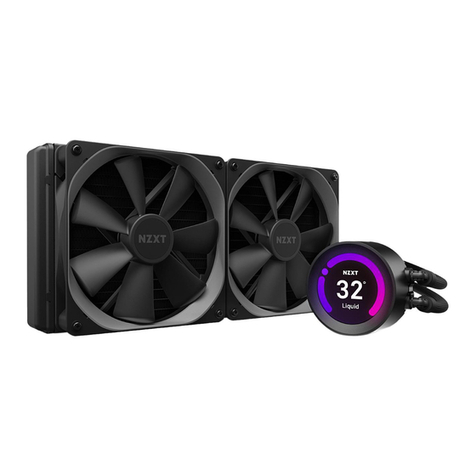
NZXT Tempest 210 User manual

NZXT
NZXT C GOLD Series User manual

NZXT
NZXT H7 ELITE User manual

NZXT
NZXT PHANTOM 630 User manual

NZXT
NZXT C GOLD Series User manual

NZXT
NZXT KRAKEN Z53 Installation guide

NZXT
NZXT KRAKEN M22 User manual
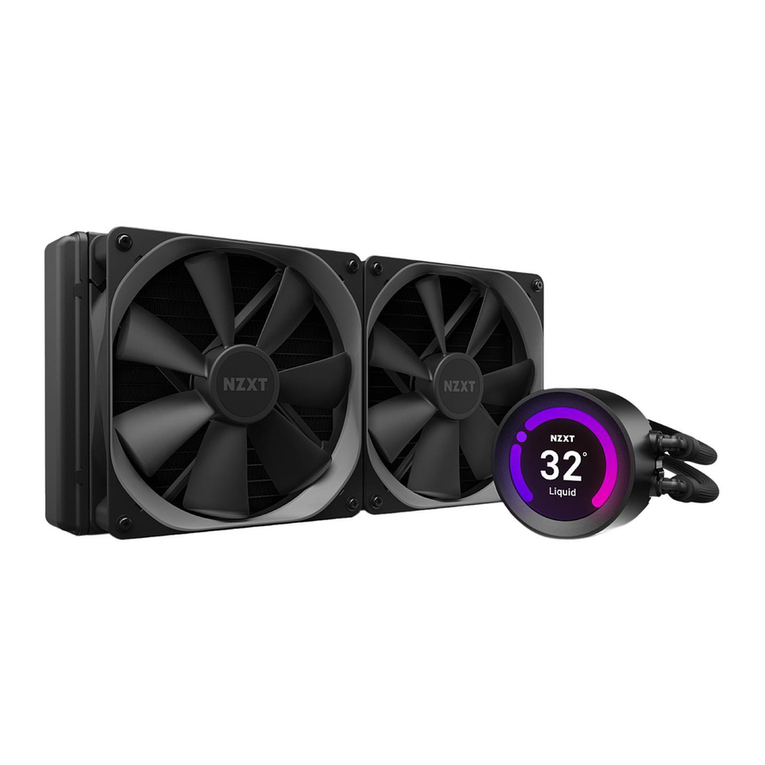
NZXT
NZXT KRAKEN Z Series User manual
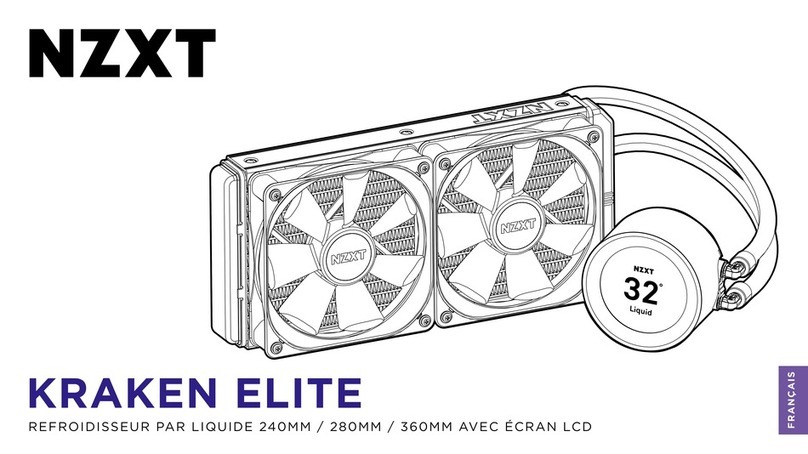
NZXT
NZXT KRAKEN ELITE User manual
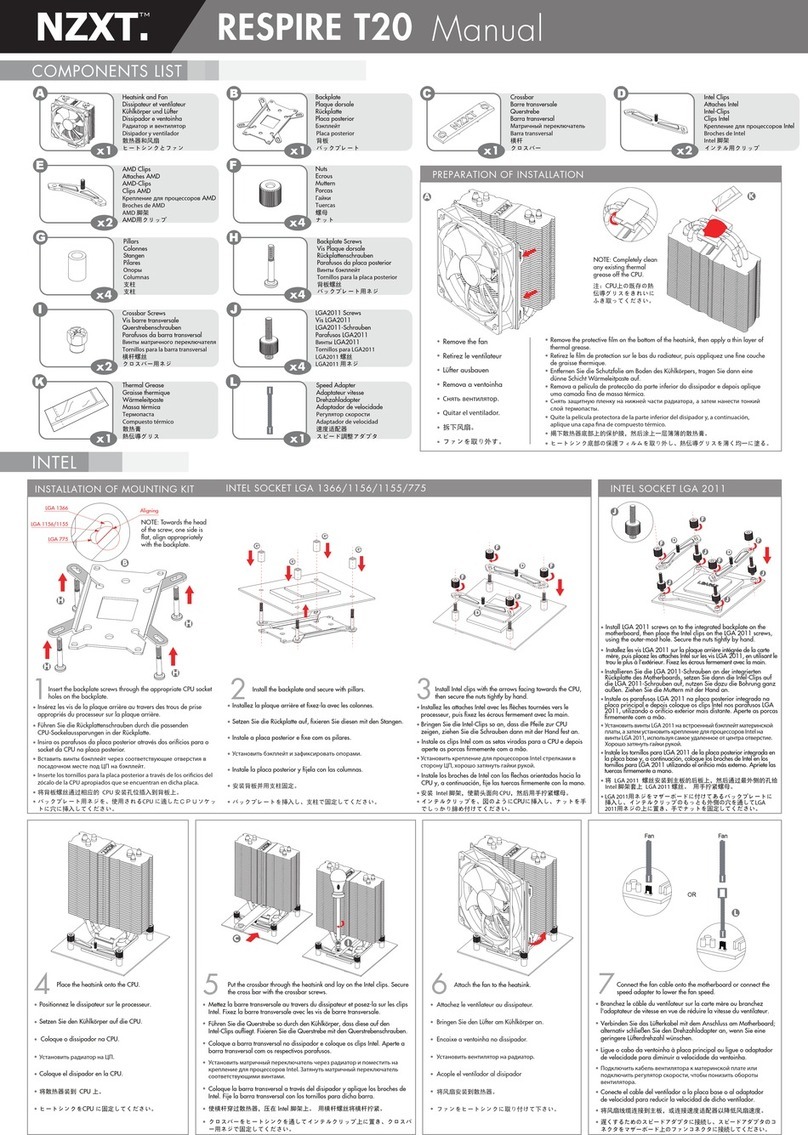
NZXT
NZXT RESPIRE T20 User manual
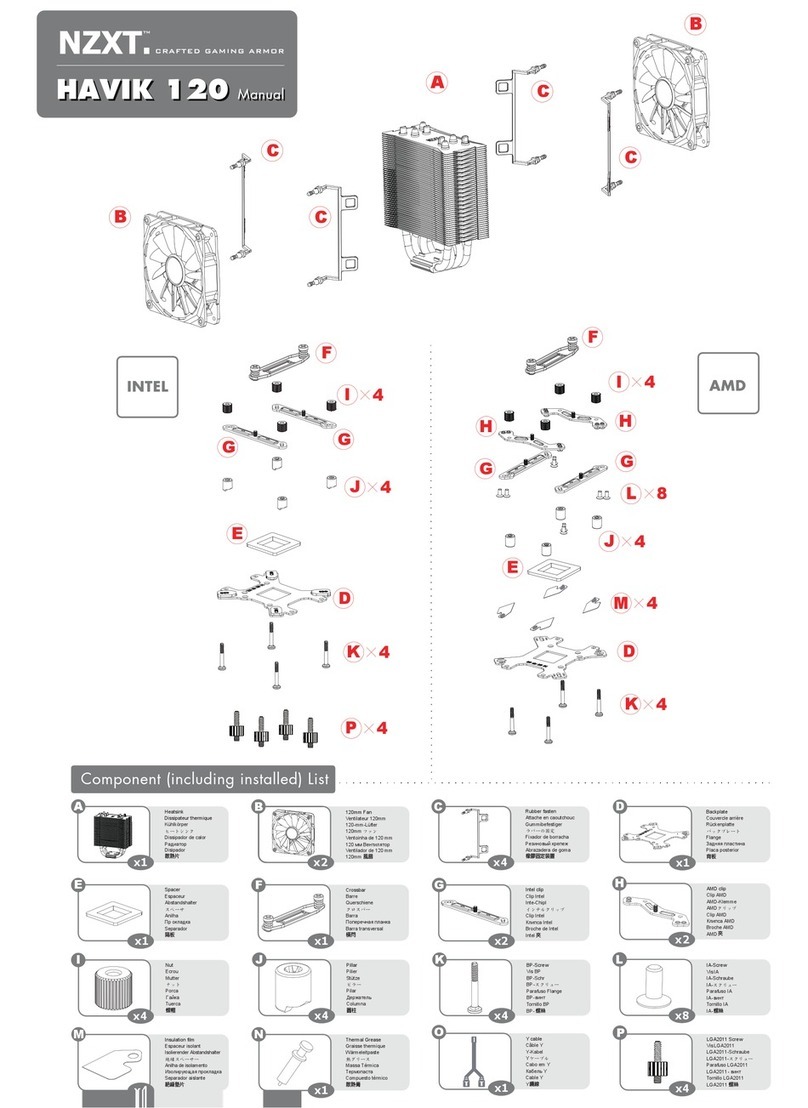



Popular Computer Hardware manuals by other brands

EMC2
EMC2 VNX Series Hardware Information Guide

Panasonic
Panasonic DV0PM20105 Operation manual

Mitsubishi Electric
Mitsubishi Electric Q81BD-J61BT11 user manual

Gigabyte
Gigabyte B660M DS3H AX DDR4 user manual

Raidon
Raidon iT2300 Quick installation guide

National Instruments
National Instruments PXI-8186 user manual











