www.oce.com
GB
Océ VarioPrint®TouchTo Print
Océ
1055/1065/1075
2062/2075
Print
Copy
Scan
Wizards
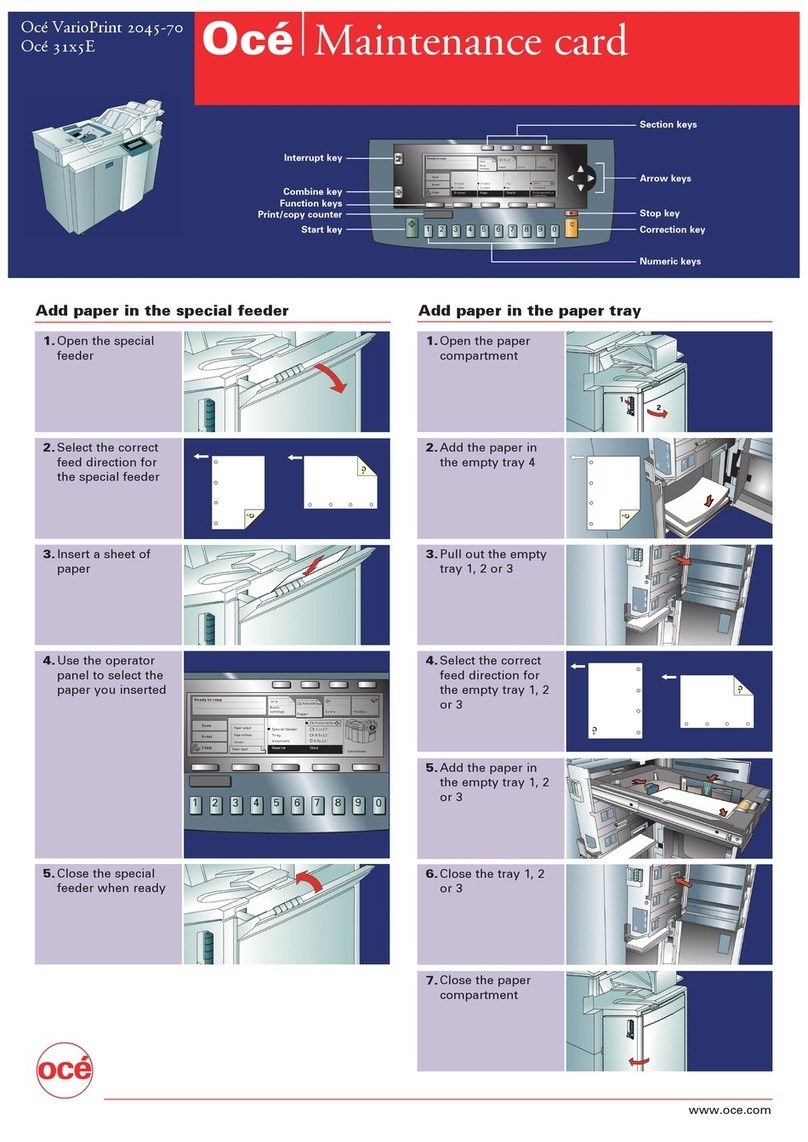
1. Go to the Enroll fingerprint wizard. 2. Start the wizard and walk through the
steps.
3. Use the scroll wheel to select your
user name.
4. Indicate what must happen when
you use TouchTo Print:
• print new documents immediately, or
• open your mailbox.
Start
key
Fingerprint
sensor
Scroll wheel
Function keys
Function keys
Wizards key
Print your documents with one finger touch
2. Your new documents are printed or your mailbox is openend.
Only once
prepare
fingerprinting
1. Put your
finger on the
sensor.
5. Put your finger on
the sensor. Remove
your finger from the
sensor. Repeat when
the wizard asks you to
do so.
6. Finish the wizard.
Now you can use TouchTo Print.
Use TouchTo
Print
ss
s
ss
2
1
3