manuals.online logo
Brands
  1. Home
  2. •
  3. Brands
  4. •
  5. Omron
  6. •
  7. Fitness Equipment
  8. •
  9. Omron Walking style IV User manual

Omron Walking style IV User manual

Other manuals for Walking style IV

3

Other Omron Fitness Equipment manuals

Omron HJ-322U-E User manual

Omron

Omron HJ-322U-E User manual

Omron HBF-306 User manual

Omron

Omron HBF-306 User manual

Omron HV-F013 User manual

Omron

Omron HV-F013 User manual

Omron GOSMART HJA-301 User manual

Omron

Omron GOSMART HJA-301 User manual

Omron HJ-321 User manual

Omron

Omron HJ-321 User manual

Omron HV-F128 User manual

Omron

Omron HV-F128 User manual

Omron SoftTouch HV-F158-E User manual

Omron

Omron SoftTouch HV-F158-E User manual

Omron HV-F311 User manual

Omron

Omron HV-F311 User manual

Omron Jog style User manual

Omron

Omron Jog style User manual

Popular Fitness Equipment manuals by other brands

Revitive Arthritis-Knee user manual

Revitive

Revitive Arthritis-Knee user manual

Domyos BM100 operating instructions

Domyos

Domyos BM100 operating instructions

Movement EDGE PUXADA ALTA Assembly manual

Movement

Movement EDGE PUXADA ALTA Assembly manual

Lifeline LLUWB-BLK owner's manual

Lifeline

Lifeline LLUWB-BLK owner's manual

Precor CW-816 Assembly guide

Precor

Precor CW-816 Assembly guide

Balanced Body Precision Rotator Discs manual

Balanced Body

Balanced Body Precision Rotator Discs manual

G-FITNESS AIR ROWER user manual

G-FITNESS

G-FITNESS AIR ROWER user manual

CAPITAL SPORTS Dominate Edition 10028796 manual

CAPITAL SPORTS

CAPITAL SPORTS Dominate Edition 10028796 manual

Martin System TT4FK user guide

Martin System

Martin System TT4FK user guide

CIRCLE FITNESS E7 owner's manual

CIRCLE FITNESS

CIRCLE FITNESS E7 owner's manual

G-FITNESS TZ-6017 user manual

G-FITNESS

G-FITNESS TZ-6017 user manual

Accelerated Care Plus OMNISTIM FX2 CYCLE/WALK user manual

Accelerated Care Plus

Accelerated Care Plus OMNISTIM FX2 CYCLE/WALK user manual

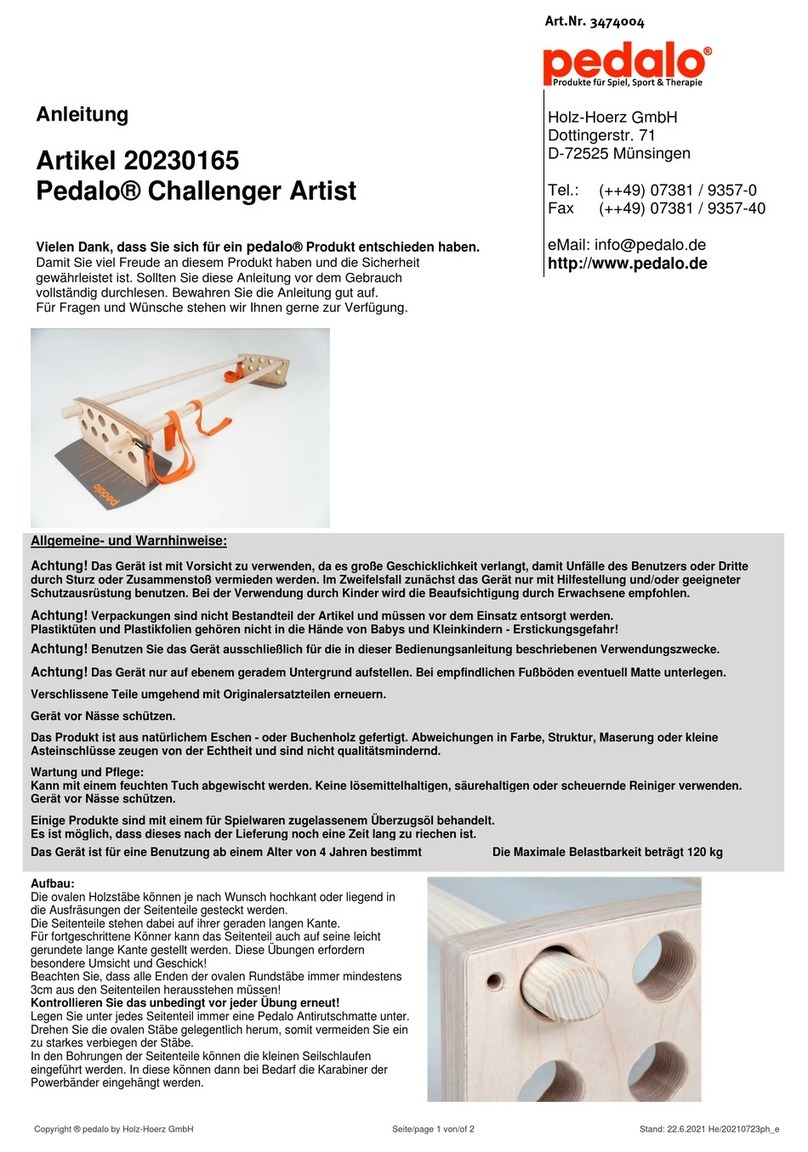
pedalo 20230165 manual

pedalo

pedalo 20230165 manual

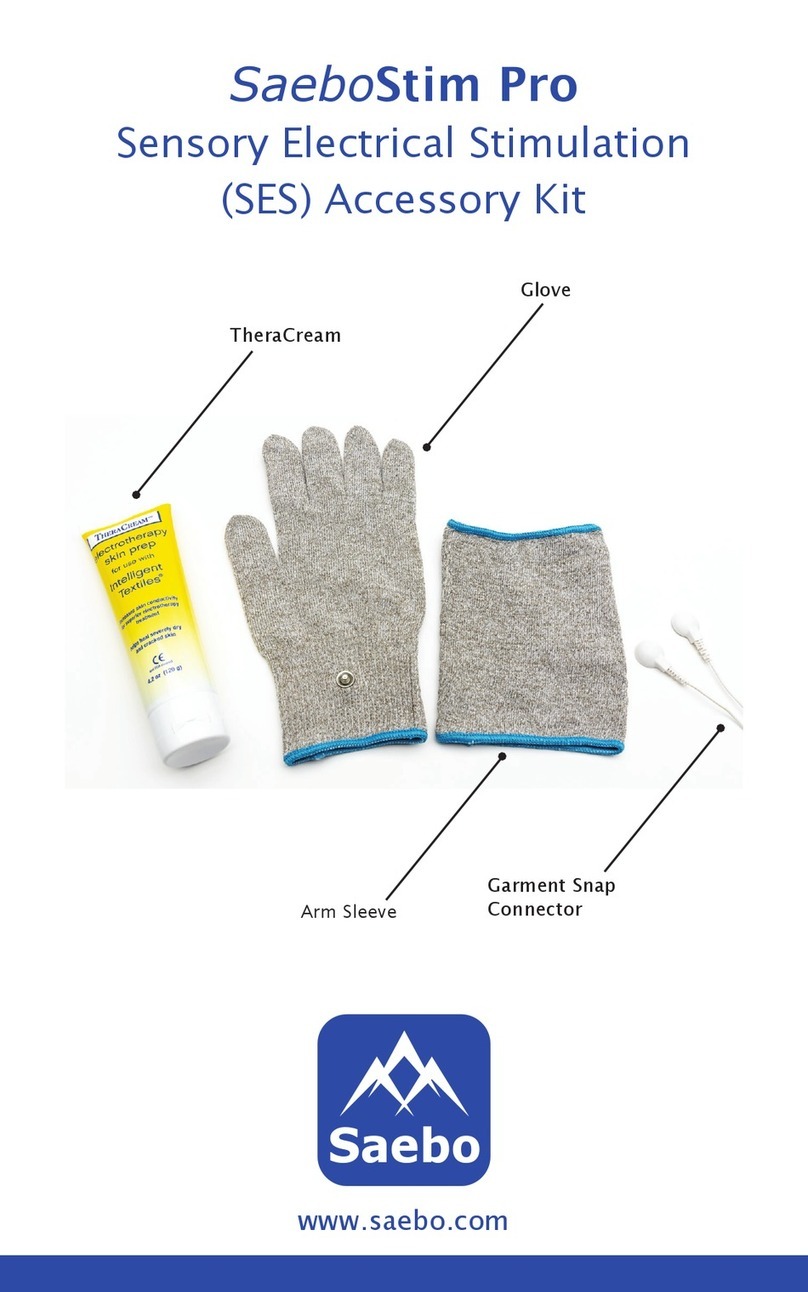
Saebo SaeboStim Pro Instructions for use

Saebo

Saebo SaeboStim Pro Instructions for use

Performance HyperVibe User instructions

Performance

Performance HyperVibe User instructions

Scalamobil S27 Operator's manual

Scalamobil

Scalamobil S27 Operator's manual

Precor Experience Series Service manual

Precor

Precor Experience Series Service manual

FYTTER RedMIUM BENCH BE-T6R manual

FYTTER

FYTTER RedMIUM BENCH BE-T6R manual

manuals.online logo
manuals.online logoBrands
  • About & Mission
  • Contact us
  • Privacy Policy
  • Terms and Conditions

Copyright 2025 Manuals.Online. All Rights Reserved.

1.
2.
Note: If the initial settings are not correct, the measurement results may not be
accurate.
3.
4.
Aerobic steps (brisk walking)
Aerobic steps are the physical exercise that helps us stay healthy. Aerobic steps
are counted separately when walking more than 60 steps per minute and more
than 10 minutes successively. If a rest of less than 1 minute is taken after a
continuous brisk walk of more than 10 minutes, this will be regarded as part of
“a continuous walk”.
Cases where the unit may not be able to countsteps accurately.
Irregular movement
• When the unit is placed in a bag that moves
irregularly.
• When the unit hangs from your waist or a bag.
Inconsistent walking pace
• When you shuffle or wear sandals etc.
• When you cannot walk at a consistent pace in a crowded area.
Excessive vertical movement orvibration
• When standing up and/or sitting down.
• When doing sports other than walking.
• When ascending or descending stairs or on a steep
slope.
• When there is vertical or horizontal vibration in a moving
vehicle such as on the bicycle, in a car, trains or a bus.
When walking very slowly
Note:
In order to avoid counting steps that are not part of a walk, the unit does not
display the step count for the first 4 seconds of walking. If you continue walking
for more than 4 seconds, it displays the step count for the first 4 seconds and
then continues to count.
5.
The Action mode allows you to track your individual walks separately.
Press  for two seconds to start the Action mode. To stop the Action
mode press  for two seconds.
Activation: Press any button for 2 sec.
Attivazione: premere unqualsiasipulsanteper 2 sec.
Aktivierung: Drücken Sie eine beliebige Taste
2 Sekunden lang.
Activation : Appuyez sur un bouton quelconque
pendant 2 secondes.
Activering: druk 2 sec. op een knop.
Activación: pulse cualquierbotón durante 2 segundos.
:    
   2 .
:       2 .
Aktivace: Stisknte a držte libovolné tlaítko po
dobu 2 vtein.
Aktivering: Tryk på en vilkårlig knap i 2 sek.
:  v 
 2 .
Käivitamine: vajutage kahe sekundi vältel suvalist
nuppu.
Aktivointi: paina mitä tahansa painiketta kahden
sekunnin ajan.
Aktivacija: Pritisnite bilo koji gumb u trajanju
od 2 sekunde.
Aktiválás: Nyomja meg 2 másodpercre valamelyik
gombot.
jungimas: spauskite bet kur mygtuk 2 s.
Ieslgšana. Nospiediet jebkuru pogu un turiet to
nospiestu 2 sekundes.
Aktivering: Trykk på en knapp i to sek.
Aktywacja: Nacinij którykolwiek przycisk przez 2 sek.
Activação: pressione qualquer botão durante 2 seg.
Activarea: Apsai orice buton timp de 2 secunde.
Aktiviranje: Poljuben gumb pritisnite za 2 sek.
Aktivácia: Na 2 sekundy stlate ktorékovek tlaidlo.
Pokretanje: pritisnite bilo koje dugme na 2 sekunde.
Aktivering: Håll någon av knapparna intryckt i två
sekunder.
Aktivasyon: Herhangi bir dümeye 2 saniye basn.
General Settings: Convert unit with or .
Confirm with .
Impostazioni generali: convertire le unità con

o

.
Confermare con .
Allgemeine Einstellungen: Maßeinheit mit oder 
anpassen.
Mit  bestätigen.
Réglages généraux : Modifiez l’unité avec

ou

.
Confirmez la sélection avec .
Algemene instellingen: verandereenheid met

of

.
Bevestig met .
Configuración general:conviertala unidad con

o
.
Confirme con .
 :   
   .
 ,  .
 :    
 .
  .
Všeobecná nastavení: Jednotky nastavíte pomocí
tlaítek a .
Nastavení potvrdíte pomocí tlaítka .
Generelle indstillinger: Skift enhed med eller .
Bekræft med .
 :   
   .
   .
Üldsätted: vajutage ühiku muutmiseks nuppu või
.
Vajutage kinnitamiseks nuppu .
Yleisetasetukset: muunna yksikkö painamalla

tai

.
Vahvista painamalla .
Ope postavke: Promijenite jedinicu pomougumba
 i l i .
Potvrdite pomou gumba .
Általános beállítások: Nyomja meg a  vagy 
gombot a készülék átállításához.
Jóváhagyás a  gombbal.
Bendrosios nuostatos: Pakeiskite vienetus
naudodami  arba . Patvirtinkite paspausdami .
Visprgie iestatjumi. Mrvienbas var maint arpogu
 v a i .
Apstipriniet izvli, nospiežot pogu .
Generelle innstillinger: Konverter enhet med

eller

.
Bekreft med .
Ustawienia ogólne: Za pomoc przycisku lub 
moesz zamienia jednostki.
Zatwierd za pomoc przycisku .
Definições gerais: converta a unidade com

ou

.
Confirme com .
Setri generale: Realizai conversia unitilor cu 
sau .
Confirmai cu .
Splošne nastavitve: Enote pretvorite z gumbom 
ali .
Potrdite z gumbom .
Všeobecné nastavenia: Jednotky nastavte pomocou
tlaidiel a .
Nastavenie potvrte pomocou tlaidla .
Opšta podešavanja: promenite jedinicu pomou 
ili .
Potvrdite pritiskom na .
Allmänna inställningar: Byt enhet med  eller .
Bekräfta med .
Genel Ayarlar:  veya öesi ile birimi deitirin.
 öesiyle onaylayn.
Walking style IV
Step counter
IM-HJ-325-E-01-11/2013
0186297-3A
Strap Clip Battery
(installed) Instruction
manual
lb
cm
feet/inch
mile km
kg
Attach unit.
Fissare l’unità.
Gerät befestigen.
Fixez l’appareil.
Bevestig het apparaat.
Acople la unidad.
  .
 .
Pipojte zaízení.
Fastgør enhed.
  .
Kinnitage seade.
Kiinnitä yksikkö.
Privrstite ureaj.
A készülék rögzítése.
Pritvirtinkite prietais.
Ierces piestiprinšana.
Fest enhet.
Podcz urzdzenie.
Coloque a unidade.
(Legai unitatea.) Conectai unitatea.
Enoto pritrdite.
Pripojte zariadenie.
Prikljuite jedinicu.
Sätt fast enheten.
Birimi ekleyin.
Checking result:
Press to change the display.
Controllo del risultato:
Premere per cambiare schermata sul display.
Ergebnis prüfen:
Drücken Sie um die Anzeige zu wechseln.
Vérification du résultat :
Appuyez sur pour modifier l’affichage.
Resultaat bekijken:
Druk op om de weergave te wijzigen.
Comprobación del resultado:
Pulse para cambiar la pantalla.
    :
    
.
  :
 ,    .
Kontrola výsledk:
Stiskn utím tlaítka  zmníte zo brazení.
Aflæsning af resultat:
Tryk på for at skifte display.
  :
       
.
Tulemuse kontrollimine:
vajutage kuva vahetamiseks nuppu .
Tuloksen tarkistaminen:
vaihda näyttöä painamalla .
Provjera rezultata:
Pritisnite gumb za promjenu zaslona.
Az adatok megtekintése:
Nyomja meg a gombot a kijelz
megváltoztatásához.
Rezultat tikrinimas:
paspauskite , kad pakeistumte rodin.
Rezulttu apskatšana.
Lai maintu rdjumu, nospiediet pogu .
Kontrollere resultat:
Trykk på for å gå til et annet display.
Sprawdzanie wyniku:
Nacinij przycisk , aby zmieni ekran.
Verificação do resultado:
pressione para alterar o visor.
Verificarea rezultatului:
Apsai pe pentru a comuta afiajul.
Preverjanje rezultata:
Pritisnite , da spremenite prikaz.
Kontrola výsledkov:
Stláaním tlaidla zmeníte zobrazenie na
displeji.
Provera rezultata:
Pritisnite da biste promenili prikaz.
Visa resultatet:
Tryck på för att ändra skärmen.
Sonuç kontrolü:
Ekran deitirmek için  öesine basn.
About stride length
• Measure your stride length first for accurate
measurement.
• To measure the correct average stride length,
divide the total length of the steps you walked by
the number of steps (e. g. 7.2 meter divided by
10 steps = 72 cm).
• The distance display is calculated by multiplying the
adjusted stride length by the number of steps.
Other
Languages
see 10.
Steps
Distance
Calories
Aerobic steps
Checking the display during the Action
mode.
Controllo del display durante la
modalità azione.
Aufrufen der Anzeige im
Aktionsmodus.
Vérification de l’affichage en mode
action.
De weergave bekijken tijdens de
actiemodus.
Comprobación enla pantalla durante el
modo acción.
 , 
  «».
     
  .
Kontrola údaj na displeji bhem
režimu aktivity.
Aflæsning af displayet i
aktivitetstilstand.
    
    
.
Näidiku kontrollimine aktiivsusrežiimi
ajal.
Näytöntietojentarkastelu
toimintatilassa.
Provjera zaslona tijekom režima
aktivnosti.
A kijelz megtekintése aktivitás
üzemmódban.
Rodinio peržira veikimo režimu.
Rdjumu apskatšana aktivittes
režm.
Kontrollere displayet i
handlingsmodus.
Sprawdzanie wywietlania w trybie
aktywnoci.
Consulta do visor durante o modo de
acção.
Verificarea afiajului pe durata modului
Aciune.
Preverjanje zaslona med nainom
aktivnosti.
Kontrola údajov na displeji poas
režimu aktivity.
Provera prikaza tokom režima rada.
Kontrollera skärmen i aktivitetsläget.
Etkin mod srasnda ekran kontrolü.
Other
Languages
see 10.

Steps
Distance
Calories
Aerobic steps
6.
• The measurements for each day are automatically stored in memory and
reset to 0 at midnight (0:00) each day.
• You cannot use the memory function when using the Action mode.
7.
8.
9.
Notes of safety
Symbols and definitions are as follows:
Caution: Improper use may result in injury or property damage.
Caution:
• Contact your doctor or healthcare provider before beginning a weight
reduction or exercise program.
• Keep the unit out of the reach of young children.
• Always take a rest if you feel tired or experience pain while exercising. If the
pain or discomfort continues, immediately stop your exercise and consult a
doctor.
• If young children swallow any small piece, immediately consult a doctor.
• Do not swing the unit by the strap. Swinging the unit while holding the strap
may cause an injury.
• Do not put the unit in the back pocket of your shorts or trousers. It could be
damaged if you sit down while the unit is still in your pocket.
• Do not insert the battery with the polarities in the wrong direction.
• Always use the type of battery indicated.
• Replace a worn battery with a new one immediately.
• Remove the battery from this unit when you are not going to use it for a long
period of time (approximately 3 months or more).
• Do not immerse the unit or any of the components in water. The unit is not
waterproof.
OMRON HEALTHCARE EUROPE B.V. guarantees this product for 2 years after
date of purchase. The guarantee does not cover battery, strap, clip, packaging
and/or damages of any kind due to misusage (such as dropping or physical
misuse) caused by the user. Claimed products will only be replaced when
returned together with the original invoice / cash ticket.
Do not disassemble or modify the unit. Changes or modifications not approved
by OMRON HEALTHCARE will void the user warranty.
10.
www.omron-healthcare.com
Technical Data
Product description Step counter
Model OMRON Walking style IV (HJ-325-EB / HJ-325-EW)
Power supply 3V Lithium battery type CR2032
Battery life Approx. 6 months* (when used for 14 hours a day)
Note:Supplied battery is for trial use. This battery can run
out within 6 months.
Measurement range Steps 0 to 99,999 steps
Calories 0 to 59,999 kcal
Aerobic Steps 0 to 99,999 steps
Distance walked 0.0 to 999.9 km / 0.0 to 621.3 miles
Time 0:00 to 23:59
Setting range Time 0:00 to 23:59
Height 100 to 199 cm with an increment of
1 cm / 3'4" to 6'6" with an increment of
1 inch
Weight 30 to 136 kg with an increment of 1 kg/
66 to 300 lb with an increment of 1lb
Stride length 30 to 120 cm with an increment of
1 cm / 12" to 48" with an increment of
1inch
Operating temperature
-10°C to +40°C (14°F to 104°F)
Humidity 30 to 85% RH
External dimensions 42.0 (W) × 57.0 (H) × 13.0 (D) mm
Weight Approx. 23 g (including battery)
Contents Step counter, 3V lithium battery type CR2032, clip, strap
and instruction manual
These specifications are subject to change without notice. This OMRON product
is produced under the strict quality system of OMRON HEALTHCARE Co., Ltd.
Japan.
* New battery life based on OMRON testing.
Memory function
Funzione di memoria
Speicherfunktion
Fonction de mémoire
Geheugenfunctie
Función de memoria
 
 
Funkce pamti
Hukommelsesfunktion
 
Mälufunktsioon
Muistitoiminto
Funkcija memorije
Memória funkció
Atminties funkcija
Atmias funkcija
Minnefunksjon
Funkcja pamici
Função da memória
Funcia de memorie
Funkcija pomnilnika
Funkcia pamäte
Funkcija memorije
Minnesfunktion
Hafza fonksiyonu
Resetting all
Reset completo
Alles zurücksetzen
Réinitialisation générale
Alles opnieuw instellen
Reajustando todo
  
  
Resetování všech údaj
Nulstilling af alt
 
Kõigi sätete lähtestamine
Kaikkien nollaaminen
Poništavanje svih vrijednosti
Minden törlése
Visk nustatyti iš naujo
Visu iestatjumu atiestatšana
Tilbakestille alle
Resetowanie wszystkich ustawie
Repor tudo
Resetarea tuturor datelor
Ponastavitev vseh nastavitev
Vynulovanie všetkých údajov
Poništavanje svega
Återställa allt
Hepsini sfrlama
Current
Action mode
memory
Memoryfor 1to
7 days
or
Press 2 Sec.
Press 2 Sec.
Change battery
Cambiare la batteria
Batterie wechseln
Remplacez la pile
Batterij vervangen
Cambie la batería
 

  
Výmna baterie
Udskiftning af batteri
  
Patarei vahetamine
Vaihda paristo.
Mijenjanje baterije
Az elem cseréje
Keisti baterij
Baterijas maia
Bytte batteri
Zmiana baterii
Substituição da pilha
Schimbarea bateriei
Zamenjava baterij
Výmena batérie
Zamena baterije
Byta batteri
Pil deitirme
Other
Languages
see 10.
Download the complete instruction manual at:
Scaricare il manuale di istruzioni completo all’indirizzo:
Gebrauchsanweisung herunterladen unter:
Téléchargez le mode d’emploi complet sur la page Web suivante :
Download de volledige gebruiksaanwijzing op:
Descargue el manual de instrucciones completo en:
       :
     :
Úplný návod k obsluze si mžete stáhnout na stránce:
Download den komplette brugervejledning på:
       :
Laadige täielik kasutusjuhend alla järgmiselt aadressilt:
Lataa kattava käyttöohje osoitteesta
Preuzmite itav korisniki prirunik na:
A teljes használati útmutatót innen töltheti le:
Vis naudojimo instrukcij atsisiskite adresu:
Lejupieldjiet pilngu lietošanas instrukciju vietn:
Last ned hele instruksjonshåndboken på:
Peny podrcznik obsugi mona pobra na:
Transfira o manual de instruções completo em:
Descrcai manualul cu instruciuni complet la:
Celotna navodila prenesite z naslova:
Úplný návod na používanie môžete prevzia na adrese:
Kompletno uputstvo za upotrebu preuzmite na:
Du kan hämta den fullständiga bruksanvisningen från:
Kullanm klavuzunun tamamn aadaki adres üzerinden indirin:
Battery disposal EC Directive 2006/66/EC
Disposal of electric and electronic devices EC Directive 2012/19/EU
Manufacturer OMRON HEALTHCARE Co., Ltd.
53, Kunotsubo, Terado-cho, Muko, Kyoto,
617-0002 JAPAN
Subsidiary OMRON Subsidiary
OMRON HEALTHCARE UK LTD.
Opal Drive, Fox Milne, Milton Keynes
MK15 0DG, U.K.
EU-representative
OMRON HEALTHCARE EUROPEB.V.
Scorpius 33, 2132 LR Hoofddorp, THE NETHERLANDS
www.omron-healthcare.com
OMRON Niederlassung
OMRON MEDIZINTECHNIK HANDELSGESELLSCHAFT mbH
Gottlieb-Daimler-Strasse 10,68165 Mannheim, GERMANY
www.omron-healthcare.de
Production
facility OMRON (DALIAN) CO., LTD.
Dalian, CHINA Succursale OMRON
OMRON SANTÉ FRANCE SAS
14, rue de Lisbonne, 93561 Rosny-sous-Bois Cedex, FRANCE
Uniquement pour le marché français:
OMRON Service Après Vente
Nº Vert 0 800 91 43 14
consommateurs@omron-sante.fr
www.omron-healthcare.fr
Made in China