8
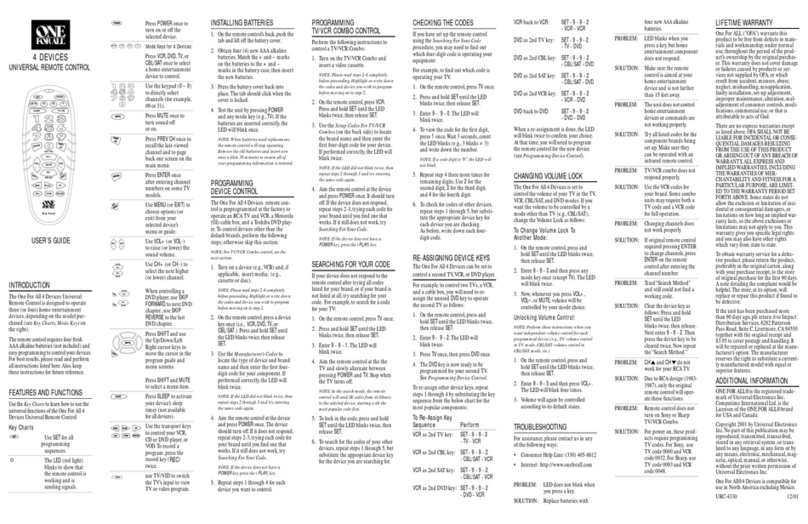
PROGRAMMI G DEVICE CO TROL
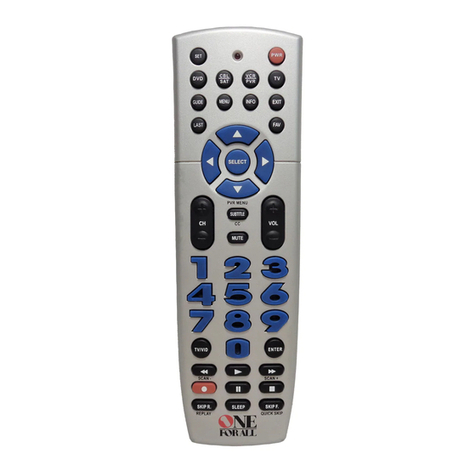
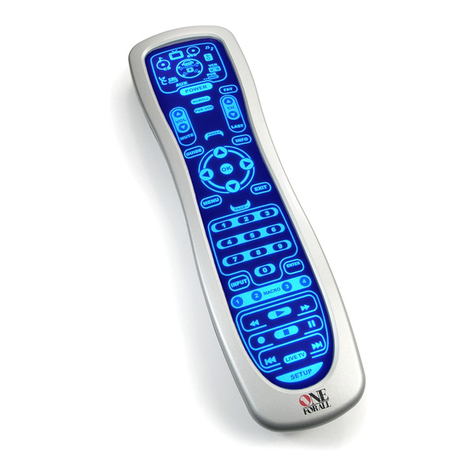
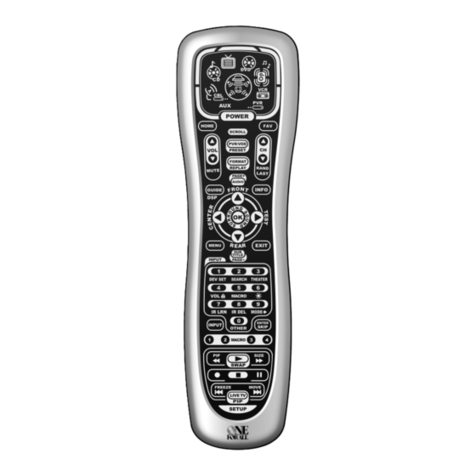
The One or All 4 Device Universal Remote Control is preprogrammed at
the factory to operate an RCA TV, a Toshiba DVD player,a Motorola cable
box,and an RCAVCR.To control devices other than the default brands,per-
form the following steps;otherwise skip this section:
1. Turn on a desired device (e.g.,VCR or DVD player) and, if
applicable, insert media (e.g.,cassette or disc).
NOTE: lease read steps 2 through 4 completely before proceeding.
Highlight or write down the codes and device you wish to program
before starting step 2.
2. On the remote control,press a device key once (i.e.,VCR/PVR,
DVD,CBL/SAT,or TV).
NOTE: To program control of a VCR, VR (or DVR),TV/VCR Combo,
or TV/VCR/DVD layer Combo press VCR/PVR once.After program-
ming aVCR Combo device, you will be able to control channel selec-
tion, volume,and VCR functions.
NOTE: To program control of a DVD layer, DVD layer/VCR
Combo, or TV/DVD layer Combo, press DVD once.After program-
ming a DVD Combo device,you will be able to control channel selec-
tion, volume,and DVD functions.
NOTE: To program control of a Cable Box,Cable Box/ VR (or DVR)
Combo, Satellite Receiver,or a Satellite Receiver/ VR (or DVR)
Combo, press CBL/SAT once.
3. Press and hold SET until the LED (red light) blinks twice,
then release SET.
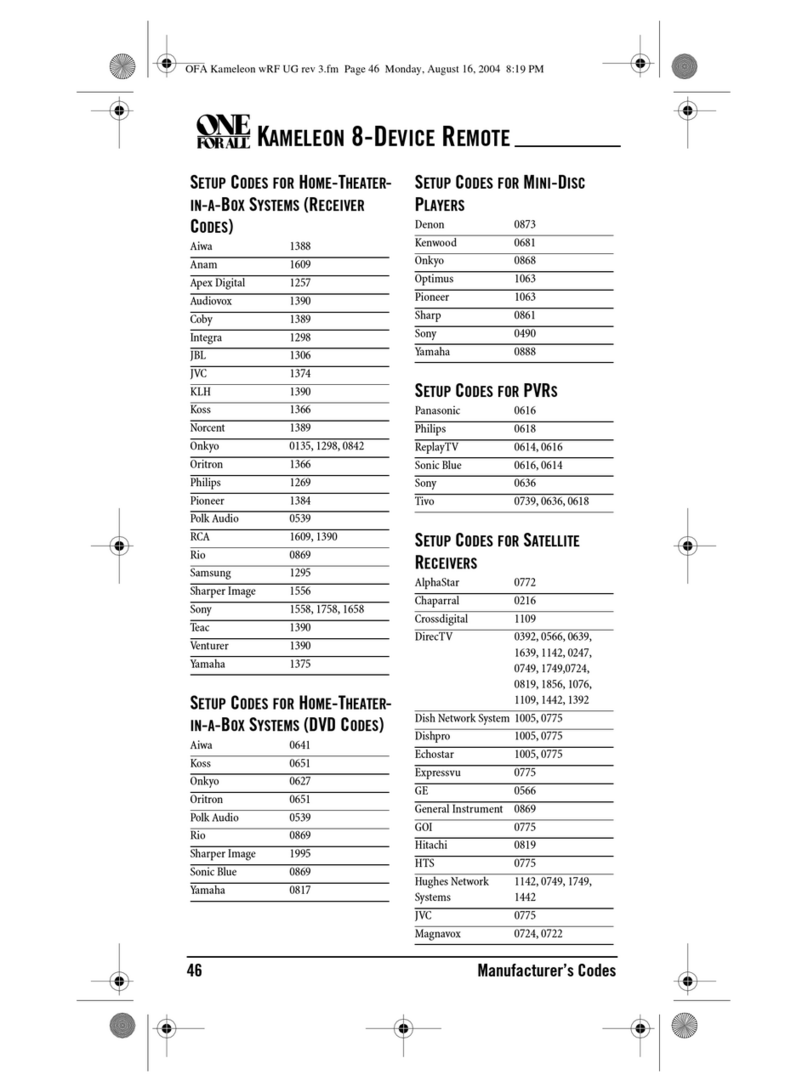
4. Use the Manufacturer’s Codes (starting on page 36) to
locate the type of device and brand name and then enter
the first four-digit code for your device.If performed cor-
rectly, the LED will blink twice.
NOTE: If the LED did not blink twice,repeat steps 2 through 4 and enter
the same code again.
5. Aim the remote control at the device and press POWER
once.The device should turn off.If it does not,repeat
steps 2 through 5,trying each code for your brand until
you find one that works.If it still doesn’t work,try
Searching For Your Code on next page.
NOTE: If the device does not have a POWER key, press PLAY.
6. Repeat steps 1 through 5 for each device you want to con-
trol. or future reference,write down each working device
code in the following boxes:
VCR/PVR Code:
Device Type:______________
DVD Code:
Device Type:______________
CBL/SAT Code:
Device Type:______________
TV Code:
Device Type:______________
URC4220 man al booklet:WALLB4P man al booklet 4/13/09 3:47 PM Page 8