manuals.online logo
Brands
  1. Home
  2. •
  3. Brands
  4. •
  5. Orbita
  6. •
  7. Accessories
  8. •
  9. Orbita ROTORWIND AVANTI 12 Manual

Orbita ROTORWIND AVANTI 12 Manual

This manual suits for next models

1

Other Orbita Accessories manuals

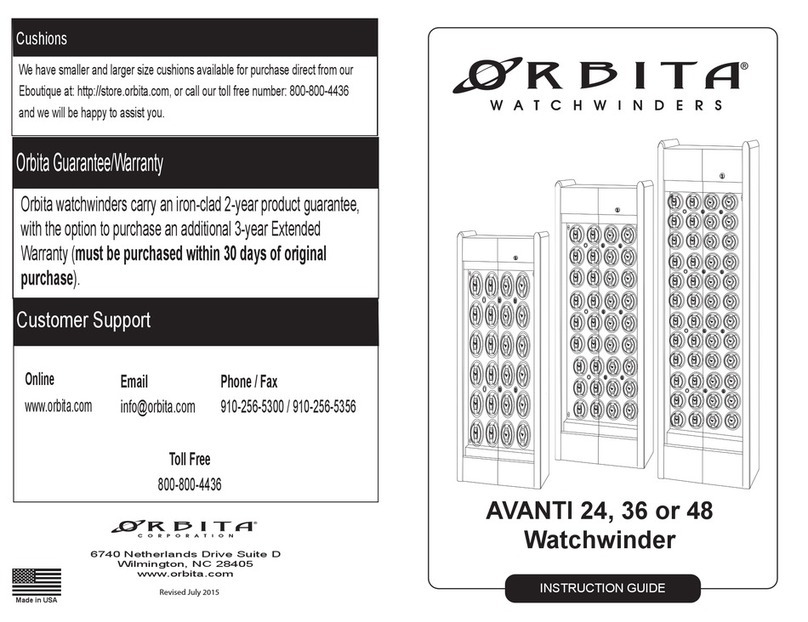
Orbita AVANTI 24 Manual

Orbita

Orbita AVANTI 24 Manual

Orbita VOYAGER User manual

Orbita

Orbita VOYAGER User manual

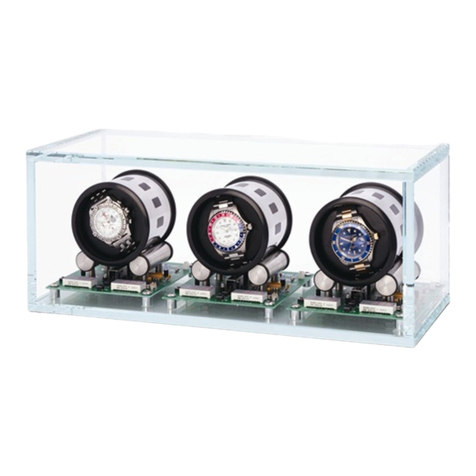
Orbita TOURBILLON User manual

Orbita

Orbita TOURBILLON User manual

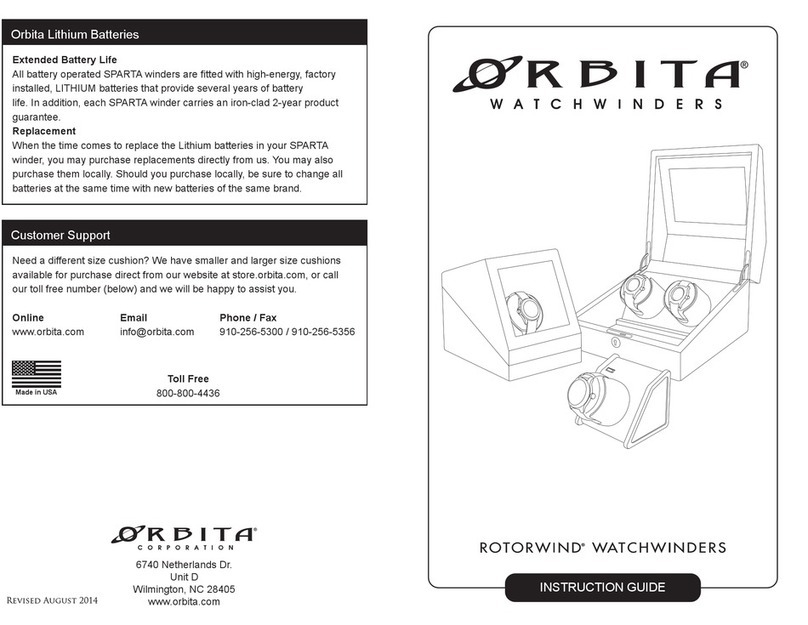
Orbita Rotorwind Manual

Orbita

Orbita Rotorwind Manual

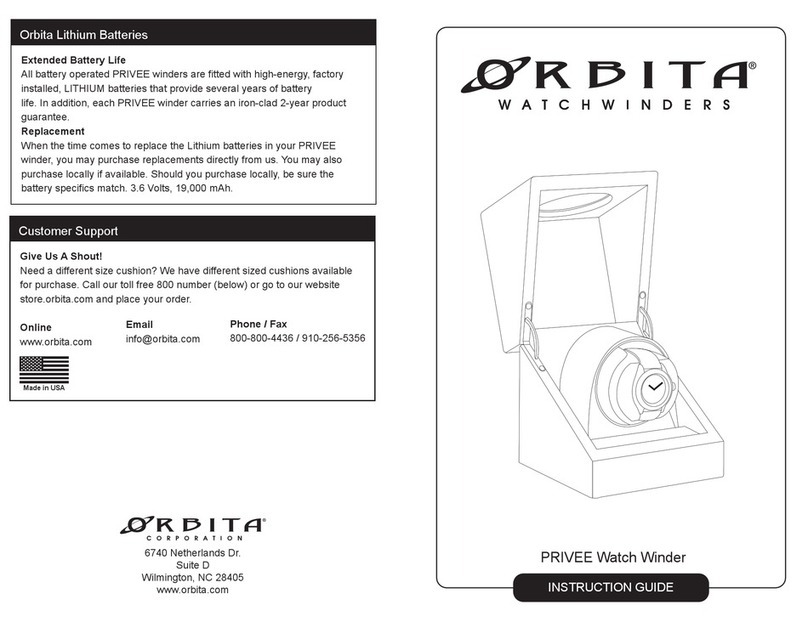
Orbita Privee Manual

Orbita

Orbita Privee Manual

Orbita Rotorwind Avanti 9 Manual

Orbita

Orbita Rotorwind Avanti 9 Manual

Orbita Avanti 3 Manual

Orbita

Orbita Avanti 3 Manual

Popular Accessories manuals by other brands

Quincy lab 140AE-1 operating manual

Quincy lab

Quincy lab 140AE-1 operating manual

HomePro ZIR000 user manual

HomePro

HomePro ZIR000 user manual

DOL 20SCR Technical user guide

DOL

DOL 20SCR Technical user guide

RAB Smart Task installation manual

RAB

RAB Smart Task installation manual

Kemppi KMS 300 quick guide

Kemppi

Kemppi KMS 300 quick guide

Stearns 57,500 Series Installation and service instructions

Stearns

Stearns 57,500 Series Installation and service instructions

iGuzzini TWILIGHT COPENAGHEN manual

iGuzzini

iGuzzini TWILIGHT COPENAGHEN manual

Adelaide Annexe & Canvas Avan Deluxe installation guide

Adelaide Annexe & Canvas

Adelaide Annexe & Canvas Avan Deluxe installation guide

OHAUS 5000 instruction manual

OHAUS

OHAUS 5000 instruction manual

HOME8 WLS1300 quick start guide

HOME8

HOME8 WLS1300 quick start guide

MAXBOTIX MaxSonar quick start guide

MAXBOTIX

MAXBOTIX MaxSonar quick start guide

ioSmart iSmart56 Installation and user guide

ioSmart

ioSmart iSmart56 Installation and user guide

Focusrite Scarlett 18i8 user guide

Focusrite

Focusrite Scarlett 18i8 user guide

Velleman ED38105 user manual

Velleman

Velleman ED38105 user manual

JumpSport SkyBounce user manual

JumpSport

JumpSport SkyBounce user manual

Prima-Temp PRIYA Instructions for use

Prima-Temp

Prima-Temp PRIYA Instructions for use

Tefcold BC85I-BC85I W user manual

Tefcold

Tefcold BC85I-BC85I W user manual

Vaisala WMS302 user guide

Vaisala

Vaisala WMS302 user guide

manuals.online logo
manuals.online logoBrands
  • About & Mission
  • Contact us
  • Privacy Policy
  • Terms and Conditions

Copyright 2025 Manuals.Online. All Rights Reserved.

INSTRUCTION GUIDE
Avanti 12 Rotorwind
Congratulations on your purchase. Your ORBITA watch winder will provide
you with many years of trouble-free service. It comes complete with a 2-year
warranty for any defects in materials and/or workmanship. In order to provide
you with proper support, and to keep you updated with information on perfor-
mance enhancements, accessories and new product announcements, we ask
that you take a minute to fill out the registration card included with your
ORBITA watch winder. Be assured that we will not furnish your name, address
or any other information you provide to us to any "third" parties.
EXTENDED WARRANTY PURCHASE
There is always the possibility that any electro-mechanical device may fail due
to unforeseen circumstances. ORBITA offers an optional extended warranty
providing for an additional 3 year coverage period to insure against such
contingencies. If you would like to purchase this option, please fill out the
Extended Warranty card included with your watchwinder. You may fax or
simply mail the paper work directly to us.
6740 Netherlands Dr.
Suite D
Wilmington, NC 28405
www.orbita.com
Need a different size cushion? We have smaller and larger size cushions
available for purchase direct from our website at store.orbita.com, or call
our toll free number (below) and we will be happy to assist you.
Customer Support
Made in USA
Email
[email protected]
Online
www.orbita.com
Phone / Fax
910-256-5300 / 910-256-5356
Toll Free
800-800-4436
ROTORWIND AVANTI 12/16
1. Avanti 12
2. Key (1)
3. Cup Assembly(12)
4. Standard Cushion(12)
5. AC Adapter (PN1334 3-Volt)
6. Warranty Registration
7. Instruction Book
Included In This Box
Rotorwind Watch Winders
Getting Started
Congratulations on purchasing your Rotorwind Watch Winder!
This design is unique in that it swings an automatic watch, rather than
rotating it, mimicking the natural action of the wrist. Then, with a series
of oscillations triggered by a single revolution of a low-current draw-
drive motor, power is only needed for a few seconds every 8 or 12
minutes. Extensive beta testing by hundreds of watch collectors
owning a variety of automatic watches has validated the concept.
Mounting Watch on Cushion
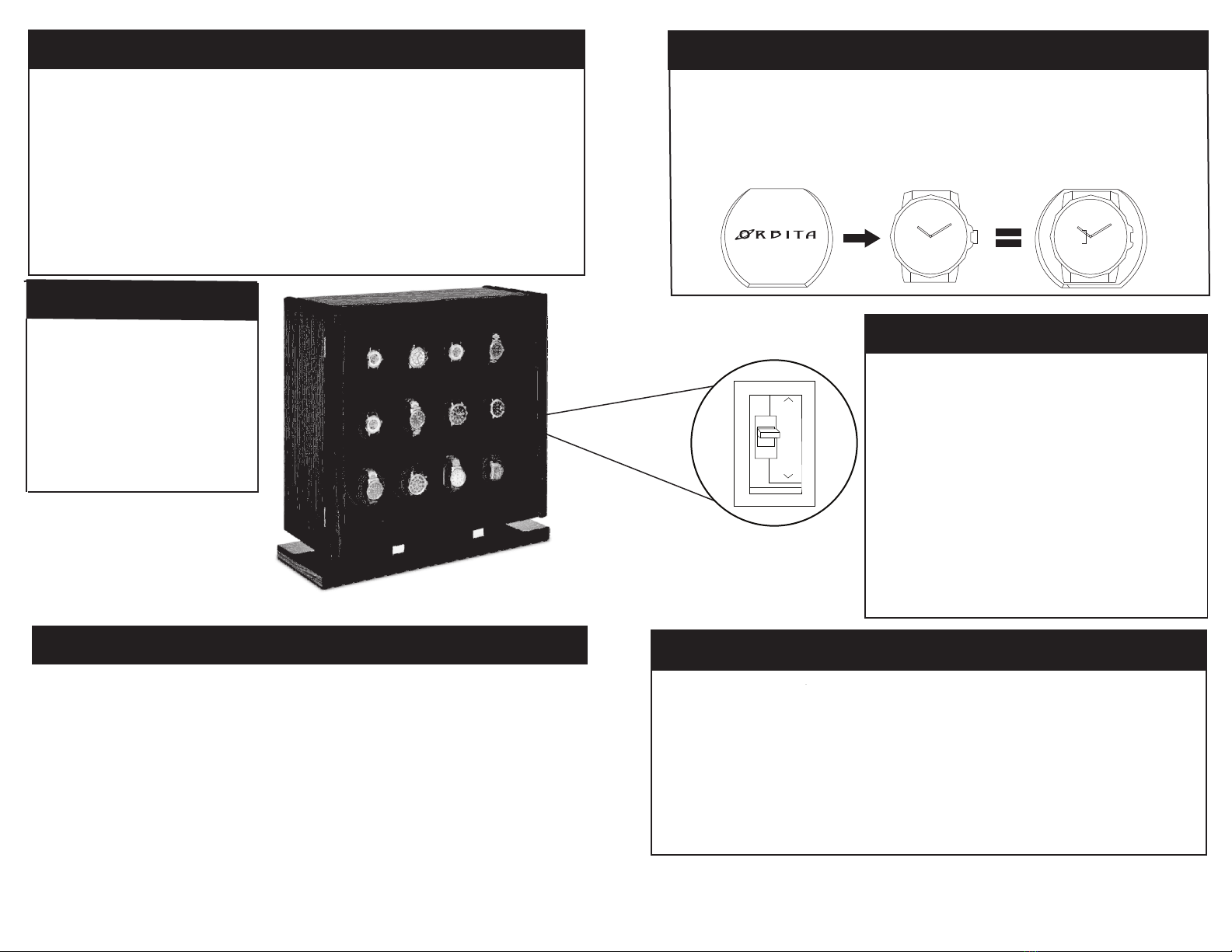
1. With the bracelet or strap of the watch closed, squeeze and slide the
cushion through the watch. The back of the watch should rest against the
Orbita logo and the strap should lie on the flat portion of the cushion .
1. Carefully unwrap the protective packaging.
2. Remove the key that is taped to the glass door.
3. Unlock and open the doors.
4. Remove cushions and confirm each module is on by pressing the o/- to the
right (-).
5. Slide the cushions back into the cup assembly.
6. Plug in the adapter to junction box located in the rear of the unit .
8. Turn the MASTER power on using power switch (o/- = Off/On).
Getting Started
12
8
Interval Settings (TPD = Turns Per Day)
8 Minute Setting: 1200 -1300 TPD
12 Minute Setting: 800 - 900 TPD
8/12 Minute Switch
A program switch allows you to select one of two
winding cycles: 8 minute (standard program) or 12
minute (extended program). The winding cycle
begins every 8 or 12 minutes based on the program
selected. Many watches that wind in both directions
stay fully wound on the factory preset 8 min. setting.
To select the extended program, remove the mounted
cup to reveal the program switch opening. Insert
a small object (screwdriver, pencil, etc) into the
opening and slide the switch to the 12 minute setting.

The factory preset position is the 8 minute setting.