manuals.online logo
Brands
  1. Home
  2. •
  3. Brands
  4. •
  5. PACH & COMPANY
  6. •
  7. Intercom System
  8. •
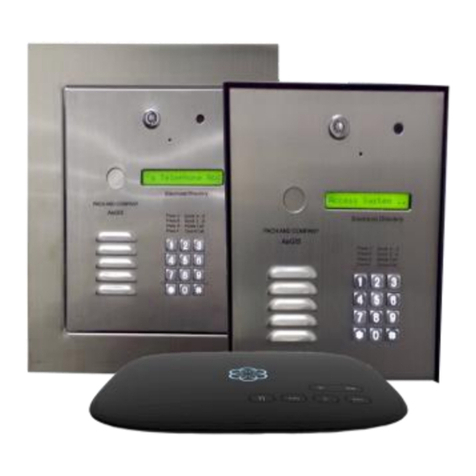
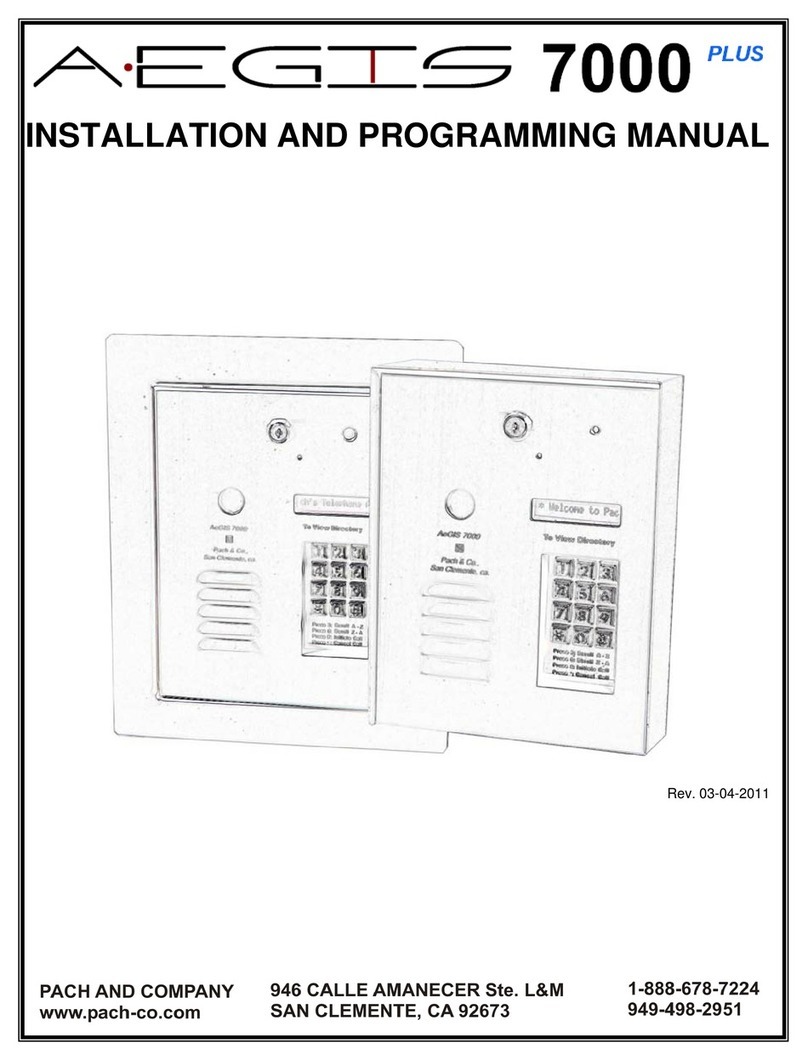
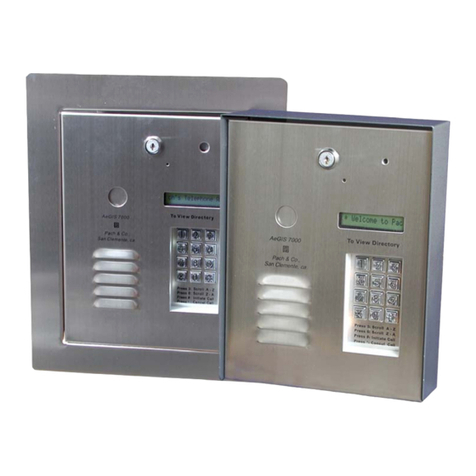
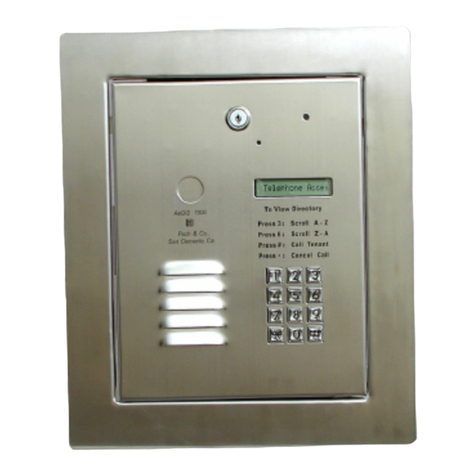
  9. PACH & COMPANY Aegis 7000 Plus User manual

PACH & COMPANY Aegis 7000 Plus User manual

Other manuals for Aegis 7000 Plus

1

Other PACH & COMPANY Intercom System manuals

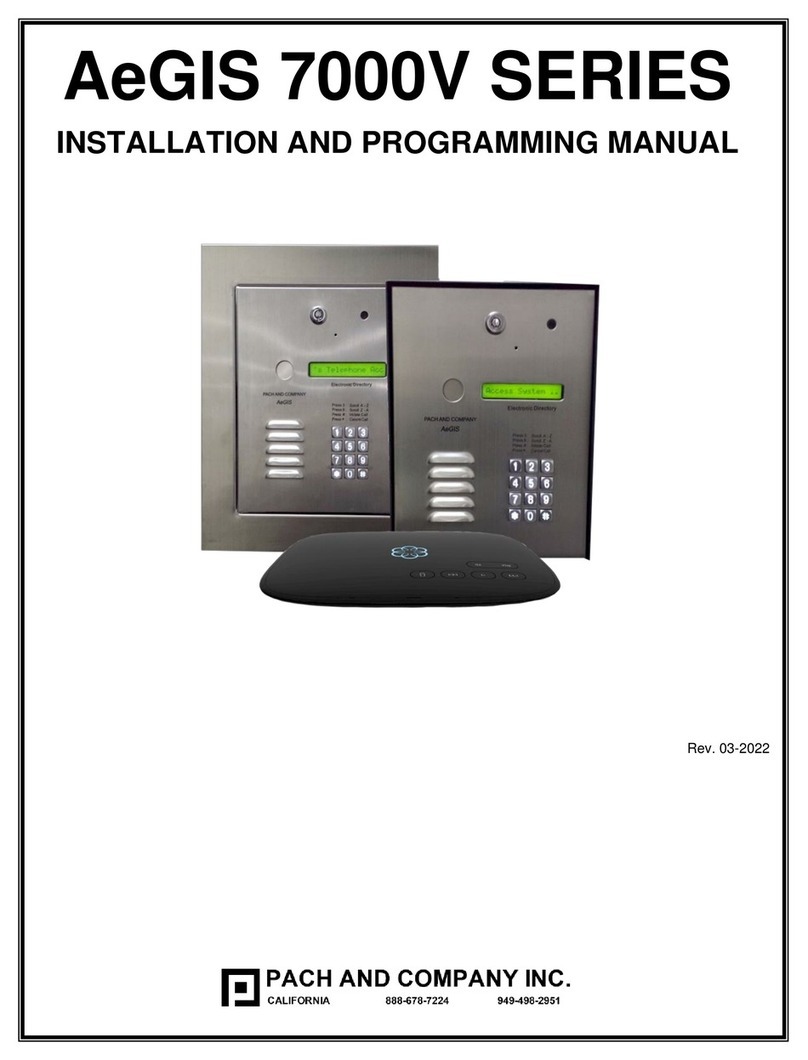
PACH & COMPANY AeGIS 7000V Series User manual

PACH & COMPANY

PACH & COMPANY AeGIS 7000V Series User manual

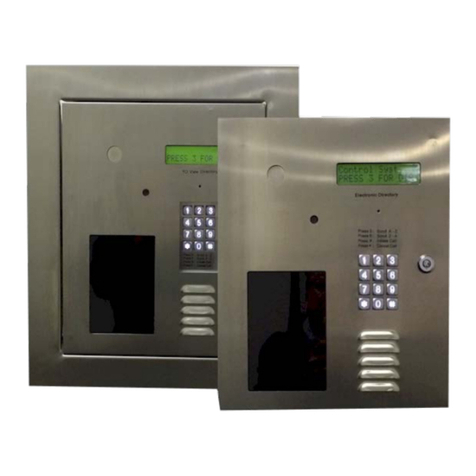
PACH & COMPANY QUANTUM Q7000VOIP Series User manual

PACH & COMPANY

PACH & COMPANY QUANTUM Q7000VOIP Series User manual

PACH & COMPANY PAC-7000VFF Assembly instructions

PACH & COMPANY

PACH & COMPANY PAC-7000VFF Assembly instructions

PACH & COMPANY AeGIS 8000 Series Assembly instructions

PACH & COMPANY

PACH & COMPANY AeGIS 8000 Series Assembly instructions

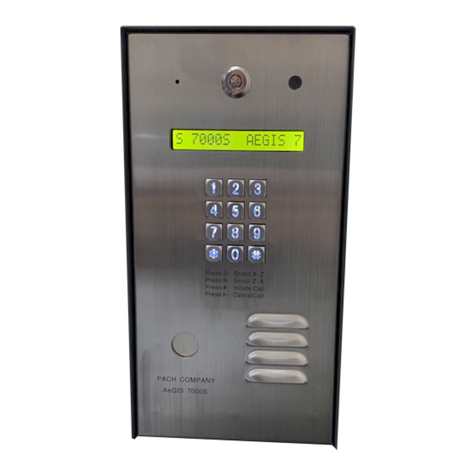
PACH & COMPANY AeGIS 7000SV User manual

PACH & COMPANY

PACH & COMPANY AeGIS 7000SV User manual

PACH & COMPANY AeGIS 8000 PLUS Assembly instructions

PACH & COMPANY

PACH & COMPANY AeGIS 8000 PLUS Assembly instructions

PACH & COMPANY AeGIS 4000 Assembly instructions

PACH & COMPANY

PACH & COMPANY AeGIS 4000 Assembly instructions

PACH & COMPANY Aegis 7000 Plus Assembly instructions

PACH & COMPANY

PACH & COMPANY Aegis 7000 Plus Assembly instructions

PACH & COMPANY Quantum QR5 Series User manual

PACH & COMPANY

PACH & COMPANY Quantum QR5 Series User manual

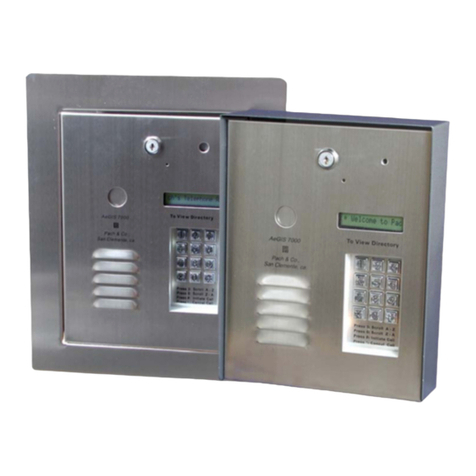
PACH & COMPANY AeGIS 7000S Series User manual

PACH & COMPANY

PACH & COMPANY AeGIS 7000S Series User manual

PACH & COMPANY QUANTUM Q5VOIP User manual

PACH & COMPANY

PACH & COMPANY QUANTUM Q5VOIP User manual

PACH & COMPANY AeGIS 7000 Series Assembly instructions

PACH & COMPANY

PACH & COMPANY AeGIS 7000 Series Assembly instructions

PACH & COMPANY 7000SC User manual

PACH & COMPANY

PACH & COMPANY 7000SC User manual

PACH & COMPANY AeGIS 7000 Series Assembly instructions

PACH & COMPANY

PACH & COMPANY AeGIS 7000 Series Assembly instructions

PACH & COMPANY AEGIS 7250P Assembly instructions

PACH & COMPANY

PACH & COMPANY AEGIS 7250P Assembly instructions

PACH & COMPANY QUANTUM QC1 Assembly instructions

PACH & COMPANY

PACH & COMPANY QUANTUM QC1 Assembly instructions

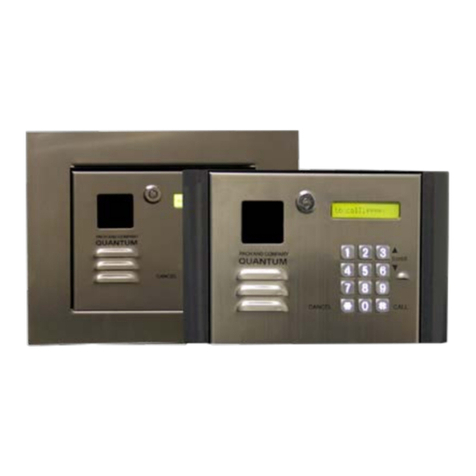
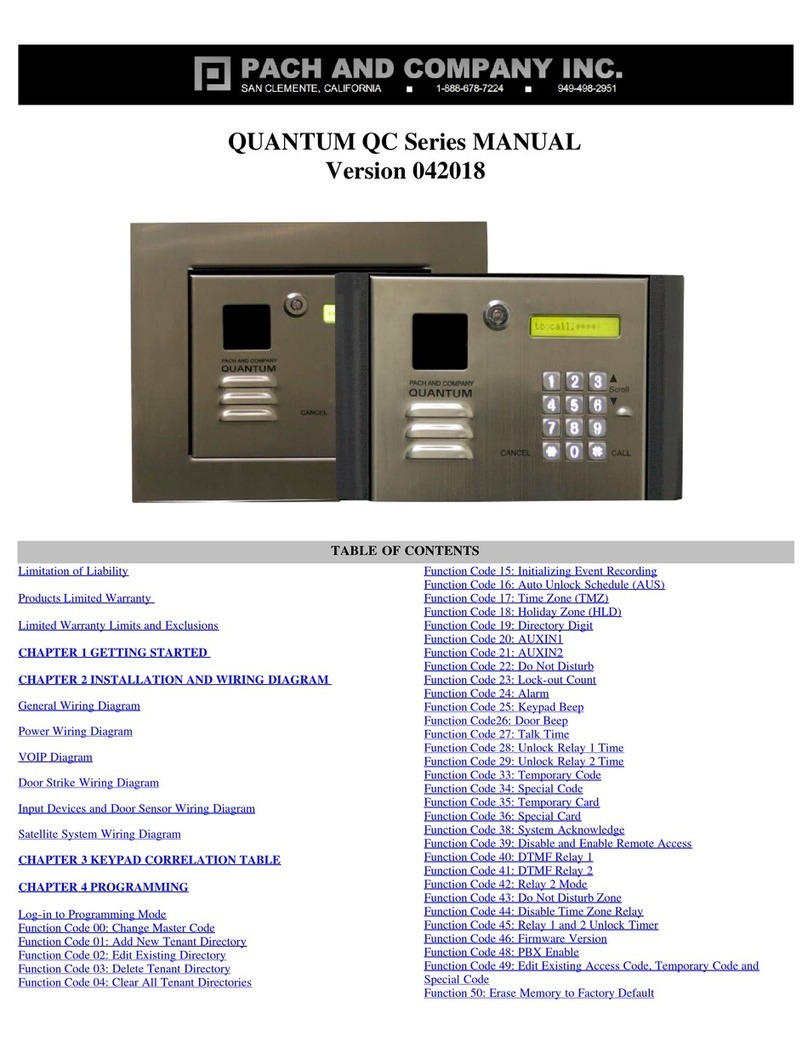
PACH & COMPANY QUANTUM QC Series User manual

PACH & COMPANY

PACH & COMPANY QUANTUM QC Series User manual

PACH & COMPANY QUANTUM QVOiP SERIES User manual

PACH & COMPANY

PACH & COMPANY QUANTUM QVOiP SERIES User manual

PACH & COMPANY Quantum Q9000iP Series User manual

PACH & COMPANY

PACH & COMPANY Quantum Q9000iP Series User manual

PACH & COMPANY AeGIS NPB9000P Series Assembly instructions

PACH & COMPANY

PACH & COMPANY AeGIS NPB9000P Series Assembly instructions

Popular Intercom System manuals by other brands

Videx VRDK1 (25H) Technical manual

Videx

Videx VRDK1 (25H) Technical manual

Auta COMPACT VISUALTECH manual

Auta

Auta COMPACT VISUALTECH manual

Aiphone LC-10S instructions

Aiphone

Aiphone LC-10S instructions

Aiphone PD-1 instructions

Aiphone

Aiphone PD-1 instructions

Aiphone JF-DVF-HID-I instructions

Aiphone

Aiphone JF-DVF-HID-I instructions

Comelit 4893M Technical manual

Comelit

Comelit 4893M Technical manual

MGL Avionics V16 manual

MGL Avionics

MGL Avionics V16 manual

SSS Siedle BVI 750-0 Installation & programming

SSS Siedle

SSS Siedle BVI 750-0 Installation & programming

urmet domus AIKO 1716/1 quick start guide

urmet domus

urmet domus AIKO 1716/1 quick start guide

urmet domus IPerVoice 1039 Installation

urmet domus

urmet domus IPerVoice 1039 Installation

Alpha Communications STR QwikBus TT33-2 Installation, programming, and  user's manual

Alpha Communications

Alpha Communications STR QwikBus TT33-2 Installation, programming, and user's manual

Monacor ICM-20H instruction manual

Monacor

Monacor ICM-20H instruction manual

Logenex A202CR Installation & programming

Logenex

Logenex A202CR Installation & programming

Quantum QR5 Installation and programming manual

Quantum

Quantum QR5 Installation and programming manual

EVGA XR1 quick guide

EVGA

EVGA XR1 quick guide

CyberData 011211 series Installation quick reference

CyberData

CyberData 011211 series Installation quick reference

Vidos duo M1021 user manual

Vidos

Vidos duo M1021 user manual

Savant DOR-SMS-00 Deployment guide

Savant

Savant DOR-SMS-00 Deployment guide

manuals.online logo
manuals.online logoBrands
  • About & Mission
  • Contact us
  • Privacy Policy
  • Terms and Conditions

Copyright 2025 Manuals.Online. All Rights Reserved.


Missing Parts, contact Pach and Company 1-888-678-7224
Defective system under manufacturer warranty,
call 1-888-678-7224 for advance replacement
24 Months warranty for complete system
6 Months warranty for Printed Circuit Board
What is Master Code: 4- digit code to log-on to programming
mode (0000 is default)
What is Dir (directory code): 2, 3, or 4 digit number see function
code 09. The number can be associated to apartment no., first
three digit of phone no., last four digit of phone no. , or any random
no. assigned to each tenants. Every tenant must have different
directory code no..
What is Access Code: 4-digit code for tenant to open the door or
gate.
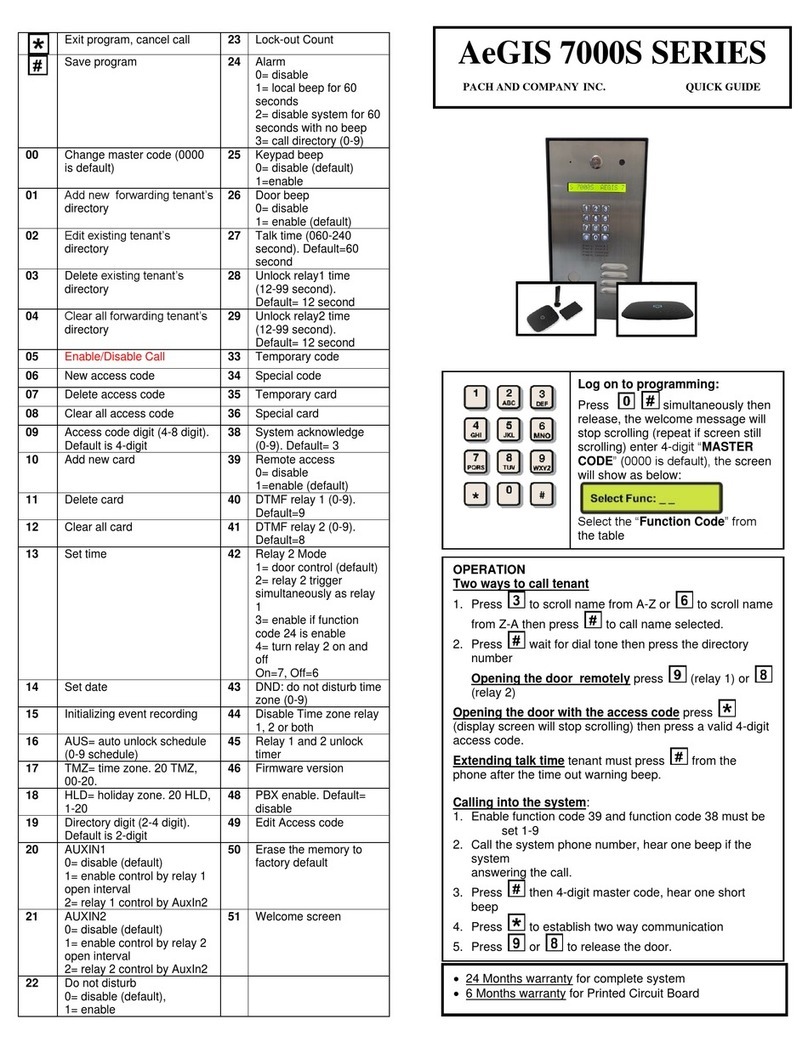
Exit program, clear field,
reset keystroke. 46 Display system’s
information
Save program 50 Clear memory to
factory default
00 Change master code
(0000 is default) 51 Enable Phone Bill
Must be set to 0
01 Add new tenant 70 Change talk time
(010-180 seconds)
60 seconds is default
02 Edit existing tenant 71 Change door open
interval (04-99
seconds)
03 Delete existing tenant 72 Invalid code lock-out
count (1-9). 3 is
default
04 Clear all tenants 73 N/A
05
Manual unlock/lock relay
1 with timer (01-98 hours,
99 hours unlock hold, 00
hours to lock)
74 Enable/disable auto
answer. Enable is
default
06 Directory Digit
Select 2, 3 or 4 digit
Default= 3-digit 75 Enable/disable
keypad press beep.
Enable is default
07 Single or multi system
(single is default) 76 Enable/disable
speaker beep.
Enable is default
08 System ID number (n/a) 77 Enable/disable PBX.
Disable is default
10 Edit scrolling message 78 View name and
directory
40 Master code mask.
Warning:Master code
cannot be recovered if
masked. Board must be
replaced.
91 Total number of
tenant. Tenant with
no name will not be
included
Log on to programming: Press
simultaneously then release, the
welcome message will stop scrolling
(repeat if screen still scrolls) enter 4-digit
“MASTER CODE” (0000 is default), the
screen will show:
Select the “Function Code” from the table
Two ways call from the system
1.Press to scroll name from A-Z or to scroll name from
Z-A then press to call name selected.
2.Press wait for dial tone then press the directory no.
Opening the door remotely press
Opening the door using the access code press (display
screen will stop scrolling) then press a valid 4-digit access
code.
Extending talk time tenant must press from the phone
after the time out warning beep.
Calling into the system: incase you are not available when
your visitor call you. Follow steps below to use this feature
1.Function 74 (auto answer must be enabled).
2.Call the system’s phone no., you will hear “TWO BEEP”, then
press to talk to your visitor. Press to release the
door
Enable PBX: if the system is connected to one of the PBX
extension and 9 is required to call an outside line, then enable
the PBX using function code 77. Select pause between 1-5
seconds.
HOW TO ENTER A CHARACTER
1. Press the associated button to enter a character then
2. Press
3. You have 30 seconds to enter each letter or character.
4. Letter QZ, numeric 0-9 and punctuations press
5. Press space and for backspace
PACH AND CO 1-888-678-7224 Quick Guide
WARNING: DO NOT USE ON BOARD
12VDC and GND TO POWER A DOOR STRIKE
OR MAGNETIC LOCK
SEPARATE POWER MUST BE USED TO
POWER A DOOR STRIKE OR MAGNETIC
LOCK.
TECHNICAL SUPPORT IS AVAILABLE MON-FRI
7:30AM
-

3:30PM PST AT 1
-

888
-
678
-
7224
COMPLETE MANUALS ARE VAILABLE ON LINE AT www.pach-co.com