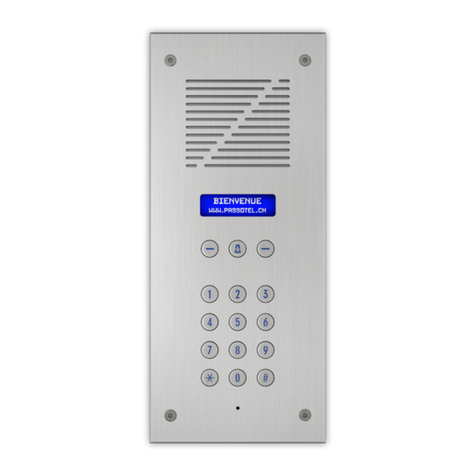
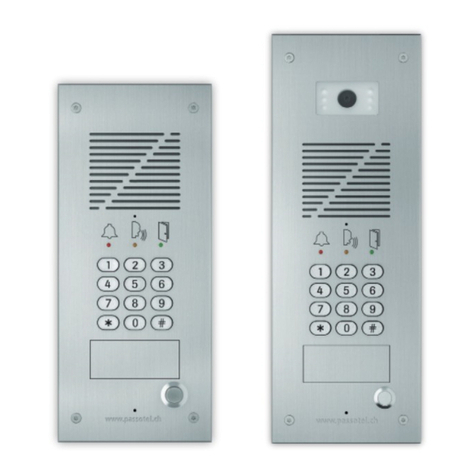
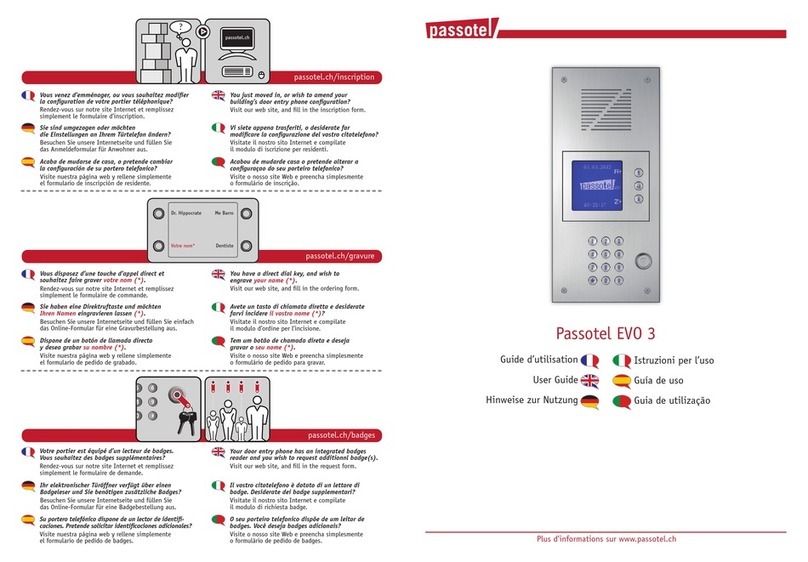
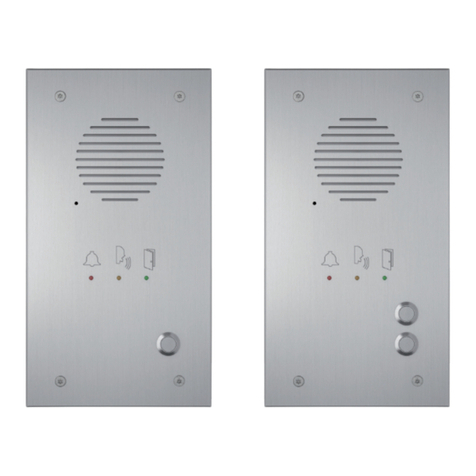
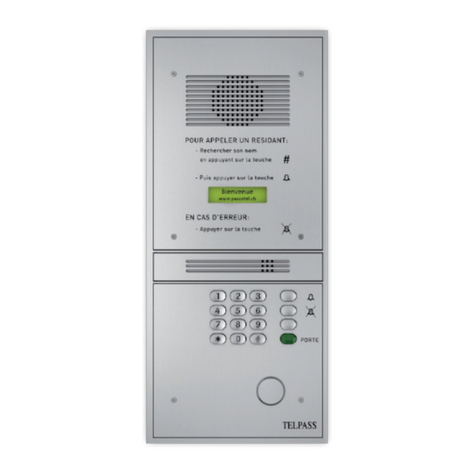
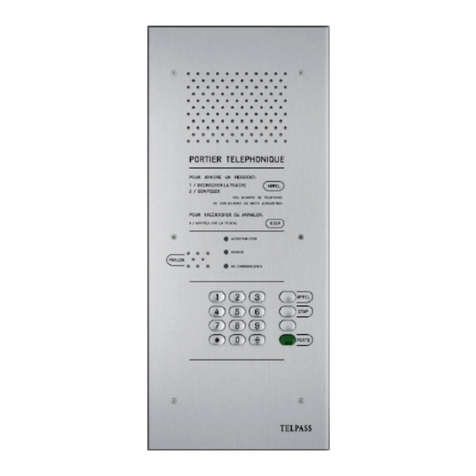
Passotel EVO2 User manual

Istruzioni per l’uso
Guía de uso
Guia de utilização
User Guide
Hinweise zur Nutzung
Guide d’utilisation
EVO2 / EVO3
Nous commercialisons une gamme complète d’interphones,
des solutions de vidéoprotection, ainsi que des systèmes d’alarme
destinés aux entrées d’immeubles résidentiels, aux immeubles administratifs
et industriels, ainsi qu’aux habitations individuelles.
Iscrizione dei residenti
Inscripción de residentes
Inscrição de residentes
Resident registration
Anmeldung Bewohner
Inscription résidant
Interphones
portiers téléphoniques
Caméras de
vidéoprotection
Systèmes d’alarme
intrusion — agression
— technique
Avenue de la Praille 35
1227 Carouge
022 770 56 30
Plus d’informations
passotel.ch

EVO2 / EVO3
Vous venez d’emménager, ou vous
souhaitez modifier la configuration
de votre portier téléphonique?
Rendez-vous sur notre site Internet et
remplissez simplement le formulaire
d’inscription.
You just moved in, or wish to amend
your building’s door entry phone
configuration?
Visit our web site, and fill in the
inscription form.
Sie sind umgezogen oder möchten die
Einstellungen an Ihrem Türtelefon ändern?
Besuchen Sie unsere Internetseite und
füllen Sie das Anmeldeformular für
Anwohner aus.
Acabou de mudarde casa o pretende alterar
a configuraçao do seu porteiro telefonico?
Visite o nosso site Web e preencha
simplesmente o formulário de inscrição.
Acaba de mudarse de casa, o pretende
cambiar la configuración de su portero
telefonico?
Visite nuestra página web y rellene
simplemente el formulario de inscripción
de residente.
Vi siete appena trasferiti, o desiderate
far modificare la configurazione del
vostro citotelefono?
Visitate il nostro sito Internet e compilate
il modulo di iscrizione per residenti.
Comment le visiteur appelle-t-il un résidant?
Il sélectionne votre nom à l’aide des touches
“flèches”. Puis il presse la touche d’appel pour
vous appeller.
How does a visitor call a residant?
By selecting your name in the list with
arrow key, and by pressing "bell" key to
initiate the call.
Wie kann ein Besucher einen Anwohner
anrufen?
Mit den Pfeiltasten den gewünschten Namen
auswählen und auf die "Ruf-Taste" drücken
um Sie anzurufen.
Como é que um visitante chama um residente?
Seleciona o nome na lista através das setas.
Depois, selecione o botão "campainha" para
fazer a chamada.
Cómo llama un visitante a un residente?
Selecciona el nombre a través de las flechas.
Después presiona el botón "timbre" para
efectuar la llamada.
In che modo un visitatore può chiamare
un residente?
Selezionando il vostro nome mediante i tasti
“freccia”, quindi premendo il tasto "squillo"
per avviare la chiamata.
Un visiteur vous contacte depuis le Passotel.
Votre téléphone fixe ou votre mobile sonne.
Vous pouvez entrer en conversation avec
votre visiteur.
A visitor call from the Passotel.
Your landline or mobile ring. You can answer
and talk with your visitor.
Ein Besucher ruft Sie über das Passotel an.
Ihr Festnetz- oder Mobiltelefon klingelt.
Sie können antworten und mit Ihrem
Besucher sprechen.
Um visitante liga-lhe através do Passotel.
O seu telefone fixo ou telemóvel toca. Pode
responder e falar com o o seu visitante.
Un visitante le contacta a través de Passotel.
Su teléfono fijo o su teléfono movil suena.
Usted puede responder e iniciar la
conversación con el visitante.
Un visitatore vi contatta da Passotel.
Il vostro telefono fisso o il vostro cellulare
suona. Potete rispondere e parlare con
il vostro visitatore.
Vous libérez la porte d’entrée en appuyant
sur la touche zéro de votre téléphone.
Votre visiteur peut entrer.
Release the door by pressing shortly
your telephone zero key.
Your visitor can access.
Durch kurzes drücken der Zahlentaste “0“
auf Ihrem Telefon öffnen Sie die Eingangstür.
Ihr Besucher kann eintreten.
Para abrir a porta da entrada, pressione
o botão zero do seu telefone.
O visitante pode entrar.
Para abrir la puerta de entrada, presione
el botón cero de su teléfono.
Su visitante puede entrar.
Sbloccate la porta d’ingresso premendo
il tasto zero del vostro telefono.
Il vostro visitatore può entrare.
DA SILVA
FROIDEVAUX
RODRIGUES
VONLANTHEN
ZUFFEREY
This manual suits for next models
1
Other Passotel Intercom System manuals