logo
Brands
  1. Home
  2. •
  3. Brands
  4. •
  5. Peavey
  6. •
  7. Speakers
  8. •
  9. Peavey PHR410II User manual

Peavey PHR410II User manual

Other Peavey Speakers manuals

Peavey DTH 215b User manual

Peavey

Peavey DTH 215b User manual

Peavey Pro 410 User manual

Peavey

Peavey Pro 410 User manual

Peavey Quadra Quadra 12 User manual

Peavey

Peavey Quadra Quadra 12 User manual

Peavey FH 1 User manual

Peavey

Peavey FH 1 User manual

Peavey QW-215 User manual

Peavey

Peavey QW-215 User manual

Peavey Scorpion Series ScorpionPlus 15 User manual

Peavey

Peavey Scorpion Series ScorpionPlus 15 User manual

Peavey TLM 5 User manual

Peavey

Peavey TLM 5 User manual

Peavey PR 2652 User manual

Peavey

Peavey PR 2652 User manual

Peavey SP 112M User manual

Peavey

Peavey SP 112M User manual

Peavey DTH 4115f User manual

Peavey

Peavey DTH 4115f User manual

Peavey Sanctuary Series SSE UB2T User manual

Peavey

Peavey Sanctuary Series SSE UB2T User manual

Peavey SP 115M User manual

Peavey

Peavey SP 115M User manual

Peavey WS 502 User manual

Peavey

Peavey WS 502 User manual

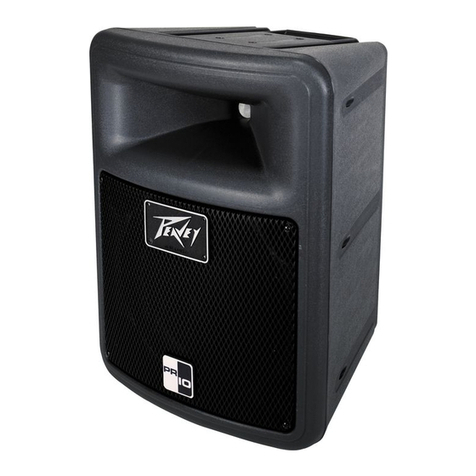
Peavey PR 10 User manual

Peavey

Peavey PR 10 User manual

Peavey ED-100 User manual

Peavey

Peavey ED-100 User manual

Peavey ILS 1564 User manual

Peavey

Peavey ILS 1564 User manual

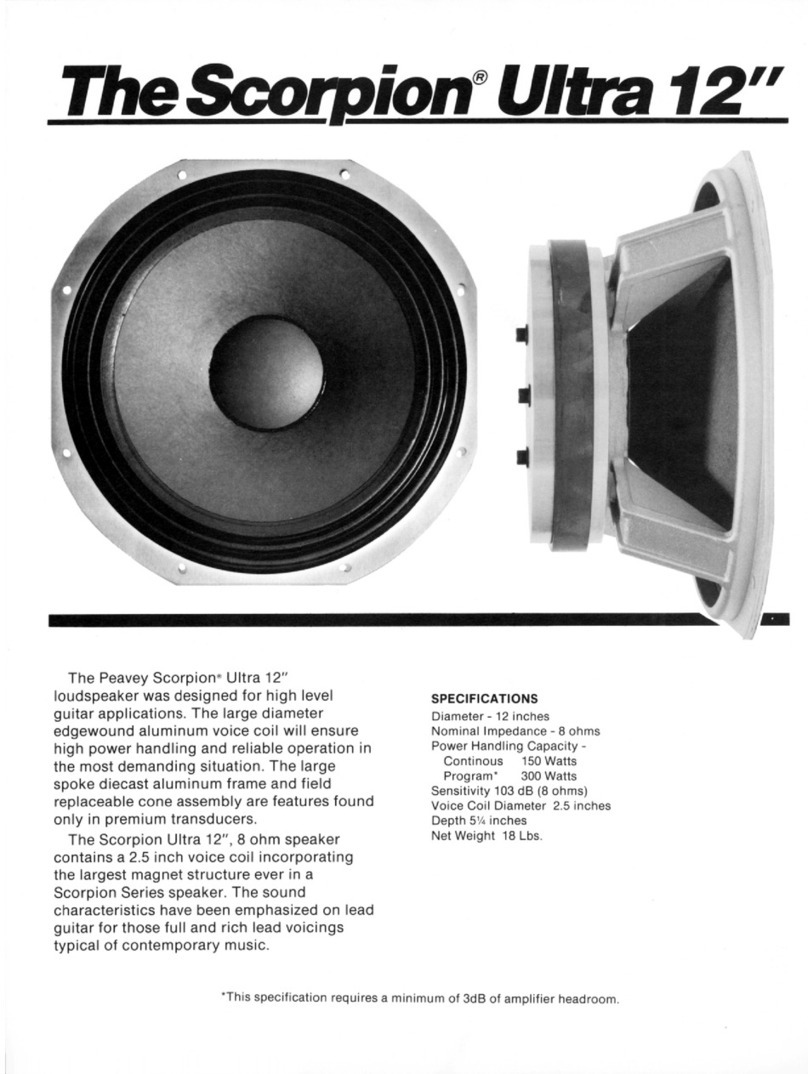
Peavey Scorpion Ultra 12 User manual

Peavey

Peavey Scorpion Ultra 12 User manual

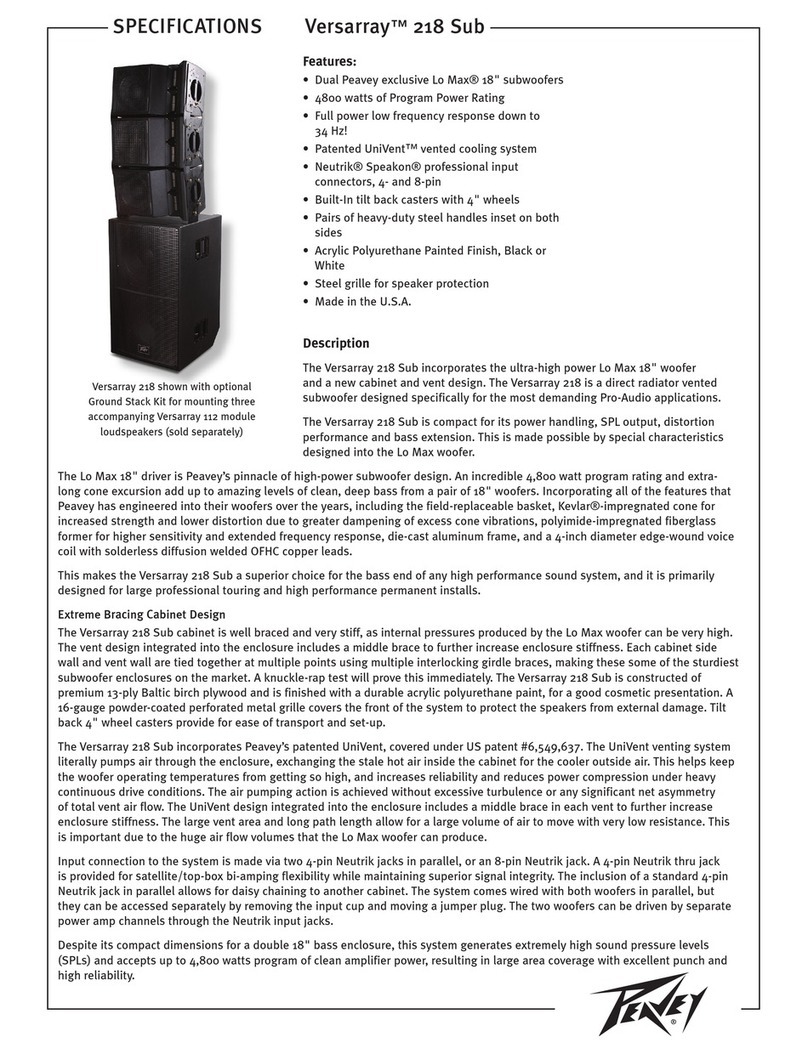
Peavey Versarray 218 Sub User manual

Peavey

Peavey Versarray 218 Sub User manual

Peavey PV 215 User manual

Peavey

Peavey PV 215 User manual

Peavey TLS 6X User manual

Peavey

Peavey TLS 6X User manual

Peavey Black Widow 1208-4sps BWX User manual

Peavey

Peavey Black Widow 1208-4sps BWX User manual

Peavey TriFlex II User manual

Peavey

Peavey TriFlex II User manual

Peavey RBN 110 User manual

Peavey

Peavey RBN 110 User manual

Peavey DTH 4210 User manual

Peavey

Peavey DTH 4210 User manual

Popular Speakers manuals by other brands

Yamaha DXR10 null

Yamaha

Yamaha DXR10 null

argon audio IE20 quick start

argon audio

argon audio IE20 quick start

Denon SC-N7 owner's manual

Denon

Denon SC-N7 owner's manual

Gemline Ace 3952 user manual

Gemline

Gemline Ace 3952 user manual

Focal ON WALL 300 User manua

Focal

Focal ON WALL 300 User manua

HEADRUSH Maximus HRSP 5024 manual

HEADRUSH

HEADRUSH Maximus HRSP 5024 manual

SoundLogic BCCS-6/6395 instruction manual

SoundLogic

SoundLogic BCCS-6/6395 instruction manual

Avantree Pluto Air user guide

Avantree

Avantree Pluto Air user guide

Morel Integra Series INTEGRA OVATION 4 install guide

Morel

Morel Integra Series INTEGRA OVATION 4 install guide

Oppo SONICA quick start guide

Oppo

Oppo SONICA quick start guide

Bose SoundLink Wireless Music System owner's guide

Bose

Bose SoundLink Wireless Music System owner's guide

Rocksteady Stadium owner's manual

Rocksteady

Rocksteady Stadium owner's manual

Bowers & Wilkins 4 owner's manual

Bowers & Wilkins

Bowers & Wilkins 4 owner's manual

Sonance SONOS OUTDOOR Series installation manual

Sonance

Sonance SONOS OUTDOOR Series installation manual

Electro-Voice EVID FM4.2 Brochure & specs

Electro-Voice

Electro-Voice EVID FM4.2 Brochure & specs

Pioneer XW-HTD630 manual

Pioneer

Pioneer XW-HTD630 manual

Onn BWA16AA002 Product guide

Onn

Onn BWA16AA002 Product guide

HP GL313AA - USB Speakers PC Multimedia quick start guide

HP

HP GL313AA - USB Speakers PC Multimedia quick start guide

https://manuals.online logo
https://manuals.online logoBrands
  • About & Mission
  • Contact us
  • Privacy Policy
  • Terms and Conditions

Copyright 2026 Manuals.Online. All Rights Reserved.

PHR410II
Ceiling Speaker
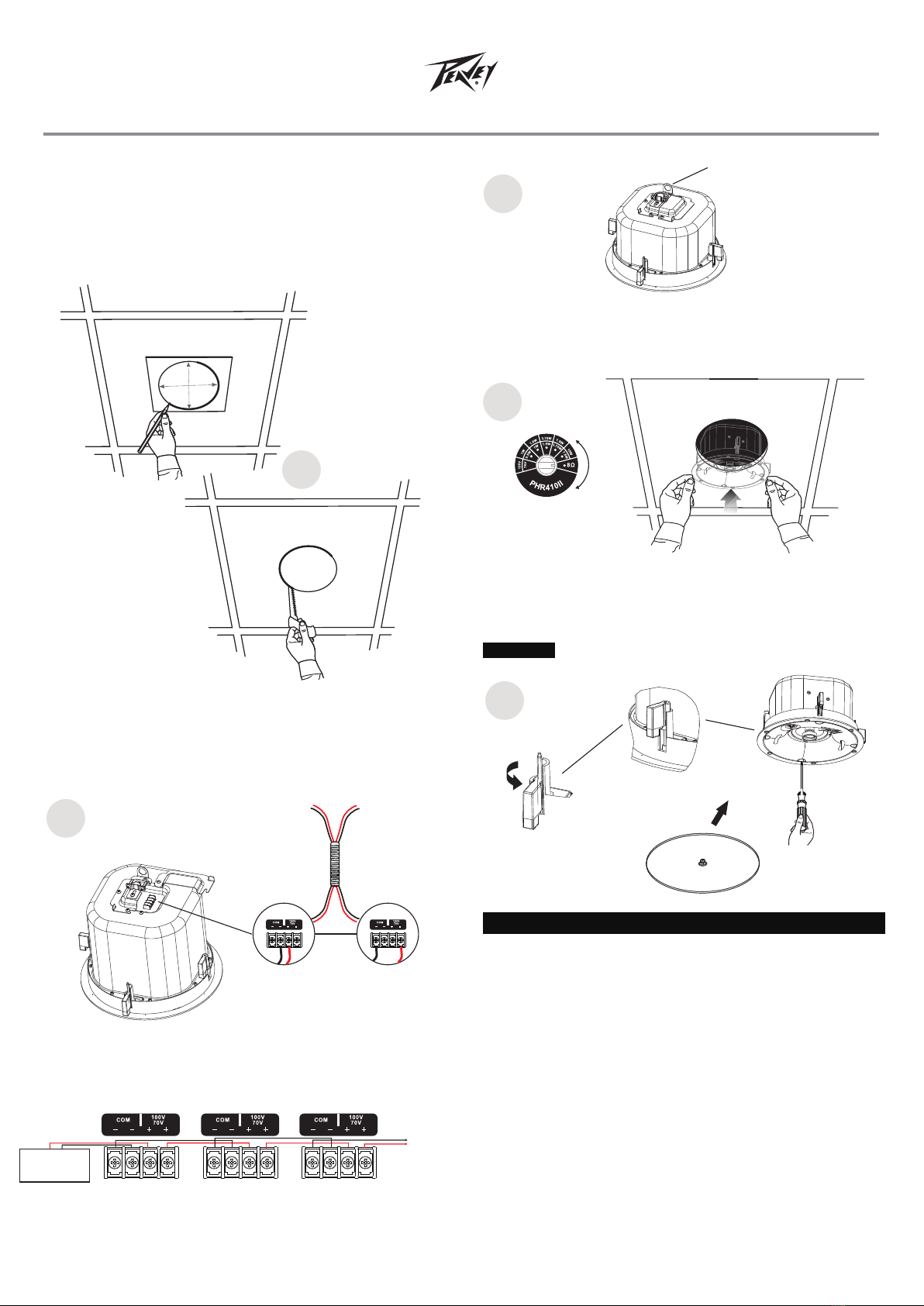
Frame Construction Ceiling Installation
1
Take the cutout template from the packaging box and punch out
along the larger perforated circle. Place the cutout template
against the bottom of the ceiling and trace the inside of it.
Carefully cut out the ceiling material along the circle.
9.56"
243mm
2
Remove the top cover to contact the 4-position screw-terminal
barrier strip on the back of the speaker. Connect the speaker
wire to the 4-position screw-terminal barrier strip . Install the
catheter and secure the connection.
1
PHR410II
Ceiling Speaker
Frequency Response ..............65Hz - 11.8kHz,-10dB
Power Handling ............... 40W @8Ω......
Nominal Sensitivity.............. 86dB ±3dB ,1m,1W..
Transformer Taps.............. 15W, 7.5W, 3.75W, 1.9W, 1W, (100V)......
70V capable
Component 4" woofer, PP cone .............................. and rubber
surround 3/4" soft dome tweeter
Crossover Frequency 4kHz..............
Outside Dimensions 275mm x 170mm...............
Cutout Diameter 243mm.....................
Weight 1 81kg/4 lbs...................................... .
PEAVEY PHR410II Ceiling Speaker Specifications
2
Replace the top cover and tighten the screws. connector a
dary support line from the seismic tab to a secure support point.
secon-
3
Parallel Hookup Wiring Diagram
ꜜCover
ꜜ
To speaker
ꜜ
From
Power Amplifier
Enlarged to
Show Detail
5
5
Loosen the four screws on the front baffle (counter clockwise)
1/2 turn. Then tighten the screws (clockwise) until the dog legs
clamp the speaker to the ceiling. Then install the speaker grille.
Do not over tighten screws.CAUTION
Adjusting the tap selector
4
Remove the grille and set the rotary tap selector switch.
the speaker through the bottom of the hole in the ceiling.
insert
Support
Line
power
amplifier
-
+
To speakers
Speaker1 Speaker2 Speaker3
LOOP
THRU
IN
IN LOOP
THRU
LOOP
IN
IN LOOP LOOP
IN
IN LOOP
2
3
4
Recommended filter type and point: 24 dB/oct.
Linkwitz-Riley at 80 Hz.

3
Product size diagram:
PHR410II
Ceiling Speaker
PACKAGING:
Carton
Speaker Paper Card
Opening paper cover
Paper Cover
Ultrathin fireproof cover design.
Magnetic suction type grille, easy to disassemble.
Integrated design used in various places.
Wide dynamic range can keep in large volume output without
distortion.
The logo can rotate 360 degrees.
With steel fire dome.
FEATURES:
275
170
243
The PHR410II tweeter can be aimed toward a desired listening
area, so the clarity of the announcements or music can be
improved. Carefully but firmly grasp the tweeter flange and
aim the tweeter in the desired angle.
DO NOT APPLY EXCESSIVE FORCE, OR THE TWEETER
MOUNTING POST MIGHT GET DAMAGED.
An carton boxed 4 units
Unit: mm