8
Troubleshooting Guide
No power / won’t go into programming mode:
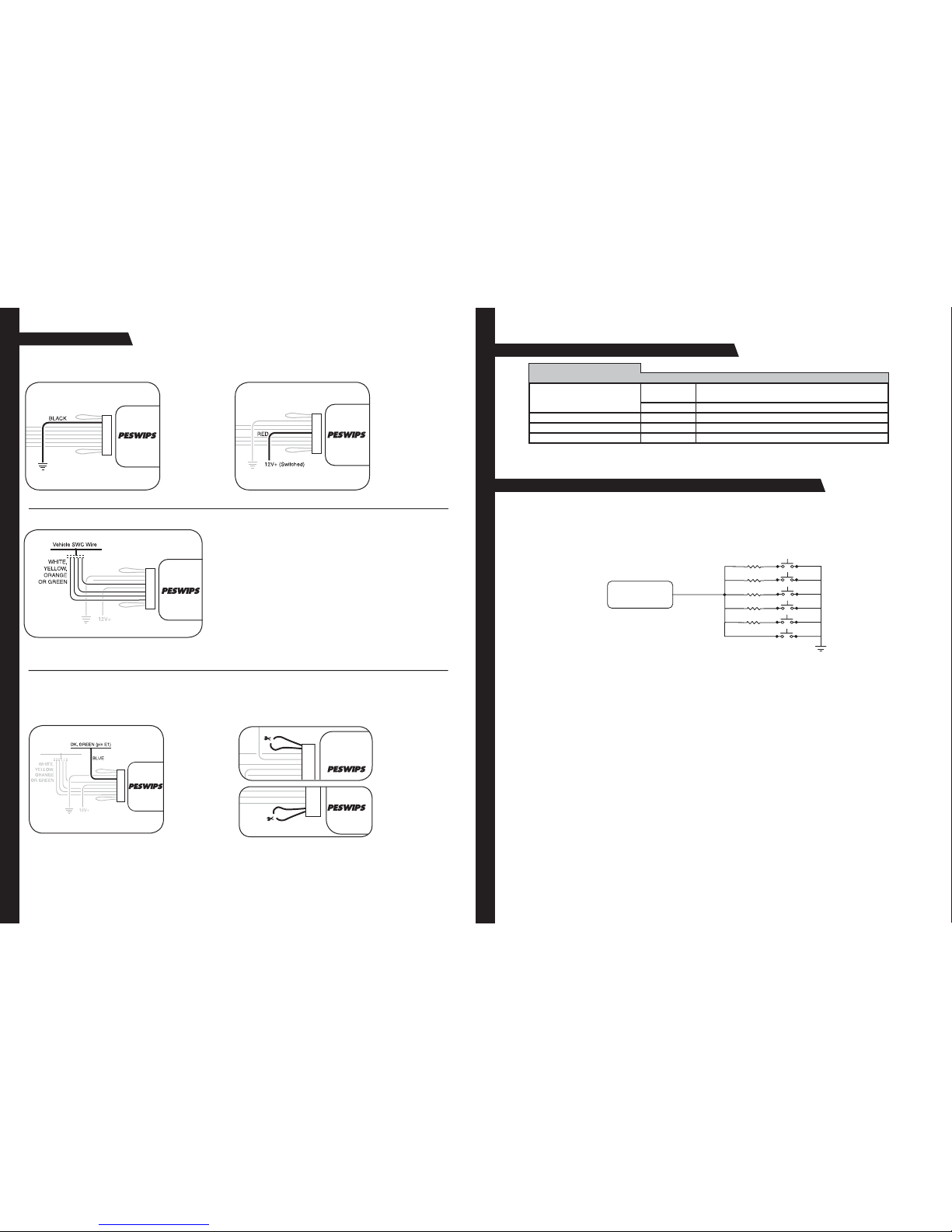
• Check Red wire connection and fuse. Make sure INTERFACE is connected to switched +12volts, not constant +12volts.
• Make sure vehicle ignition is on.
The INTERFACE controls the stereo immediately without pressing any buttons on the steering wheel:
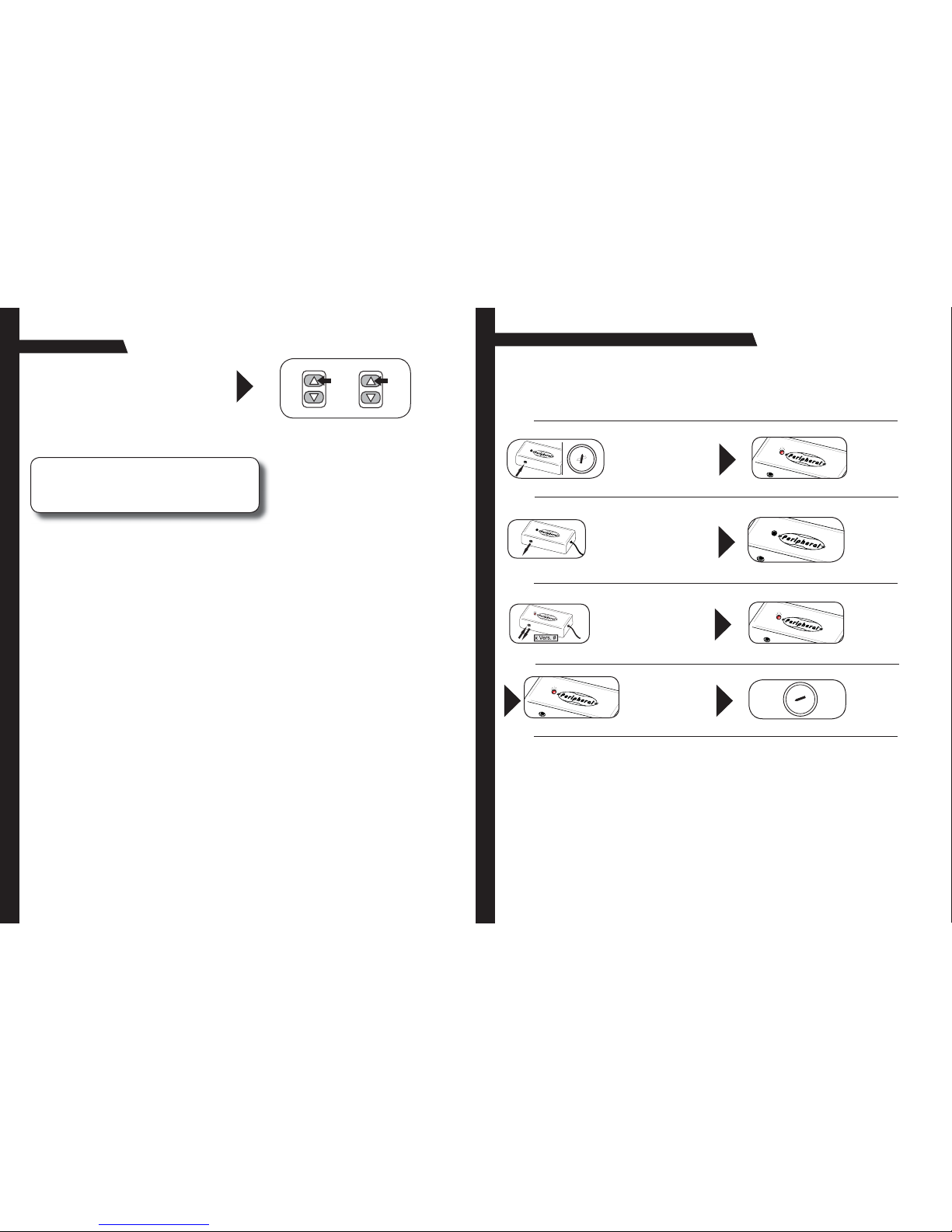
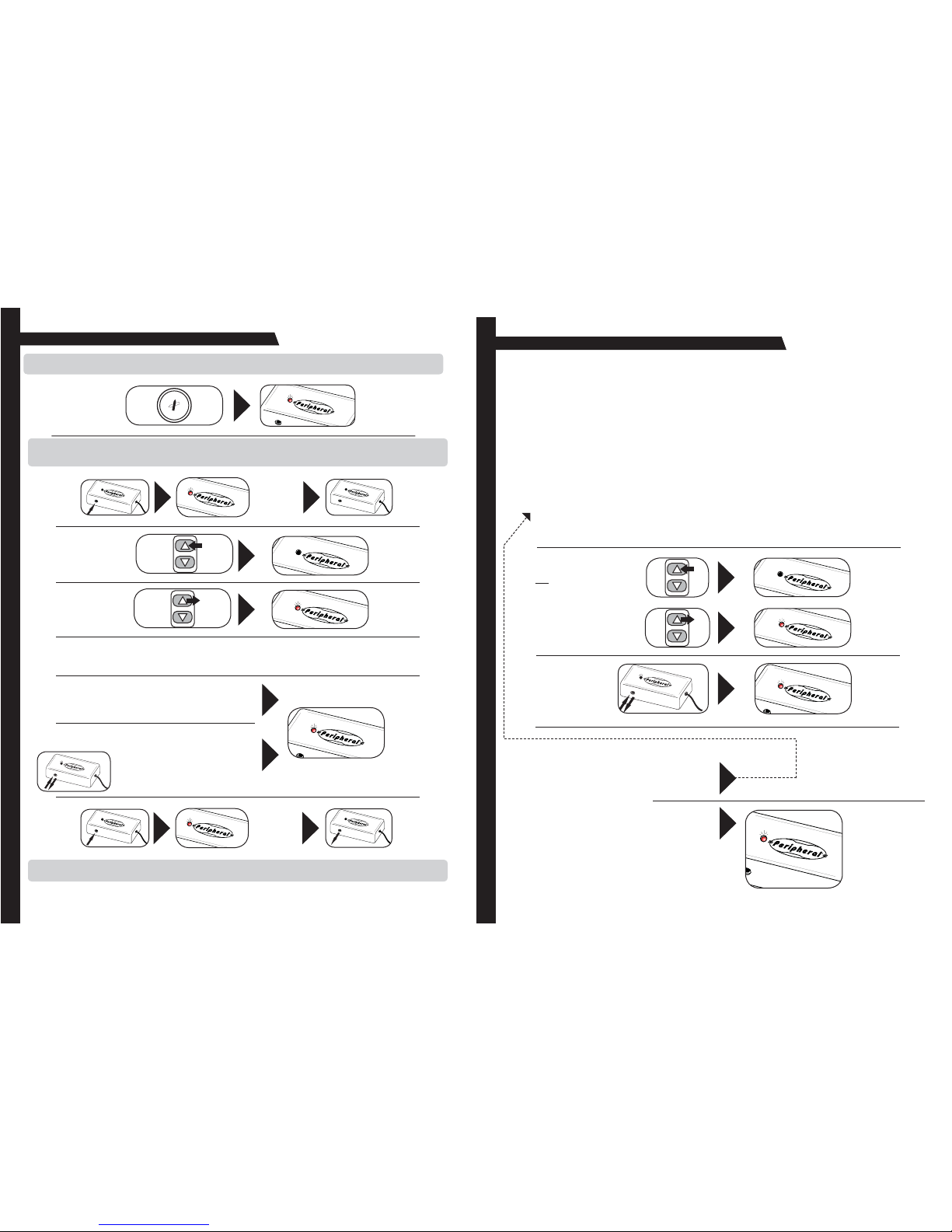
• During programming, press the buttons on the steering wheel firmly until the left LED turns off. Releasing the button too early
will cause the INTERFACE to send out a signal even when no buttons are pressed.
The INTERFACE controls the radio whenever the steering wheel is turned (mostly late 80’s early 90’s Honda/Acura).
• Program the INTERFACE for version #11.
When ever I program a new button the previous button does not work.
• You must program all buttons during programming. If you try to program another button, all previous button will be erased. You
will have to relearn all previous buttons again.
Peripheral Electronics
13160 56th Court, Clearwater, Florida 33760
Voice: 727-572-9255 • Fax: 727-573-9326 • www.peripheralelectronics.com
Copyright 2005 Peripheral Electonics. Content subject to change without notice.
Working on a new or unlisted vehicle?
We are always looking for new vehicle information. If you’ve successfully completed the installation on a vehicle with
steering wheel controls, and the vehicle is not listed in these instructions or on our Website, contact us at
(727)
572-9255
ext.
230
or
[email protected] so
that
we
may
add
the
information
to
the
instructions.
1
11-29-05
PESWIPS
Universal Steering Wheel Control Interface
Before You Start
A. Is this product compatible with the vehicle?
• See application guide (seperate sheet) for listing of vehicles and connection information. If not, check www.
peripheralelectronics.com for an updated list of compatible vehicles.
B. Prepare for the installation.
• If possible, install the PESWIPS while you are installing the new head unit. Keep in mind you may need to plug in
the factory stereo to locate certain wires; therefore do not complete the head unit installation until the PESWIPS is
working properly.
• Plan a general installation location for both the PESWIPS plug and the control body. Keep in mind that the sup-
plied wire harness is two feet long, and the 1/8" plug harness is three feet long.
• Use a multimeter or approved measuring device for checking vehicle circuits.
SEEK
PRESET
AMF M
VOLUME
PLAY MUTE
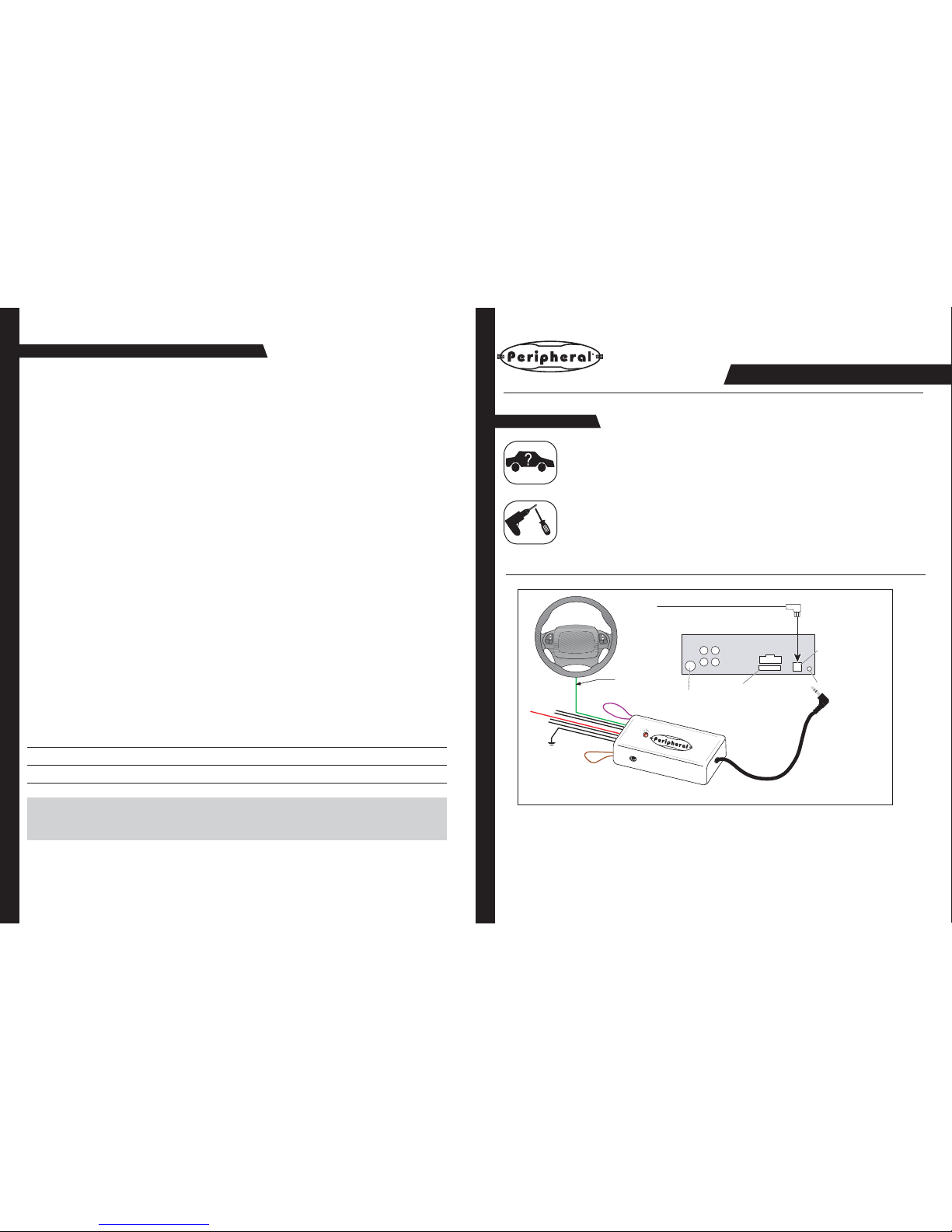
Power
IP-BUS input
Antenna jack
Fuse Jack for the PESWIPS
IP-BUS cable
PESWIPS
Steering wheel
audio control wire
Installation Instructions
For Pioneer and Sony Radios
with wired remote inputs.