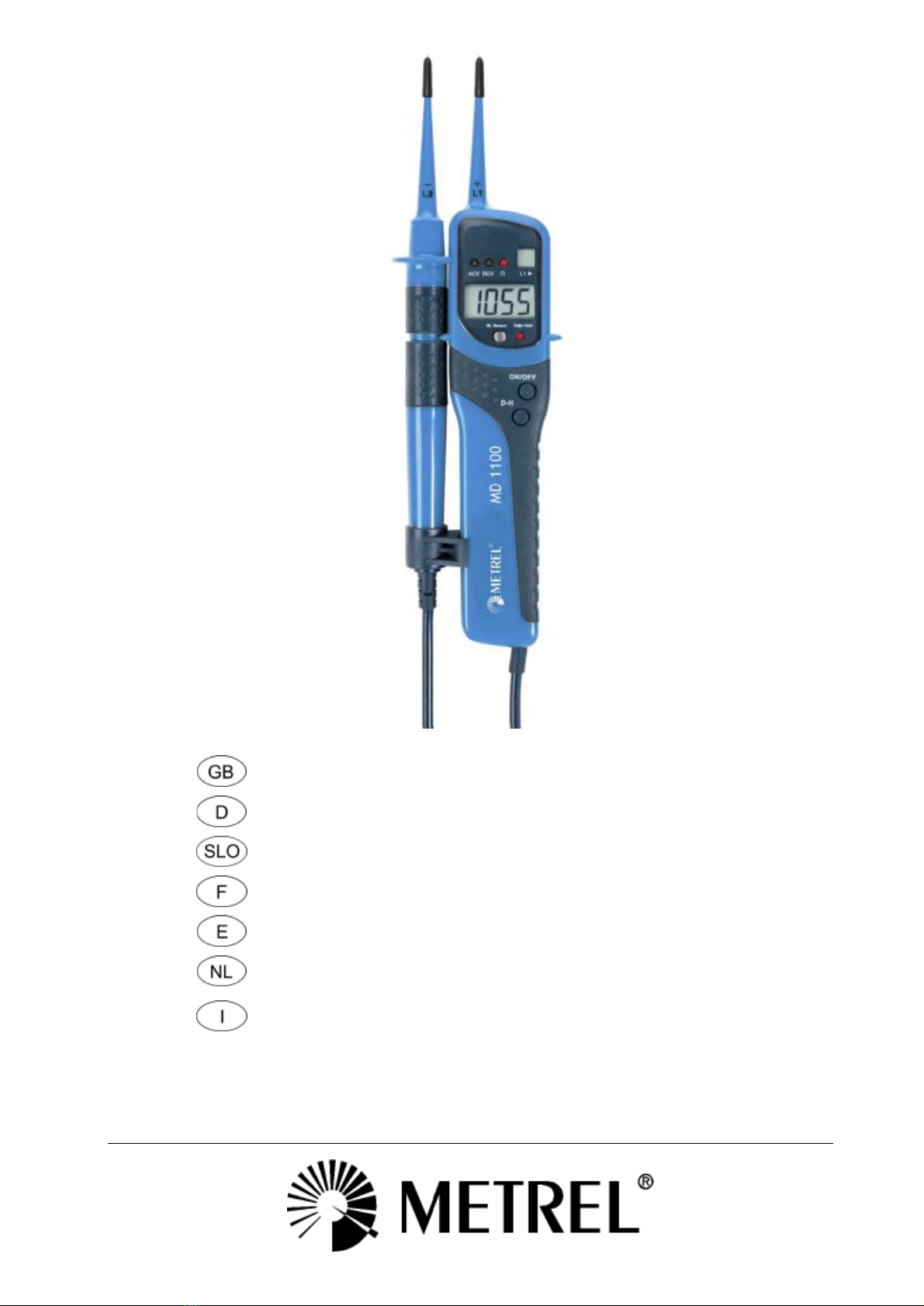
MD 1100-LCD
4
1English
Operating Instructions
Thank you for purchasing your MD 1100-LCD Profi LCD two-pole voltage tester with
LCD screen. The device can be used to detect DC and AC voltages ofbetween 12 and
690 V, for polarity, phase sequence and throughput testing at up to 2 kW, and for
FI/RCD tests.
The MD 1100-LCD Profi LCD carries a high protection rating (IP65), making it suitable
for use in harsh conditions.
Notes on safety:
You have selected a device that is designed to offer you a high degree of safety. It
conforms to standards DIN VDE 0682-401 and IEC/EN 61243-3. In order to ensure that
the unit is operated correctlyand safely, read these operating instructions thoroughly
BEFORE operating the device.
The following safetyprecautions should be observed:
Check the voltage tester for correct functioning immediatelybefore each use (as per
VDE specification 0105, part 1), byconnecting it to a known voltage source (e.g. a 230V
power socket). If the indicator shows that one or more functions are not working
correctly, do not use the device anyfurther, but have it examined bya qualified service
technician.
Always hold the device byits handles. Avoid touching the probe tips.
Note that all testing for no voltage should be carried out at two poles.
Trouble-free operation is guaranteed at temperatures of between -10°C and +50°C.
Keep the device clean and dryat all times. The casing maybe cleaned bywiping with a
moist cloth.
General points:
Voltages have priority. If no voltage is detected at the probe tips(< 3.0V), the device is
in throughput testing mode.
1.) Function:
The device is activated and shut down at the “ON/OFF” switch. (See drawing) The “Auto
Power Off” function ofthe device activates after about seven minutes.
2.) Self testing:
Hold the probe tips together when carrying out this test. The buzzer on the test device
should sound clearlyand the displayshould show"000". Ifthe LCD screen is blank or
dimlyilluminated, the batteries must be replaced.
3.) DC voltage testing:
When the probe tips are connected to a DC voltage within the nominal voltage range,
the reading is displayed in volts and the “DCV” LED indicator lights up. If a negative
voltage is detected at probe tip “L1”, a “-” (minus) symbol is displayed before the
reading.
4.) ACvoltage testing:
When the probe tips are connected to an AC voltage within the nominal voltage range,
the reading is displayed in volts and the “ACV” LED indicator lights up.