manuals.online logo
Brands
  1. Home
  2. •
  3. Brands
  4. •
  5. Phase Technologies
  6. •
  7. Speakers
  8. •
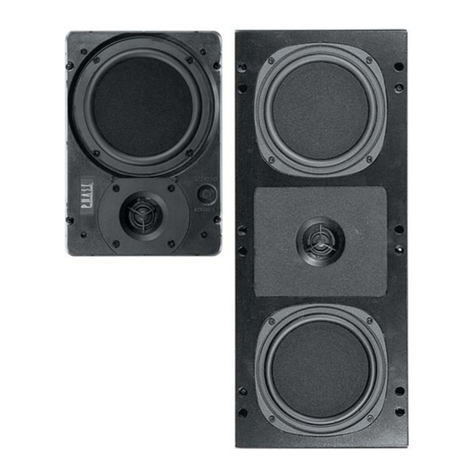
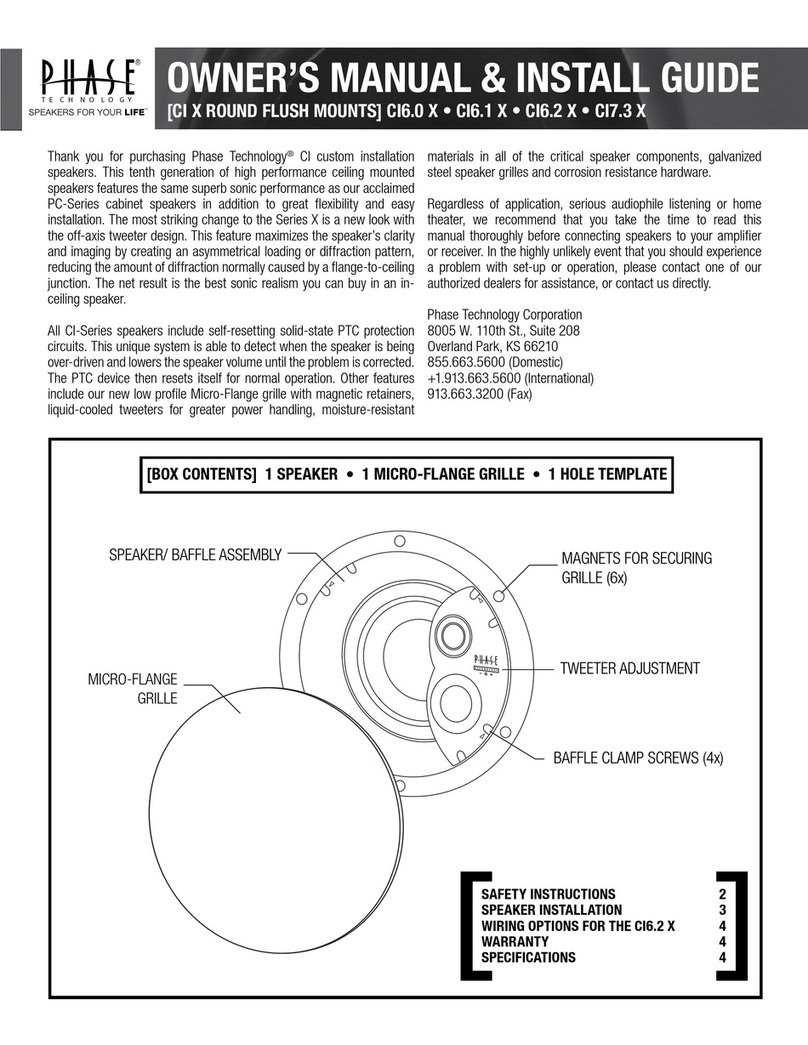
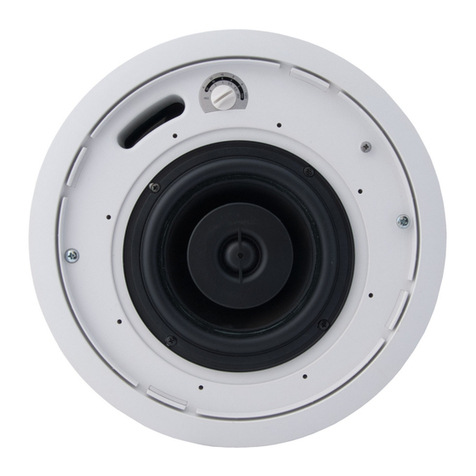
  9. Phase Technologies CI-15 Original instructions

Phase Technologies CI-15 Original instructions

Other Phase Technologies Speakers manuals

Phase Technologies CI-6.0 VIII QM Configuration guide

Phase Technologies

Phase Technologies CI-6.0 VIII QM Configuration guide

Phase Technologies PC-0.5 User manual

Phase Technologies

Phase Technologies PC-0.5 User manual

Phase Technologies dARTS DCB-1.0-LR User manual

Phase Technologies

Phase Technologies dARTS DCB-1.0-LR User manual

Phase Technologies CI20 X Operating instructions

Phase Technologies

Phase Technologies CI20 X Operating instructions

Phase Technologies ATS-1 User manual

Phase Technologies

Phase Technologies ATS-1 User manual

Phase Technologies ATS-1 User manual

Phase Technologies

Phase Technologies ATS-1 User manual

Phase Technologies Solaris SPF-35 User manual

Phase Technologies

Phase Technologies Solaris SPF-35 User manual

Phase Technologies SPF 25 User manual

Phase Technologies

Phase Technologies SPF 25 User manual

Phase Technologies PC-33.5 User manual

Phase Technologies

Phase Technologies PC-33.5 User manual

Phase Technologies SPF-15 SOLARIS OUTDOOR SERIES Technical Document

Phase Technologies

Phase Technologies SPF-15 SOLARIS OUTDOOR SERIES Technical Document

Phase Technologies CS-525 User manual

Phase Technologies

Phase Technologies CS-525 User manual

Phase Technologies CI-10 VIII User manual

Phase Technologies

Phase Technologies CI-10 VIII User manual

Phase Technologies CS-6R/MICRO User manual

Phase Technologies

Phase Technologies CS-6R/MICRO User manual

Phase Technologies PC-6.1 User manual

Phase Technologies

Phase Technologies PC-6.1 User manual

Phase Technologies Solaris ATS-1 Original instructions

Phase Technologies

Phase Technologies Solaris ATS-1 Original instructions

Phase Technologies PC-0.5 User manual

Phase Technologies

Phase Technologies PC-0.5 User manual

Phase Technologies CI520 Programming manual

Phase Technologies

Phase Technologies CI520 Programming manual

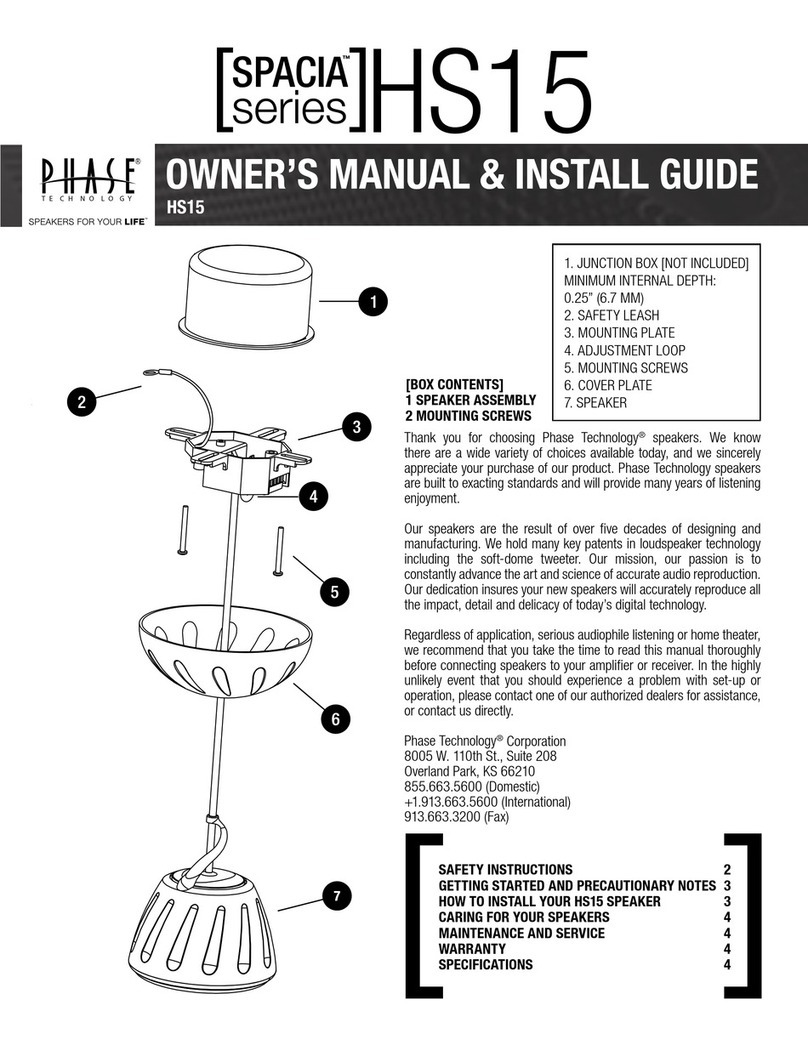
Phase Technologies SPACIA Series User manual

Phase Technologies

Phase Technologies SPACIA Series User manual

Phase Technologies TEATRO TSB3.0 User manual

Phase Technologies

Phase Technologies TEATRO TSB3.0 User manual

Phase Technologies CL-1.5 Original instructions

Phase Technologies

Phase Technologies CL-1.5 Original instructions

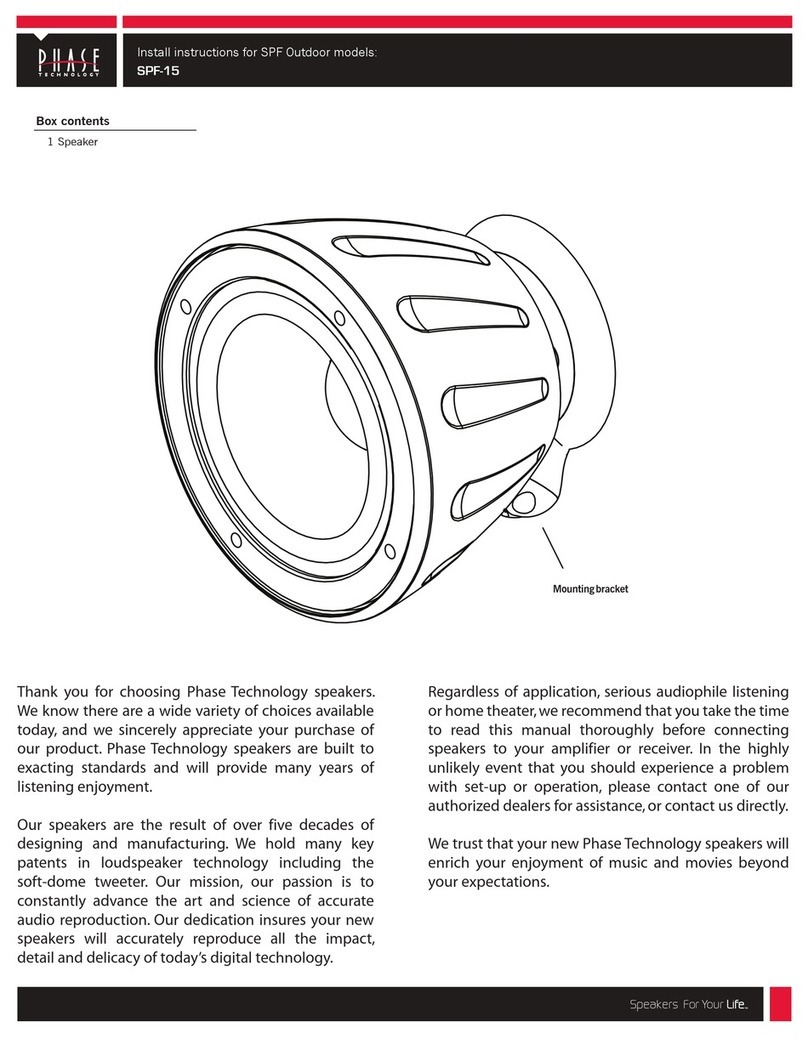
Phase Technologies SPF-15 Configuration guide
Phase Technologies

Phase Technologies SPF-15 Configuration guide

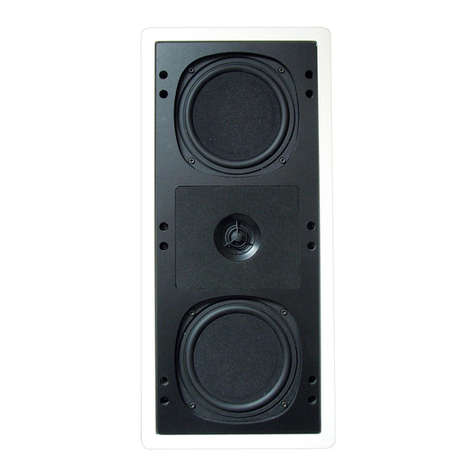
Phase Technologies CI-SURR User manual

Phase Technologies

Phase Technologies CI-SURR User manual

Phase Technologies V-10 User manual

Phase Technologies

Phase Technologies V-10 User manual

Phase Technologies CS-6R User manual

Phase Technologies

Phase Technologies CS-6R User manual

Popular Speakers manuals by other brands

Electro-Voice LR4S engineering data

Electro-Voice

Electro-Voice LR4S engineering data

Definitive Technology Sound Cylinder user guide

Definitive Technology

Definitive Technology Sound Cylinder user guide

AudioSource LS545 user manual

AudioSource

AudioSource LS545 user manual

Paso C402-T Instructions for use

Paso

Paso C402-T Instructions for use

Altec Lansing 416-8C LF SPEAKER manual

Altec Lansing

Altec Lansing 416-8C LF SPEAKER manual

Kenwood KFC-1072 Servise manual

Kenwood

Kenwood KFC-1072 Servise manual

Peavey ProSys 112 user guide

Peavey

Peavey ProSys 112 user guide

JBL Control Contractor 60 Series installation instructions

JBL

JBL Control Contractor 60 Series installation instructions

Aura STORM-8 owner's manual

Aura

Aura STORM-8 owner's manual

Oontz ANGLE 3 PLUS quick start guide

Oontz

Oontz ANGLE 3 PLUS quick start guide

Electro-Voice LR4A engineering data

Electro-Voice

Electro-Voice LR4A engineering data

Rave RK-650-ICA-B owner's manual

Rave

Rave RK-650-ICA-B owner's manual

Flux Reference Series installation manual

Flux

Flux Reference Series installation manual

Lanzar AQAWBS64BK installation manual

Lanzar

Lanzar AQAWBS64BK installation manual

DAPAudio DCS-6230 manual

DAPAudio

DAPAudio DCS-6230 manual

Aluratek ABS03F quick start guide

Aluratek

Aluratek ABS03F quick start guide

Kenwood KES-5A instruction manual

Kenwood

Kenwood KES-5A instruction manual

Sonance ORIGINAL SERIES instruction manual

Sonance

Sonance ORIGINAL SERIES instruction manual

manuals.online logo
manuals.online logoBrands
  • About & Mission
  • Contact us
  • Privacy Policy
  • Terms and Conditions

Copyright 2025 Manuals.Online. All Rights Reserved.

T E C H N O L O G Y
Custom Installation Series
Owners Manual / Installation Instructions
Power FL-8 Power FL-10 Power FL-12
CI-15
R
MSE Audio Group 8650 College Boulevard Overland Park, Kansas 66210 (888) PHASE-TK
www.mseaudio.com www.phasetech.com
Box contents
1 Speaker
1 Grille
1 Paint mask
1 Cutout hole template
1 Euroblock connector
Pre-construction bracket (sold separately)
SpeedWing™ mounting arms
Grille safety clip
Euroblock connector
Grille
Paint mask
T E C H N O L O G Y
Installation Instructions: Installing the
CI-15 in an Existing Wall
R
1.
2.
5. Insert speaker in hole.
Tighten the two clamping
screws. DO NOT
OVERTIGHTEN.
2. Use provided cutout
template to mark hole. Use
RotoZip or other tool to cut
hole in wall. Hole size: 4 in.
(102 mm) tall x 4 in. (102
mm) wide.
4. If required, attach
seismic restraint system to
the hole in the metal
clamping arm, then to
reinforced structure (safety
cable not included).
6. Remove paint mask
unless painting is required.
In that case, follow steps
7-10 when painting is
complete.
10. Done!
8. Attach grille safety clip
by placing the large end of
the clip over snap-fit post
(1), then sliding clip until
small end snaps into place
around post (2).
9. Align tabs on snap-fit
grille with slots in baffle,
gently press grille into place.
7. Adjust tap switch to
proper setting. Switch is
preset to the 8-ohm mode.
3. Connect Euroblock to
speaker wires, and connect
to speakers.
1. Unpack speaker. Leave
paint mask in place until
after speaker is installed or
painting is complete.
T E C H N O L O G Y
Installation Instructions: Installing the CI-15
Using the Pre-Construction Bracket
R
1.
2.
4. r. Leave
paint mask in place until
after speaker is installed or
painting is complete.
6. If required, attach
seismic restraint system to
the hole in the metal
clamping arm, then to
reinforced structure (safety
cable not included).
12. Done!
1. Nail or screw bracket to
studs.
2. Finish installing wall. 3. Use RotoZip or other tool
to cut hole.
8. Remove paint mask
unless painting is required.
In that case, follow steps
9-12 when painting is
complete.
7. Insert speaker in hole.
Tighten the two clamping
screws. DO NOT
OVERTIGHTEN.
10. Attach grille safety clip
by placing the large end of
the clip over snap-fit post
(1), then sliding clip until
small end snaps into place
around post (2).
11. Align tabs on snap-fit
grille with slots in baffle,
gently press grille into
place.
9. Adjust tap switch to
proper setting. Switch is
preset to the 8-ohm mode.
Unpack speake
5. Connect Euroblock to
speaker wires, and connect
to speakers.