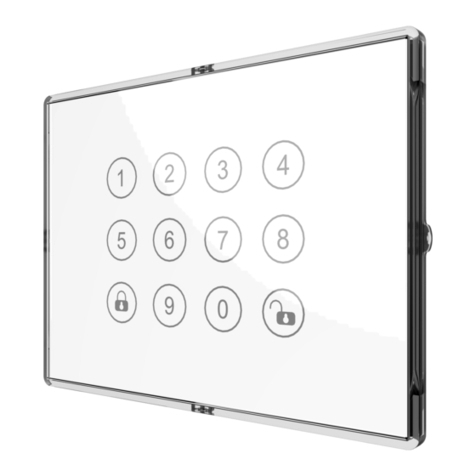
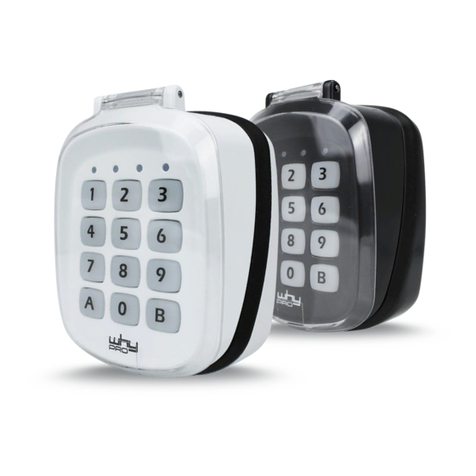
Appearance
Code List
1. PC (Programing code): Default is (0000)
2. UC (Usercode): Default is (1234)
3. ENTER PC : Enter 0000(default) then press “Enter/Unlock”key
Key Function
1. Entry Control Mode
User needs to enter usercode so that can get into setting mode.
Active:“UC”→
When “Entry Control Mode” is active, button LED is green.
2. Central Scene Mode
User do not need to enter usercode then can directly get into setting
mode.
When “Central Scene Mode” is active, button LED is blue.