1EN
Contents
1 Your air purier ...................................................................2
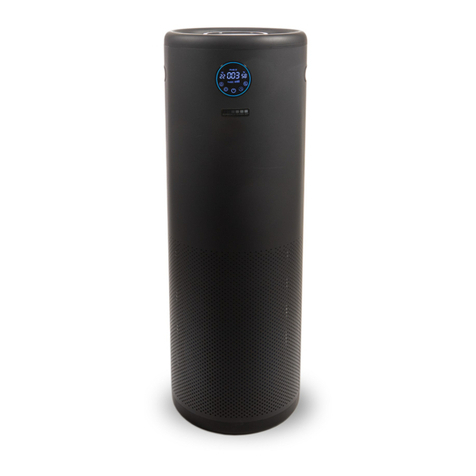
Product overview (Fig a) .........................................................................2
Controls overview (Fig b) ........................................................................2
2 Getting started ...................................................................3
Installing the lter ...........................................................................................3
Wi-Fi indicator ..................................................................................................3
Wi-Fi connection ............................................................................................3
3 Using the air purier .........................................................4
Air quality light .................................................................................................4
Turning On and O ........................................................................................4
Changing the mode setting .....................................................................5
Switching the display indicator ..............................................................5
Using the light on/o function ...............................................................5
Checking the lter status ...........................................................................5
4 Cleaning and maintenance ............................................6
Cleaning the body of the air purier ...................................................6
Cleaning the particle sensor ....................................................................6
Cleaning the surface of the lter ...........................................................6
Replacing the lter ........................................................................................ 7
Filter reset ........................................................................................................... 7
5 Storage ................................................................................... 7
6 Troubleshooting .................................................................8