manuals.online logo
Brands
  1. Home
  2. •
  3. Brands
  4. •
  5. Philips
  6. •
  7. Car Receiver
  8. •
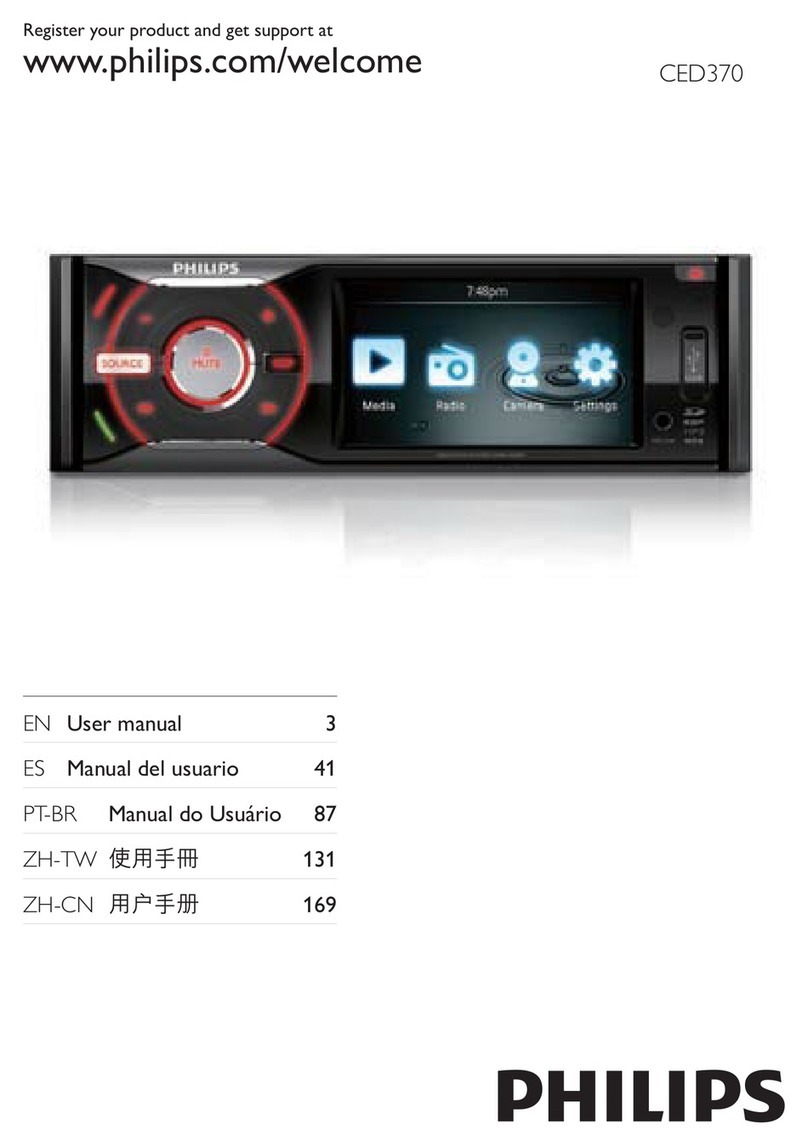
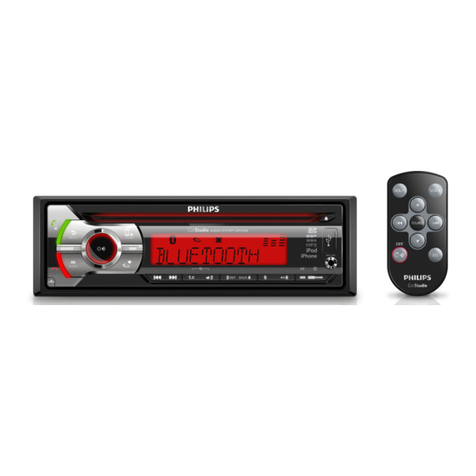
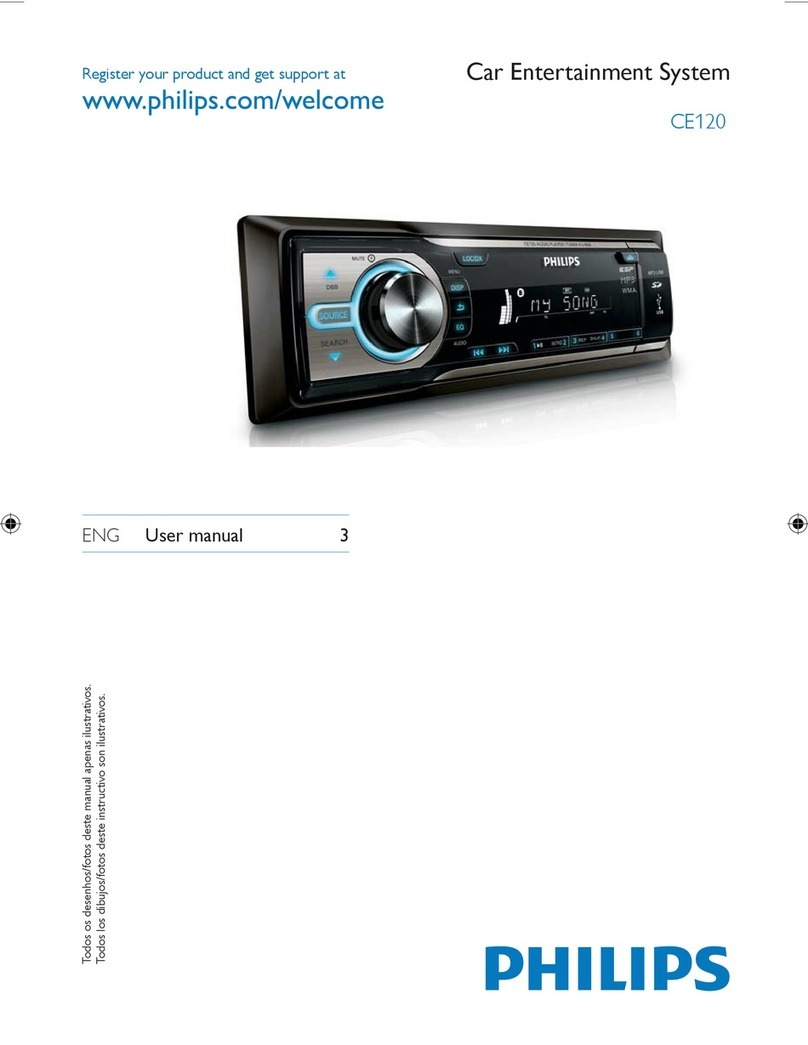
  9. Philips CE120X/78 User manual

Philips CE120X/78 User manual

This manual suits for next models

1

Other Philips Car Receiver manuals

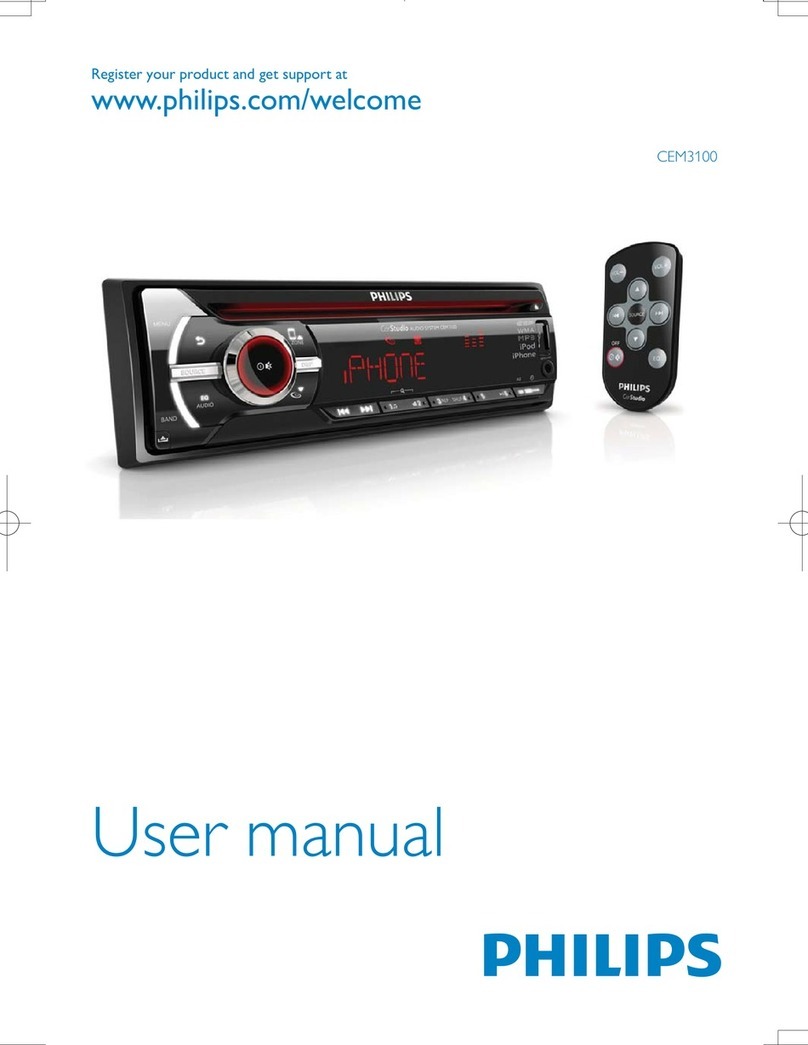
Philips CED110 User manual

Philips

Philips CED110 User manual

Philips CEM3000X/78 User manual

Philips

Philips CEM3000X/78 User manual

Philips CEM2000/55 User manual

Philips

Philips CEM2000/55 User manual

Philips CarStudio CEM2101/12 User manual

Philips

Philips CarStudio CEM2101/12 User manual

Philips CED780 User manual

Philips

Philips CED780 User manual

Philips CarStudio CEM5100 User manual

Philips

Philips CarStudio CEM5100 User manual

Philips CE130/51 User manual

Philips

Philips CE130/51 User manual

Philips CEM3000/51 User manual

Philips

Philips CEM3000/51 User manual

Philips CE139DR User manual

Philips

Philips CE139DR User manual

Philips ce133 User manual

Philips

Philips ce133 User manual

Philips CCR 2006 User manual

Philips

Philips CCR 2006 User manual

Philips CEM5000 User manual

Philips

Philips CEM5000 User manual

Philips CMD310 User manual

Philips

Philips CMD310 User manual

Philips CEM2101G/51 User manual

Philips

Philips CEM2101G/51 User manual

Philips CEM1100/00 User manual

Philips

Philips CEM1100/00 User manual

Philips CED370/51 User manual

Philips

Philips CED370/51 User manual

Philips CEM3000X/78 User manual

Philips

Philips CEM3000X/78 User manual

Philips CarStudio CEM3100 User manual

Philips

Philips CarStudio CEM3100 User manual

Philips CID3687/00 User manual

Philips

Philips CID3687/00 User manual

Philips CMD310 User manual

Philips

Philips CMD310 User manual

Philips CEM2000 User manual

Philips

Philips CEM2000 User manual

Philips CarStudio CEM2250 User manual

Philips

Philips CarStudio CEM2250 User manual

Philips CEM1100/00 User manual

Philips

Philips CEM1100/00 User manual

Philips CED229/56 User manual

Philips

Philips CED229/56 User manual

Popular Car Receiver manuals by other brands

Linear Series LS5050 Operation and installation manual

Linear Series

Linear Series LS5050 Operation and installation manual

Kenwood KRC-160 instruction manual

Kenwood

Kenwood KRC-160 instruction manual

Sony XR-CA430X Service manual

Sony

Sony XR-CA430X Service manual

T+A Elektroakustik K1 CD-RECEIVER operating instructions

T+A Elektroakustik

T+A Elektroakustik K1 CD-RECEIVER operating instructions

SoundMax SM-CDM1052 instruction manual

SoundMax

SoundMax SM-CDM1052 instruction manual

Xtrons HD107HD user manual

Xtrons

Xtrons HD107HD user manual

Mopar RB3 manual

Mopar

Mopar RB3 manual

Clarion ADDZEST DMZ615 owner's manual

Clarion

Clarion ADDZEST DMZ615 owner's manual

Sony XAV-601BT Specifications

Sony

Sony XAV-601BT Specifications

PIE GM12-POD/S Operation manual

PIE

PIE GM12-POD/S Operation manual

Hyundai H-910H instruction manual

Hyundai

Hyundai H-910H instruction manual

Sony XR-C6100 Service manual

Sony

Sony XR-C6100 Service manual

Sony CDX-L600X - Fm/am Compact Disc Player Installation/connections

Sony

Sony CDX-L600X - Fm/am Compact Disc Player Installation/connections

Motorola VWA63 Service manual

Motorola

Motorola VWA63 Service manual

Sound Storm STM93R user manual

Sound Storm

Sound Storm STM93R user manual

Nextar D3201 instruction manual

Nextar

Nextar D3201 instruction manual

Alpine CDE-163BT owner's manual

Alpine

Alpine CDE-163BT owner's manual

Kenwood KDC-X303 quick start guide

Kenwood

Kenwood KDC-X303 quick start guide

manuals.online logo
manuals.online logoBrands
  • About & Mission
  • Contact us
  • Privacy Policy
  • Terms and Conditions

Copyright 2025 Manuals.Online. All Rights Reserved.

English
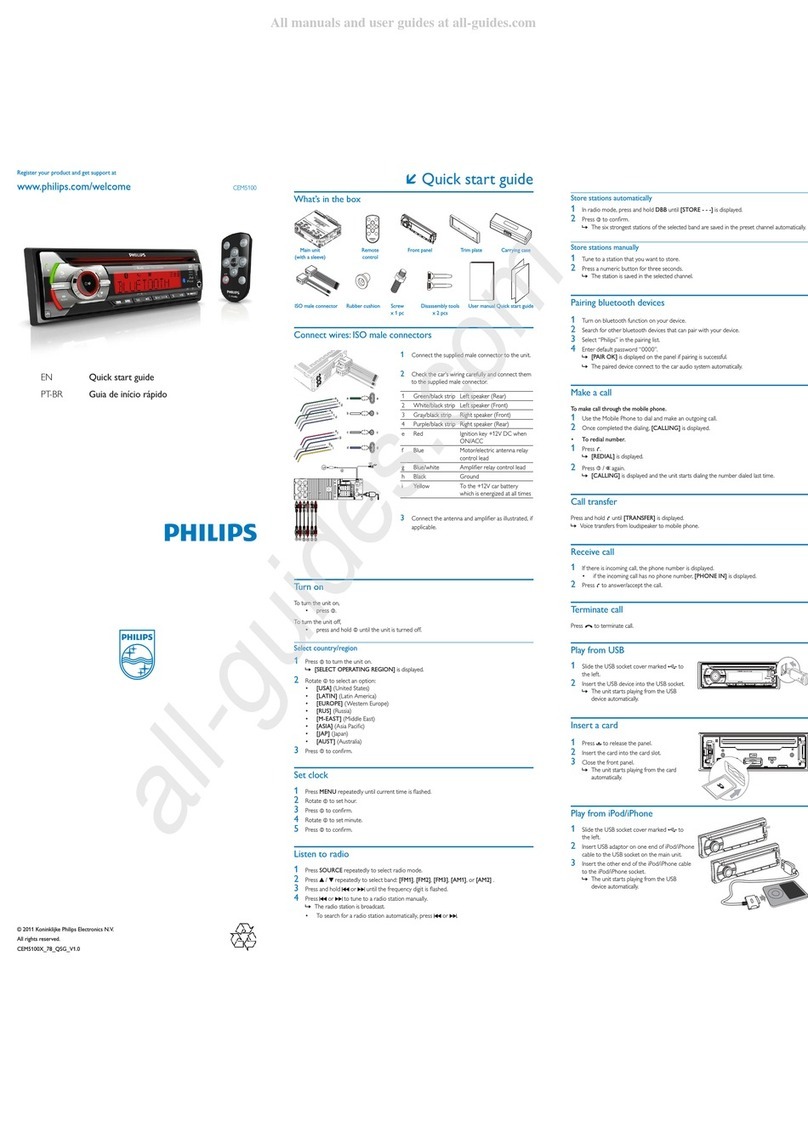
Overview of parts
These are the supplied parts needed to connect
and install this unit.
aCarry case with front panel stored inside
b Trim plate
c Standard connector
d Disassembly tool x 2 pcs
e Rubber cushion
f Screw x 4 pcs
g Mounting bolt
Connect wires: ISO connectors
1Pull out the ISO connectors from car
dashboard and connect them to the bigger
end of the supplied standard connector.
2Connect the other end of the supplied
standard connector to the unit.
3Do the other connections, if applicable.
1Antenna To antenna
2Rear line out
(right)
To amplifier line in (right)
3Rear line out
(left)
To amplifier line in (left)
Connect wires: without ISO
connectors
1Cut off the bigger end of the supplied
standard connector.
2Check the car’s wiring carefully and connect
them to the supplied standard connector.
1Black To a metal surface of the car
First connect the black ground
(earth) lead, then connect the
yellow and red power supply
leads.
2Blue To the electric antenna control
lead or power supply lead of the
antenna booster
If there is no electric antenna or
antenna booster, or it is manually
operated telescopic antenna, it
is not necessary to connect this
lead.
3Yellow To the +12V car battery which
is energized at all times.
4Pink To telephone mute terminal (if
any).
5Red To the +12V power terminal
which is energized in the ac-
cessory (ACC) position of the
ignition switch
If there is no accessory position,
connect to the +12V car battery
terminal that is always live. Be
sure to connect the black ground
(earth) lead to a metal surface of
the car first.
6Green/
black
strip
Left speaker (Rear)
7White/
black
strip
Left speaker (Front)
8Gray/
black
strip
Right speaker (Front)
9Purple/
black
strip
Right speaker (Rear)
3Connect the supplied standard connector to
the unit.
4Do the other connections, if applicable.
1Antenna To antenna
2Rear line out
(right)
To amplifier line
in (right)
3Rear line out
(left)
To amplifier line
in (left)
Attach the front panel
1 Attach the trim plate.
2Insert the left side of the panel in the chassis
until it is correctly engaged.
3 Press the right side of the panel until it is
locked into place.
Mount into the dashboard
1 Ensure that car dashboard opening is within
these measurements:
If the car dashboard is bigger, the sup-
plied mounting sleeve is not suitable for
the car. Remove the mounting sleeve
with the removal keys and consult a
professional for advice.
2 If the car does not have an on-board drive
or navigation computer, disconnect the nega-
tive terminal of the car attery.
If you disconnect the car battery in
a car that has an on-board drive or
navigation computer, the computer may
lost its memory.
If the car battery is not disconnected,
to avoid short-circuit, ensure that bare
wires do not touch each other.
3 Connect the supplied mounting bolt to the
unit.
4Place the supplied rubber cushion over the
end of the mounting bolt.
5Slide the unit into the dashboard until you
hear a click sound.=
6Reconnect the negative terminal of the car
battery.
•
•
•
Detach the front panel
You can detach the front panel to deter theft.
1 Press
to release the panel.
2Pull the panel towards you to detach it from
the chassis.
3Store the panel in the supplied carry case to
protect it from dirt or damage.
Turn on
1Press to turn on the unit.
To turn off the unit, press for 3
seconds.
Set clock
1 Press MENU/DISP for 3 seconds.
2 Press DBB or SEARCH repeatedly until
the currently clock is displayed.
3 Tu r n in clockwise direction to set hour.
Tu r n in anti-clockwise direction to set
minute.
4 Press to confirm.
View clock
1 Press MENU/DISP repeatedly until the clock
is displayed.
Tune to a radio station
1 Press SOURCE to select Tuner.
2 Press DBB or SEARCH to select band:
[FM1], [FM2], [FM3], [AM1], or [AM 2].
3 Press LOC/DX to select tuner sensitivity:
[LOCAL] (local): Only station with strong
signal can be broadcast.
[DX] (distance): Stations with strong and
weak signals can be broadcast.
4 Press or to tune to a radio station
manually.
The radio station is broadcast.
To search for radio station automatically,
press or for 3 seconds.
•
»
•
Insert USB device
1Open the cover marked on the front
panel.
2 Insert the USB device into the USB socket.
The unit starts playing from the USB
device automatically.
Insert SD/MMC card
1 Open the cover marked on the front
panel.
2 Insert the SD or MMC card into the card
slot.
The unit starts playing from the SD/MMC
card automatically.
Control play
To select a folder, press DBB or SEARCH
.
To skip to a track, press or .
To search within a track, press or for
3 seconds.
To pause, press 1, .To resume, press 1,
again.
»
»
•
•
•
•
Register your product and get support at CE120
© 2008 Koninklijke Philips Electronics N.V.
All rights reserved.
ENG Quick Start Guide
a
c
f
g
d
e
b
12a
2b
123
1
3
2
4
5
6
7
8
9
CE120 QSG_Eng.indd 1CE120 QSG_Eng.indd 1 2008-10-10 14:38:422008-10-10 14:38:42

English
Overview of parts
These are the supplied parts needed to connect
and install this unit.
aCarry case with front panel stored inside
b Trim plate
c Standard connector
d Disassembly tool x 2 pcs

e Rubber cushion
f Screw x 4 pcs
g Mounting bolt
Connect wires: ISO connectors
1Pull out the ISO connectors from car
dashboard and connect them to the bigger
end of the supplied standard connector.
2Connect the other end of the supplied
standard connector to the unit.
3Do the other connections, if applicable.
1Antenna To antenna
2Rear line out
(right)
To amplifier line in (right)
3Rear line out
(left)
To amplifier line in (left)
Connect wires: without ISO
connectors
1Cut off the bigger end of the supplied
standard connector.
2Check the car’s wiring carefully and connect
them to the supplied standard connector.
1Black To a metal surface of the car
First connect the black ground
(earth) lead, then connect the
yellow and red power supply
leads.
2Blue To the electric antenna control
lead or power supply lead of the
antenna booster
If there is no electric antenna or
antenna booster, or it is manually
operated telescopic antenna, it
is not necessary to connect this
lead.
3Yellow To the +12V car battery which
is energized at all times.
4Pink To telephone mute terminal (if
any).
5Red To the +12V power terminal
which is energized in the ac-
cessory (ACC) position of the
ignition switch
If there is no accessory position,
connect to the +12V car battery
terminal that is always live. Be
sure to connect the black ground
(earth) lead to a metal surface of
the car first.
6Green/
black
strip
Left speaker (Rear)
7White/
black
strip
Left speaker (Front)
8Gray/
black
strip
Right speaker (Front)
9Purple/
black
strip
Right speaker (Rear)
3Connect the supplied standard connector to
the unit.
4Do the other connections, if applicable.
1Antenna To antenna
2Rear line out
(right)
To amplifier line
in (right)
3Rear line out
(left)
To amplifier line
in (left)
Attach the front panel
1 Attach the trim plate.
2Insert the left side of the panel in the chassis
until it is correctly engaged.
3 Press the right side of the panel until it is
locked into place.
Mount into the dashboard
1 Ensure that car dashboard opening is within
these measurements:
If the car dashboard is bigger, the sup-
plied mounting sleeve is not suitable for
the car. Remove the mounting sleeve
with the removal keys and consult a
professional for advice.
2 If the car does not have an on-board drive
or navigation computer, disconnect the nega-
tive terminal of the car attery.
If you disconnect the car battery in
a car that has an on-board drive or
navigation computer, the computer may
lost its memory.
If the car battery is not disconnected,
to avoid short-circuit, ensure that bare
wires do not touch each other.
3 Connect the supplied mounting bolt to the
unit.
4Place the supplied rubber cushion over the
end of the mounting bolt.
5Slide the unit into the dashboard until you
hear a click sound.=
6Reconnect the negative terminal of the car
battery.
•
•
•
Detach the front panel
You can detach the front panel to deter theft.
1 Press
to release the panel.
2Pull the panel towards you to detach it from
the chassis.
3Store the panel in the supplied carry case to
protect it from dirt or damage.
Turn on
1Press to turn on the unit.
To turn off the unit, press for 3
seconds.
Set clock
1 Press MENU/DISP for 3 seconds.
2 Press DBB or SEARCH repeatedly until
the currently clock is displayed.
3 Tu r n in clockwise direction to set hour.
Tu r n in anti-clockwise direction to set
minute.
4 Press to confirm.
View clock
1 Press MENU/DISP repeatedly until the clock
is displayed.
Tune to a radio station
1 Press SOURCE to select Tuner.
2 Press DBB or SEARCH to select band:
[FM1], [FM2], [FM3], [AM1], or [AM 2].
3 Press LOC/DX to select tuner sensitivity:
[LOCAL] (local): Only station with strong
signal can be broadcast.
[DX] (distance): Stations with strong and
weak signals can be broadcast.
4 Press or to tune to a radio station
manually.
The radio station is broadcast.
To search for radio station automatically,
press or for 3 seconds.
•
»
•
Insert USB device
1Open the cover marked on the front
panel.
2 Insert the USB device into the USB socket.
The unit starts playing from the USB
device automatically.
Insert SD/MMC card
1 Open the cover marked on the front
panel.
2 Insert the SD or MMC card into the card
slot.
The unit starts playing from the SD/MMC
card automatically.
Control play
To select a folder, press DBB or SEARCH
.
To skip to a track, press or .
To search within a track, press or for
3 seconds.
To pause, press 1, .To resume, press 1,
again.
»
»
•
•
•
•
35
4
183 mm
52mm
4.75-5.56 mm
183 mm
52mm
5 mm
6
7
CE120 QSG_Eng.indd 2CE120 QSG_Eng.indd 2 2008-10-10 14:38:492008-10-10 14:38:49